
VGN ATK RS7 PRO
ATK RS7 Pro RGB eSports Edition Hall Effect Keyboard Колдонуучунун колдонмосу
Model: ATK RS7 PRO | Brand: VGN
Introduction
This manual provides comprehensive instructions for the ATK RS7 Pro RGB eSports Edition Hall Effect Keyboard. It covers setup, operation, maintenance, and troubleshooting to ensure optimal performance and longevity of your device. The ATK RS7 Pro features a Hall Effect design with adjustable 0 dead zone, an 8000Hz polling rate, and ultra-low 0.3ms latency, utilizing Gateron Magnetic Jade Switches (Amethyst Limited Edition).
Негизги өзгөчөлүктөрү
- Hall Effect Keyboard: Utilizes magnetic sensors for key actuation, offering precise and customizable actuation points.
- Adjustable 0 Dead Zone: Allows for fine-tuning of key sensitivity and responsiveness.
- 8000Гц добуш берүү ылдамдыгы: Provides extremely fast communication between the keyboard and your computer, reducing input lag.
- 0.3ms Ultra-low Latency: Engineered for competitive gaming, minimizing delay from key press to in-game action.
- Gateron Magnetic Jade Switches: Features Amethyst Limited Edition switches for a unique tactile and auditory experience.
- 75% жайгашуу: Compact design retaining essential keys for gaming and productivity.
- Aluminum Alloy Top Case: Durable and premium construction.
- Resilient GAS Structure: Терүү сезимин жана үнүн жакшыртат.
- Adjustable Sensitivity Levels: Customize key actuation to your preference.
- Rapid Trigger/Reset (RT): Advanced feature for competitive play, allowing keys to re-actuate instantly upon reset.
- ATK V HUB Compatibility: Software support for advanced customization.
- NKRO (N-Key Rollover): Ensures all simultaneous key presses are registered.
- Dye-Sub Keycaps: Durable keycap legends that resist fading.
- Advanced Key Functions: Programmable keys and macros for enhanced control.
- Арткы жарык: Equipped with RGB backlighting for customizable aesthetics.
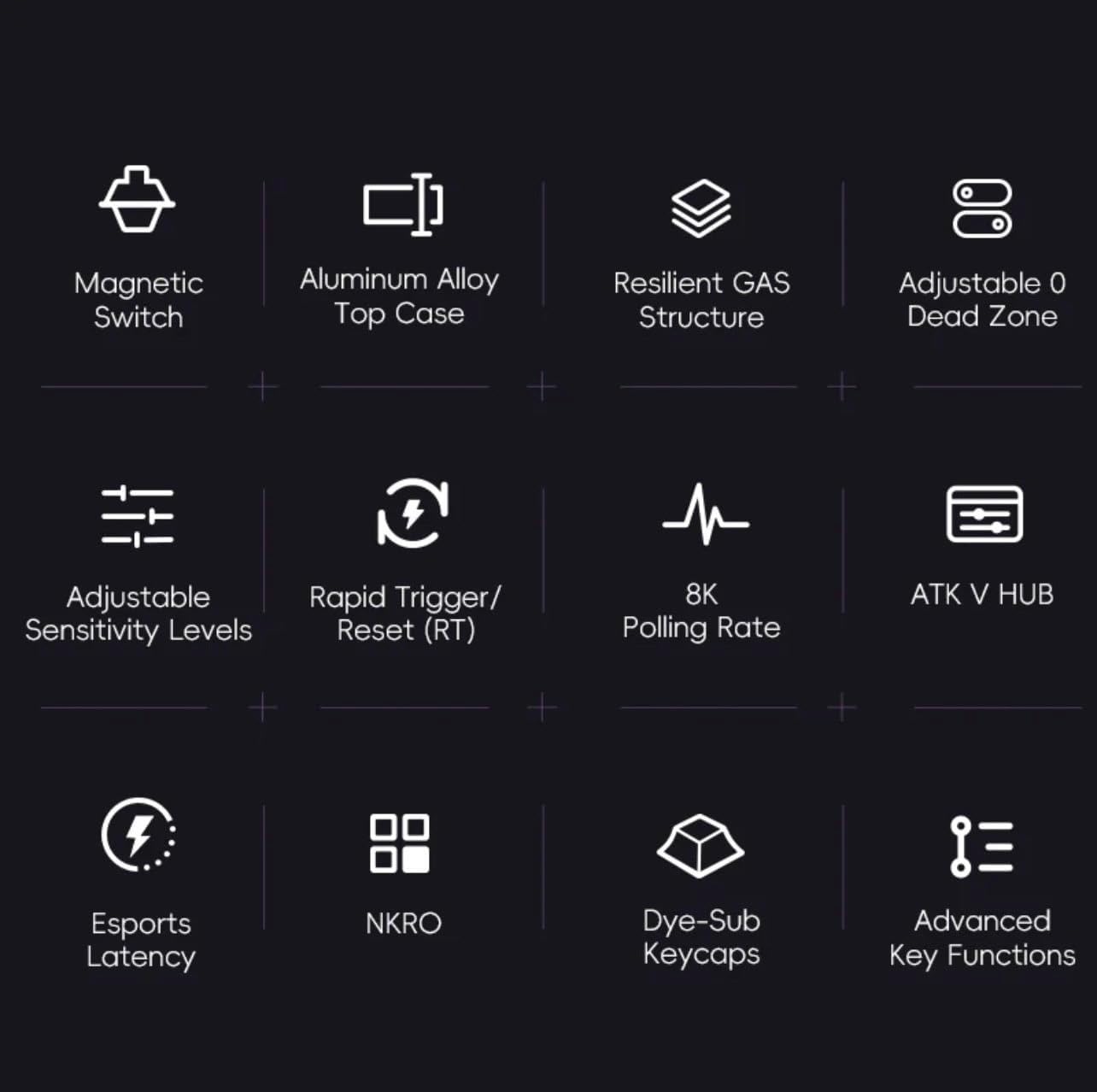
Figure 1: ашыкview of ATK RS7 Pro's advanced features.
Пакеттин мазмуну
Сураныч, пакетте төмөнкү нерселерди текшериңиз:
- ATK RS7 Pro RGB eSports Edition Hall Effect Keyboard
- USB Cable (USB-A connection)
- Колдонуучунун Колдонмосу (бул документ)
Жайгашуу
- Баскычтопту туташтыруу: Locate an available USB-A port on your computer. Insert the USB-A end of the provided cable into your computer's USB port and the other end into the keyboard's USB port.
- Драйверди орнотуу: The keyboard is typically plug-and-play. Your operating system should automatically detect and install the necessary drivers.
- Программалык камсыздоону орнотуу (кошумча): For advanced customization, such as adjusting actuation points, rapid trigger settings, RGB lighting, and macros, download and install the ATK V HUB software from the official VGN webсайт.

Figure 2: ATK RS7 Pro Keyboard connected via USB-A.
Иштөө нускамалары
Негизги колдонуу
The ATK RS7 Pro functions as a standard QWERTY keyboard for typing and general computer use. All keys are fully functional upon connection.
Өркүндөтүлгөн функциялар жана ыңгайлаштыруу
The ATK RS7 Pro offers several advanced features for enhanced performance, particularly in gaming. These features are primarily configured via the ATK V HUB software.
- Иштетүү чекитинин жөндөөсү: Customize the distance a key needs to travel before registering a press. This can be set individually for each key.
- Тез триггер (RT): This feature allows a key to re-actuate immediately upon reset, without needing to return to its full resting position. This is highly beneficial for rapid inputs in games. Configure the activation and deactivation points within the software.
- 0 Өлүк зона: Ensure that there is no unresponsive travel distance at the beginning or end of a key press, providing maximum responsiveness.
- Добуш берүү көрсөткүчү: The keyboard operates at an 8000Hz polling rate by default, providing 0.3ms latency. This setting is fixed for optimal performance.
- RGB жарыктандыруу: Customize lighting effects, colors, and brightness through the ATK V HUB software.
- Macros and Key Remapping: Assign complex sequences of commands to a single key or remap keys to different functions using the software.

Figure 3: The ATK RS7 Pro features ultra-low 0.3ms latency with an 8000Hz polling rate.
Техникалык тейлөө
- Тазалоо: Use a soft, dry cloth to wipe down the keyboard surface. For deeper cleaning, use compressed air to remove dust and debris from between keycaps. Avoid using harsh chemicals or abrasive materials.
- Клавиатураны алып салуу: If necessary, keycaps can be carefully removed using a keycap puller (not included) for thorough cleaning. Reinstall them by aligning and gently pressing down until they click into place.
- Сактагыч: Колдонбогондо, клавиатураны таза, кургак чөйрөдө күн нурунан жана өтө температурадан алыс сактаңыз.

Figure 4: Internal components of the ATK RS7 Pro, illustrating its layered construction for durability and sound.
Проблемаларды чечүү
| Көйгөй | Мүмкүн себеп | Чечим |
|---|---|---|
| Баскычтоп жооп бербей жатат | Бош USB туташуу, туура эмес USB порт, драйвер маселеси. | Ensure USB cable is securely connected. Try a different USB port. Restart your computer. Check Device Manager for driver issues. |
| Ачкычтар туура катталбай жатат | Dust/debris under keycap, software settings, switch malfunction. | Clean under the keycap with compressed air. Check ATK V HUB software for actuation point settings. If issue persists, contact support. |
| RGB жарыктандыруу иштебейт | Программалык камсыздоонун жөндөөлөрү, кубат көйгөйү. | Ensure ATK V HUB software is running and lighting is enabled. Check USB connection for sufficient power delivery. |
| Software (ATK V HUB) not detecting keyboard | Software not updated, driver conflict, background processes. | Ensure you have the latest version of ATK V HUB. Reinstall keyboard drivers. Close other background applications that might interfere. |
Техникалык шарттар
| Өзгөчөлүк | Деталь |
|---|---|
| Бренд | VGN |
| Модель номери | ATK RS7 PRO |
| Keyboard Description | Оюн клавиатурасы |
| Сунушталган колдонуу | Оюндар |
| Байланыш технологиясы | USB-A |
| Шайкеш түзмөктөр | Персоналдык компьютер |
| Өзгөчө өзгөчөлүк | Арткы жарык |
| Камтылган компоненттер | USB кабели |
| Которуу түрү | Tactile (Gateron Magnetic Jade) |
| Баскычтоптун жайгашуусу | QWERTY (75% layout) |
| Колдун багыты | Эки тараптуу |
| Добуш берүү көрсөткүчү | 8000Hz |
| Кечигип калуу | 0.3ms |
| Өлүк зона | Adjustable 0 Dead Zone |
Кепилдик жана колдоо
The ATK RS7 Pro RGB eSports Edition Hall Effect Keyboard comes with a standard manufacturer's warranty. Please refer to the warranty card included in your package or visit the official VGN webдеталдуу кепилдик шарттары жана шарттары үчүн сайт.
For technical support, troubleshooting assistance, or inquiries regarding your product, please contact VGN customer service through their official website or the contact information provided with your purchase. Ensure you have your product model number (ATK RS7 PRO) and purchase details ready when contacting support.
Ask a question about this manual
Ask about setup, troubleshooting, compatibility, parts, safety, or missing instructions. Manuals+ will review the question and use this page’s manual context to help answer it.