
Introduction
This manual provides comprehensive instructions for the GOWENIC Zopscrv19kou6tx Kids Headphones. These headphones are designed for children, featuring a durable construction, comfortable fit, and essential safety features like volume limiting. Please read this manual carefully before using the product to ensure proper operation and to maximize its lifespan.
Коопсуздук маалыматы
- Үндү чектөө: The BT06C+ headphones include a volume limit feature to protect children's hearing. In child mode, the volume is limited to 85dB.
- Көзөмөл: Always supervise young children when they are using headphones, especially during initial setup and operation.
- Тазалоо: Тазалоо үчүн жумшак, кургак чүпүрөк колдонуңуз. Суюк тазалоочу каражаттардан алыс болуңуз.
- Сактагыч: Наушниктерди салкын, кургак жерде күндүн тике тийген нурунан жана экстремалдык температурадан алыс сактаңыз.
Пакеттин мазмуну
Сураныч, пакетте төмөнкү нерселерди текшериңиз:
- GOWENIC Zopscrv19kou6tx Kids Headphones
- 3.5mm Audio Cable (detachable)
- USB заряддоо кабели

Image: The GOWENIC Zopscrv19kou6tx Kids Headphones shown with the included 3.5mm audio cable and USB charging cable.
Продукт бүттүview
Familiarize yourself with the different parts of your headphones:
- Жөнгө салынуучу баш боосу: Ар кандай өлчөмдөгү баштарга ыңгайлуу отуруу үчүн.
- Жумшак кулакчындар: Узакка колдонуу учурунда ыңгайлуулук үчүн иштелип чыккан.
- Кубат өчүргүч (КҮЙГҮЗҮҮ/ӨЧҮРҮҮ): Located on the earcup.
- USB кубаттоо порту: Ички батареяны кайра заряддоо үчүн.
- 3.5 мм аудио уячасы: Зымдуу туташуу үчүн.
- Башкаруу баскычтары: (e.g., Volume Up/Down, Play/Pause, M button for child mode) on the earcup.
- Камтылган микрофон: Үнсүз чалуулар үчүн.

Сүрөт: каптал view highlighting the ON/OFF switch and USB charging port.
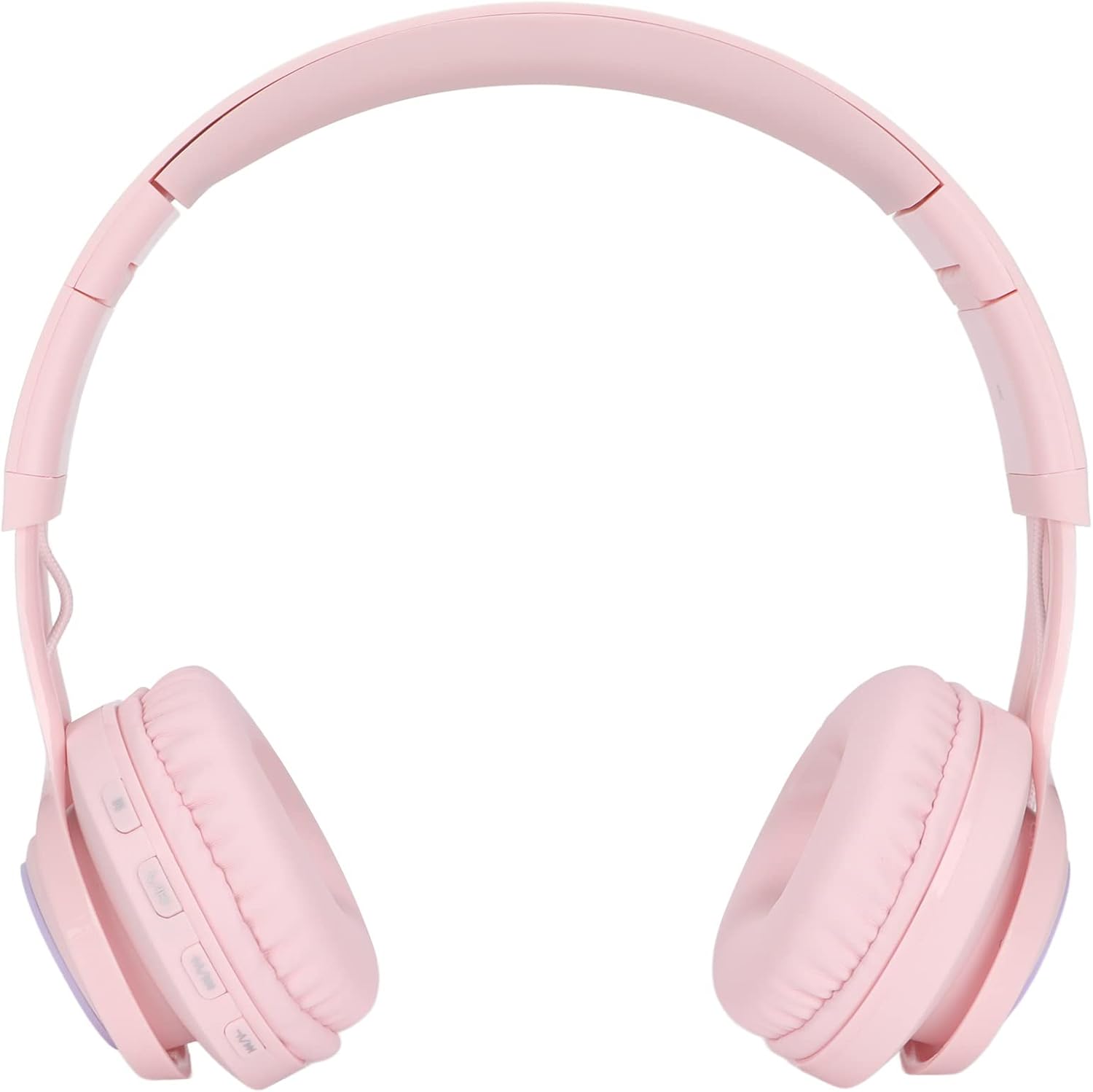
Image: Close-up of the earcup showing the control buttons, including the 'M' button.
Жайгашуу
1. Наушниктерди заряддоо
- USB заряддоо кабелинин кичинекей учуна кулакчындын кулакчыгындагы USB заряддоо портуна туташтырыңыз.
- Connect the larger end of the USB charging cable to a standard USB power adapter (not included) or a computer's USB port.
- The indicator light will show charging status (e.g., red for charging, off or blue for fully charged).
2. Күйгүзүү / Өчүрүү
- Күйгүзүү үчүн, КҮЙГҮЗҮҮ/ӨЧҮРҮҮ которгучун "КҮЙГҮЗҮҮ" абалына жылдырыңыз.
- Өчүрүү үчүн, КҮЙГҮЗҮҮ/ӨЧҮРҮҮ которгучун "ӨЧҮРҮҮ" абалына жылдырыңыз.
3. Bluetooth жупташтыруу (Зымсыз режим)
- Наушниктердин заряддалганын жана күйгүзүлгөнүн текшериңиз.
- Activate Bluetooth on your device (smartphone, tablet, PC, TV).
- Издөө available Bluetooth devices. The headphones should appear as "BT06C+" or similar.
- Select the headphones to pair. A stable connection can be established within 20 meters.
4. Зымдуу туташуу (3.5 мм аудио кабель)
- Insert one end of the 3.5mm audio cable into the 3.5mm audio jack on the headphone earcup.
- Insert the other end of the 3.5mm audio cable into the 3.5mm audio jack of your audio device.
- The headphones will automatically switch to wired mode. This mode can be used even if the internal battery is depleted.
Иштөө нускамалары
1. Adjusting Volume and Child Mode
- Standard Volume Adjustment: Use the volume buttons on the earcup to increase or decrease the volume.
- Child Mode (85dB Limit): Press the 'M' button on the earcup to activate child mode. This limits the maximum volume to 85dB to protect sensitive hearing. Press 'M' again to switch back to standard mode.
2. Making/Answering Calls (Wireless Mode)
- The headphones feature a built-in microphone for hands-free calls when connected via Bluetooth.
- To answer an incoming call, press the designated button on the side of the headset (usually the Play/Pause button).
- Чалууну бүтүрүү үчүн, ошол эле баскычты кайра басыңыз.
3. Adjusting Fit and Portability
- Баш боосун жөндөө: The headband is adjustable and stretchable. Gently slide the earcups up or down to find a comfortable fit for the user's head size.
- Сактоо үчүн бүктөлмө: The headphones feature a foldable design. Fold the earcups inwards to save space, making them easy to carry and store.

Image: Detail of the adjustable headband for a customized fit.
Техникалык тейлөө
- Тазалоо: Кулакчындарды жумшак, кургак, мамыксыз чүпүрөк менен сүртүңүз. Абразивдүү тазалоочу каражаттарды, спиртти же химиялык эриткичтерди колдонбоңуз.
- Сактагыч: When not in use, store the headphones in a protective case or a clean, dry environment. Avoid placing heavy objects on them.
- Батареяга кам көрүү: For optimal battery life, avoid fully discharging the battery frequently. Charge the headphones regularly, even if not used for extended periods.
Проблемаларды чечүү
| Көйгөй | Мүмкүн чечим |
|---|---|
| Зымсыз режимде үн жок. |
|
| Зымдуу режимде үн жок. |
|
| Наушник заряддалбай жатат. |
|
| Bluetooth аркылуу жупташтыруу мүмкүн эмес. |
|
Техникалык шарттар
| Бренд: | ГОВЕНИК |
| Модель аты: | Zopscrv19kou6tx (BT06C+) |
| Байланыш технологиясы: | Wired (3.5mm) and Wireless (Bluetooth) |
| Камтылган компоненттер: | Headphones, 3.5mm Audio Cable, USB Charging Cable |
| Кабель өзгөчөлүгү: | Алынуучу |
| Өзгөчөлүктөр: | Built-in Microphone, Foldable Design, Adjustable Headband, Volume Limiting (85dB Child Mode) |
| Bluetooth диапазону: | 20 метрге чейин |
| Келип чыккан өлкө: | Кытай |
| ASIN: | B0D84B6CWY |
Кепилдик жана колдоо
Specific warranty information is not available in the provided product details. For warranty claims or technical support, please contact your retailer or the manufacturer directly using the contact information provided with your purchase.