
BoxWave bw-14-52905-0
BoxWave DirectSync Cable User Manual
For Yada RoadCam 1080p HD Dash Cam (BT58186-6/2)
1. Киришүү
The BoxWave DirectSync Cable is designed to provide reliable charging and high-speed data synchronization for your Yada RoadCam 1080p HD Dash Cam (BT58186-6/2). This manual outlines the features, setup, operation, maintenance, and specifications of your DirectSync Cable to ensure optimal performance.
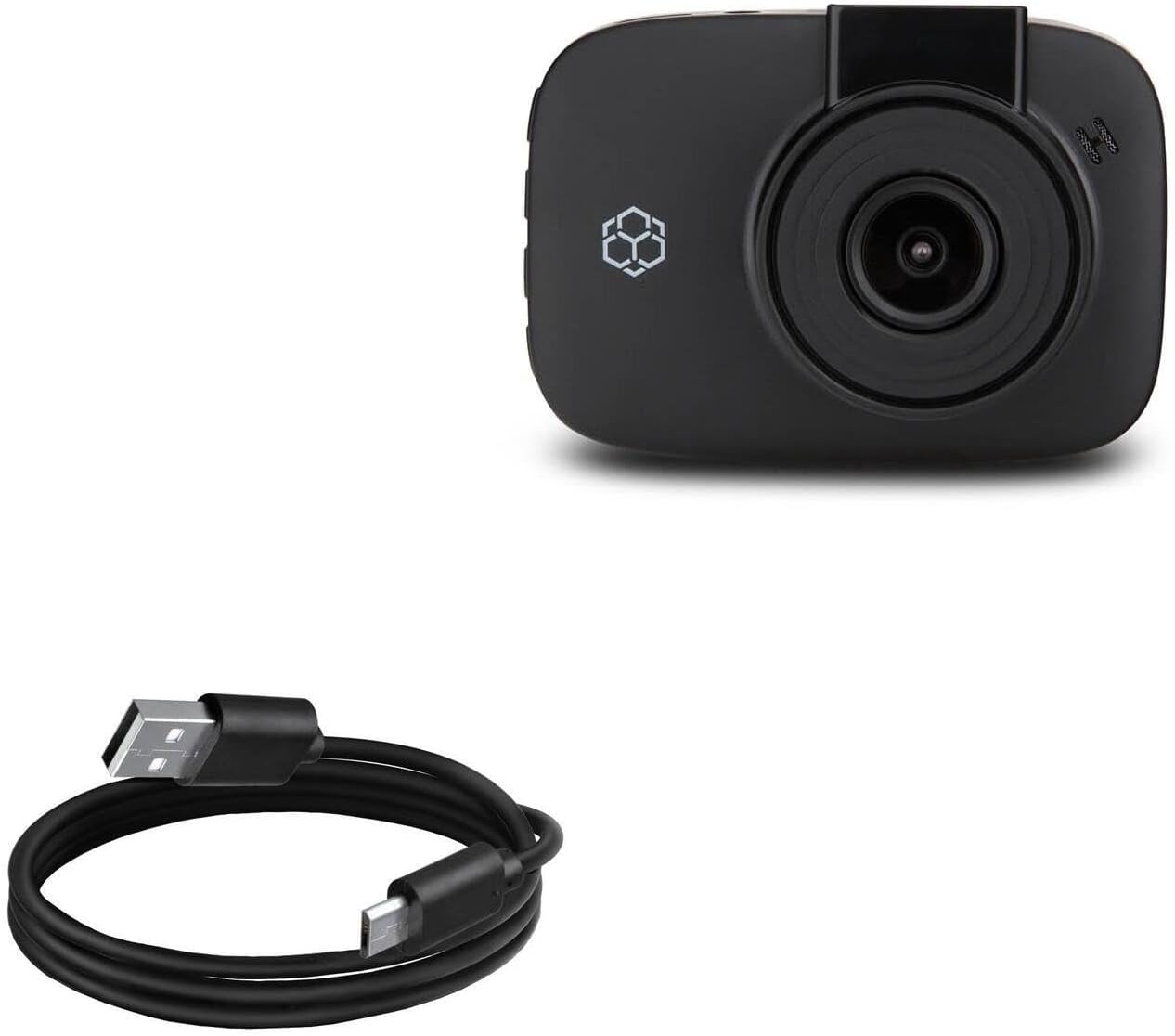
Image 1.1: The BoxWave DirectSync Cable. This image displays the black USB-A to Micro-USB cable, coiled neatly.
2. Продукциянын өзгөчөлүктөрү
The DirectSync Cable offers several key features for efficient and durable use:
- Hi-Speed USB 2.0 Support: Facilitates data transfers at speeds up to 480Mbps.
- Dual-Functionality: Simultaneously charges your device and transfers data, enhancing convenience.
- Туруктуу курулуш: Узак мөөнөттүү жана ырааттуу иштөө үчүн иштелип чыккан.
- Reinforced Strain Relief: Features strong rubberized grommet strain reliefs at connector points to prevent kinking and splitting, extending the cable's lifespan.
- Жоомарт узундугу: камсыз кылат ample length for flexible placement and connection.

Image 2.1: The DirectSync Cable connected to a laptop and a smartphone, illustrating its charge and sync capabilities.
3. Орнотуу нускамалары
Follow these steps to connect your DirectSync Cable:
- Туташтыргычтарды аныктоо: The cable has a standard USB-A connector on one end and a Micro-USB connector on the other.
- Электр кубатына/компьютерге туташуу: Insert the USB-A end of the cable into a compatible USB port on a power adapter, car charger, or computer.
- Түзмөккө туташуу: Insert the Micro-USB end of the cable into the Micro-USB port on your Yada RoadCam 1080p HD Dash Cam.
- Байланышты текшерүү: Ensure both ends are securely seated. Your device should indicate that it is charging or connected for data transfer.
4. Иштөө нускамалары
Using your DirectSync Cable for charging and data transfer:
4.1. Аппаратыңызды заряддоо
- Connect the cable as described in Section 3.
- When connected to a power source (e.g., wall adapter, car charger), your Yada RoadCam will begin charging.
- Monitor your device's screen for charging indicators.
4.2. Маалыматтарды өткөрүү
- Connect the USB-A end to a computer's USB port and the Micro-USB end to your Yada RoadCam.
- Your computer should recognize the connected device. You may need to select a 'data transfer' or 'mass storage' mode on your dash cam, if prompted.
- Access your device's files through your computer's file explorer to transfer videos, photos, or other data.
5. Техникалык тейлөө
Proper care will extend the life of your DirectSync Cable:
- Сактагыч: Кабелди салкын, кургак жерде, күндүн түз тийген нурунан жана өтө жогорку температурадан алыс сактаңыз. Кабелди курч бурчтар менен катуу ороп же ийип албаңыз.
- Тазалоо: Gently wipe the cable and connectors with a dry, soft cloth to remove dust or debris. Do not use liquid cleaners or abrasive materials.
- Колдонуу: Always grasp the connector head when plugging or unplugging the cable. Avoid pulling directly on the cable itself, as this can damage the internal wires or strain relief.

Сүрөт 5.1: Жакын план view of the reinforced strain relief on the DirectSync Cable, designed to prevent damage from bending.
6. Кыйынчылыктарды
If you encounter issues with your DirectSync Cable, consider the following:
- Кабель кубатталбай жатат:
- Кабелдин эки учу тең бекем туташтырылганын текшериңиз.
- Башка кубат булагын же USB портун колдонуп көрүңүз.
- Test the cable with another compatible device, if available, to determine if the issue is with the cable or the device/power source.
- Cable Not Syncing Data:
- Verify the cable is firmly connected to both your device and computer.
- Ensure your computer's operating system and device drivers are up to date.
- Check your Yada RoadCam settings to ensure it is set to 'data transfer' or 'mass storage' mode when connected to a computer.
- Компьютериңиздеги башка USB портун колдонуп көрүңүз.
- Физикалык зыян: Inspect the cable for any visible signs of damage, such as cuts, fraying, or bent connectors. A damaged cable should be replaced.
7. Техникалык шарттар
| Өзгөчөлүк | Спецификация |
|---|---|
| Модель номери | bw-14-52905-0 |
| Элемент Салмагы | 1.7 унция |
| Пакеттин өлчөмдөрү | 3.82 x 1.18 x 0.55 дюйм |
| USB стандарты | USB 2.0 (up to 480Mbps data transfer) |
| Кабель түрү | USB-A to Micro-USB |
| Кабелдин узундугу | Болжол менен 3 фут |

Image 7.1: A measuring tape indicating the cable's approximate length of 3 feet.

Image 7.2: The Hi-Speed USB 2.0 logo, indicating the cable's data transfer standard.
8. Кепилдик жана колдоо
For information regarding the warranty of your BoxWave DirectSync Cable, please refer to the official BoxWave website or contact BoxWave customer support directly. Any specific technical support for the Yada RoadCam 1080p HD Dash Cam (BT58186-6/2) should be directed to Yada's official support channels.
Ask a question about this manual
Ask about setup, troubleshooting, compatibility, parts, safety, or missing instructions. Manuals+ will review the question and use this page’s manual context to help answer it.