
1. Киришүү
This manual provides essential information for the safe and effective operation of your HAVIT Smart Life Series PJ211 PRO projector. Please read this manual thoroughly before using the device and retain it for future reference.
The HAVIT PJ211 PRO is a compact smart projector designed for home entertainment, gaming, and presentations. It features a native HD resolution of 1280x720, supporting up to 4K input, and integrates Android TV 9.0 for direct access to streaming services.
2. Пакеттин мазмуну
Таңгактан чыгаргандан кийин, бардык буюмдар бар экенин жана жакшы абалда экендигин текшериңиз:
- HAVIT Smart Life Series PJ211 PRO Projector
- Электр кабели
- Алыстан башкаруу
- Колдонуучунун Колдонмосу (бул документ)
3. Продукт бүтүп калдыview
Familiarize yourself with the projector's physical components and connection ports.
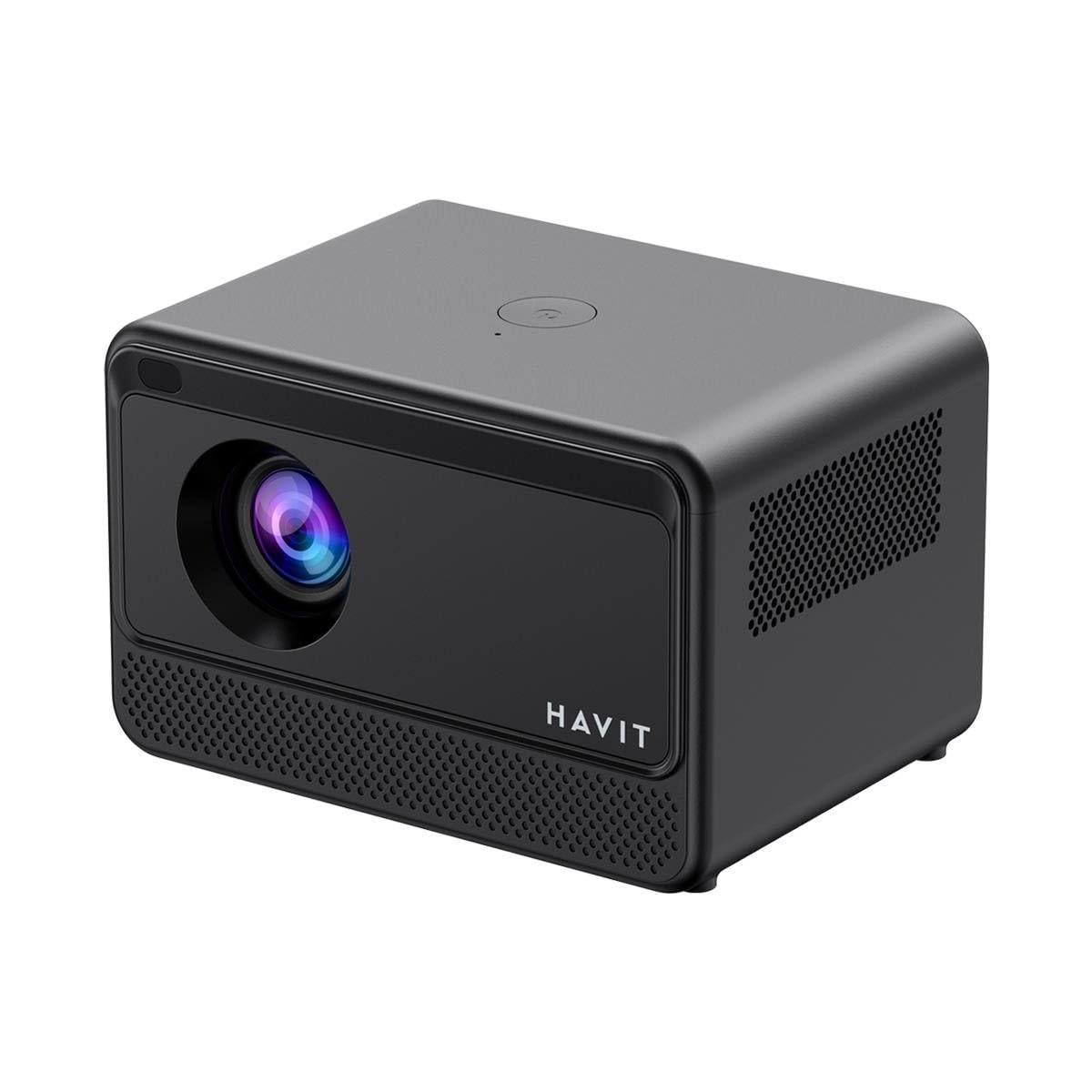
Сүрөт: Арткы жана каптал view of the HAVIT PJ211 PRO projector, highlighting the power input, HDMI, USB, and audio ports.

Сүрөт: алдыңкы view of the HAVIT PJ211 PRO projector, showing the projection lens and front grille.
Порттор жана башкаруу элементтери:
- Кубат киргизүү: Кубат адаптерине туташат.
- HDMI порту: For connecting external video sources such as laptops, gaming consoles, or Blu-ray players.
- USB порттору: Медияны ойнотуу үчүн USB сактагыч түзмөктөрдү туташтыруу үчүн files or connect peripherals.
- AV киргизүү: AV кабелин колдонуп, эски түзмөктөрдү туташтыруу үчүн.
- 3.5 мм аудио уячасы: Тышкы динамиктерди же наушниктерди туташтыруу үчүн.
- Кубат баскычы: Located on the top panel for turning the projector on/off.
4. Орнотуу
4.1 Орнотуу
Position the projector on a stable, flat surface. Ensure there is adequate ventilation around the device. The optimal projection distance ranges from 1 to 4 meters, yielding a screen size between 32 and 150 inches.
4.2 Кубат туташтыруу
- Электр кабелин проектордун кубат киргизүү портуна туташтырыңыз.
- Электр кабелинин экинчи учун ылайыктуу электр розеткасына сайыңыз.
4.3 Баштапкы күйгүзүү
Түзмөктү күйгүзүү үчүн проектордогу же пульттагы күйгүзүү баскычын басыңыз. Проектор жүктөлүп, Android TV интерфейсин көрсөтөт.
4.4 Фокустоо жана Keystone коррекциясы
The PJ211 PRO features semi-auto focus and semi-auto keystone correction. The projector will attempt to adjust these settings automatically upon startup or movement. Fine-tuning can be done via the on-screen menu if needed.
4.5 Тармактык туташуу
To access online content, connect the projector to a Wi-Fi network.

Image: Illustration showing the projector's support for both 2.4G and 5G dual-band Wi-Fi connections, indicating improved transmission rates and smoother online viewing with 5G.
- Android TV интерфейсиндеги "Орнотуулар" менюсуна өтүңүз.
- "Тармак жана Интернет" бөлүмүн тандаңыз.
- Тизмеден каалаган Wi-Fi тармагын тандаңыз.
- Enter the password if prompted and confirm the connection. The projector supports 2.4G and 5G dual-band Wi-Fi for stable connectivity.
5. Иштөө нускамалары
5.1 Android TV 9.0 интерфейси
The projector runs on Android TV 9.0, providing access to various applications and streaming services. Use the remote control to navigate the interface, select apps, and adjust settings.
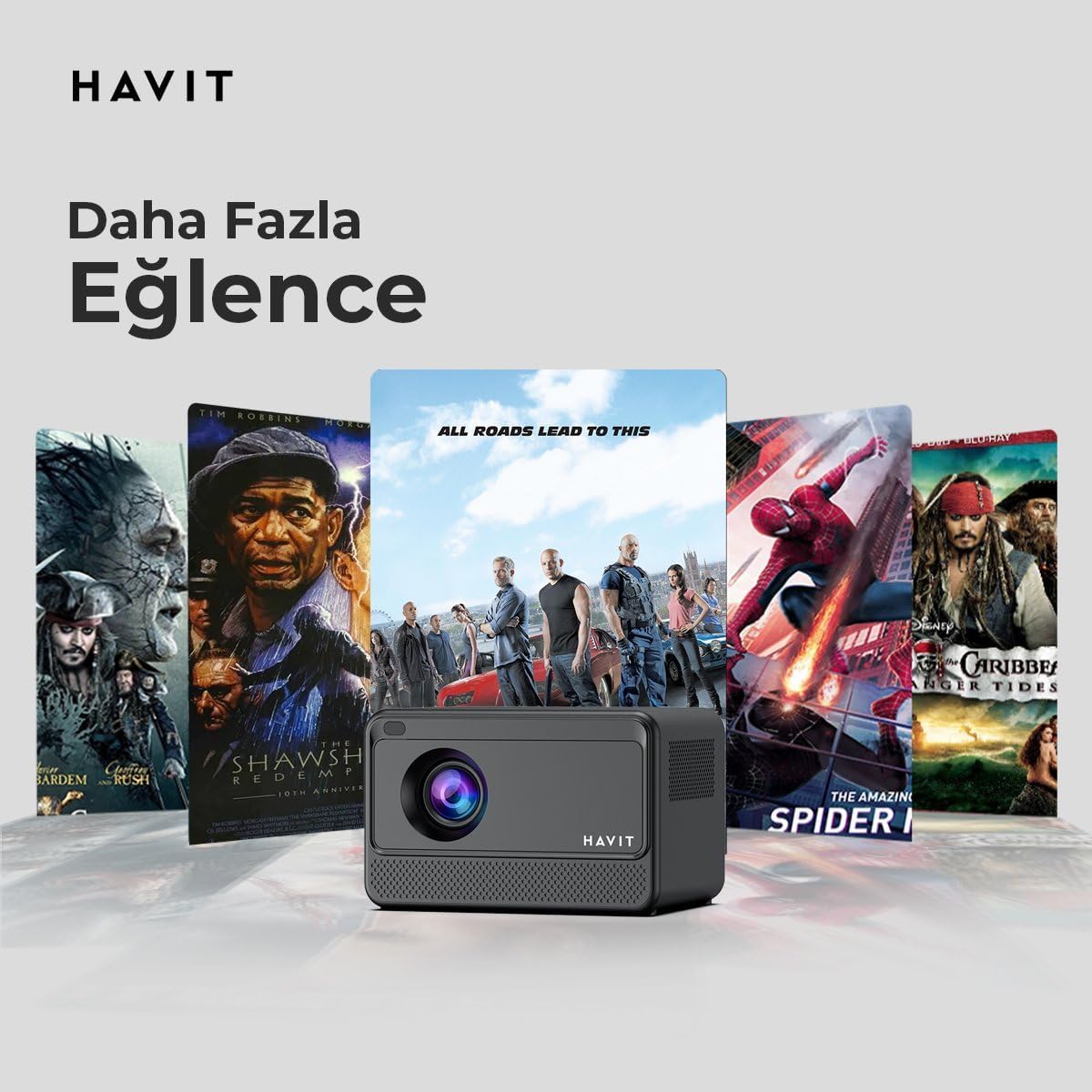
Image: The HAVIT PJ211 PRO projector displaying a selection of popular streaming service icons, illustrating its 'More Entertainment' capability through Android TV.
5.2 Тышкы түзмөктөрдү туташтыруу
You can connect various external devices to the projector:
- HDMI: Connect a device (e.g., laptop, game console) using an HDMI cable. Select the HDMI input source from the projector's input menu.
- USB: Insert a USB drive into a USB port. The projector's media player will typically detect the drive, allowing you to browse and play supported media files.
- OF: Use an AV cable to connect compatible devices. Select the AV input source.
- Аудио чыгышы (3.5 мм уяча): Connect external speakers or headphones for enhanced audio. The projector has a built-in 3W speaker for standard audio output.
6. Техникалык тейлөө
6.1 Тазалоо
- Объектив: Оптикалык линзалар үчүн атайын жасалган жумшак, түксүз кездемени колдонуңуз. Абразивдүү тазалагычтарды же чүпүрөктөрдү колдонбоңуз.
- Сырткы: Wipe the projector's exterior with a soft, dry cloth. Avoid using liquid cleaners directly on the device.
- Вентиляция: Ашыкча ысып кетүүнүн алдын алуу үчүн желдетүү тешиктери чаңдан жана тоскоолдуктардан тазаланганын текшериңиз.
6.2 Лamp Жашоо
LED lamp in your PJ211 PRO projector has an estimated life of 30,000 hours, providing long-term reliability under normal usage conditions.
7. Кыйынчылыктарды
Проекторуңузда көйгөйлөргө туш болсоңуз, төмөнкү жалпы көйгөйлөрдү жана чечимдерди караңыз:
| Көйгөй | Мүмкүн себеп | Чечим |
|---|---|---|
| Сүрөт көрсөтүлгөн жок | Кубат кабели ажыратылган, туура эмес киргизүү булагы, линзанын капкагы күйүк. | Check power connection, select correct input source (HDMI, USB, AV), remove lens cap. |
| Сүрөт бүдөмүк | Фокустан тышкары, проекция аралыгы туура эмес. | Adjust focus manually via settings, ensure projector is within 1-4 meters of screen. |
| Үн жок | Volume too low, external speakers not connected properly, audio settings. | Increase volume, check external speaker connection, verify audio output settings. |
| Wi-Fi туташуу маселелери | Incorrect password, router issues, signal interference. | Re-enter Wi-Fi password, restart router, ensure projector is within Wi-Fi range. |
8. Техникалык шарттар
Detailed technical specifications for the HAVIT Smart Life Series PJ211 PRO projector:

Image: A visual representation of the HAVIT PJ211 PRO projector's specifications, including system, resolution, projection distance, brightness, and connectivity.
- Дисплей технологиясы: LCD
- Түпкү резолюция: 1280 x 720 (HD)
- Колдоого алынган чечим: Up to 3840 x 2160 (4K)
- Жарыктык: Over 5000 lumens (180+ ANSI lumens)
- Контраст катышы: 1500:1
- Аспект катышы: 16:9 / 4:3
- Проекциялык аралык: 1 – 4 метр
- Экран өлчөмү диапазону: 32 – 150 дюйм
- Фокусту тууралоо: Semi-Auto Focus
- Негизги ташты оңдоо: Semi-Auto Keystone
- Камтылган динамик: 3W
- Операция системасы: Android TV 9.0
- Зымсыз туташуу: Wi-Fi (2.4G/5G Dual-Band)
- Киргизүү порттору: HDMI, USB, AV, 3.5mm audio jack
- Lamp Түрү: LED
- Lamp Жашоо: 30,000 саат
- Энергияны керектөө: 65 Вт
- Элемент Салмагы: 2.3 килограмм
- Түсү: Кара
9. Кепилдик жана колдоо
9.1 Кепилдик маалыматы
The HAVIT Smart Life Series PJ211 PRO projector comes with a 1 жылдык кепилдик сатып алынган күндөн тартып. Бул кепилдик өндүрүштүк кемчиликтерди жана нормалдуу колдонуудагы бузулууларды камтыйт. Кепилдик дооматтары үчүн сатып алганыңыздын далилин сактап коюңуз.
9.2 Кардарларды колдоо
For technical assistance, troubleshooting beyond this manual, or warranty inquiries, please contact HAVIT customer support through their official website or the retailer where the product was purchased. Please have your model number (PJ211 PRO) and purchase details ready when contacting support.