
1. Продукт бүтүп калдыview
The Deli DL331040B is a versatile laser range finder designed for precise distance measurement in various applications. It offers an extended range capability of up to 50 meters with a high measurement accuracy of ±3mm. This tool is equipped with a user-friendly interface and generous data storage for up to 30 groups of measurements, making it suitable for both indoor and outdoor use by professionals and DIY enthusiasts.
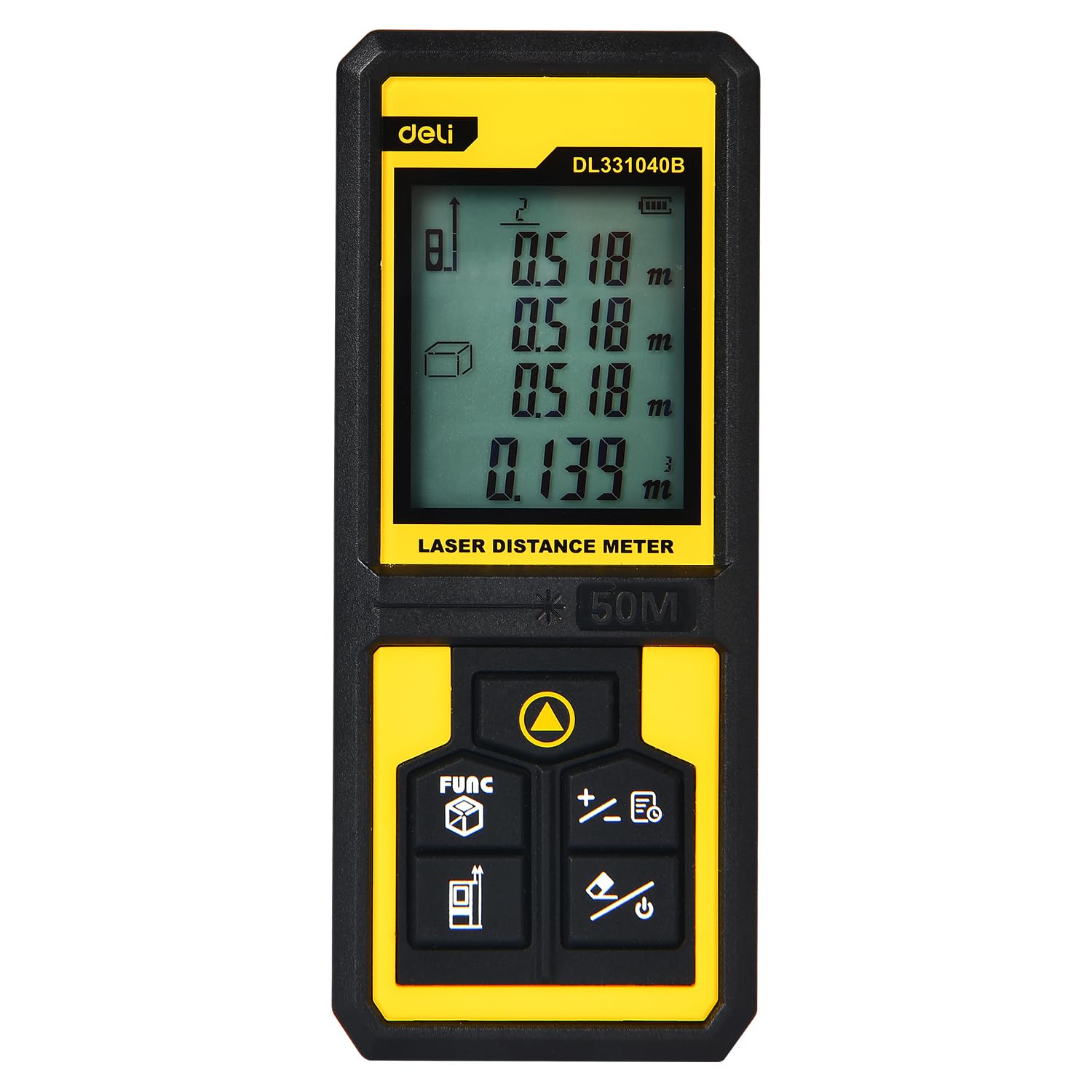
Image 1.1: The Deli DL331040B Laser Range Finder showing its digital display with multiple distance readings.
2. Коопсуздук маалыматы
Лазердик нурлануу: This device emits Class 2 laser radiation (630-670nm, <1mW). Do not stare into the laser beam or direct it at other people or reflective surfaces. Direct eye exposure can cause eye injury.
- Always wear appropriate eye protection when operating the device.
- Аппаратты балдар жетпеген жерде сактаңыз.
- Do not attempt to disassemble or modify the device. Servicing should only be performed by qualified personnel.
- Ensure the measurement area is clear of obstacles and personnel before activating the laser.
3. Орнотуу
3.1 Батареяны орнотуу
The Deli DL331040B requires 2 AAA batteries (not included). To install the batteries:
- Аппараттын артындагы батарея бөлүкчөсүнүн капкагын табыңыз.
- Капкакты жебе көрсөткөн тарапка жылдырыңыз.
- Туура полярдуулукту (+/-) камсыз кылуу менен эки AAA батарейкасын салыңыз.
- Батарея бөлүкчөсүнүн капкагын тыкылдаганча жабыңыз.
3.2 Күйгүзүү/өчүрүү
басып, кармап туруңуз Кубат баскычы (usually marked with a power symbol) to turn the device on or off. The display will illuminate upon activation.
4. Иштөө нускамалары
4.1 Негизги аралыкты өлчөө
Бир жолку аралыкты өлчөө үчүн:
- Аппаратты күйгүзүңүз.
- Point the laser emitter (see Image 4.1) at the target surface.
- басыңыз Өлчөө баскычы (often a triangular symbol). The laser will activate, and the measured distance will appear on the display.
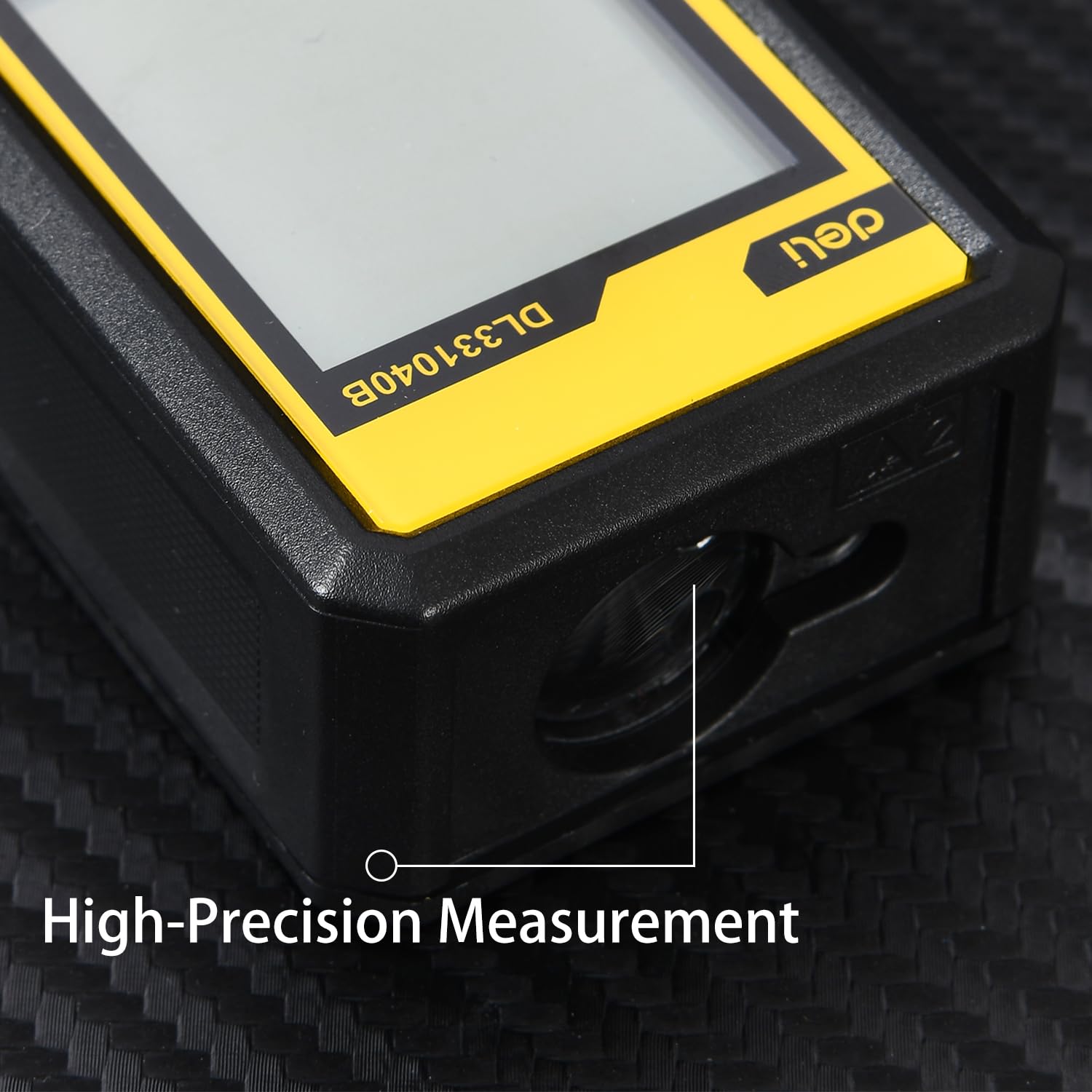
Сүрөт 4.1: Жакын пландан view of the high-precision laser emitter on the device.
4.2 Үзгүлтүксүз өлчөө режими
For continuous measurement (tracking mode):
- басыңыз Өлчөө баскычы once. The device will continuously measure and display the distance as you move it.
- басыңыз Өлчөө баскычы again to stop continuous measurement.
4.3 Function Selection (FUNC Button)
The FUNC баскычы (often labeled 'FUNC' or with a cube icon) allows you to cycle through different measurement modes, such as area, volume, and Pythagorean calculations. Refer to the on-screen icons for the selected mode.

Image 4.2: Detail of the intuitive button operation, including the FUNC button for mode selection.
4.4 Data Storage and Retrieval
The device can store up to 30 sets of measurement data. Use the arrow buttons (if available) to navigate through stored records. Consult the on-screen prompts for saving and recalling measurements.

Image 4.3: The compact and portable design of the laser range finder, shown in a pocket and displaying measurement data.
5. Техникалык тейлөө
- Тазалоо: Аппаратты жумшак менен сүртүңүз, гamp кездеме. Абразивдүү тазалагычтарды же эриткичтерди колдонбоңуз.
- Сактагыч: Store the device in a dry, cool place away from direct sunlight and extreme temperatures. Remove batteries if the device will not be used for an extended period.
- Линзага кам көрүү: Keep the laser emission and reception lenses clean. Use a soft lens cloth to gently wipe away dust or smudges.
6. Кыйынчылыктарды
| Көйгөй | Мүмкүн себеп | Чечим |
|---|---|---|
| Түзмөк күйбөйт | Low or dead batteries; incorrect battery installation | Replace batteries; ensure correct polarity |
| Туура эмес өлчөөлөр | Obstructed laser path; dirty lenses; measuring highly reflective/absorbent surfaces | Clear path; clean lenses; use a target plate for difficult surfaces |
| Лазер көрүнбөйт | Bright ambient light; laser not activated | Use in lower light conditions; press the Measure button to activate laser |
7. Техникалык шарттар
- Модель номери: DL331040B
- Өлчөө диапазону: 50 метрге чейин
- Өлчөө тактыгы: ±3мм
- Лазердик түрү: Class 2, Red Light 630-670nm
- Маалыматтарды сактоо: 30 комплект
- Кубат булагы: 2 x AAA Батареялар (киргизилген эмес)
- Материал: PP Material
- Түсү: Сары & Кара
- Элемент Салмагы: 134 грамм
- Элементтин өлчөмдөрү (L x W x Y): 17L x 13W x 6H Сантиметр
- Сууга туруктуулук деңгээли: Суу өткөрбөйт
- Келип чыккан өлкө: Кытай
8. Кутуда эмне бар
The package for the Deli DL331040B Laser Range Finder typically includes:
- 1 x Deli DL331040B Laser Range Finder
- Колдонуучунун Колдонмосу (бул документ)
Note: AAA Batteries are not included and must be purchased separately.
9. Кепилдик жана колдоо
This product may be eligible for an extended warranty. For details, please refer to the specific warranty information provided at the point of purchase or contact the manufacturer directly. For customer support, you may reach out to Deli Group Co., Ltd at +86-0574-5997-6624.
Өндүрүүчү: Deli Group Co., Ltd, 301 Xuxiake Rd. Ninghai, Ningbo, Zhejiang, China.
Импорттоочу: ALLIN IMPEX SERVICES ЖЕКЕ ЧЕКТЕЛГЕН КОМПАНИЯСЫ
10. Брендден ашып түшүүview
Deli Tools is committed to providing high-quality, durable, and user-friendly tools. The brand focuses on ergonomic design, advanced manufacturing processes, and strict quality control to ensure product reliability and user satisfaction. This video provides a general overview of Deli's commitment to quality and innovation across its tool range.
Видео 10.1: Бүттүview of Deli Tools' commitment to quality, design, and manufacturing processes.