
BTQILEYOO Y10
BTQILEYOO Y10 Motorcycle Helmet Bluetooth Headset User Manual
Модели: Y10
Introduction
The BTQILEYOO Y10 Motorcycle Helmet Bluetooth Headset is designed to enhance your riding experience by providing seamless audio connectivity within your helmet. Featuring Bluetooth 5.3, smart noise reduction, and HiFi sound quality, this headset allows for music playback, navigation, and hands-free calls. Its IPX6 waterproof rating ensures durability in various weather conditions. This manual provides detailed instructions for installation, operation, and maintenance of your Y10 headset.
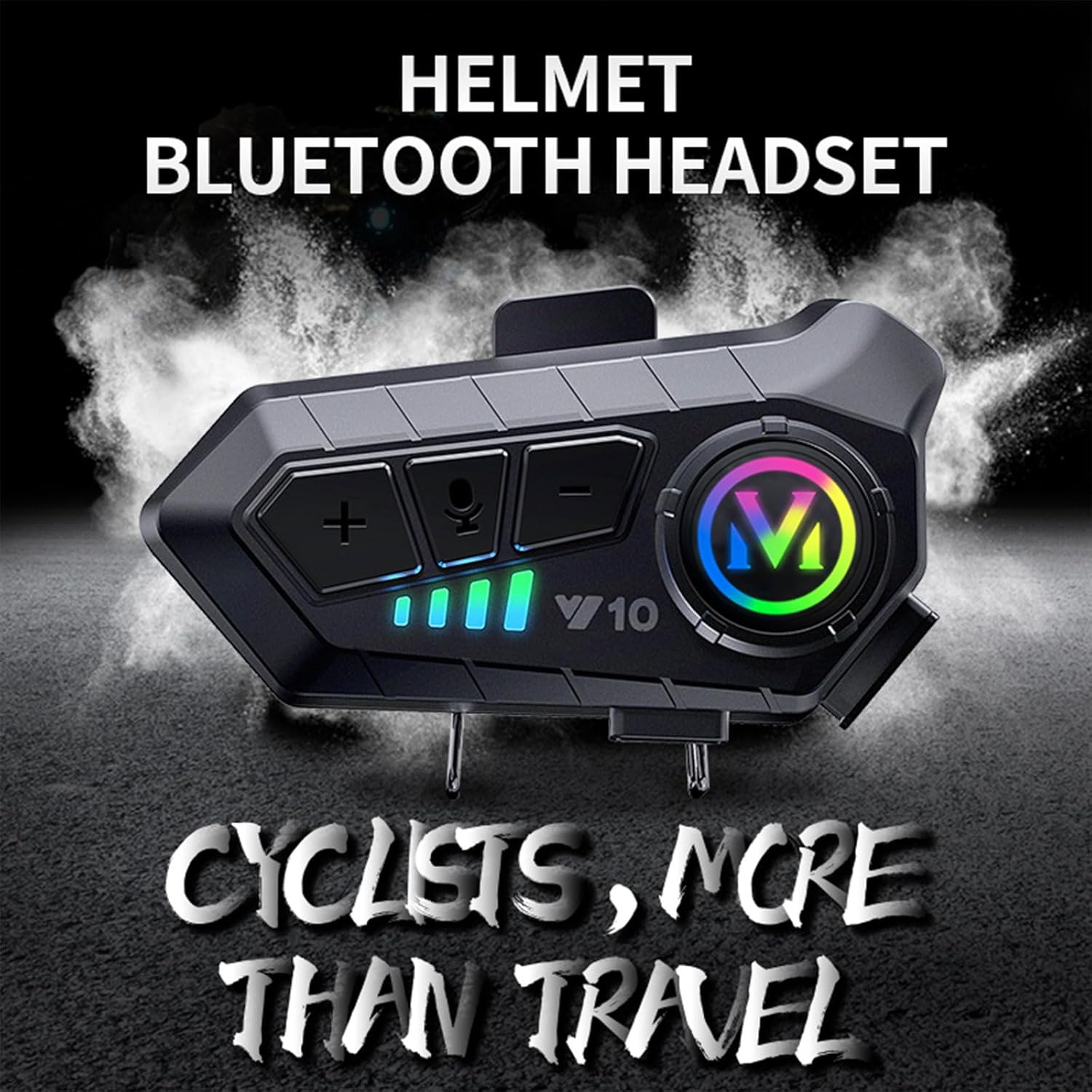
Image: The BTQILEYOO Y10 Helmet Bluetooth Headset, designed for cyclists, enhancing travel with integrated audio.
Продукт бүттүview
The Y10 headset features an intuitive design with accessible controls and robust construction. Familiarize yourself with the components and their functions before use.

Сүрөт: деталдуу view of the BTQILEYOO Y10 headset main unit, showing its buttons and colorful indicator light.
Башкаруу каражаттары жана көрсөткүчтөр:

Image: Diagram illustrating the function keys of the Y10 headset, including volume controls, AI voice key, power/play/answer button, charging port, work indicator, charging indicator, and speaker/microphone interface.
- Үндү катуулатуу / Кийинки трек баскычы (+): Increases volume, skips to the next track.
- Үндү азайтуу / Мурунку трек баскычы (-): Decreases volume, goes to the previous track.
- AI Voice Key (Microphone Icon): Activates voice assistant (Siri, Google Assistant).
- Power On/Off / Play/Pause / Answer Key (M Button): Powers the device on/off, plays/pauses music, answers/ends calls.
- Заряддоо порту: кубаттоо үчүн USB Type-C порту.
- Work Indicator (Green, Blue): Иштөө абалын көрсөтөт.
- Кубаттоо индикатору (кызыл): Заряддоо абалын көрсөтөт.
- Speaker/Microphone Interface: Connects the speakers and microphone.
Жайгашуу
1. Installation on Helmet:
The Y10 headset uses a split hanging clip for secure and convenient installation on most motorcycle helmets.
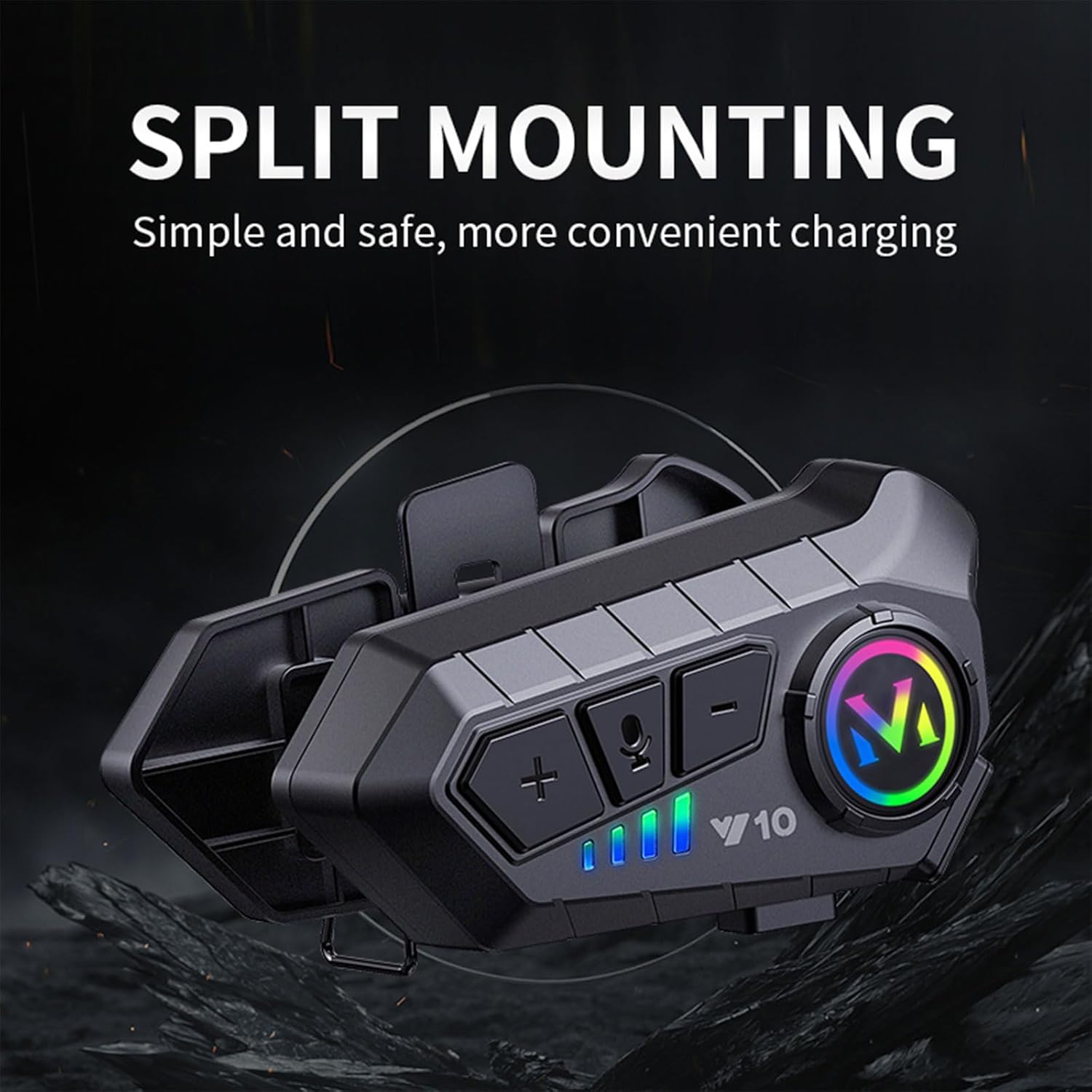
Image: The Y10 headset with its split mounting clip, illustrating simple and safe installation for convenient charging.
- Identify a suitable location on the side of your helmet, typically near the bottom edge, where the clip can securely attach without obstructing vision or helmet function.
- Separate the two parts of the split hanging clip.
- Position one part of the clip on the inside of the helmet shell and the other on the outside, aligning them.
- Secure the clip firmly to the helmet using the provided screws or mechanism, ensuring it is stable.
- Slide the Y10 headset main unit onto the installed clip until it clicks securely into place.
- Connect the speakers and microphone to the headset unit and route the cables neatly inside the helmet padding.
2. Алгачкы кубаттоо:
Before first use, fully charge the headset. The Y10 supports Type-C fast charging.
- Берилген USB Type-C кубаттоо кабелин гарнитуранын кубаттоо портуна туташтырыңыз.
- Кабелдин экинчи учун USB кубат булагына туташтырыңыз (мисалы, дубал адаптери, компьютердин USB порту).
- The charging indicator (red light) will illuminate during charging.
- Charging takes approximately 20 minutes for 3 hours of use, or longer for a full charge (up to 32 hours playback). The indicator light will change or turn off when fully charged.
Иштөө нускамалары
1. Күйгүзүү/өчүрүү:
- Күйгүзүү: Press and hold the Power On/Off / Play/Pause / Answer Key (M Button) for approximately 3 seconds until the indicator light flashes.
- Өчүрүү: Press and hold the Power On/Off / Play/Pause / Answer Key (M Button) for approximately 3 seconds until the indicator light turns off.
2. Bluetooth жупташтыруу:
- Гарнитура өчүрүлгөнүн текшериңиз.
- Press and hold the Power On/Off / Play/Pause / Answer Key (M Button) for about 5-7 seconds until the indicator light flashes rapidly, indicating pairing mode.
- On your mobile phone or Bluetooth device, enable Bluetooth and search for "Y10".
- Select "Y10" from the list of available devices to connect. Once connected, the indicator light will slow its flashing or turn solid.
3. Музыка ойнотуу:
- Ойнотуу/тындыруу: Short press the Power On/Off / Play/Pause / Answer Key (M Button).
- Кийинки трек: Short press the Volume Up / Next Track Button (+).
- Мурунку трек: Short press the Volume Down / Previous Track Button (-).
- Көлөмү: Long press the Volume Up / Next Track Button (+).
- Үнүн азайтуу: Long press the Volume Down / Previous Track Button (-).
4. Чалууларды башкаруу:
- Чакырууга жооп берүү: The Y10 headset supports automatic answering after 10 seconds. You can also short press the Power On/Off / Play/Pause / Answer Key (M Button) to answer immediately.
- Чакырууну аяктоо: Short press the Power On/Off / Play/Pause / Answer Key (M Button).
- Чакырууну четке кагуу: Long press the Power On/Off / Play/Pause / Answer Key (M Button).
- Акыркы номерди кайра терүү: Double-press the Power On/Off / Play/Pause / Answer Key (M Button).
5. Үн менен башкаруу:
Activate your smartphone's voice assistant (Siri, Google Assistant) with a single button press.

Image: A rider wearing a helmet with the Y10 headset, demonstrating the "One Click to Wake Up AI Voice Assistant" feature, showing example voice commands like "Hey Siri, open Spotify" or "Alexa, what will the weather be like tomorrow?".
- Үн Жардамчысын жандыруу: Short press the AI Voice Key (Microphone Icon).
- Once activated, you can issue commands such as "Hey Siri, open Spotify" or "Hey Siri, navigate to a nearby gas station."
6. Connecting Two Mobile Phones:
The Y10 headset can connect to two mobile phones simultaneously, allowing you to switch between devices for music, navigation, and calls.

Image: The Y10 headset positioned between two smartphones, illustrating its "Smart One Drags Two" feature, allowing connection to two mobile phones simultaneously.
- Pair the first phone as described in the "Bluetooth Pairing" section.
- Once the first phone is connected, put the headset back into pairing mode (refer to step 2 of Bluetooth Pairing).
- Pair the second phone. The headset will now be connected to both devices.
- The headset will intelligently manage audio and calls from both connected devices.
Өзгөчөлүктөрү жана спецификациялары
The BTQILEYOO Y10 headset is engineered with advanced features for optimal performance and user convenience.

Image: A graphic summarizing key features of the Y10 headset, including Bluetooth 5.3, IPX6 waterproof, dual phone connection, AI voice assistant, 32-hour battery, call answering, intelligent noise reduction, split design, and HD sound quality.
| Өзгөчөлүк | Description |
|---|---|
| Модель аты | Y10 |
| Байланыш технологиясы | Зымсыз (Bluetooth 5.3) |
| Үн сапаты | HiFi Level with 40mm Graphene Diaphragm |
| Noise Reduction | Smart Noise Reduction, Dual Noise Cancellation Microphone, Windproof Sponge |
| Суу каршылык | IPX6 суу өткөрбөйт |
| Батарея сыйымдуулугу | 1000mAh |
| Батареянын иштөө мөөнөтү | 32 hours music playback, 30 hours talk time, up to 18 months standby |
| Заряддоо | Type-C Fast Charging (20 mins charge for 3 hours use) |
| Көп түзмөктүү туташуу | Connects to two mobile phones simultaneously |
| Үн менен башкаруу | Supports AI voice assistants (Siri, Google Assistant) |
| Авто жооп | Automatically answers calls in 10 seconds |
| Шайкеш түзмөктөр | Мотоцикл каскалары |
| Материал | Пластик |
| Элемент Салмагы | 6.4 унция |
Visual Demonstrations of Key Features:

Image: The Y10 headset with lightning bolts, emphasizing its long-lasting battery life and fast charging capabilities.

Image: The Y10 headset surrounded by water splashes, highlighting its IPX6 depth waterproof rating.
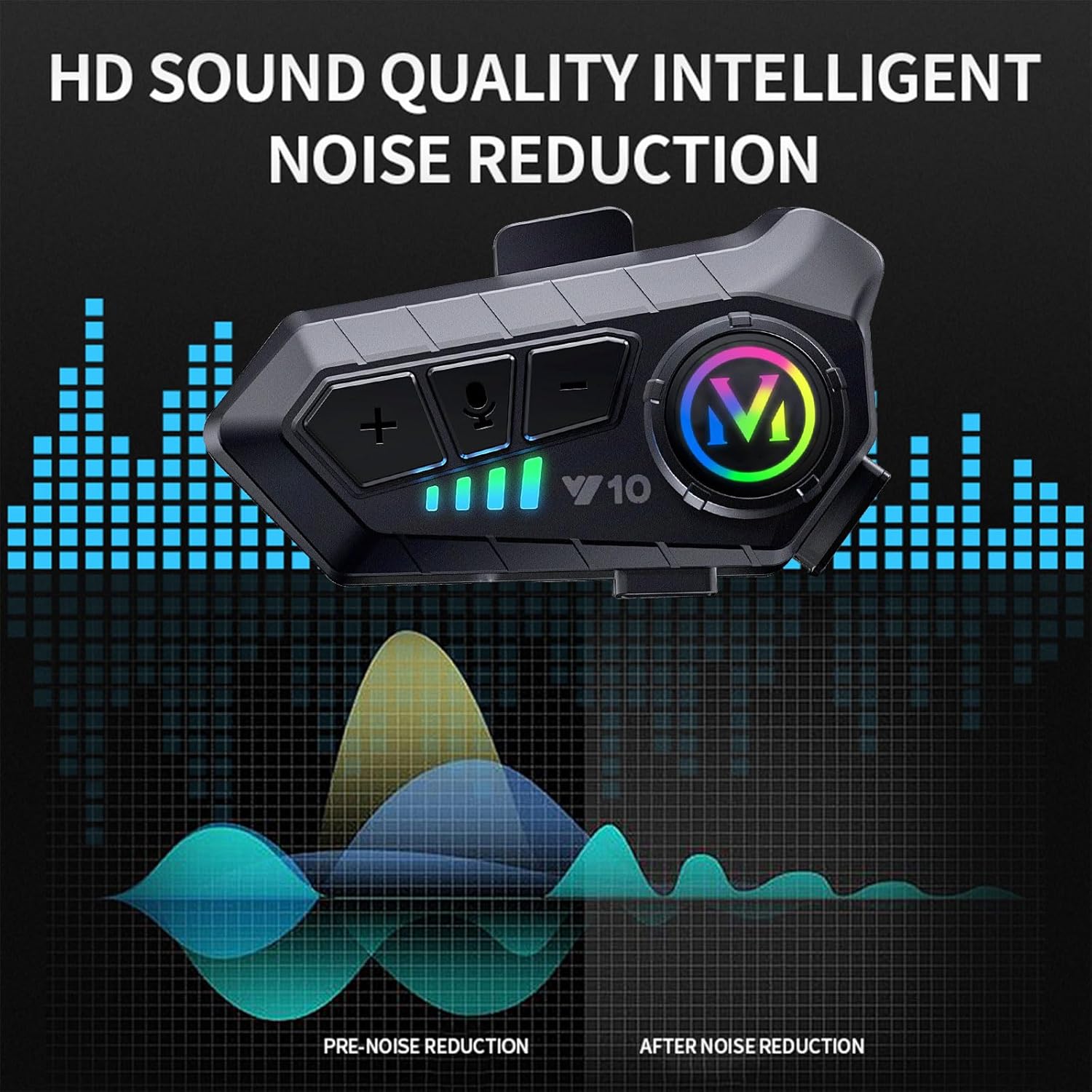
Image: The Y10 headset with sound wave graphics, illustrating its HD sound quality and intelligent noise reduction capabilities, showing pre-noise reduction and after-noise reduction sound profiles.
Техникалык тейлөө
- Тазалоо: Гарнитураны жумшак менен сүртүңүз, damp кездеме. Катуу химиялык заттарды же абразивдүү тазалагычтарды колдонбоңуз.
- Сактагыч: Store the headset in a cool, dry place away from direct sunlight and extreme temperatures when not in use for extended periods.
- Батареяга кам көрүү: To prolong battery life, avoid fully discharging the battery frequently. Charge the headset regularly, even if not in use.
- Суу таасири: While IPX6 waterproof, avoid prolonged submersion. Ensure the charging port cover is securely closed when exposed to water.
Проблемаларды чечүү
| Көйгөй | Мүмкүн себеп | Чечим |
|---|---|---|
| Гарнитура күйбөйт. | Батарея аз. | Гарнитураны толук заряддаңыз. |
| Телефон менен жупташтыруу мүмкүн эмес. | Headset not in pairing mode; Bluetooth off on phone; interference. | Ensure headset is in pairing mode (rapid flashing light). Turn phone's Bluetooth off and on. Move closer to the phone. |
| Үн жок же үнү төмөн. | Volume too low; speakers not positioned correctly; loose connection. | Increase volume on both headset and phone. Adjust speaker position inside helmet. Check speaker connections. |
| Чалуу сапаты начар. | Microphone not positioned correctly; environmental noise. | Adjust microphone closer to your mouth. Ensure windproof sponge is properly installed. |
| Гарнитура бат-баттан ажыратылат. | диапазондон тышкары; кийлигишүү; аз батарея. | Stay within Bluetooth range. Avoid strong electromagnetic interference. Charge the headset. |
Расмий продукт Video
Watch the official product video for a visual guide on the BTQILEYOO Y10 Motorcycle Helmet Bluetooth Headset's features and installation.
Video: An official demonstration video showcasing the BTQILEYOO Y10 Motorcycle Helmet Bluetooth Headset, including its features, sound quality, waterproof capabilities, and installation process using the split hanging clip. The video highlights its suitability for various helmets.
Кепилдик жана колдоо
BTQILEYOO products are manufactured to high quality standards. For specific warranty information, please refer to the warranty card included with your product or contact BTQILEYOO customer support.
For technical support, troubleshooting assistance, or warranty claims, please contact the seller or manufacturer directly. Keep your purchase receipt as proof of purchase.
- Өндүрүүчү: BTQILEYOO
- Сатуучу: Freewind Motorcycle
- Онлайн колдоо: Refer to the product listing page on Amazon for seller contact information or visit the official BTQILEYOO webсайт бар болсо.
Ask a question about this manual
Ask about setup, troubleshooting, compatibility, parts, safety, or missing instructions. Manuals+ will review the question and use this page’s manual context to help answer it.