
MISIRUN fu
MISIRUN Instant Print Kids Digital Camera Instruction Manual
Model: fu | Brand: MISIRUN
Introduction
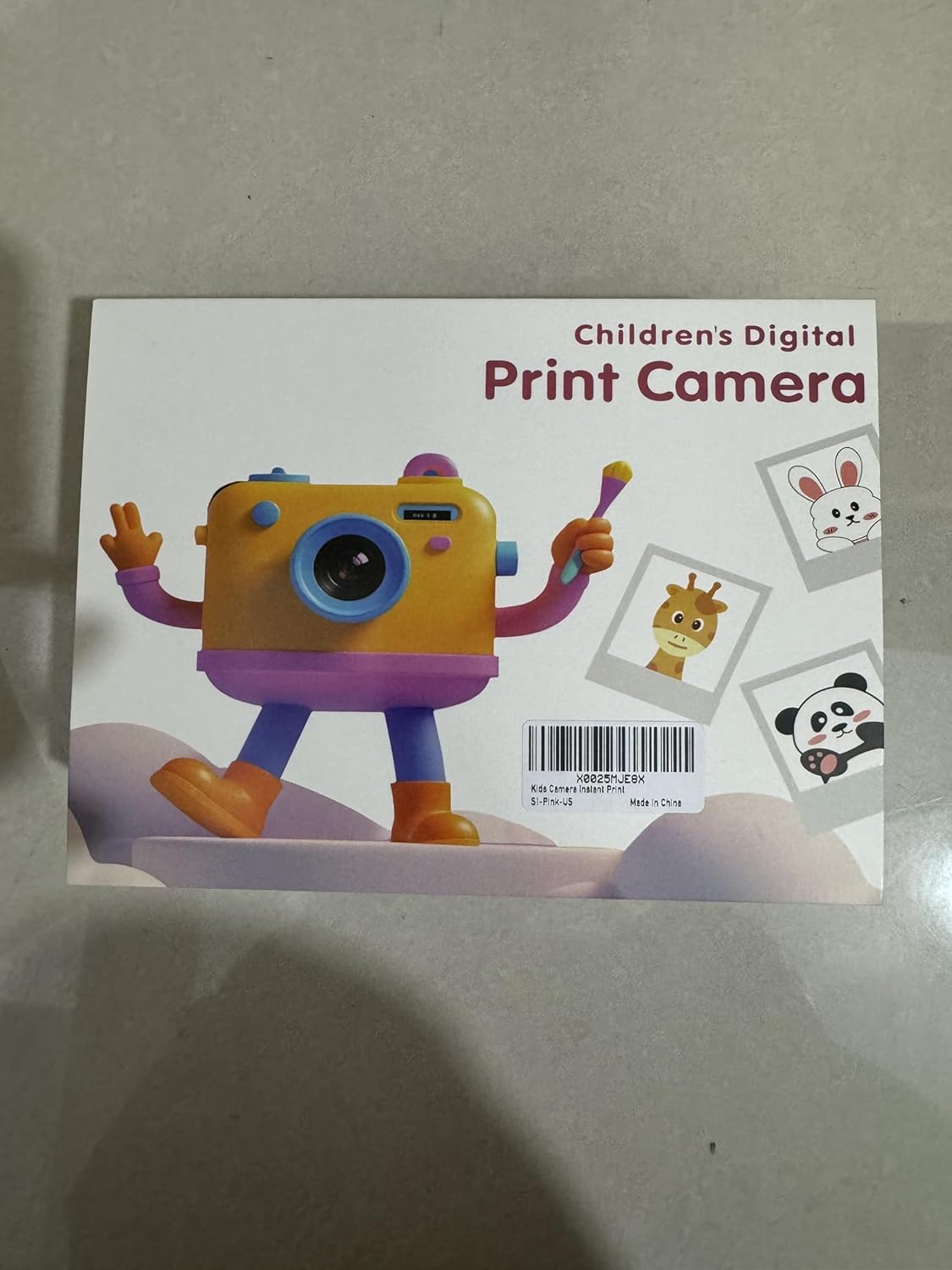
This manual provides essential information for the safe and effective operation of your MISIRUN Instant Print Kids Digital Camera. Please read it thoroughly before use and retain it for future reference. This camera is designed to capture both digital photos and 1080p HD videos, with the added feature of instant black and white thermal printing.
Кутуда эмне бар
Таңгактан чыгарганда, төмөндө көрсөтүлгөн бардык буюмдардын бар экенине ынаныңыз:
- MISIRUN Instant Print Kids Digital Camera
- USB заряддоо кабели
- Lanyard
- Thermal Print Paper Rolls (5 rolls included)
- Color Pens (Set of 6)
- Sticker Sheets (3 sheets)
- 32GB Memory Card (pre-installed or separate)
- Instruction Manual

Жайгашуу
1. Камераны заряддоо
Connect the provided USB cable to the camera's Type-C port and a compatible USB power adapter (not included) or computer. The charging indicator will illuminate. A full charge typically takes approximately 2-3 hours.

2. Installing Thermal Print Paper
- Locate the paper compartment on the side of the camera.
- Бөлүмдүн капкагын акырын ачыңыз.
- Insert a roll of thermal paper, ensuring the paper feeds out from the top and is aligned correctly.
- Бөлүмдүн капкагын бекем жабыңыз.

3. Эстутум картасын салуу
The camera comes with a 32GB memory card. Locate the TF card slot on the side of the camera and insert the card until it clicks into place. Ensure the card is inserted in the correct orientation.

Иштөө нускамалары
1. Күйгүзүү/өчүрүү
Press and hold the Power button (usually located on the top or side) for a few seconds to turn the camera on or off. The screen will display a "WELCOME" or "GOODBYE" message.
2. Навигация жана меню
Use the directional buttons (up, down, left, right) to navigate through the menu options on the screen. The 'OK' or 'Shutter' button typically confirms selections.

3. Сүрөт тартуу
From the main menu, select the 'Photo' icon. Frame your shot using the screen. Press the 'Shutter' button to capture the image. The camera features dual lenses for both front-facing (selfie) and rear-facing photos. Long-press the shutter button to switch between lenses.

4. Видеолорду жаздыруу
Select the 'Video' icon from the menu. Press the 'Shutter' button to start recording. Press it again to stop. Videos are recorded in 1080p HD quality.

5. Instant Printing
After taking a photo, you can choose to print it instantly. Press the 'Print' button (often indicated by a printer icon) to initiate printing. The camera will print a black and white thermal image. You can then use the included color pens and stickers to customize your prints.

6. Games and Music
The camera includes 5 built-in mini-games for entertainment. Select the 'Games' icon to access them. An MP3 music player is also integrated; select the 'MP3' icon to play music (ensure compatible audio files are on the memory card).


Өзгөчөлүктөрү
- Кош линзалар: Front and rear cameras for versatile photography, including selfies.
- 16X Digital Zoom: Allows for closer shots and detailed exploration.
- 1080P HD видео жаздыруу: Capture high-definition video moments.
- Ыкчам термикалык басып чыгаруу: Print black and white photos directly from the camera.
- Ыңгайлаштыруу: Use included pens and stickers to personalize printed photos.
- Камтылган оюндар: 5 mini-games for added entertainment.
- MP3 ойноткучу: Enjoy music on the go.
- 32 ГБ эстутум картасы: Ampмиңдеген сүрөттөр жана видеолор үчүн сактагыч.
- Туруктуу дизайн: Made from non-toxic, shockproof materials suitable for children.

Техникалык тейлөө
- Тазалоо: Use a soft, dry cloth to clean the camera body and screen. Avoid liquid cleaners.
- Кагазды алмаштыруу: When the thermal paper runs out, replace it with a new roll as described in the "Setup" section.
- Сактагыч: Камераны салкын, кургак жерде күндүн тике тийген нурунан жана экстремалдык температурадан алыс сактаңыз.
- Батареяга кам көрүү: Charge the camera regularly to maintain battery health. If not used for extended periods, charge it at least once every three months.
Проблемаларды чечүү
| Көйгөй | Мүмкүн себеп | Чечим |
|---|---|---|
| Камера күйбөйт. | Батарея аз. | Камераны толугу менен заряддаңыз. |
| Сүрөткө тартуу/видео жаздыруу мүмкүн эмес. | Эстутум картасы толгон же туура эмес салынган. | Check memory card insertion or delete old files. |
| Prints are blank or faded. | Thermal paper installed incorrectly or run out. | Re-install paper correctly or replace with a new roll. |
| Камера катып калат. | Программанын катасы. | Use a small pin to press the reset button (located near the Type-C port). |
Техникалык шарттар
- Модел: fu
- Продукциянын өлчөмдөрү: 4.72 x 3.54 x 1.97 дюйм
- Элемент Салмагы: 1.3 фунт (0.59 килограмм)
- Видеонун чечилиши: 1080P HD
- Чоңойтуу: 16X Digital Zoom
- Линзалар: Кош (алдыңкы жана арткы)
- Басып чыгаруу түрү: Instant Thermal (Black & White)
- Эстутум: 32 ГБ TF картасын колдойт (кошулган)
- Батарея: 1 AAA батарейка талап кылынат (кошулган) - Note: Product specifications state 1 AAA battery, but the charging cable implies a rechargeable internal battery. Please refer to the product packaging for definitive battery information.
- Өзгөчө өзгөчөлүгү: Lightweight, Shockproof, Non-toxic materials
Кепилдик жана колдоо
For warranty information or technical support, please refer to the warranty certificate included in your product packaging or visit the official MISIRUN website. You may also contact customer service via the details provided on the warranty certificate.
Кошумча колдоо үчүн, сиз иш сапары менен болот MISIRUN Store on Amazon.
Ask a question about this manual
Ask about setup, troubleshooting, compatibility, parts, safety, or missing instructions. Manuals+ will review the question and use this page’s manual context to help answer it.