
GGSTOPWATER JM13
Open Ear Headphones Wireless Bluetooth 5.4 User Manual
Model: JM13 | Brand: GGSTOPWATER
1. Киришүү
Thank you for choosing the GGSTOPWATER Open Ear Headphones. These wireless earbuds are designed to provide a comfortable listening experience while maintaining awareness of your surroundings. Featuring advanced Bluetooth 5.4 technology and an IPX5 waterproof rating, they are ideal for various activities including sports, running, workouts, and driving.

The open-ear design ensures comfort and awareness of your environment.

Key features of the GGSTOPWATER Open Ear Headphones.
2. Кутуда эмне бар
Сураныч, пакеттин мазмунун текшерип, бардык буюмдар бар экенин текшериңиз:
- True Wireless Bluetooth Headphones (2 units)
- Headset Charging Compartment (1 unit)
- Type-C заряддоо кабели (1 бирдик)
- Колдонуучунун колдонмосу (1 бирдик)
- Silicone Lanyard (1 unit)
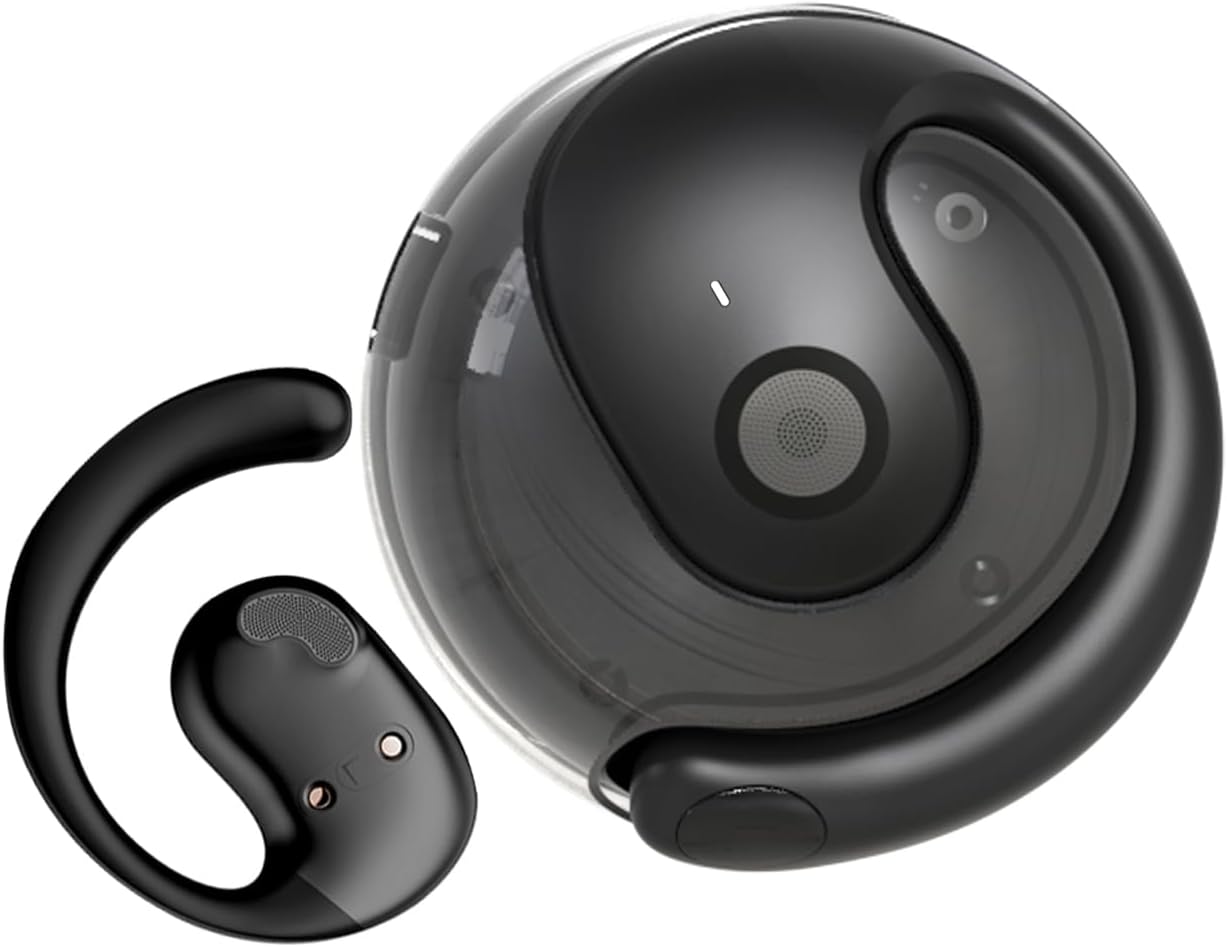
The GGSTOPWATER Open Ear Headphones and their compact charging case.
Бул видеону аягына чейин көрүңүзview буюмдун жана анын компоненттеринин.
3. Орнотуу жана жупташтыруу
3.1 Баштапкы жупташтыруу
- Ensure the headphones are charged (refer to Section 4).
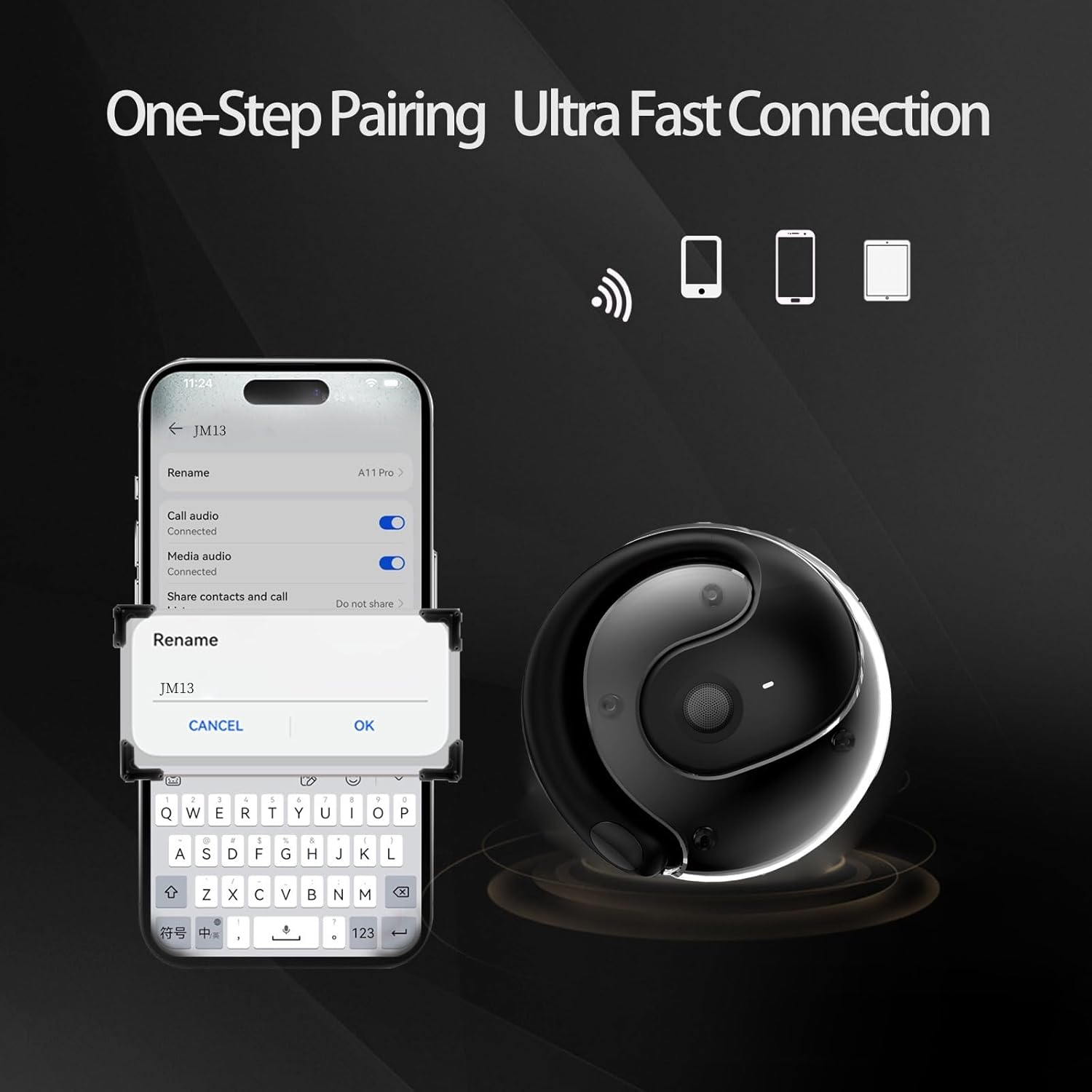
- Заряддоо кутучасын ачыңыз. Кулакчындар автоматтык түрдө күйүп, жупташтыруу режимине кирет.
- Түзмөгүңүздө (смартфон, планшет, ноутбук) Bluetooth иштетиңиз.
- Издөө "JM13" in the list of available Bluetooth devices.
- Select "JM13" to connect. A voice prompt will confirm successful pairing.
3.2 Наушник тагынуу
For optimal comfort and sound, follow these steps to wear your headphones:

Ergonomic design for easy and comfortable wear.
4. Иштөө нускамалары
The GGSTOPWATER Open Ear Headphones feature intuitive touch controls on each earbud. Refer to the diagram and descriptions below for common functions:

Detailed touch control commands for your headphones.
This video demonstrates the touch controls for music playback and call management.
4.1 Telephone Mode
- Чакырууну четке кагуу: 2 секунд узак басуу.
- Incoming Call (Answer): Single click to answer.
- Incoming Call (Hang Up): Single click to hang up.
4.2 Музыкалык режим
- Ойнотуу/тындыруу: Бир тийүү.
- Мурунку ыр: Double touch (Left earbud).
- Кийинки ыр: Double touch (Right earbud).
4.3 Binaural Mode (General Controls)
- Күйгүзүү: 3 секунд узак басуу.
- Өчүрүү: 5 секунд узак басуу.
- Үнүн азайтуу: Three touches (Left earbud).
- Көлөмү: Three touches (Right earbud).
5. Батарея жана заряддоо
The headphones and charging case are equipped with high-capacity batteries for extended use. The charging case has a 300mAh capacity.
- Headset Usage Time: Болжол менен 4 саат.
- Заряддоо убактысы: Approximately 1.5 hours for the case.
- Күтүү убактысы: 120 саатка чейин.
To charge the case, connect the provided Type-C charging cable to the charging port on the case and a compatible USB power source.
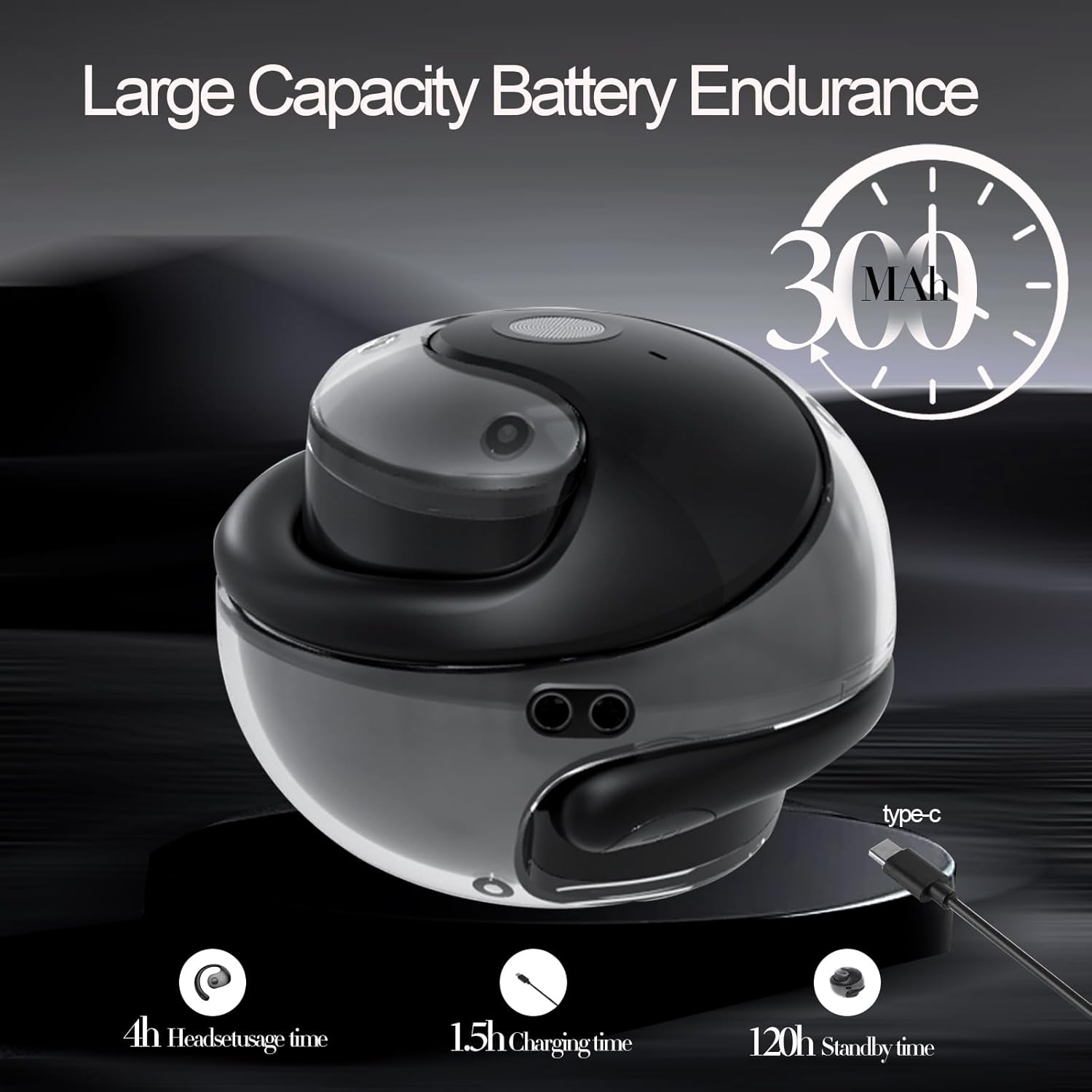
Battery life and charging indicators.
6. Техникалык тейлөө жана кам көрүү
To ensure the longevity and optimal performance of your GGSTOPWATER Open Ear Headphones, please follow these maintenance guidelines:
6.1 Гидроизоляция (IPX5)
The headphones feature an IPX5 waterproof rating, meaning they are protected against low-pressure water jets from any direction. This makes them suitable for protection against daily sweat and light rain. However, they are not designed for submersion in water or use during heavy rainfall.
The IPX5 rating protects against sweat and light rain.
6.2 Тазалоо
Wipe the headphones and charging case with a soft, dry, lint-free cloth. Do not use abrasive cleaners, alcohol, or chemical sprays.
6.3 Сактоо
Store the headphones in their charging case when not in use to protect them from dust and damage. Avoid extreme temperatures.
7. Кыйынчылыктарды
Эгер гарнитураңызда көйгөйлөргө туш болсоңуз, төмөнкү чечимдерди колдонуп көрүңүз:
- Үн/Туташуу маселеси жок:
- Наушниктердин заряддалганын текшериңиз.
- Түзмөгүңүздөгү Bluetooth'ду өчүрүп, күйгүзүңүз.
- Forget "JM13" in your device's Bluetooth settings and re-pair.
- Түзмөгүңүздү өчүрүп күйгүзүңүз.
- Бир кулакчын иштебей жатат:
- Place both earbuds back in the charging case, close the lid, wait a few seconds, then take them out again.
- Эки кулакчындын тең кубатталганын текшериңиз.
- кубаттоо маселелери:
- Заряддоо кабелин жана адаптердин бузулганын текшериңиз.
- Корпустун заряддоо порту таза жана таштандыдан таза экенин текшериңиз.
8. Техникалык шарттар
| Өзгөчөлүк | Спецификация |
|---|---|
| Модель аты | JM13 |
| Бренд | GGSTOPWATER |
| Байланыш технологиясы | Зымсыз (Bluetooth) |
| Bluetooth версиясы | 5.4 |
| Кулак жайгаштыруу | Ачык кулак |
| Сууга туруктуулук деңгээли | IPX5 (Сууга туруктуу) |
| Аудио драйвер түрү | Динамикалык драйвер (16 мм) |
| Жыштык диапазону | 20Гц - 20,000Гц |
| Импеданс | 32 Ом |
| Башкаруу ыкмасы | Алыстан башкаруу (сенсордук) |
| Камтылган компоненттер | Зымсыз кубаттоо кутусу |
| Элемент Салмагы | 3.52 унция |
| Өндүрүүчү | GGSTOPWATER |
9. Коопсуздук маалыматы
When using your GGSTOPWATER Open Ear Headphones, always prioritize your safety and the safety of others. The open-ear design enhances spatial awareness, allowing you to hear your surroundings, which is particularly beneficial for outdoor activities.
- Do not use at excessively high volumes for prolonged periods to prevent hearing damage.
- Be aware of your surroundings, especially when operating vehicles, cycling, or walking in traffic.
- Keep the headphones away from extreme temperatures, direct sunlight, and moisture.
- Do not attempt to disassemble or modify the headphones.
10. Кепилдик жана колдоо
GGSTOPWATER is committed to providing high-quality products. For warranty information, technical support, or any inquiries regarding your Open Ear Headphones, please refer to the contact details provided in your product packaging or visit the official GGSTOPWATER store on Amazon.
Note: Specific warranty terms and support contact information may vary by region and purchase location. Please retain your proof of purchase.
Ask a question about this manual
Ask about setup, troubleshooting, compatibility, parts, safety, or missing instructions. Manuals+ will review the question and use this page’s manual context to help answer it.