
1. Киришүү
Thank you for choosing the GGSTOPWATER JM13 Open Ear Headphones. These innovative earbuds are designed for comfort and safety, allowing you to enjoy high-quality audio while remaining aware of your surroundings. Their non-intrusive design reduces ear fatigue, making them ideal for extended wear during various activities.

Figure 1: Open-ear design for comfort and awareness.
2. Кутуда эмне бар
Your GGSTOPWATER JM13 package includes the following items:
- True Wireless Bluetooth Headphones (2 units)
- Headset Charging Compartment (1 unit)
- Type-C заряддоо кабели (1 бирдик)
- Колдонуучунун колдонмосу (1 бирдик)
- Silicone Lanyard (1 unit)

2-сүрөт: пакетке киргизилген бардык компоненттер.
3. Орнотуу колдонмосу
3.1 Кулакчындарды жана кутучаны заряддоо
Before first use, fully charge the earbuds and the charging case. The case features a Type-C charging port for convenient power input.
- Place the earbuds into their respective slots in the charging case. They are magnetized to ensure proper placement.
- Берилген Type-C кубаттоочу кабелин кубаттоочу кутуга жана кубат булагына туташтырыңыз.
- Корпустагы индикатор жарыктары кубаттоо абалын көрсөтөт. Толук заряддалгандан кийин, жарыктар аяктагандыгын көрсөтөт.

Figure 3: Charging the earbuds and case.
3.2 Bluetooth жупташтыруу
The JM13 headphones utilize advanced Bluetooth 5.4 technology for a fast and stable connection.
- Кулакчындар кубатталганын жана кубаттоочу кутудан чыгарылганын текшериңиз. Алар автоматтык түрдө жупташтыруу режимине өтөт.
- Түзмөгүңүздө (смартфон, планшет, ноутбук) Bluetooth жөндөөлөрүнө өтүп, Bluetooth'ду күйгүзүңүз.
- Издөө available devices and select "JM13" from the list.
- Туташкандан кийин үн билдирүүсү ийгиликтүү жупташтырууну ырастайт.

Figure 4: Bluetooth connection process.
The headphones support multi-device linking, compatible with iOS, Android, and Windows systems, allowing seamless switching between devices.
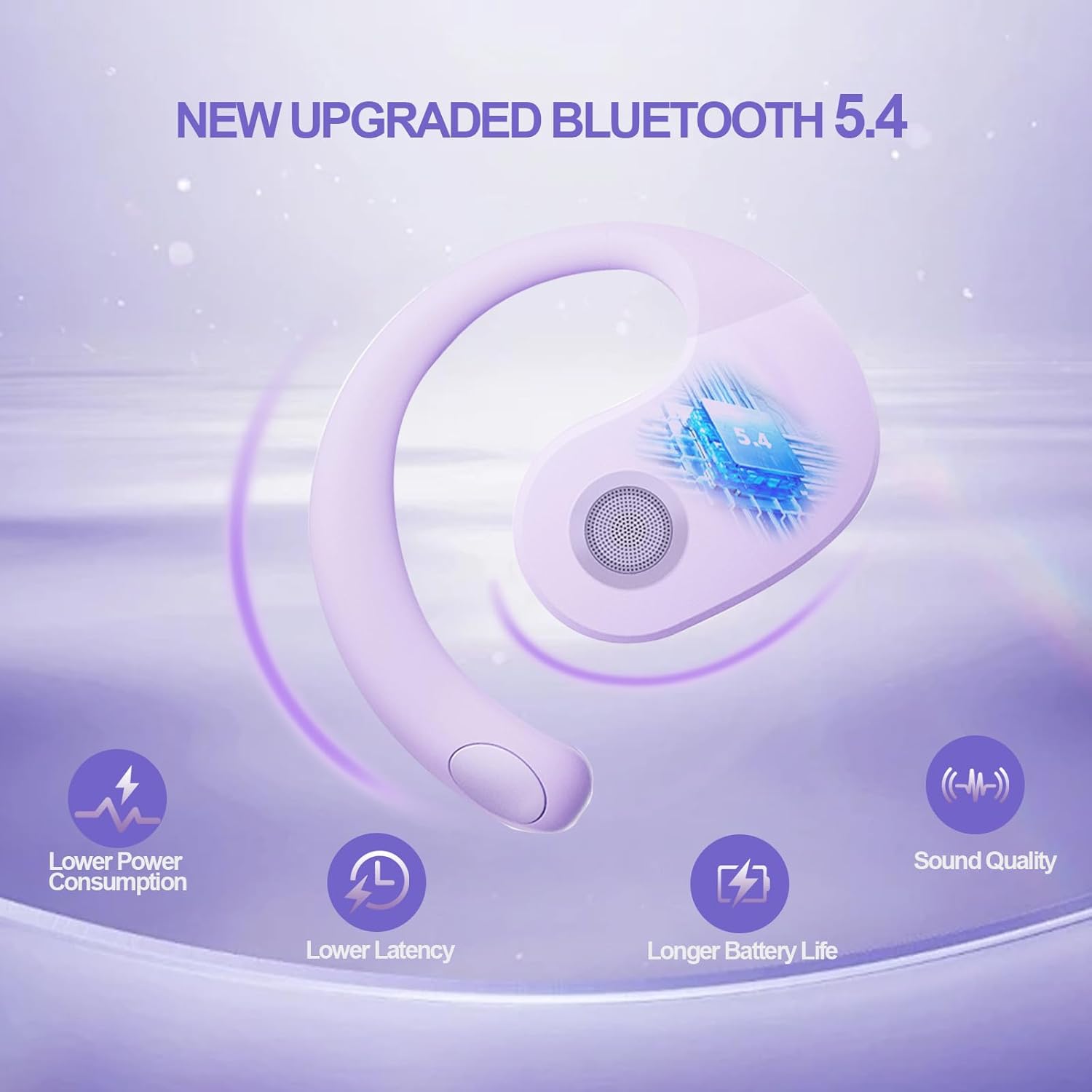
Figure 5: Benefits of Bluetooth 5.4 connectivity.
4. Иштөө нускамалары
4.1 Сенсордук башкаруу
The JM13 earbuds feature intuitive touch controls for managing calls and music:
| Акция | Command |
|---|---|
| Музыканы ойнотуу/тындыруу | Single touch (either earbud) |
| Мурунку ыр | Double touch (Left earbud) |
| Кийинки ыр | Double touch (Right earbud) |
| Үндү төмөндөтүү | Triple touch (Left earbud) |
| Үндү көтөрүү | Triple touch (Right earbud) |
| Чалууга жооп берүү/аяктоо | Click to answer, then click to hang up |
| Чакырууну четке кагуу | Узак басуу 2 секунд |
| Күйгүзүү | Узак басуу 3 секунд |
| Өчүрүү | Узак басуу 5 секунд |
4.2 Колдонуу сценарийлери
The open-ear design and secure fit make these earbuds suitable for a variety of activities:
- Sports & Fitness: The flexible ear hooks and IPX5 waterproof rating ensure they stay secure and protected during workouts, running, and other physical activities.
- Тышкы иштер: Maintain spatial awareness to hear approaching vehicles or people, enhancing safety during outdoor sports or walks.
- Office & Daily Use: Enjoy audio content or take calls comfortably without blocking out important ambient sounds.

Figure 6: Versatile use for various scenarios.
4.3 Official Product Video: Touch Controls & Features
Video Description: This video demonstrates the physical product, its open-ear design, and how to use the touch controls for music playback and call management. It also highlights the secure fit and portability of the earbuds.
5. Техникалык тейлөө жана кам көрүү
5.1 Waterproof and Dustproof
The JM13 earbuds are rated IPX5 waterproof, meaning they are protected against low-pressure water jets from any direction. They are also dustproof.
- Wipe the earbuds clean with a soft, dry cloth after each use, especially after workouts or exposure to moisture.
- Do not submerge the earbuds in water or expose them to high-pressure water jets.
- Avoid exposing the charging case to water or excessive dust, as it is not waterproof.

Figure 7: IPX5 waterproof and dustproof protection.
5.2 Сактоо
Store the earbuds in their charging case when not in use to protect them from dust, damage, and to keep them charged.
6. Кыйынчылыктарды
If you encounter issues with your GGSTOPWATER JM13 headphones, please refer to the following common solutions:
- Үн жок/Төмөн үнү: Ensure the earbuds are properly connected to your device. Check the volume levels on both the earbuds (via touch controls) and your connected device.
- Жупташуу мүмкүн эмес: Make sure the earbuds are in pairing mode (alternating flashing white and green lights). Turn off and on your device's Bluetooth, then try searching again. Ensure no other devices are currently connected to the earbuds.
- кубаттоо маселелери: Verify that the Type-C cable and power source are working correctly. Ensure the earbuds are correctly seated in the charging case and that the case itself has power. Clean the charging contacts on both the earbuds and the case if necessary.
- Voice Prompts Not in English: If voice prompts are in an unexpected language, refer to the full instruction manual (included in the box) for language setting adjustments, or perform a factory reset if available.
- Үзгүлтүксүз туташуу: Move closer to your connected device to reduce signal interference. Ensure there are no major obstructions between the earbuds and your device.
Эгер көйгөй чечилбесе, кардарларды колдоо менен байланышыңыз.
7. Техникалык шарттар
| Өзгөчөлүк | Деталь |
|---|---|
| Модель аты | JM13 |
| Бренд | GGSTOPWATER |
| Байланыш технологиясы | Зымсыз (Bluetooth 5.4) |
| Кулак жайгаштыруу | Ачык кулак |
| Форма фактору | On Ear (with ear hooks) |
| Noise Control | Активдүү ызы-чууну жокко чыгаруу |
| Аудио драйвер түрү | Динамикалык драйвер (16 мм) |
| Жыштык диапазону | 20 Гц - 20 000 Гц |
| Импеданс | 32 Ом |
| Батареянын иштөө мөөнөтү (бардыгы куту менен) | 48 саатка чейин |
| Суу өткөрбөйт рейтинги | IPX5 |
| Материал | Силикон, Пластик |
| Элемент Салмагы | 3.52 унция |
| Түс | Кызгылт көк |
8. Кепилдик жана колдоо
GGSTOPWATER products come with a standard manufacturer's warranty. For detailed warranty information, product support, or service inquiries, please refer to the warranty card included in your package or visit the official GGSTOPWATER webсайт.
For direct assistance, you may contact our customer support team via the contact information provided in your product documentation.