
1. Продукт бүтүп калдыview
The KXD A07 is an unlocked Android 12 smartphone designed for versatile mobile communication and entertainment. It features a large display, robust battery, and multiple security options.

Image 1: KXD A07 phone highlighting key features like Android 12, 6.52 HD+ Waterdrop Display, 13+5+2MP AI Back Camera, 128GB ROM, 4GB RAM, 4500 mAh Big Battery, Side Fingerprint & Face Unlock, 8.0MP Front Camera, and 1.6GHz Octa-Core processor.
2. Орнотуу
2.1 SIM жана SD картаны орнотуу
The KXD A07 supports Dual Nano-SIM cards and a Micro SD card for expandable storage. The phone features a triple slot design.
- SIM/SD карта лотокту түзмөктүн капталынан табыңыз.
- Берилген SIM картаны чыгаруучу куралды лотоктун жанындагы кичинекей тешикке салып, лоток чыгып кеткенче акырын басыңыз.
- Place your Nano-SIM cards into the designated SIM1 and SIM2 slots.
- If desired, insert a Micro SD card into the dedicated slot for additional storage.
- Табаны телефондун ичине кылдаттык менен кайра кыстарыңыз.

Image 2: Close-up of the KXD A07's triple card slot, showing dedicated spaces for two Nano-SIM cards and one TF (Micro SD) card.
2.2 Алгачкы күйгүзүү жана тармакка туташуу
- Press and hold the Power button on the side of the phone until the KXD logo appears.
- Тилди, аймакты тандоо жана Wi-Fi тармагына туташуу үчүн экрандагы көрсөтмөлөрдү аткарыңыз.
- If you have inserted a SIM card, the phone will automatically detect your mobile network.
2.3 Security Setup (Fingerprint and Face ID)
The KXD A07 offers both fingerprint and face recognition for enhanced security.
- багыттоо Орнотуулар > Коопсуздук > Манжа изинин кулпусун ачуу or Жүздү таануу.
- Follow the on-screen instructions to register your fingerprint or face. Ensure good lighting for face recognition setup.
3. Иштөө нускамалары
3.1 Негизги навигация
The KXD A07 runs on Android 12, providing an intuitive user interface. Use gestures or navigation buttons (configurable in settings) to move between apps, home screens, and recent tasks.
3.2 Камераны колдонуу
Capture moments with the phone's dual rear cameras (13MP + 8MP) and 8MP front camera.
- ачыңыз Камера колдонмо.
- Каалаган режимиңизди тандаңыз (фото, видео, портрет ж.б.).
- Сүрөткө тартуу же видео жазууну баштоо/токтоо үчүн жапкычты таптаңыз.

Сүрөт 3: Детальдуу view of the KXD A07's camera module (13MP, 5MP, 2MP lenses with flash), 8MP front camera, earphones port, Type-C port, speakers, and side buttons (TF/SIM, Volume, Fingerprint identification/Power button).
3.3 RAM Expansion Technology
The KXD A07 features advanced RAM expansion technology, allowing you to upgrade the 4GB RAM to 8GB with a single tap. This improves multitasking and app performance.
- барыңыз Орнотуулар > Телефон жөнүндө > RAM and expand.
- Follow the instructions to activate RAM expansion.
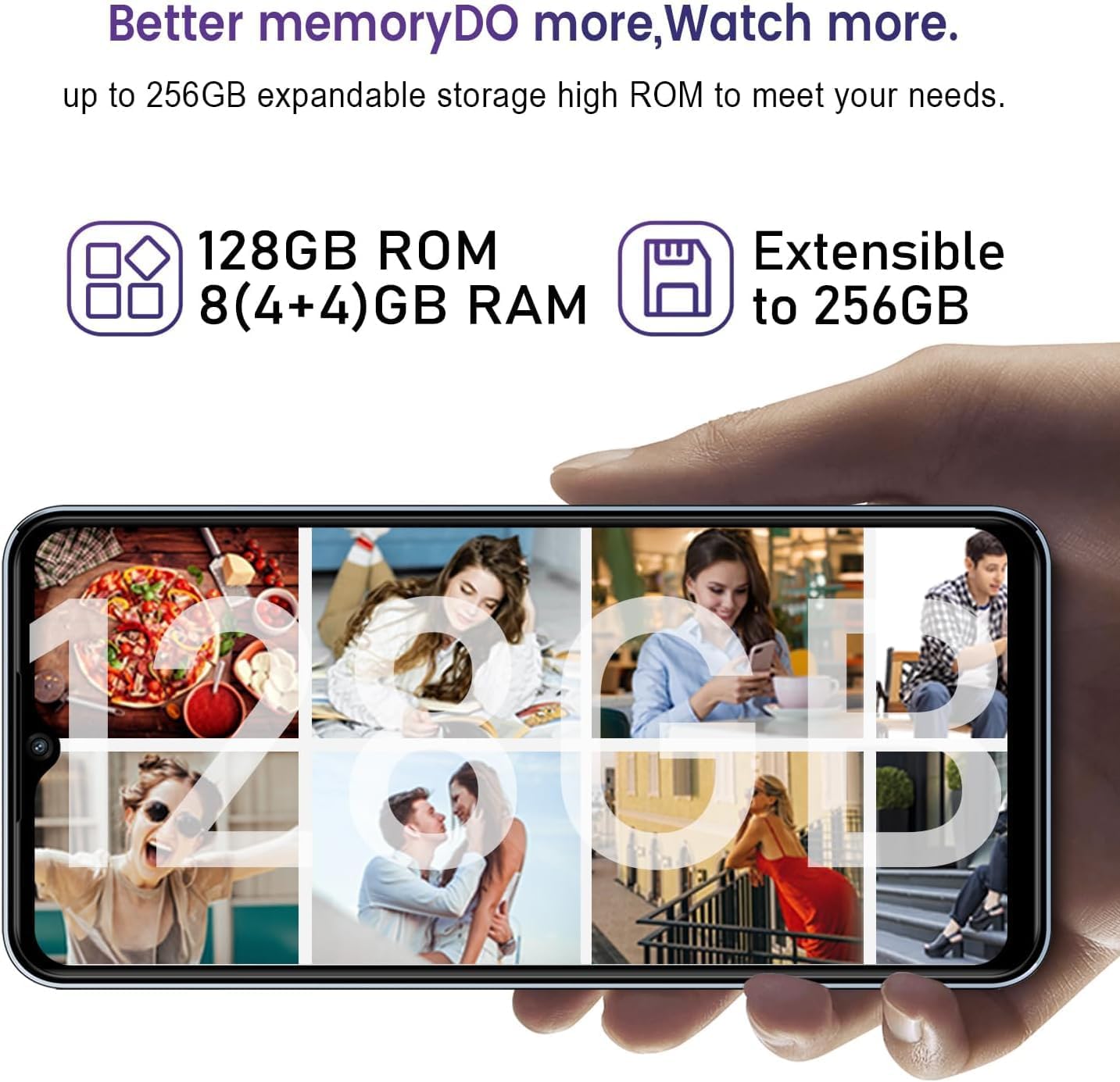
Image 4: Visual representation of the KXD A07's memory, showing 128GB ROM, 8 (4+4)GB RAM, and extensibility up to 256GB via SD card.
4. Техникалык тейлөө
4.1 Батареяны заряддоо
The KXD A07 is equipped with a 4500 mAh battery and supports 10W fast charging.
- Use the provided USB Type-C cable and power adapter to charge your device.
- Connect the USB cable to the phone's Type-C port and the adapter to a power outlet.
- For optimal battery life, avoid extreme temperatures and fully draining the battery frequently.

Image 5: KXD A07 phone showcasing its 4500 mAh long-lasting battery and 10W fast charge, with estimated usage times: 26h play music, 10.5h play video, 18h call time, 220h standby time.
4.2 Сактагычты башкаруу
The phone comes with 128GB of internal storage, expandable up to 256GB with a Micro SD card. Regularly manage your storage to ensure optimal performance.
- Керексиз жок кылуу fileс, колдонмолор жана медиа.
- Чоң көлөмдөгү которуу files to your Micro SD card or cloud storage.
5. Кыйынчылыктарды
5.1 Тармактын шайкештиги
The KXD A07 supports 4G networks and is compatible with most GSM carriers like T-Mobile, Speedtalk, and Mint Mobile. It is NOT compatible with CDMA carriers such as AT&T, Cricket Wireless, Verizon, Sprint, Straight Talk, or U.S. Cellular.
- If you experience network issues, verify your carrier is GSM compatible.
- SIM картаңыз туура салынганын жана иштетилгенин текшериңиз.
5.2 Ишти аткаруу маселелери
If your phone is running slow, consider the following:
- Activate RAM expansion to increase available memory (refer to section 3.3).
- Колдонулбаган фон колдонмолорун жабуу.
- Clear app caches regularly.
- жетиштүү бош орун камсыз кылуу.
6. Техникалык шарттар
| Өзгөчөлүк | Спецификация |
|---|---|
| Модель аты | A07 |
| Операция системасы | Android 12 |
| Дисплей | 6.52-inch HD+ Waterdrop Screen (720 x 1600 Resolution) |
| Процессор | Окта ядролуу 1.6 ГГц |
| RAM | 4GB (Expandable to 8GB with RAM Expansion Technology) |
| Ички сактагыч (ROM) | 128 ГБ |
| Кеңейтүүчү сактагыч | Up to 256GB via Micro SD Card |
| Арткы камера | 13MP + 8MP кош камера |
| Алдыңкы камера | 8MP |
| Батарея сыйымдуулугу | 4500 мАч |
| Заряддоо | 10W тез заряддоо |
| Коопсуздук | Fingerprint ID, Face Recognition |
| SIM карта түрү | Dual Nano-SIM (Triple Slot) |
| Тармакты колдоо | 4G FDD: B2/B4/B5/B7/B12/B28A/B; 3G WCDMA: B2/B5; 2G GSM: 850/900/1800 (B2/B3/B5) |
| Өлчөмдөр | 6.5 x 3 x 0.3 дюйм |
| Салмагы | 14.9 унция |
7. Продукт видеосу
Watch this official product video for a detailed overview of the KXD A07 phone.
Video 1: KXD A07 Phone Detail. This video provides a comprehensive look at the features and design of the KXD A07 smartphone.
8. Кепилдик жана колдоо
For warranty information and customer support, please refer to the documentation included in your product packaging or visit the official KXD webсайт.
Online resources and FAQs may also be available to assist with common inquiries and troubleshooting.