
1. Киришүү
This manual provides detailed instructions for the AWEI T66 Wireless Earbuds. Please read this manual carefully before using the product to ensure proper operation and to maintain the device's longevity.
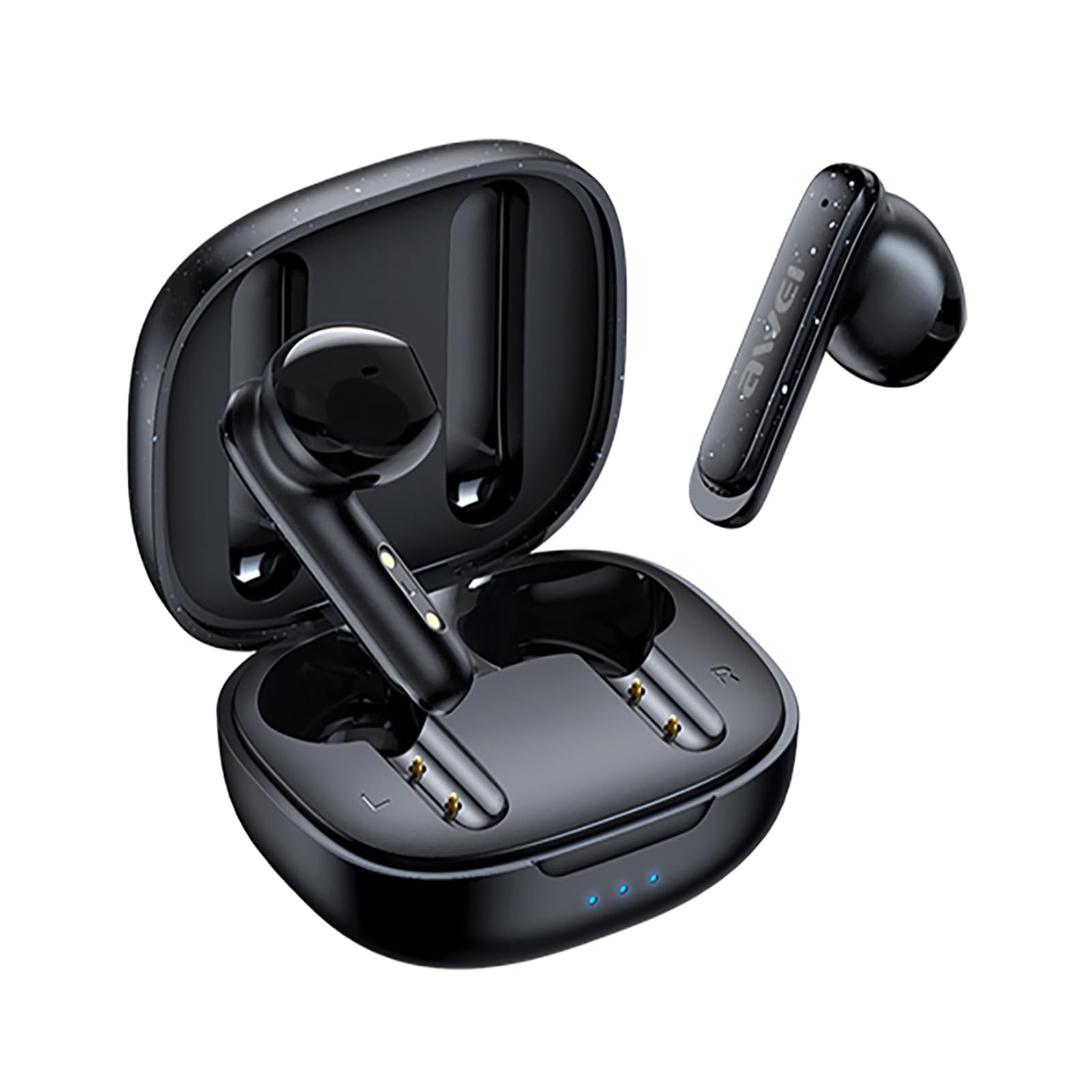
Image 1.1: The AWEI T66 Wireless Earbuds with their charging case.
2. Кутуда эмне бар
Пакетти ачкандан кийин, төмөнкү нерселердин бардыгы камтылганын текшериңиз:
- Зымсыз кулакчындар (Сол жана Оң)
- Заряддоо кутусу
- USB заряддоо кабели (Type-C)
- User Manual
- Наушниктер (ар кандай өлчөмдөгү)
3. Орнотуу
3.1 Кулакчындарды жана кутучаны заряддоо
Before first use, fully charge the earbuds and the charging case. Use the provided USB Type-C cable to connect the charging case to a power source.
- Заряддоо кутусу: Connect the Type-C cable to the charging port on the case. The indicator lights on the case will show the charging status. A full charge takes approximately 1 hour.
- Кулакчындар: Place the earbuds into the charging case. They will automatically begin charging. The case's indicator lights will confirm charging.

Image 3.1: The charging case and earbuds, illustrating charging and battery life indicators. Single earbud playtime is approximately 6 hours, and total playtime with the charging case is approximately 30 hours.
3.2 Bluetooth жупташтыруу
Follow these steps to pair your AWEI T66 Wireless Earbuds with your device:
- Кулакчындардын кубатталганын текшериңиз.
- Open the charging case. The earbuds will automatically power on and enter pairing mode. The indicator light on one earbud will flash, indicating it is ready to pair.
- Түзмөгүңүздө (смартфон, планшет, ноутбук) Bluetooth иштетиңиз.
- Издөө жеткиликтүү Bluetooth түзмөктөрүн тандап, тизмеден "AWEI T66" тандаңыз.
- Once connected, the earbud indicator light will stop flashing, and you will hear a confirmation tone.
- Эгер түзмөктө Bluetooth иштетилген болсо, кулакчындар кутудан чыгарылганда акыркы жупташтырылган түзмөккө автоматтык түрдө кайра туташат.
4. Иштөө нускамалары
4.1 Күйгүзүү/өчүрүү
- Күйгүзүү: Заряддоо кутучасын ачсаңыз, кулакчындар автоматтык түрдө күйөт.
- Өчүрүү: Кулакчындарды кайра заряддоо кутусуна салып, капкагын жабыңыз. Алар автоматтык түрдө өчүп, кубаттай башташат.
4.2 Сенсордук башкаруу
The AWEI T66 earbuds feature smart touch controls on each earbud. The functions are as follows:
| Акция | Функция |
|---|---|
| Бир таптоо (Сол/Оң) | Музыка ойнотуу/тындыруу, Чалууга жооп берүү/аяктоо |
| Эки жолу таптаңыз (солго) | Мурунку ыр |
| Эки жолу таптаңыз (оңго) | Кийинки ыр |
| Үч жолу таптап (солго) | Үндү төмөндөтүү |
| Үч жолу таптап (оңго) | Үндү көтөрүү |
| Узак басуу (2 секунд) | Чалууну четке кагуу, Үн жардамчысын иштетүү |

Image 4.1: A user interacting with the touch control area on the earbud.
5. Өзгөчөлүктөрү
5.1 High-Fidelity Sound and Clear Calls
The AWEI T66 earbuds are equipped with 13mm speaker drivers, providing clear audio with strong bass. Environmental Noise Cancellation (ENC) technology enhances call clarity by reducing background noise, ensuring your voice is heard clearly during conversations.
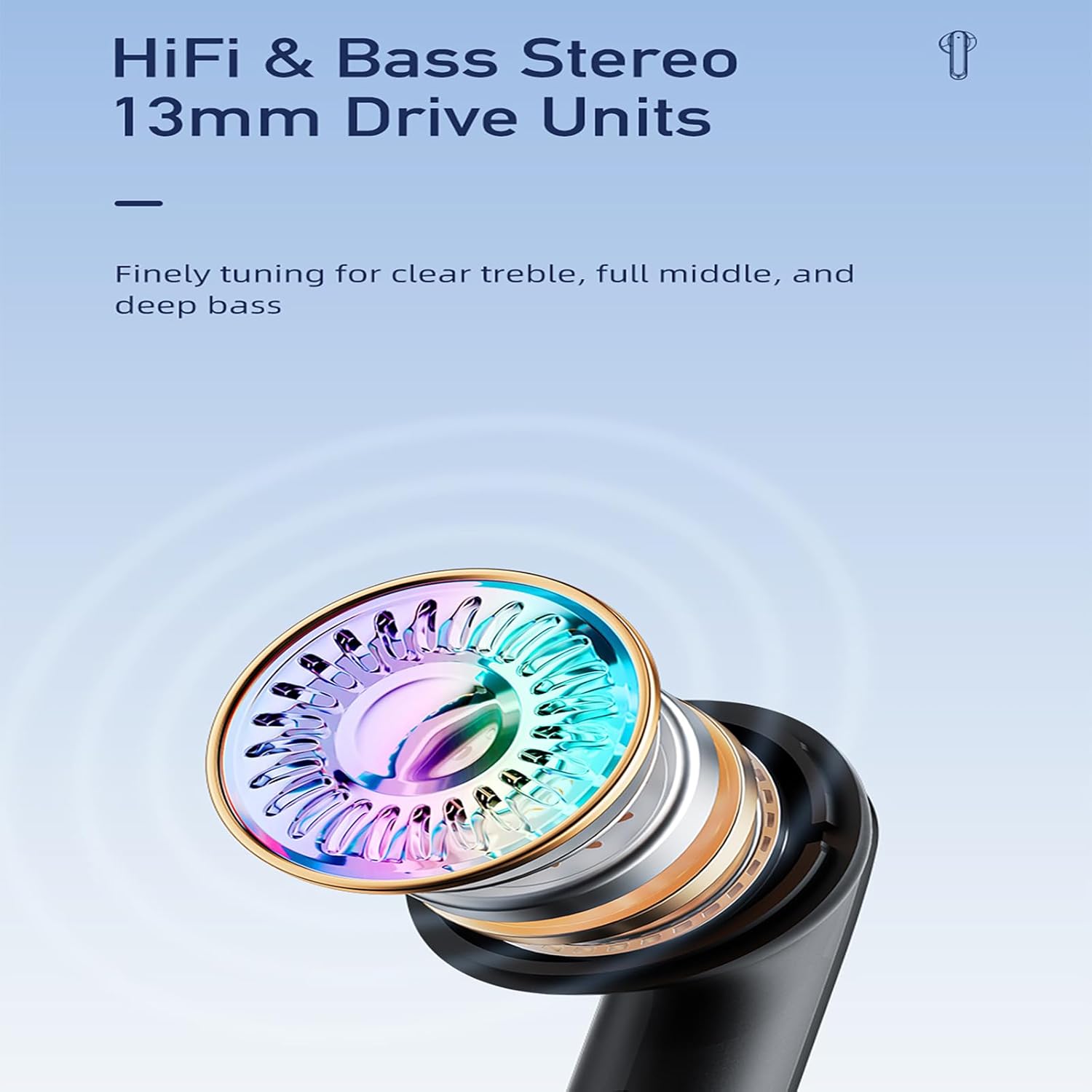
Сүрөт 5.1: Детальдуу view of the 13mm speaker driver, engineered for balanced audio across treble, mid-range, and bass frequencies.
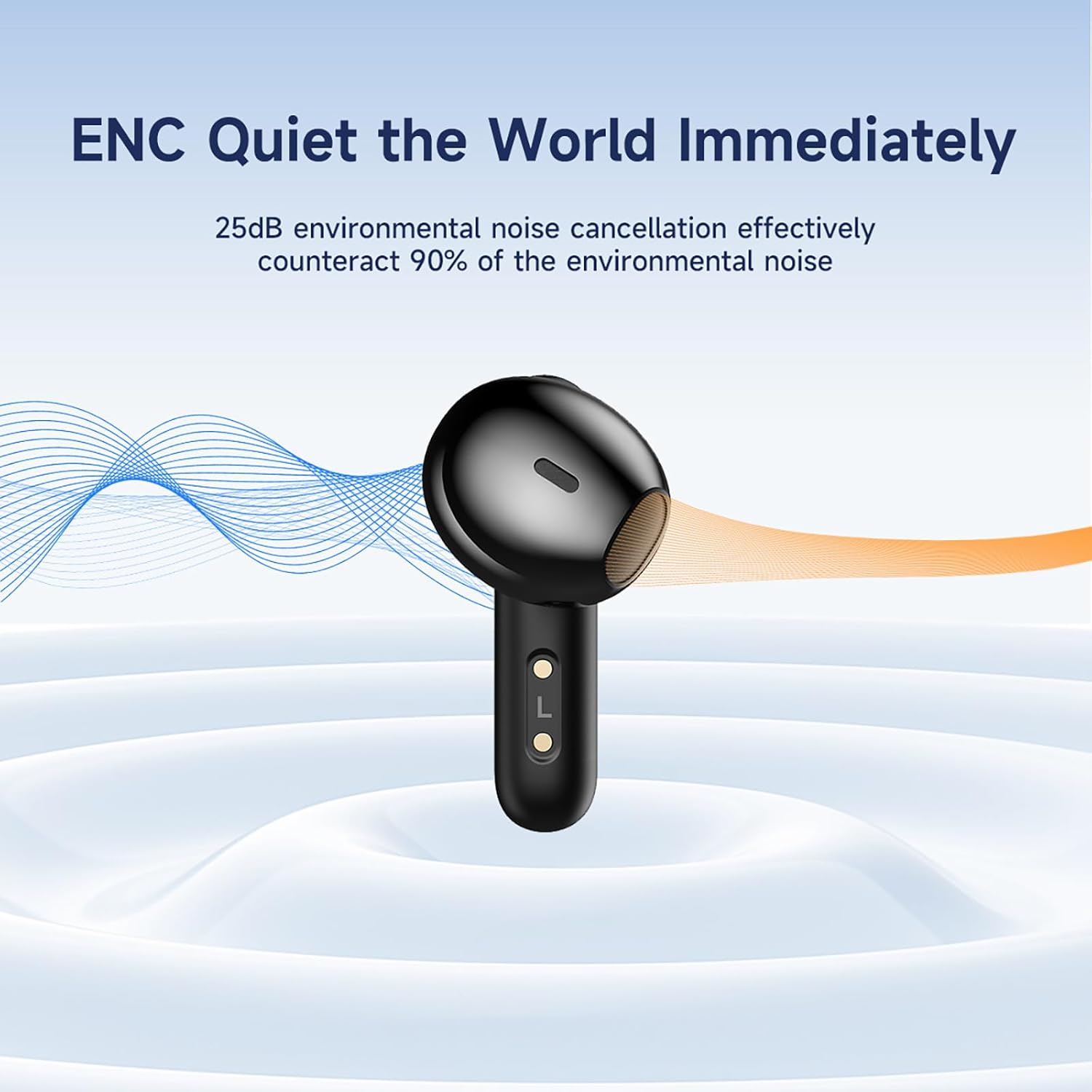
Image 5.2: The earbud demonstrating its ENC capability, which reduces up to 25dB of environmental noise for clearer audio.
5.2 Bluetooth 5.3 Байланыш
Featuring Bluetooth 5.3 technology, the earbuds offer a stable and efficient wireless connection. This advanced chipset ensures low latency and a reliable connection up to 10 meters (33 feet), minimizing interruptions during use.

Image 5.3: A visual representation of the Bluetooth 5.3 chipset, highlighting its role in stable and smooth wireless transmission.
5.3 Узартылган батареянын иштөө мөөнөтү
The earbuds provide approximately 6 hours of continuous playback on a single charge. The compact charging case extends the total listening time to about 30 hours in dual-earbud mode. By alternating between earbuds, single-ear mode can offer up to 60 hours of music time.
5.4 IPX6 Waterproof Design
With an IPX6 waterproof rating, the AWEI T66 earbuds are resistant to sweat, splashes, and rain, making them suitable for workouts and outdoor activities. They are not designed for submersion in water.
5.5 Эргономикалык ыңгайлуулук
The semi-in-ear design and soft silicone ear caps are engineered for a comfortable and secure fit, suitable for extended wear during various activities.
Video 5.1: An official product video demonstrating the AWEI T66 Wireless Earbuds' features, including design, sound quality, and noise cancellation capabilities.
6. Техникалык тейлөө
To ensure optimal performance and longevity of your earbuds, follow these maintenance guidelines:
- Тазалоо: Regularly clean the earbuds and charging case with a soft, dry, lint-free cloth. Do not use abrasive cleaners or solvents. Gently remove any earwax or debris from the earbud grilles using a small, soft brush.
- Сактагыч: When not in use, store the earbuds in their charging case to protect them from dust and damage. Store the case in a cool, dry place, away from extreme temperatures and direct sunlight.
- Заряддоо: Avoid overcharging the device. Disconnect the charging cable once the case is fully charged.
7. Кыйынчылыктарды
If you encounter issues with your AWEI T66 Wireless Earbuds, refer to the following common solutions:
- Кулакчындар жупташкан жок: Ensure both earbuds are charged. Place them back in the case, close the lid, then open it again to re-enter pairing mode. On your device, forget the "AWEI T66" Bluetooth connection and attempt to pair again.
- Бир гана кулакчын иштейт: Ensure both earbuds are charged. Try placing both earbuds back in the case, closing the lid, and then taking them out simultaneously. If the issue persists, try resetting the earbuds (refer to manufacturer's specific reset instructions if available, or try forgetting the device and re-pairing).
- Үн жок: Түзмөгүңүздүн жана кулакчындардын үн деңгээлин текшериңиз. Кулакчындар түзмөгүңүзгө туура туташкандыгын текшериңиз. Башка тиркемеден же түзмөктөн аудиону ойнотуп көрүңүз.
- Заряддоо маселелери: Ensure the charging cable is securely connected to both the case and the power source. Try using a different charging cable or power adapter. Clean the charging contacts on the earbuds and inside the case with a dry cotton swab.
- Үн сапатынын начардыгы/байланыштын үзүлүшү: Түзмөгүңүз менен кулакчындардын ортосунда эч кандай тоскоолдуктар жок экенин текшериңиз. Түзмөгүңүзгө жакыныраак жылыңыз. Күчтүү электромагниттик тоскоолдуктар бар чөйрөлөрдөн алыс болуңуз.
8. Техникалык шарттар
Key technical specifications for the AWEI T66 Wireless Earbuds:
| Өзгөчөлүк | Спецификация |
|---|---|
| Бренд | AWEI |
| Модель аты | T66 |
| Bluetooth версиясы | 5.3 |
| Bluetooth диапазону | 10 метрге чейин (33 фут) |
| Кулак жайгаштыруу | Кулакта |
| Айдоочунун өлчөмү | 13мм |
| Noise Control | Экологиялык ызы -чууну жокко чыгаруу (ENC) |
| Сууга туруктуулук деңгээли | IPX6 (Суу өткөрбөйт) |
| Башкаруу түрү | Touch Control |
| Батареянын иштөө мөөнөтү (наушник) | Болжол менен 6 саат |
| Жалпы ойноо убактысы (Кеп менен) | Approx. 30 hours (dual-ear), 60 hours (single-ear alternating) |
| Заряддоо порту | Type-C |
9. Кепилдик жана колдоо
The AWEI T66 Wireless Earbuds typically come with a 1-year manufacturer's warranty. Please refer to your purchase documentation for specific warranty terms and conditions.
For technical support, warranty claims, or further assistance, please contact the retailer or the official AWEI customer service channel. Contact information can usually be found on the product packaging or the AWEI official webсайт.