
AWANFI GL-528
AWANFI GL-528 Rechargeable Walkie Talkies User Manual
Модел: GL-528
Introduction
Thank you for choosing the AWANFI GL-528 Rechargeable Walkie Talkies. This manual provides detailed instructions for the safe and efficient operation of your new two-way radios. Designed for ease of use and durability, these walkie talkies are ideal for various activities such as family camping, cycling, hiking, and general communication. Please read this manual thoroughly before using the product to ensure optimal performance and longevity.
Кутуда эмне бар
Сураныч, кутудан чыкканда пакеттин мазмунун текшериңиз:
- 4 x AWANFI GL-528 Walkie Talkies
- 4 x Белдик клиптер
- 4 x Lanyards
- 2 x 2-in-1 Type-C Cable
- 1 х Колдонуучунун колдонмосу (бул документ)
Продукт бүттүview
Familiarize yourself with the components of your AWANFI GL-528 walkie talkie:
1-сүрөт: AWANFI GL-528 Walkie Talkie Components. This image displays the front view of the walkie talkie with various parts clearly labeled, including the antenna, LCD display, Push-to-Talk (PTT) button, volume/menu controls, call tone/lock button, microphone, speaker, SOS button, flashlight/scan button, power/menu button, Type-C charging port, and integrated flashlight.
- Антенна: Сигналдарды берүү жана кабыл алуу үчүн.
- LCD дисплей: Shows channel number, battery level, VOX status, and other indicators.
- Push to Talk (PTT) баскычы: Үнүңүздү өткөрүү үчүн басып туруңуз.
- Volume/Menu Up (▲) Button: Adjusts volume up or navigates menu options.
- Call Tone/Lock (♪/🔒) Button: Sends a call tone or locks/unlocks the keypad.
- Микрофон: Captures your voice for transmission.
- Баяндамачы: Алынган аудиону чыгаруу.
- SOS баскычы: Activates the SOS alarm and flashlight.
- Volume/Menu Down (▼) Button: Adjusts volume down or navigates menu options.
- Flashlight/Scan (💡/SCAN) Button: Turns the flashlight on/off or initiates channel scanning.
- Power/Menu (⏻/MENU) Button: Turns the device on/off or enters the menu settings.
- Type-C заряддоо порту: USB Type-C кубаттоочу кабелин туташтыруу үчүн.
- Кол чырак: Жарыктандыруу үчүн интегралдык LED жарык.
Жайгашуу
1. Батареяны заряддоо
The AWANFI GL-528 walkie talkies come with a built-in 1000mAh Li-ion rechargeable battery. Before first use, fully charge the device.
- Locate the Type-C charging port on the top of the walkie talkie.
- Connect the provided 2-in-1 Type-C cable to the charging port.
- USB кабелинин экинчи учун стандарттуу USB кубат адаптерине (кошулмада жок) же компьютердин USB портуна туташтырыңыз.
- LCD дисплейдеги батареянын индикатору кубаттоо абалын көрсөтөт. Толук кубаттоо, адатта, бир нече саатка созулат.
- Толук заряддалгандан кийин, заряддоо кабелин ажыратыңыз.

2-сүрөт: Charging the AWANFI GL-528 Walkie Talkie. This image illustrates the walkie talkie connected to a USB-C charging cable, highlighting its rechargeable nature and the 1000mAh built-in Li-ion battery.
2. Кур кыстыргычты жана тилкени бекитүү
For convenient carrying, attach the included belt clip and lanyard.
- Кур клип: Slide the belt clip onto the designated slot on the back of the walkie talkie until it clicks into place.
- Лянард: Thread the lanyard through the small loop located at the top of the walkie talkie, near the antenna.
Иштөө нускамалары
1. Күйгүзүү/өчүрүү
- Күйгүзүү үчүн: басып, кармап туруңуз Power/Menu (⏻/MENU) LCD экраны күйгөнгө чейин баскычын басыңыз.
- Өчүрүү үчүн: басып, кармап туруңуз Power/Menu (⏻/MENU) LCD экраны өчкөнчө баскычын басыңыз.
2. Үндү тууралоо
While the walkie talkie is on, press the Volume/Menu Up (▲) or Volume/Menu Down (▼) угуу үнүн тууралоо үчүн баскычтар.
3. Канал тандоо
The AWANFI GL-528 features 22 channels. To communicate with another walkie talkie, both devices must be on the same channel.
- басыңыз Power/Menu (⏻/MENU) button once to enter the menu. The channel number will flash.
- колдонуу Volume/Menu Up (▲) or Volume/Menu Down (▼) каалаган каналды тандоо үчүн баскычтар (1-22).
- басыңыз Power/Menu (⏻/MENU) button again to confirm the channel and exit the menu, or wait a few seconds for it to auto-confirm.
4. Transmitting and Receiving (PTT)
To speak, ensure you are on the same channel as the recipient.
- Өткөрүш үчүн: басып, кармап туруңуз Push to Talk (PTT) button. Speak clearly into the microphone, holding the walkie talkie approximately 2-3 inches from your mouth.
- To receive: Release the PTT button. The walkie talkie will automatically switch to receive mode.
5. VOX Function (Hands-Free Communication)
VOX (Voice Operated Exchange) allows you to transmit without pressing the PTT button when it detects your voice.
- басыңыз Power/Menu (⏻/MENU) button multiple times until "VOX" appears on the LCD display.
- колдонуу Volume/Menu Up (▲) or Volume/Menu Down (▼) buttons to select the VOX sensitivity level (1-3, or OFF).
- 1: Low Sensitivity (for noisy environments)
- 2: Medium Sensitivity (for most occasions)
- 3: High Sensitivity (for quiet environments)
- басыңыз Power/Menu (⏻/MENU) ырастоо жана чыгуу үчүн баскыч.

3-сүрөт: VOX Function for Hands-Free Communication. This image demonstrates the VOX feature in use by children on bicycles, illustrating how the walkie talkie can automatically transmit when voice is detected, with adjustable sensitivity levels for different environments.
6. Кол чырак функциясы
Орнотулган LED фонарь ыңгайлуу жарыктандыруу менен камсыз кылат.
- To turn on/off: Briefly press the Flashlight/Scan (💡/SCAN) баскычы.

4-сүрөт: SOS Function and Flashlight. This image shows the walkie talkie's integrated flashlight illuminating a dark environment, emphasizing its utility, and highlights the SOS button for emergency signaling.
7. SOS функциясы
In an emergency, the SOS function can alert others on the same channel.
- Иштетүү үчүн: баскычын басып, кармап туруңуз SOS button. The walkie talkie will emit a loud siren and flash the flashlight, transmitting the distress signal to other walkie talkies on the same channel.
- Өчүрүү үчүн: баскычын коё бериңиз SOS баскычы.
8. Ариптакта кулпусу
Locking the keypad prevents accidental button presses.
- To lock/unlock: Press and hold the Call Tone/Lock (♪/🔒) button. A lock icon will appear/disappear on the LCD display.
9. Call Tone Alerts
Send a distinct tone to alert other users on your channel.
- To send a call tone: Briefly press the Call Tone/Lock (♪/🔒) баскычы.
10. Авто сканерлөө
The auto scan feature helps you find active channels.
- To activate scan: Press and hold the Flashlight/Scan (💡/SCAN) button until "SCAN" appears on the display. The walkie talkie will scan through channels and stop on an active one.
- To stop scan: Briefly press the Flashlight/Scan (💡/SCAN) кайра баскычын.
Техникалык тейлөө
- Тазалоо: жумшак колдонуу, damp рациянын сыртын тазалоо үчүн чүпүрөк. Катуу химиялык заттарды же абразивдүү тазалоочу каражаттарды колдонбоңуз.
- Сактагыч: When not in use for extended periods, store the walkie talkies in a cool, dry place. It is recommended to fully charge the batteries before long-term storage and recharge them every 3-6 months to maintain battery health.
- Батареяга кам көрүү: Avoid fully discharging the battery frequently. Recharge when the battery indicator is low.
- Суу каршылык: Бул рациялар ЖОК water resistant. Avoid exposure to rain, splashes, or immersion in water.
Проблемаларды чечүү
| Көйгөй | Мүмкүн себеп | Чечим |
|---|---|---|
| Күч жок | Батарея түгөнүп калды. | Рацияны толугу менен кубаттаңыз. |
| Cannot communicate with other walkie talkies | Different channels selected. Чектен тышкары. | Эки рация тең бир каналда экенин текшериңиз. Move closer to the other walkie talkie. |
| Үн сапаты начар / Статикалык | Алсыз сигнал. Obstructions (buildings, hills). | Ачык жерге жылдырыңыз. Антеннанын абалын тууралаңыз. |
| Баскычтоп жооп бербейт | Баскычтоп кулпуланган. | басып, кармап туруңуз Call Tone/Lock (♪/🔒) кулпусун ачуу үчүн баскыч. |
| VOX иштебей жатат | VOX sensitivity too low or OFF. | Adjust VOX sensitivity to a higher level (2 or 3) in the menu. |
Техникалык шарттар
| Өзгөчөлүк | Деталь |
|---|---|
| Модель номери | GL-528 |
| Бренд | AWANFI |
| Каналдардын саны | 22 |
| Жыштык диапазону | 400-470 МГц |
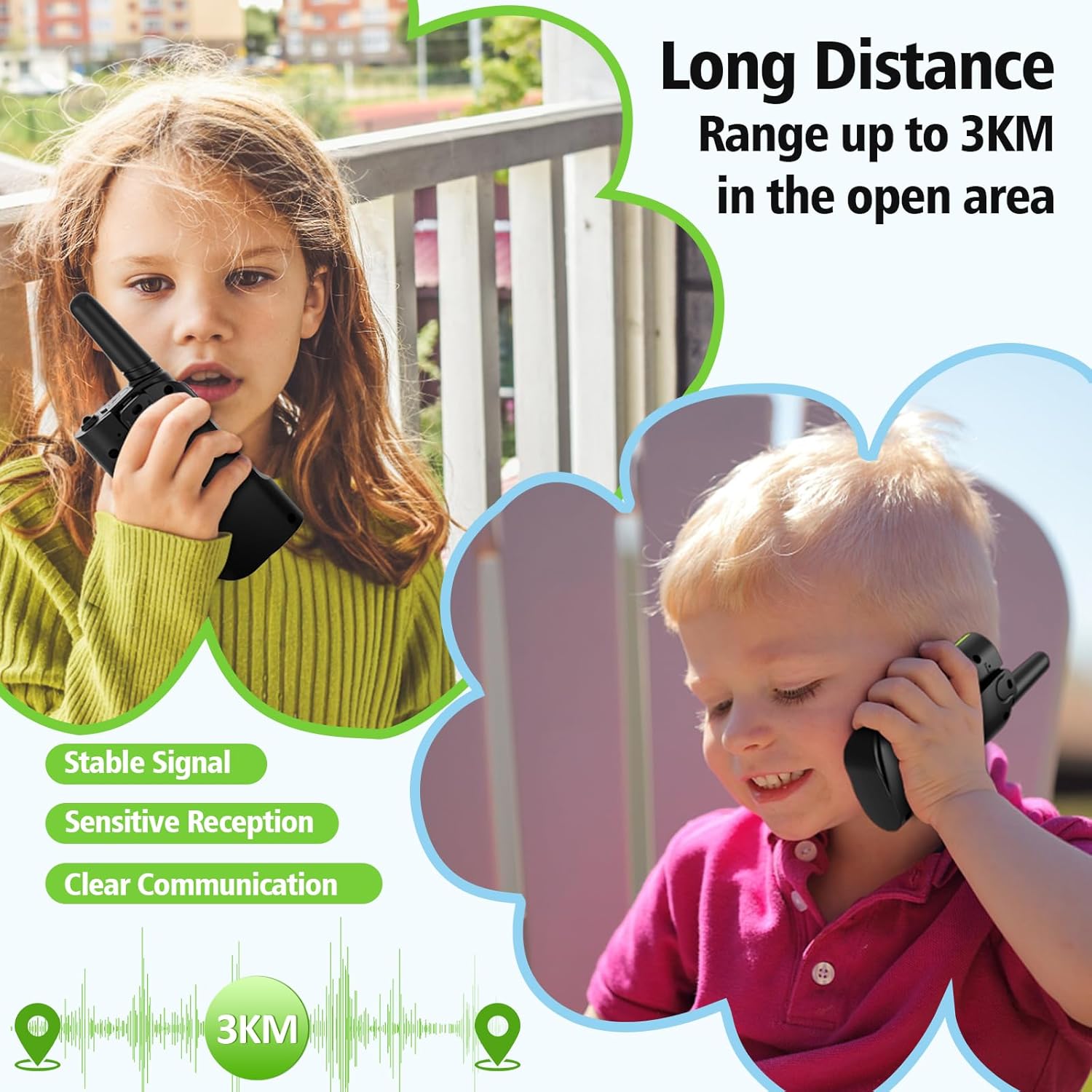
| Сүйлөшүү аралыгы (максималдуу) | 3 Kilometers (in open area) |
| Батарея түрү | Камтылган 1000mAh Li-ion батареясы |
| Тtage | 3.7 вольт |
| Өзгөчөлүктөр | Call Alert, Emergency Alarm (SOS), Integrated Flashlight, Keypad Lock, VOX (Voice Operated Exchange), Auto Scan |
| Сууга туруктуулук деңгээли | Сууга чыдамдуу эмес |
| Өндүрүүчү | Shenzhen Geling Technology Co., Ltd. |
Кепилдик маалымат
The AWANFI GL-528 Walkie Talkies come with a 1 жылдык кепилдик from the date of purchase. This warranty covers manufacturing defects and workmanship. It does not cover damage caused by misuse, accidents, unauthorized modifications, or normal wear and tear. Please retain your proof of purchase for warranty claims.
Колдоо
For further assistance, technical support, or warranty inquiries, please contact AWANFI customer service through the retailer's platform where you purchased the product or visit the official AWANFI store page on Amazon:
Ask a question about this manual
Ask about setup, troubleshooting, compatibility, parts, safety, or missing instructions. Manuals+ will review the question and use this page’s manual context to help answer it.