
Aiandcc M12
Aiandcc M12 MP3 Player User Manual
Model: M12 | Brand: Aiandcc
1. Киришүү
Welcome to the Aiandcc M12 MP3 Player user manual. This guide provides detailed instructions on how to set up, operate, and maintain your new device. The Aiandcc M12 is a versatile portable media player featuring a 4-inch HD full-color touch screen, Bluetooth, Wi-Fi connectivity, and extensive storage capabilities for music, videos, and applications.
2. Пакеттин мазмуну
Сураныч, төмөнкү нерселер үчүн кутучаны белгилеңиз:
- 1x Aiandcc M12 MP3 Player
- 1x Type-C заряддоо кабели
- 1x Wired Earphones
- 1x сактоо Баштык
- 1x Колдонуучунун колдонмосу (бул документ)
- 1x TF Expansion Card (64GB, pre-installed in the device)

Image: All items included in the Aiandcc M12 MP3 Player package.
3. Түзмөк бүттүview
The Aiandcc M12 MP3 Player features a durable all-metal casing and a 4-inch HD touch screen. Familiarize yourself with the device's physical components:

Image: Front, side, and top/bottom views of the Aiandcc M12 MP3 Player, highlighting the ON/OFF button, Reset pinhole, Card slot, Type-C port, Headphone jack, Recording hole, Back button, Main menu button, and Volume knob.
- Кубат баскычы (КҮЙГҮЗҮҮ/ӨЧҮРҮҮ): Located on the side. Press and hold to power on/off.
- Пин тешигин баштапкы абалга келтирүү: Located near the power button. Use a pin to perform a forced restart if the device becomes unresponsive.
- Үн баскычы: Mechanical knob on the top for adjusting audio volume. Rotate left to increase, right to decrease.
- Карта уячасы: For inserting a TF (microSD) card to expand storage.
- Тип-C Port: Заряддоо жана маалыматтарды өткөрүү үчүн.
- Наушник уячасы (3.5 мм): For connecting wired earphones or headphones.
- Recording Hole (Microphone): For voice recording.
- Артка баскычы: Менюларда кайра багыт алат.
- Негизги меню баскычы: Returns to the main screen. Double-click to view акыркы милдеттер.
- Баяндамачы: Built-in speaker for audio playback without external devices.
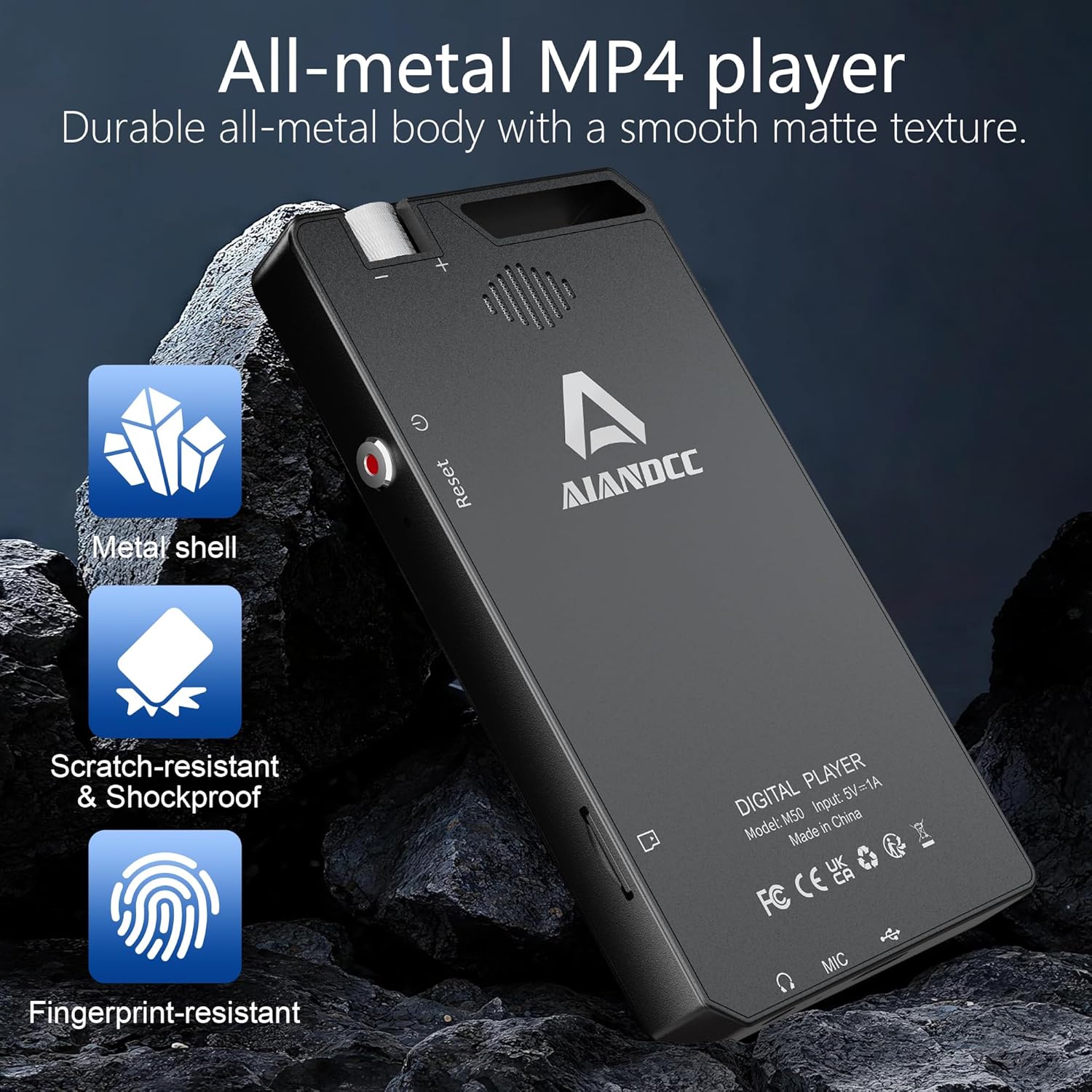
Image: The durable all-metal body of the Aiandcc M12 MP3 Player.
4. Орнотуу
4.1 Баштапкы күйгүзүү
- басып, кармап туруңуз Кубат баскычы on the side of the device until the screen lights up.
- Каалаган тилди жана аймакты тандоо үчүн экрандагы көрсөтмөлөрдү аткарыңыз.
- Connect to a Wi-Fi network (see section 4.2).
4.2 Wi-Fiга туташуу
Connecting to Wi-Fi enables online music streaming, app downloads, and web серептөө.
- From the home screen, tap the "Settings" icon.
- "Тармак жана Интернет" же "Wi-Fi" тандаңыз.
- Wi-Fi'ды "Күйгүзүү" абалына которуштуруңуз.
- Тизмеден каалаган Wi-Fi тармагын тандаңыз.
- Эгер суралса, сырсөздү киргизип, "Туташуу" баскычын басыңыз.

Image: Wi-Fi and Bluetooth connectivity options for the Aiandcc M12 MP3 Player.
4.3 TF картасын салуу
The device comes with a 64GB TF card pre-installed. If you wish to use a different card (up to 1TB), ensure it is formatted to FAT32 for proper recognition.
- Locate the Card Slot on the side of the device.
- TF картасын ордуна чыкылдаган үн чыкканча акырындык менен уячага салыңыз.
- The device should automatically detect the card. If prompted to format, proceed with caution as this will erase all data on the card.

Image: The Aiandcc M12 MP3 Player supports expandable storage via TF card up to 1TB.
5. Иштөө нускамалары
5.1 Сенсордук экран навигациясы
The 4-inch HD full-color touch screen allows for intuitive navigation, similar to a smartphone.
- таптаңыз: Бир нерсени тандаңыз же колдонмону ачыңыз.
- Серпүү: Navigate through lists, screens, or pages.
- Чымчып-кичирейтүү: Сүрөттөрдү чоңойтуу же кичирейтүү же web барактар.
- Sliding Function Menu: Swipe down from the top of the screen to access quick settings like eye protection mode and power saving mode.

Image: The touch screen and mechanical volume knob provide easy control.
5.2 Music Playback (MP3)
The M12 supports various audio formats and offers multiple ways to enjoy your music.
- Жергиликтүү музыка: Музыканы которуу files to the device's internal storage or TF card. Open the "Music" app to browse and play your library.
- Онлайн агым: Connect to Wi-Fi and use pre-installed apps like Spotify, Amazon Music, Pandora, or Deezer.
- Bluetooth байланыш:
- "Орнотуулар" > "Bluetooth" бөлүмүнө өтүңүз.
- Bluetooth'ту "Күйгүзүү" абалына которуңуз.
- Select your Bluetooth headphones, speaker, or car audio system from the list of available devices to pair.
- Зымдуу кулакчындар: Plug the included earphones or your own 3.5mm headphones into the headphone jack.
- Камтылган динамик: The device has an internal speaker for audio playback without external devices.
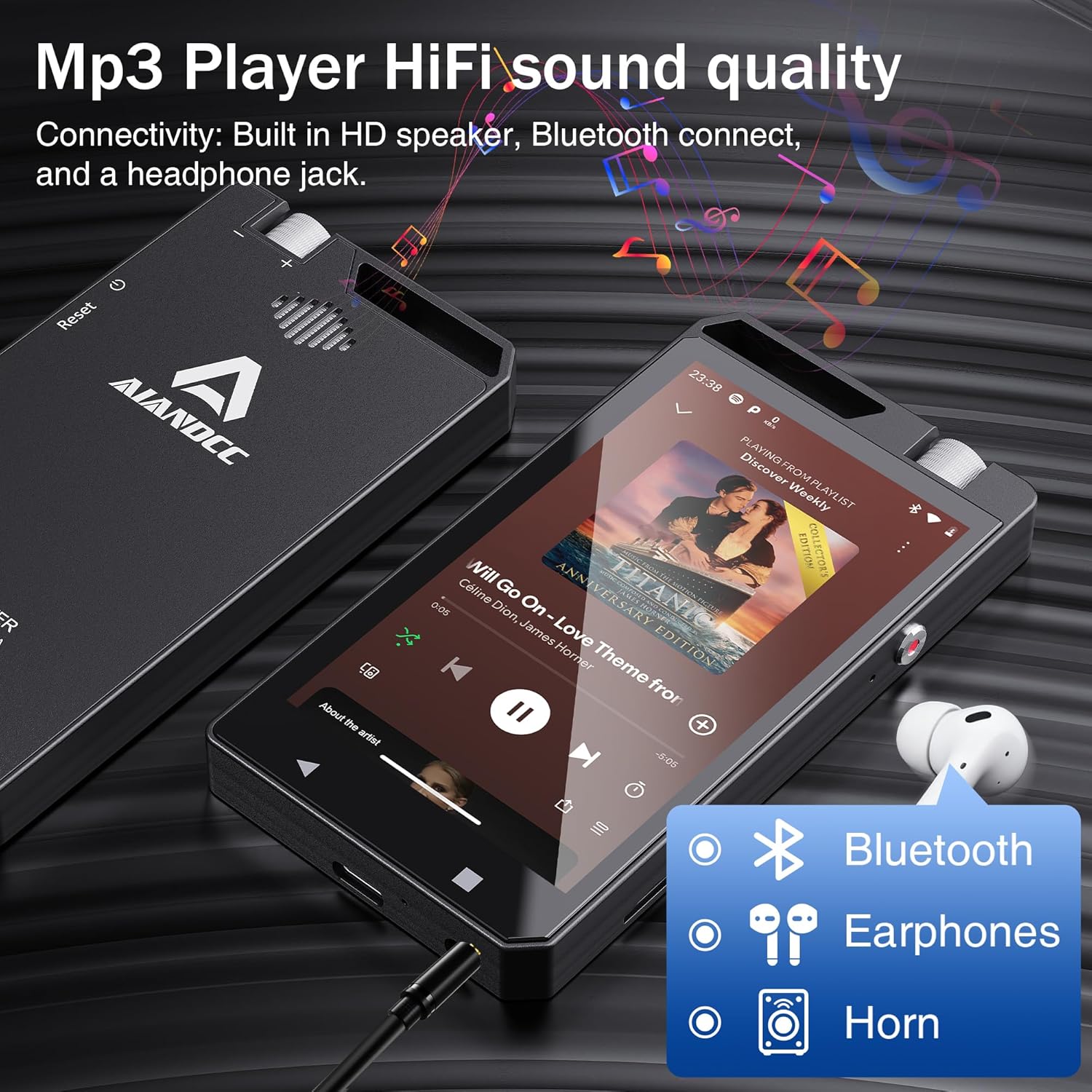
Image: Enjoy HiFi sound quality through Bluetooth, wired earphones, or the built-in speaker.
5.3 Video Playback (MP4)
The M12 supports high-definition 1080p and 720p video playback for various formats (RM, RMVB, FLV, MP4, DAT, MKV, MPG, MOV, TS, etc.). Note: It does not support HEVC or 4K videos.
- Видеону өткөрүү files to the device's internal storage or TF card.
- Open the "Video Player" app (or a downloaded video app like MX Player Pro) to browse and play your videos.
- Adjust playback settings such as loop, random, resume last playing, variable speed, and viewing angle within the video player application.
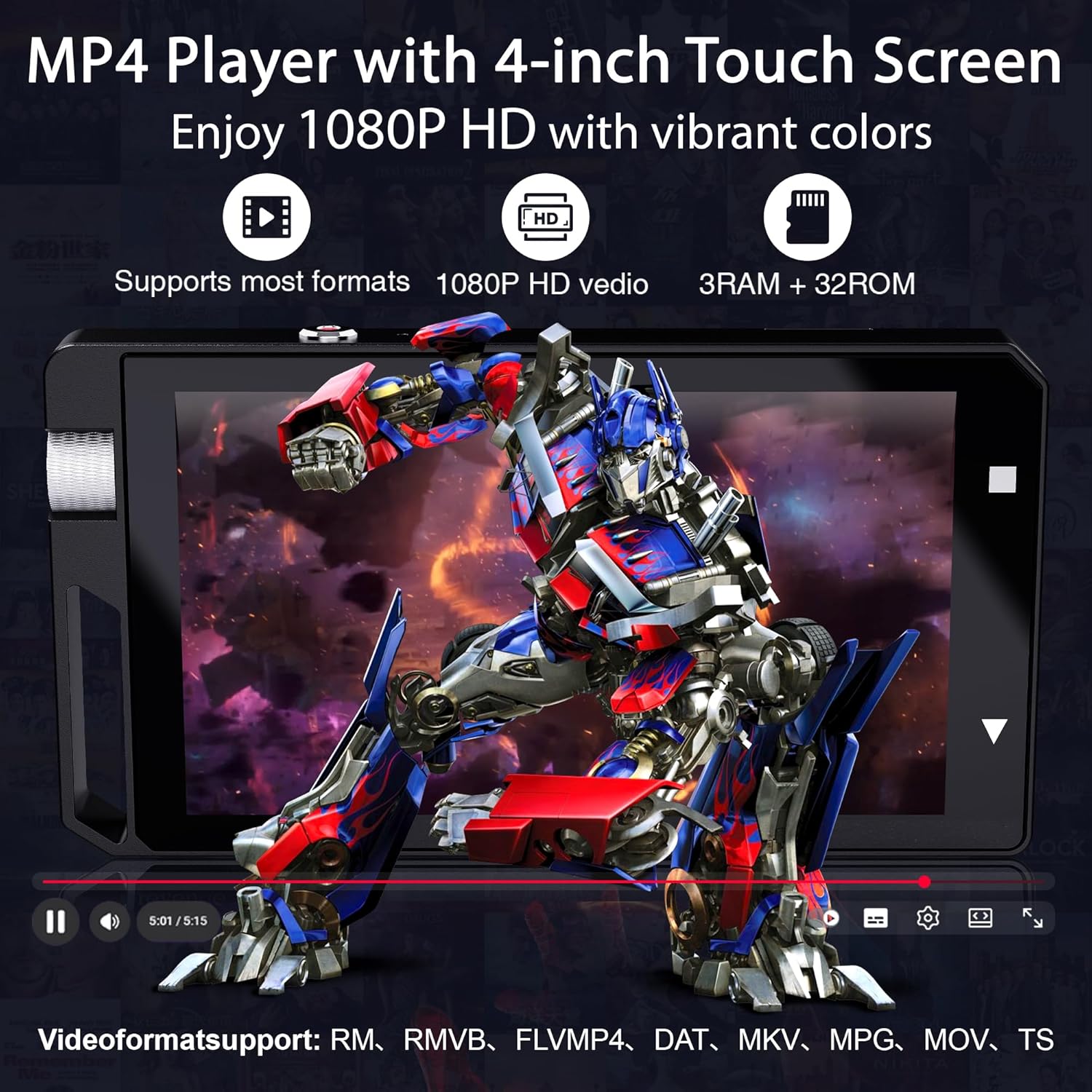
Image: The Aiandcc M12 MP3 Player supports 1080P HD video playback.

Image: MX Player Pro features for enhanced video playback experience.
5.4 Wi-Fi and App Management
The M12 comes with pre-installed applications and allows for further app downloads via Wi-Fi.
- Алдын ала орнотулган колдонмолор: Spotify, Amazon Music, Pandora, Deezer, YouTube, e-book readers, video players, voice recorder, FM radio, clock, calendar, calculator, gallery, and file менеджер.
- Downloading New Apps: Connect to Wi-Fi and use the pre-installed app store (e.g., Google Play Store if available or a similar app market) to download additional applications.
- Колдонмо башкаруу: Access "Settings" > "Apps" to manage installed applications, including uninstalling, clearing data, or adjusting permissions.

Image: The Aiandcc M12 MP3 Player supports various online applications.
Video: Demonstration of the Aiandcc M12 MP3 Player's features, including app usage and connectivity.
5.5 File Башкаруу
Organize your media files directly on the device or by connecting to a computer.
- On-Device Management: "колдонуңузFile Manager" app to create and name folders, copy, and paste audio or image files. Long-press on a file to select it for actions.
- Компьютерге туташуу:
- Connect the M12 to your computer using the provided Type-C charging cable.
- On the M12, swipe down from the top of the screen to open the notification panel.
- Tap the USB connection notification and select "File "Көчүрүү" же "MTP".
- Your computer will recognize the device as a removable storage drive, allowing you to drag and drop files, create playlists, and organize content.
- Search and Hide: The file manager also offers features to search for files by name and to hide or show hidden files.
6. Батарея жана заряддоо
The M12 MP3 Player is equipped with a large capacity battery designed for extended use.
- Заряддоо: Connect the device to a power source using the provided Type-C charging cable. A full charge typically takes approximately 3 hours.
- Батареянын иштөө мөөнөтү:
- Up to 22 hours of continuous music playback (via wired headphones).
- 5 саатка чейин видео ойнотуу.
- Video playback with external speakers can last 3-5 hours, depending on screen brightness and volume settings.
- Энергияны үнөмдөө: The device features an automatic power-off function to conserve battery life. You can also access power saving modes via the sliding function menu.

Image: Battery and performance details of the Aiandcc M12 MP3 Player.
7. Техникалык тейлөө
- Тазалоо: Аппаратты тазалоо үчүн жумшак, кургак чүпүрөктү колдонуңуз. Суюк тазалагычтардан же абразивдүү материалдардан алыс болуңуз.
- Сактагыч: Аппаратты түз күн нурунан жана экстремалдык температурадан алыс салкын, кургак жерде сактаңыз.
- Программалык камсыздоо жаңыртуулары: Periodically check for system updates in the device's settings to ensure optimal performance and access to new features.
- TF картасына кам көрүү: Always safely eject the TF card from the device or computer before removing it to prevent data corruption.
8. Кыйынчылыктарды
| Көйгөй | Мүмкүн чечим |
|---|---|
| Түзмөк күйбөйт. | Батарея заряддалганын текшериңиз. Кайра күйгүзүүгө аракет кылуудан мурун, түзмөктү кеминде 15 мүнөт кубаттагычка туташтырыңыз. |
| Device is unresponsive/frozen. | Use a thin pin to press the Pinhole баштапкы абалга келтирүү on the side of the device to perform a forced restart. |
| TF картасы таанылган жок. | Ensure the TF card is inserted correctly. Verify that the card is formatted to FAT32. If not, back up data and reformat the card using a computer or the device's settings. |
| Wi-Fi'га туташпай жатат. | Check if Wi-Fi is enabled in settings. Ensure the password is correct. Try restarting your Wi-Fi router. |
| Bluetooth түзмөгү жупташкан жок. | Ensure Bluetooth is enabled on both devices and they are in pairing mode. Keep devices within close proximity. Try restarting both devices. |
| Video playback issues (e.g., unsupported format). | Verify that the video format is supported (RM, RMVB, FLV, MP4, DAT, MKV, MPG, MOV, TS). The device does not support HEVC or 4K videos. Consider converting the video to a supported format. |
9. Техникалык шарттар
| Өзгөчөлүк | Деталь |
|---|---|
| Модель аты | M12 (also referred to as M50 in some contexts) |
| Бренд | Aiandcc |
| Продукциянын өлчөмдөрү | 0.39 x 1.97 x 3.94 дюйм (10 x 50 x 100 мм болжол менен) |
| Элемент Салмагы | 7.1 унция (200 грамм) |
| Screen Size | 4 inches (10 Centimeters) HD Full-Color Touch Screen |
| Ички эс тутум | 32 ГБ |
| RAM | 3 ГБ |
| Процессор | Окта ядролуу процессор |
| Кеңейтүүчү сактагыч | Supports TF (microSD) cards up to 1 TB (FAT32 format required) |
| TF картасы камтылган | 64 ГБ |
| Байланыш | Bluetooth 4.0, Wi-Fi, USB Type-C |
| Батарея | 1 литий-иондук батарея (кошулган), 2000 мАч |
| Заряддоо убактысы | Болжол менен Толук кубаттоо үчүн 3 саат |
| Музыканы ойнотуу убактысы | Up to 22 hours (wired headphones) |
| Видеону ойнотуу убактысы | 5 саатка чейин |
| Колдоого алынган видео форматтары | RM, RMVB, FLV, MP4, DAT, MKV, MPG, MOV, TS (Does not support HEVC or 4K) |
| Өзгөчөлүктөр | FM Radio, Voice Recorder, E-book Reader, Built-in Speaker, Metal Casing |
| Шайкеш түзмөктөр | Персоналдык компьютер |
10. Кепилдик жана колдоо
For warranty information and technical support, please refer to the documentation provided with your purchase or contact Aiandcc customer service through the retailer where the product was purchased. Keep your purchase receipt as proof of purchase for warranty claims.
Ask a question about this manual
Ask about setup, troubleshooting, compatibility, parts, safety, or missing instructions. Manuals+ will review the question and use this page’s manual context to help answer it.