
Продукт бүттүview
The wegear TW7 Wireless Earbuds are designed to provide an immersive audio experience with advanced features such as Hybrid Active Noise Cancellation, clear call technology, and extended battery life. These earbuds are lightweight, water-resistant, and utilize the latest Bluetooth 5.4 for stable connectivity.
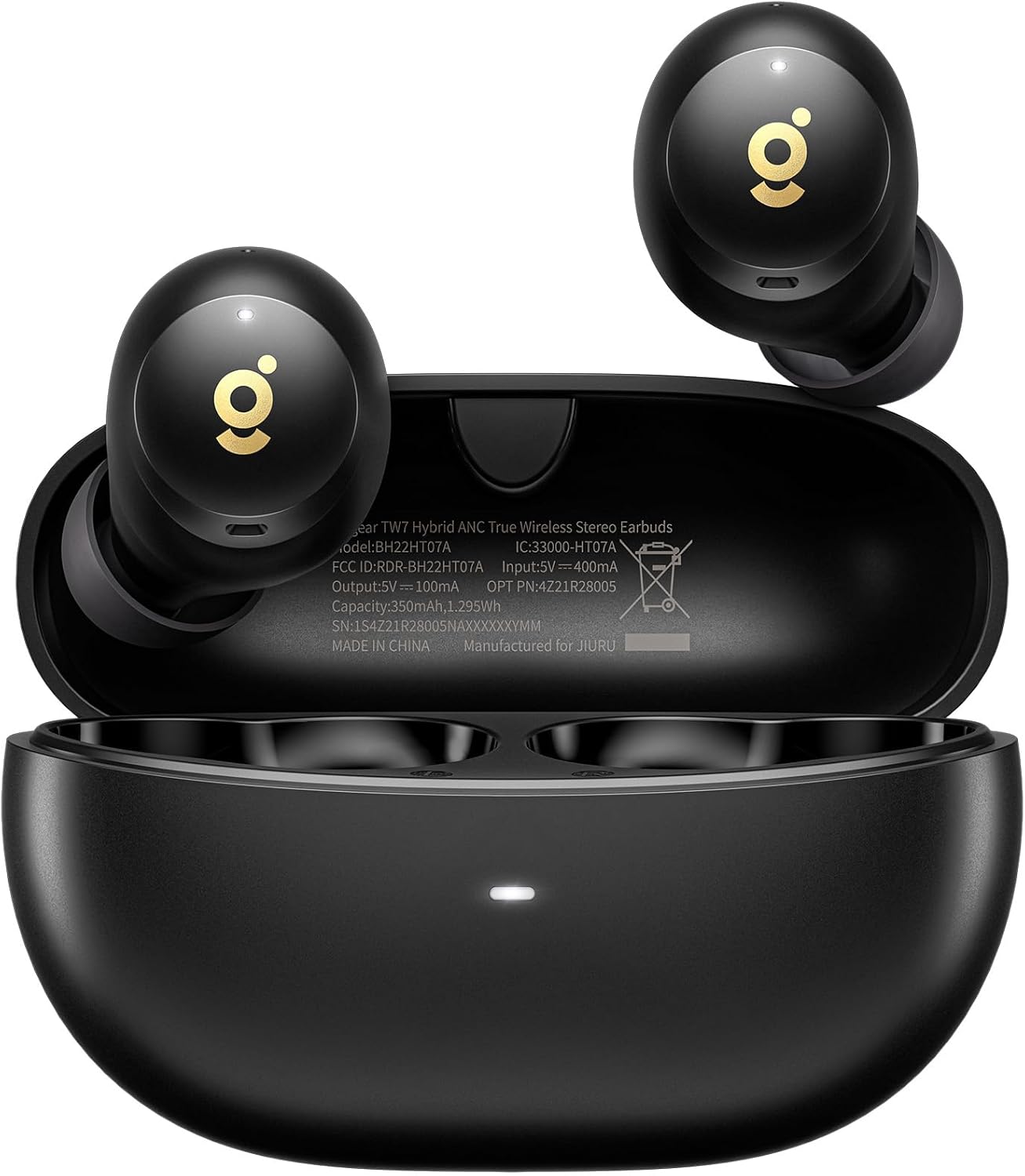
Image: wegear TW7 Wireless Earbuds shown inside their open charging case. The earbuds are black with a gold 'g' logo, and the case is also black with a small LED indicator light at the front.
Пакеттин мазмуну
Пакетиңизде бардык буюмдар бар экенин текшериңиз:
- wegear TW7 Wireless Earbuds (Left and Right)
- Заряддоо кутусу
- USB заряддоо кабели
- Силикон кулак учтары (кичинекей, орто, чоң)
- User Manual
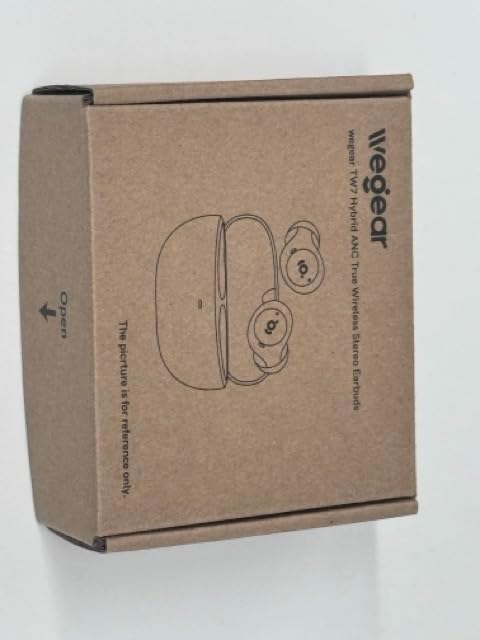
Сүрөт: Жогорку view of the wegear TW7 earbud product box, made of brown cardboard, showing a line drawing of the earbuds and charging case.
Жайгашуу
1. Кулакчындарды жана кутуну кубаттоо
Before first use, fully charge the earbuds and the charging case. Connect the charging case to a USB power source using the provided USB cable. The indicator light on the case will show charging status.
- A full charge provides up to 8 hours of listening time for the earbuds (ANC off) and a total of 32 hours with the charging case.
- With ANC on, the total playtime is reduced to 28 hours.

Image: A diagram illustrating the battery life of the wegear TW7 earbuds. It shows 8 hours of single charge playtime (ANC off) and 32 hours total with the charging case, or 7 hours single charge playtime (ANC on) and 28 hours total with the charging case.
2. Түзмөк менен жупташтыруу
- Заряддоо кутучасын ачыңыз. Кулакчындар жупташтыруу режимине автоматтык түрдө кирет.
- Түзмөгүңүздө (смартфон, ноутбук, планшет) Bluetooth иштетиңиз.
- Издөө "wegear TW7" in the list of available Bluetooth devices.
- Select "wegear TW7" to connect. Once connected, a voice prompt will confirm successful pairing.
The earbuds utilize Bluetooth 5.4 technology for a stable connection up to 40 feet.

Image: A close-up of a microchip labeled "Bluetooth 5.4", representing the advanced connectivity technology used in the earbuds.
3. Кулак үчүн туура кеңештерди тандоо
Оптималдуу үн сапаты жана ыңгайлуулугу үчүн, кулагыңызга эң ылайыктуу кулакчындардын учтарын тандаңыз. Топтомго Кичине (S), Орточо (M) жана Чоң (L) өлчөмдөр кирет.
- Try different sizes to find the most secure and comfortable fit.
- A good seal is crucial for effective noise cancellation and bass performance.

Image: The wegear TW7 earbuds displayed next to three pairs of silicone ear tips in small, medium, and large sizes, highlighting their lightweight design at 4 grams.
Иштөө нускамалары
Touch Controls
The wegear TW7 earbuds feature intuitive touch controls on both the left (L) and right (R) earbuds. Functions may vary slightly depending on whether one or both earbuds are in use.
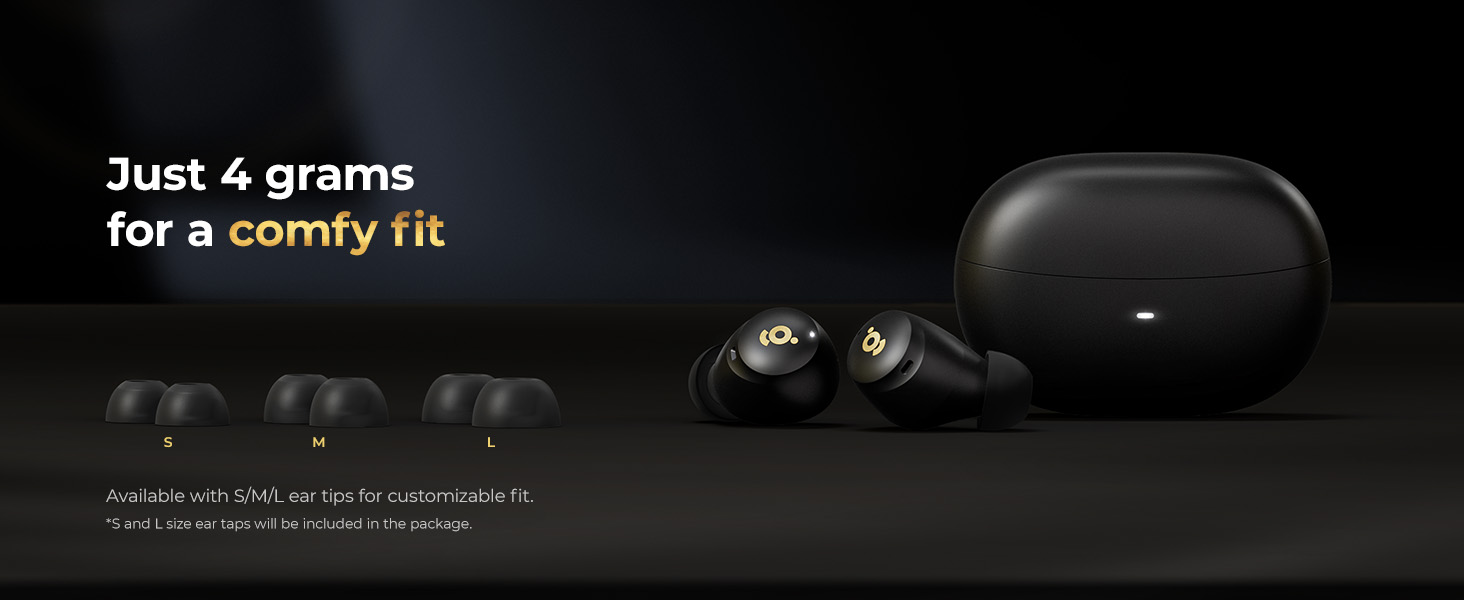
Image: A visual guide to the touch controls on the wegear TW7 earbuds. It shows that a double click on either earbud controls play/pause, answer/hang up calls. A triple click on the left earbud activates the voice assistant, while on the right earbud it skips to the next song. A 1.5-second long press on the left earbud activates low latency mode or rejects a call, and on the right earbud, it cycles through ANC ON/OFF/Transparent mode or rejects a call.
| Акция | Сол кулакчын (L) | Оң кулакчын (R) |
|---|---|---|
| Double Click | Ойнотуу / Тындыруу, Жооп берүү / Чалууну токтотуу | Ойнотуу / Тындыруу, Жооп берүү / Чалууну токтотуу |
| Үч жолу чыкылдатуу | Үн жардамчысы | Кийинки ыр |
| Узак басуу (1.5сек) | Low Latency Mode, Reject Call | ANC ON / ANC OFF / Transparent Mode, Reject Call |
Note: Noise reduction modes (ANC/Transparent) cannot be used or switched when only one earbud is in use.
Активдүү ызы-чууну жокко чыгаруу (ANC) жана ачыктык режими
The wegear TW7 earbuds feature Hybrid Active Noise Cancellation, which effectively minimizes background sounds by combining internal and external microphones. This allows for a more focused listening experience.

Image: A woman wearing the wegear TW7 earbuds in a busy environment, illustrating the Hybrid Active Noise Cancellation feature. A graph shows the reduction of noise level with ANC activated.
To switch between ANC ON, ANC OFF, and Transparency Mode, long press the right earbud for 1.5 seconds. Transparency Mode allows you to hear your surroundings clearly without removing the earbuds, which is useful for conversations or being aware of your environment.

Image: A woman wearing wegear TW7 earbuds in an urban setting, demonstrating the Transparency Mode which allows ambient sounds to pass through.
Чалууларды кабыл алуу жана кабыл алуу
The earbuds are equipped with 6 built-in microphones and AI algorithms to enhance call clarity, reducing background and wind noise for clearer conversations.
- Чалууга жооп берүү/түп коюу: Кулакчындардын бирин эки жолу басыңыз.
- Чакырууну четке кагуу: Кулакчындын бирин 1.5 секунд басып туруңуз.

Image: A man wearing wegear TW7 earbuds in a busy outdoor setting, illustrating the clear call feature with 6 microphones and AI noise cancellation.
Техникалык тейлөө
Наушниктерди тазалоо
Үзгүлтүксүз тазалоо үн сапатын жана гигиенаны сактоого жардам берет.
- Кулакчындарды жана кубаттоочу кутуну жумшак, кургак, түксүз чүпүрөк менен акырын сүртүңүз.
- Кулагынын учтарын алып салып, жумшак самын жана суу менен тазалаңыз, анан кайра кийер алдында жакшылап кургатып алыңыз.
- Use a dry cotton swab to clean the mesh and charging contacts, ensuring no debris accumulates.
Сууга туруктуулук (IPX5)
The wegear TW7 earbuds are IPX5 water-resistant, meaning they are protected against sweat and light rain. They are not designed for submersion in water or for use during swimming.

Image: A woman with water splashing on her face, wearing wegear TW7 earbuds, demonstrating their IPX5 water resistance against sweat and light rain.
- Кубаттоочу кутучаны сууга тийгизбеңиз, анткени ал суу өткөрбөйт.
- If earbuds get wet, wipe them dry before placing them back in the charging case.
Проблемаларды чечүү
| Көйгөй | Мүмкүн себеп | Чечим |
|---|---|---|
| Earbuds not pairing / Only one earbud working | Not in pairing mode, low battery, interference, earbuds not synced. |
|
| Үн сапаты начар / Үн деңгээли төмөн | Improper fit, dirty ear tips/mesh, low battery, audio source issue. |
|
| ANC эффективдүү эмес | Improper fit, ear tips not sealing, environmental noise too high. |
|
| Кулакчындар заряддалбай жатат | Dirty charging contacts, faulty cable/charger, case battery empty. |
|
If issues persist, please refer to the wegear support webсайтка же кардарларды тейлөөгө кайрылыңыз.
Техникалык шарттар
| Өзгөчөлүк | Деталь |
|---|---|
| Модель аты | TW7 |
| Бренд | wegear |
| Байланыш технологиясы | Зымсыз (Bluetooth 5.4) |
| Bluetooth диапазону | 40 метрге чейин |
| Noise Control | Гибриддик активдүү ызы-чууну жокко чыгаруу |
| Микрофондор | 6 Built-in Microphones with AI Call Noise Cancellation |
| Аудио драйвер түрү | 10мм динамикалык драйвер |
| Жыштык диапазону | 20 Гц - 20 000 Гц |
| Батареянын иштөө мөөнөтү (наушник) | 8 саатка чейин (ANC өчүк), 7 саат (ANC күйүк) |
| Жалпы ойноо убактысы (Кеп менен) | 32 саатка чейин (ANC өчүк), 28 саат (ANC күйүк) |
| Башкаруу ыкмасы | тийүү |
| Сууга туруктуулук деңгээли | IPX5 (Кулакчындар гана) |
| Кулакчынын салмагы | ар бири 4 г |
| Продукциянын өлчөмдөрү | 3.5 x 4.3 x 1.4 дюйм (упаковка) |
| Элемент Салмагы | 3.17 унция (жалпы пакет) |
| UPC | 850068777068 |

Image: An illustration of a 10mm dynamic driver, highlighting its role in delivering wide frequency response, deep bass, and clear highs for premium sound quality.
Кепилдик жана колдоо
For warranty information and customer support, please visit the official wegear website or contact their customer service team directly. Details regarding product registration, troubleshooting assistance, and warranty claims can typically be found on their support pages.
Онлайн колдоо: Visit the wegear Store on Amazon