
1. Киришүү
The Promate AirClip True Wireless Earbuds feature Open Wearable Stereo (OWS) technology, providing an open-ear listening experience. This design allows for enhanced environmental awareness while delivering clear audio. The earbuds are equipped with IntelliTouch controls and an ergonomic clip design for stable wear.

Image: Promate AirClip True Wireless Earbuds in their white charging case.

Image: Close-up of Promate AirClip earbuds highlighting the Open Wearable Stereo (OWS) clip-on design.
2. Пакеттин мазмуну
Пакетиңизде бардык буюмдар бар экенин текшериңиз:
- Promate AirClip True Wireless Earbuds (Left and Right)
- Заряддоо кутусу
- USB заряддоо кабели
- User Manual

Image: The Promate AirClip earbuds and their charging case, representing the main components.
3. Орнотуу
3.1 Кулакчындарды жана кутучаны заряддоо
Before first use, fully charge the earbuds and charging case. The charging case has a 500mAh battery, providing extended playtime.
- Берилген USB заряддоо кабелин корпустагы заряддоо портуна жана туура келген USB кубат булагына туташтырыңыз.
- Заряддоо кутучасындагы индикатор кубаттоо абалын көрсөтөт.
- Кулакчындарды кубаттоочу кутуга салыңыз. Кубаттоону баштоо үчүн алардын туура орнотулганын текшериңиз.
- A full charge for the case takes approximately 2-3 hours, and for the earbuds, it takes about 30 minutes.
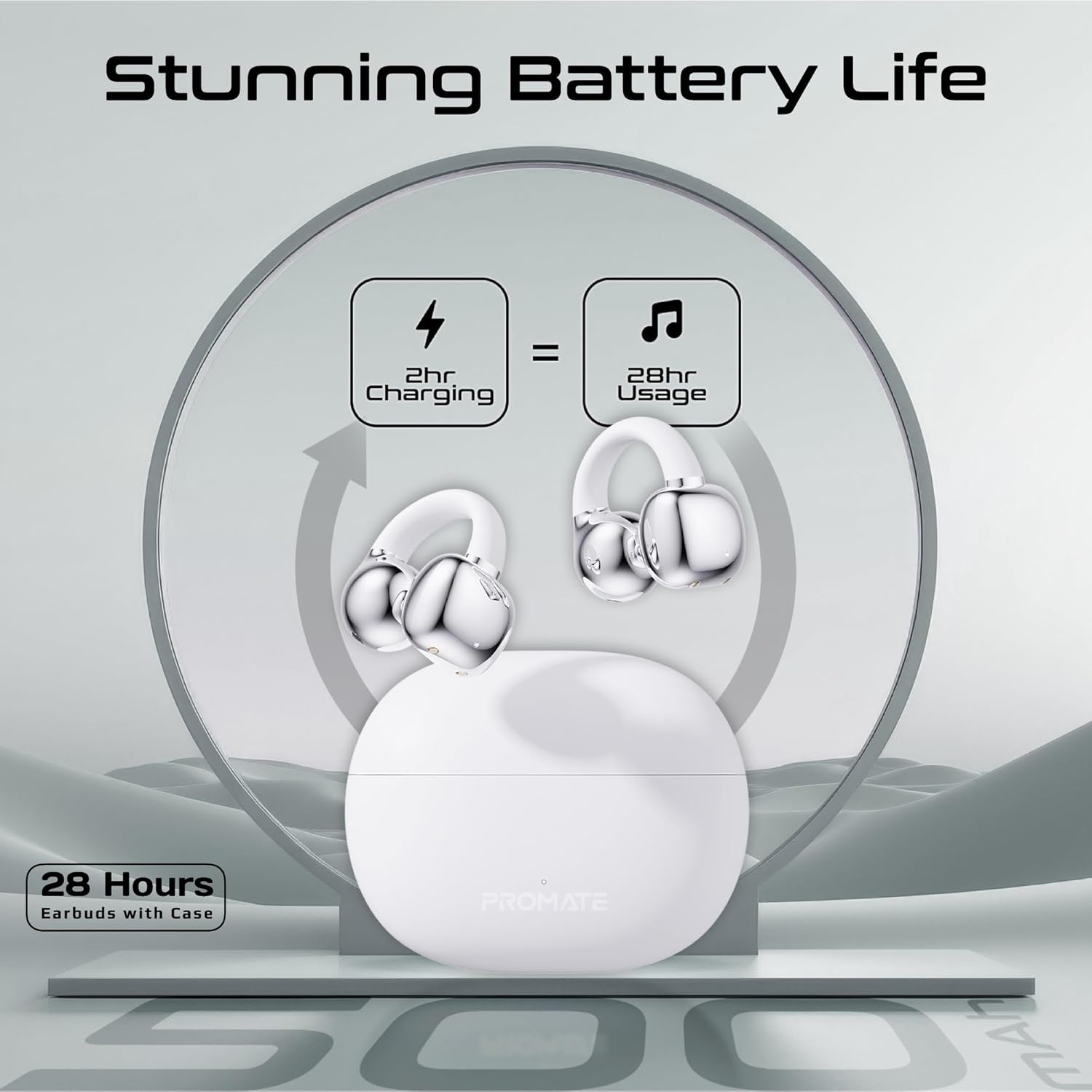
Image: An illustration demonstrating the battery life, indicating 2 hours of charging provides 28 hours of usage with the case.
3.2 Bluetooth жупташтыруу
Follow these steps to pair your Promate AirClip earbuds with your device:
- Заряддоо кутучасын ачыңыз. Кулакчындар жупташтыруу режимине автоматтык түрдө кирет.
- Түзмөгүңүздө (смартфон, планшет ж.б.) Bluetooth иштетиңиз.
- Издөө available Bluetooth devices and select "Promate AirClip" from the list.
- Туташкандан кийин үн билдирүүсү ийгиликтүү жупташтырууну ырастайт.
- Эгер түзмөктө Bluetooth иштетилген болсо, кулакчындар кутудан чыгарылганда акыркы жупташтырылган түзмөккө автоматтык түрдө кайра туташат.
4. Иштөө нускамалары
4.1 Кулакчындарды тагынуу
The AirClip earbuds feature an ergonomic open-ear clip design for a secure and comfortable fit.
- Сол (L) жана Оң (R) кулакчындарды аныктаңыз.
- Gently clip the earbud onto your ear, ensuring the speaker portion is positioned correctly for optimal sound and the clip rests comfortably around your ear.
- Adjust for a snug fit that remains stable during movement.

Image: A person wearing the Promate AirClip earbud, illustrating the AudioFit stable design and open-ear placement.
4.2 IntelliTouch Controls
The earbuds are equipped with touch-sensitive controls for easy management of audio and calls.
- Ойнотуу/тындыруу: Кулакчындарды бир жолу таптаңыз.
- Кийинки трек: Оң кулакчынды эки жолу таптаңыз.
- Мурунку трек: Сол кулакчынды эки жолу таптаңыз.
- Чалууга жооп берүү/аяктоо: Кулакчындарды бир жолу таптаңыз.
- Чакырууну четке кагуу: Кулакчындардын бирин 2 секунд басып туруңуз.
- Activate Voice Assistant (Google Assistant/Amazon Alexa): Кулакчындарды үч жолу таптаңыз.
- Оюн режими: Press and hold the right earbud for 2 seconds to toggle low latency game mode.

Сүрөт: жакын план view of a hand interacting with the Promate AirClip earbud, demonstrating the IntelliTouch control feature.

Image: Promate AirClip earbuds shown alongside a smartphone displaying an incoming call, emphasizing crystal clear stereo calls and connectivity.
5. Техникалык тейлөө
Туура тейлөө кулакчындардын узак мөөнөттүү иштешин жана жакшы иштешин камсыз кылат.
- Тазалоо: Кулакчындарды жана кубаттоочу кутуну тазалоо үчүн жумшак, кургак, түксүз чүпүрөктү колдонуңуз. Абразивдүү тазалагычтарды же эриткичтерди колдонбоңуз.
- Суу каршылык: The earbuds are IPX4 water-resistant, meaning they are protected against splashing water from any direction. Do not submerge them in water or expose them to heavy rain. Dry them thoroughly if they get wet.
- Сактагыч: Колдонулбаганда, кулакчындарды коргоо жана кубаттоо үчүн кубаттоочу кутучага сактаңыз. Салкын, кургак жерде, экстремалдык температурадан алыс сактаңыз.

Image: Promate AirClip earbuds and charging case depicted with a water splash effect, indicating IPX4 water resistance.
6. Кыйынчылыктарды
If you encounter issues with your Promate AirClip earbuds, refer to the following common solutions:
- Кулакчындар жупташкан жок: Эки кулакчындын тең кубаттоочу кутуда экенин текшерип, жупташтыруу режимин иштетүү үчүн капкакты ачыңыз. Түзмөгүңүздүн Bluetooth жөндөөлөрүн текшерип, кайра туташып көрүңүз.
- Бир кулакчындан үн чыкпайт: Place both earbuds back into the charging case, close the lid, wait a few seconds, then open it again. This can reset the connection.
- Заряддоо маселелери: Кубаттоочу кабелдин корпуска жана кубат булагына бекем туташтырылганын текшериңиз. Кулакчындардын жана корпустун ичиндеги кубаттоочу контакттар таза жана таштандылардан таза экенин текшериңиз.
- Төмөн үн: Adjust the volume on both your connected device and through the earbud controls. Ensure the earbuds are worn correctly.
- Үзгүлтүксүз туташуу: Move closer to your connected device to reduce interference. Ensure there are no major obstacles between the earbuds and your device.
7. Техникалык шарттар
Key technical specifications for the Promate AirClip True Wireless Earbuds:
| Өзгөчөлүк | Спецификация |
|---|---|
| Модель аты | AIRCLIP |
| Bluetooth версиясы | 5.3 |
| Байланыш технологиясы | Зымсыз |
| Кулак жайгаштыруу | Ачык кулак |
| Батареянын иштөө мөөнөтү (наушник) | 6 саатка чейин |
| Батареянын иштөө мөөнөтү (корпусу менен) | 28 саатка чейин |
| Заряддоо кутусунун кубаттуулугу | 500mAh |
| Заряддоо убактысы (наушник) | Болжол менен 30 мүнөт |
| Заряддоо убактысы (капка) | Болжол менен 2-3 саат |
| Сууга туруктуулук рейтинги | IPX4 |
| Аудио драйверинин өлчөмү | 30мм |
| Элемент Салмагы | 42г |
| Шайкеш түзмөктөр | Gaming Consoles, Samsung, Television, Windows, iPhone |
| Башкаруу түрү | Touch, Google Assistant, Amazon Alexa |

Image: A detailed chart outlining various technical specifications for the Promate AirClip earbuds.
8. Кепилдик жана колдоо
Promate products are designed with quality and reliability in mind. For warranty information and customer support, please refer to the warranty card included in your package or visit the official Promate webсайт. Кепилдик дооматтар үчүн сатып алганыңыздын далилин сактаңыз.
For further assistance, you may contact Promate customer service through their official channels.