Introduction
Thank you for choosing the UltraPods Max True Wireless Headphones. This manual provides detailed instructions on how to set up, operate, and maintain your headphones to ensure optimal performance and longevity. Please read this manual thoroughly before using the product.
Кутуда эмне бар
- UltraPods Max True Wireless Headphones (Left and Right Earbuds)
- Заряддоо кутусу
- Кулак жаздыктары (ар кандай өлчөмдөгү)
- USB заряддоо кабели
- Колдонуучунун Колдонмосу (бул документ)
Продукт бүттүview
The UltraPods Max headphones feature a compact design with an intelligent charging case. The case includes an LED digital display to show battery levels.

Image: UltraPods Max headphones and their transparent charging case, showcasing the digital battery display.
Each earbud is equipped with touch controls for easy management of audio playback, calls, and voice assistant activation. The earbuds are designed for a comfortable in-ear fit and are water-resistant for active use.

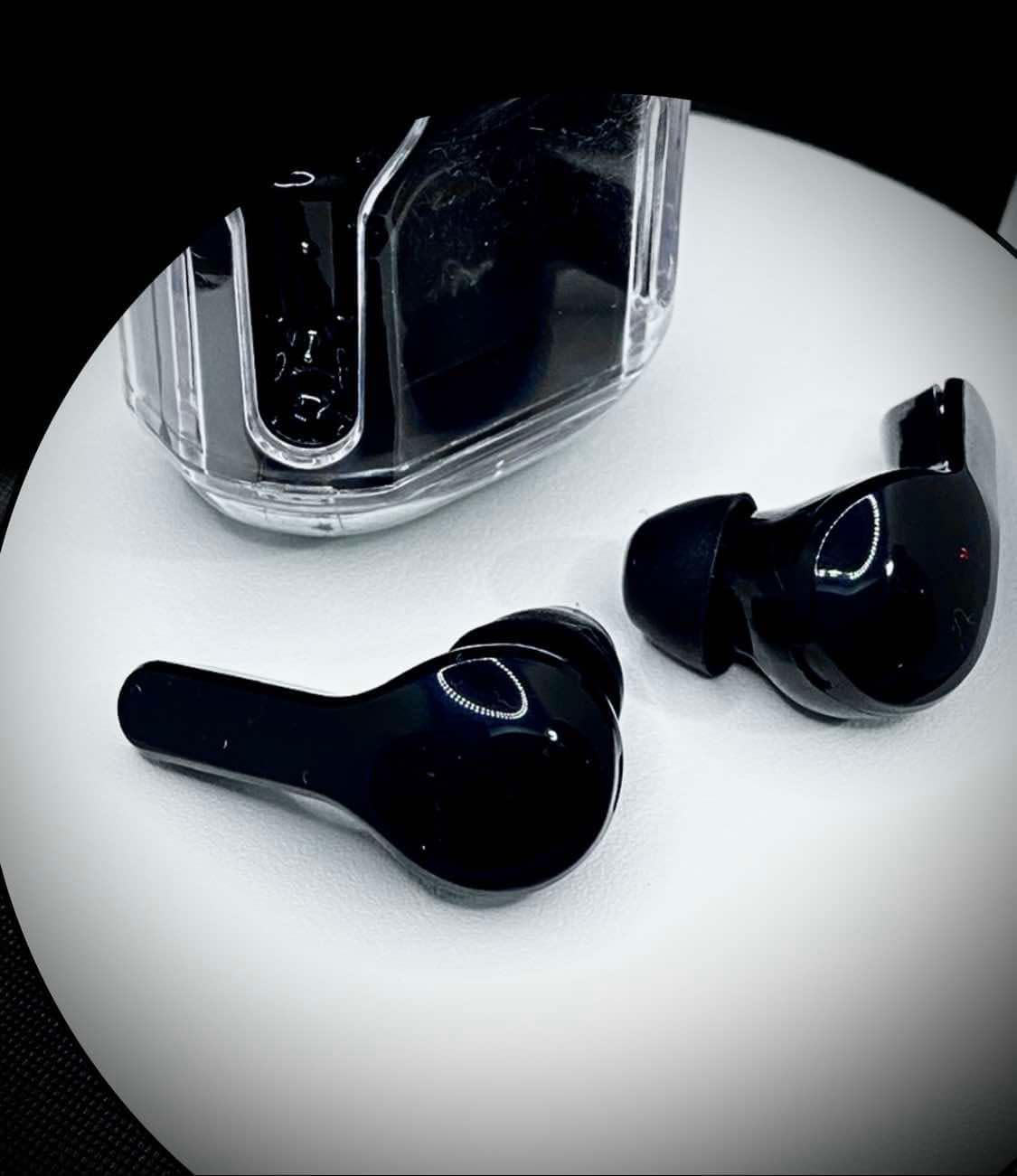
Сүрөт: жогорудан төмөнгө view of the UltraPods Max earbuds placed next to their charging case, highlighting their sleek design.
Жайгашуу
1. Баштапкы заряддоо
Before first use, fully charge the UltraPods Max and their charging case.
- Кулакчындардын экөөнү тең зарядкага салыңыз.
- Заряддоо кутусун берилген USB кабелин колдонуп USB кубат булагына туташтырыңыз.
- The LED digital display on the charging case will show the charging progress. A full charge is indicated when the display shows 100 or stops blinking.
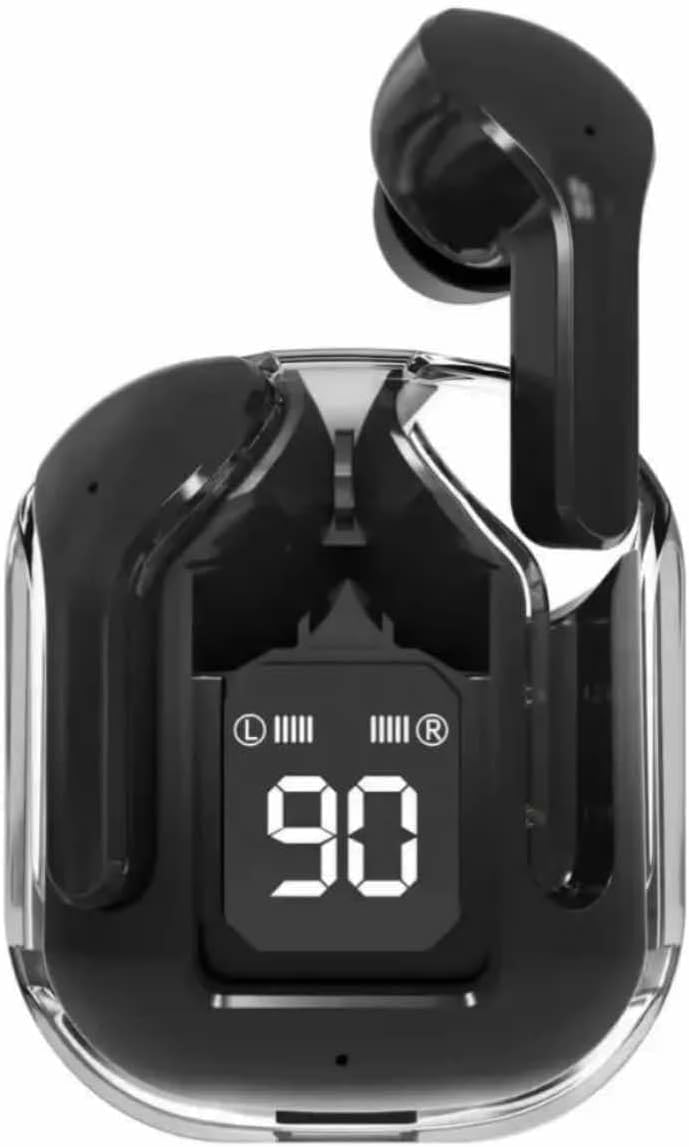
Image: The UltraPods Max charging case with earbuds inside, displaying the battery percentagанын LED экранында кубаттоо абалын көрсөтүп турган e.
2. Түзмөгүңүз менен жупташтыруу
The UltraPods Max feature automatic pairing for seamless connection.
- Кулакчындардын кубатталганын текшериңиз.
- Заряддоо кутучасын ачыңыз. Кулакчындар жупташтыруу режимине автоматтык түрдө кирет.
- Түзмөгүңүздө (смартфон, планшет ж.б.) Bluetooth жөндөөлөрүнө өтүп, Bluetooth күйгүзүңүз.
- Издөө "UltraPods Max" in the list of available devices and select it to connect.
- Туташкандан кийин, сиз ырастоо үнүн угасыз жана кулакчындар колдонууга даяр болот.
- Кийинки колдонуу үчүн кулакчындар кутудан чыгарылганда акыркы жупташтырылган түзмөккө автоматтык түрдө туташат.
Иштөө нускамалары
Touch Controls
The UltraPods Max utilize smart touch controls for various functions. Refer to the diagram below for specific actions.
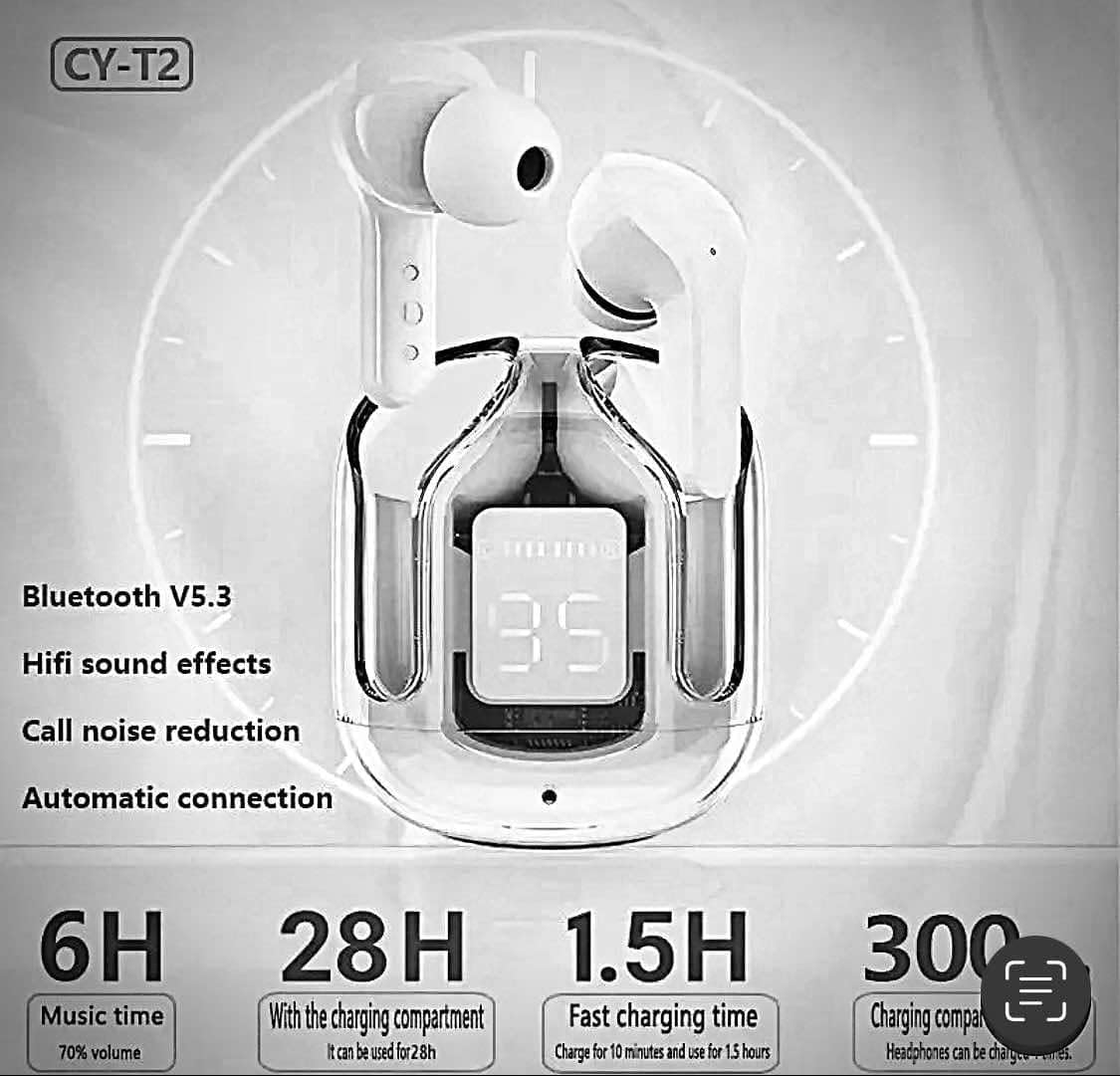
Image: A visual guide illustrating the touch control functions on the UltraPods Max earbuds, including actions for calls, music playback, volume, and voice assistant activation.
- Чалууга жооп берүү/түп коюу: Кулакчындардын бирин эки жолу таптаңыз.
- Чакырууну четке кагуу: Кулакчындын бирин көпкө басып коюңуз.
- Музыканы ойнотуу/тындыруу: Кулакчындардын бирин эки жолу таптаңыз.
- Кийинки трек: Оң кулакчынды үч жолу таптаңыз.
- Мурунку трек: Сол кулакчынды үч жолу таптаңыз.
- Көлөмү: Single-tap the right earbud.
- Үнүн азайтуу: Single-tap the left earbud.
- Үн жардамчысын иштетүү (Siri/Google Жардамчысы): Кулакчындын бирин 2 секунд басып туруңуз.
Активдүү Шумду Жоюу (ANC)
The UltraPods Max are equipped with Active Noise Cancellation technology to reduce ambient noise for an immersive listening experience.
Сүрөт: жарылган view diagram illustrating the internal components responsible for Dual Mic ENC Noise Cancelling, showing how environmental noise is suppressed.
ANC is automatically active when the earbuds are in use. There is no manual toggle for ANC on these specific models based on the provided information. The dual microphone ENC (Environmental Noise Cancellation) system works to effectively suppress 90% of reverse environmental noise during calls and playback.
Техникалык тейлөө
Тазалоо
- Кулакчындарды жана кубаттоочу кутуну тазалоо үчүн жумшак, кургак, түксүз чүпүрөктү колдонуңуз.
- Абразивдүү тазалагычтарды, спиртти же химиялык эриткичтерди колдонбоңуз.
- Gently clean the ear tips and speaker mesh to remove earwax or debris.
Сактагыч
- Кулакчындарды коргоо жана кубаттап туруу үчүн колдонулбаган учурда кубаттоо кутучасында сактаңыз.
- Өтө жогорку температурада (ысык же суук) же жогорку нымдуулукта сактоодон алыс болуңуз.
Суу каршылык
The UltraPods Max have an IPX4 water-resistant rating, meaning they can withstand sweat and light rain. They are not designed for swimming or submersion in water. Ensure the earbuds are dry before placing them back into the charging case to prevent damage.
Проблемаларды чечүү
| Көйгөй | Мүмкүн себеп | Чечим |
|---|---|---|
| Кулакчындар жупташтырылбай жатат/туташтырылбай жатат | Low battery; Bluetooth off; Out of range; Pairing issue. | Charge earbuds and case; Ensure Bluetooth is on; Move closer to device; Forget "UltraPods Max" in device's Bluetooth settings and re-pair. |
| Бир кулактын үнү чыкпайт | Low battery; Earbud not properly connected; Software glitch. | Ensure both earbuds are charged; Place both earbuds back in the case, close, then reopen; Restart your device. |
| Заряддоо куту заряддалбай жатат | Бузулган кабель/адаптер; Кубаттоо порту кир. | Try a different USB cable and power adapter; Clean the charging port gently. |
| Үн сапаты начар | Earbuds not seated properly; Debris in speaker; Interference. | Adjust earbud position; Clean speaker mesh; Move away from sources of interference (e.g., Wi-Fi routers). |
Техникалык шарттар
| Модель аты | Ultrapods Max |
| Элемент моделинин номери | STD29-1 |
| Байланыш технологиясы | Bluetooth, зымсыз |
| Bluetooth версиясы | 5.3 |
| Noise Control | Активдүү ызы-чууну жокко чыгаруу (ENC) |
| Сууга туруктуулук деңгээли | IPX4 (Сууга туруктуу) |
| Башкаруу түрү | Touch Control |
| Аудио драйвер түрү | Динамикалык драйвер |
| Жыштык диапазону | [20 Hz - 20,000 Hz] |
| Импеданс | 80 Ом |
| Материал | Пластик, силикон |
| Элемент Салмагы | 1.76 унция |
| Шайкеш түзмөктөр | Cellphones, iPhone, Samsung |
Кепилдик жана колдоо
Specific warranty information for the UltraPods Max True Wireless Headphones is not provided in this manual. For details regarding warranty coverage, technical support, or service inquiries, please refer to the product packaging or contact the retailer where the product was purchased.
You may also visit the manufacturer's or seller's official webакыркы колдоо маалымат үчүн сайт.