
Introduction
Thank you for choosing the CASCHO G10 Bluetooth Headset. This manual provides detailed instructions for setting up, operating, maintaining, and troubleshooting your new headset. Please read this manual carefully before use to ensure optimal performance and longevity of your device.
Продукт бүттүview
Негизги өзгөчөлүктөрү
- Bluetooth 5.3 технологиясы: Ensures stable connection, fast pairing, and extended range.
- CVC8.0 & ENC Call Noise Cancellation: Advanced noise-canceling technology for clear calls.
- Батареянын узак иштөө мөөнөтү: Up to 20 hours of talking time and 250 hours of standby time.
- IP7 сууга туруктуулугу: Provides protection against water splashes and sweat.
- Үнсүз функция: Allows you to mute your voice during calls for privacy.
- LED дисплей: Indicates battery status and other relevant information.
Пакеттин мазмуну
- 1 x CASCHO G10 Bluetooth Headset
- 1 x заряддоо кабели
- User Manual
Продукт диаграммасы

1-сүрөт: Жалпы view of the CASCHO G10 Bluetooth Headset.
Жайгашуу
1. Гарнитураны заряддоо
Before first use, fully charge the headset. Connect the charging cable to the headset's charging port and a USB power source. The LED display will indicate the charging status. A full charge takes approximately 1.5 hours.
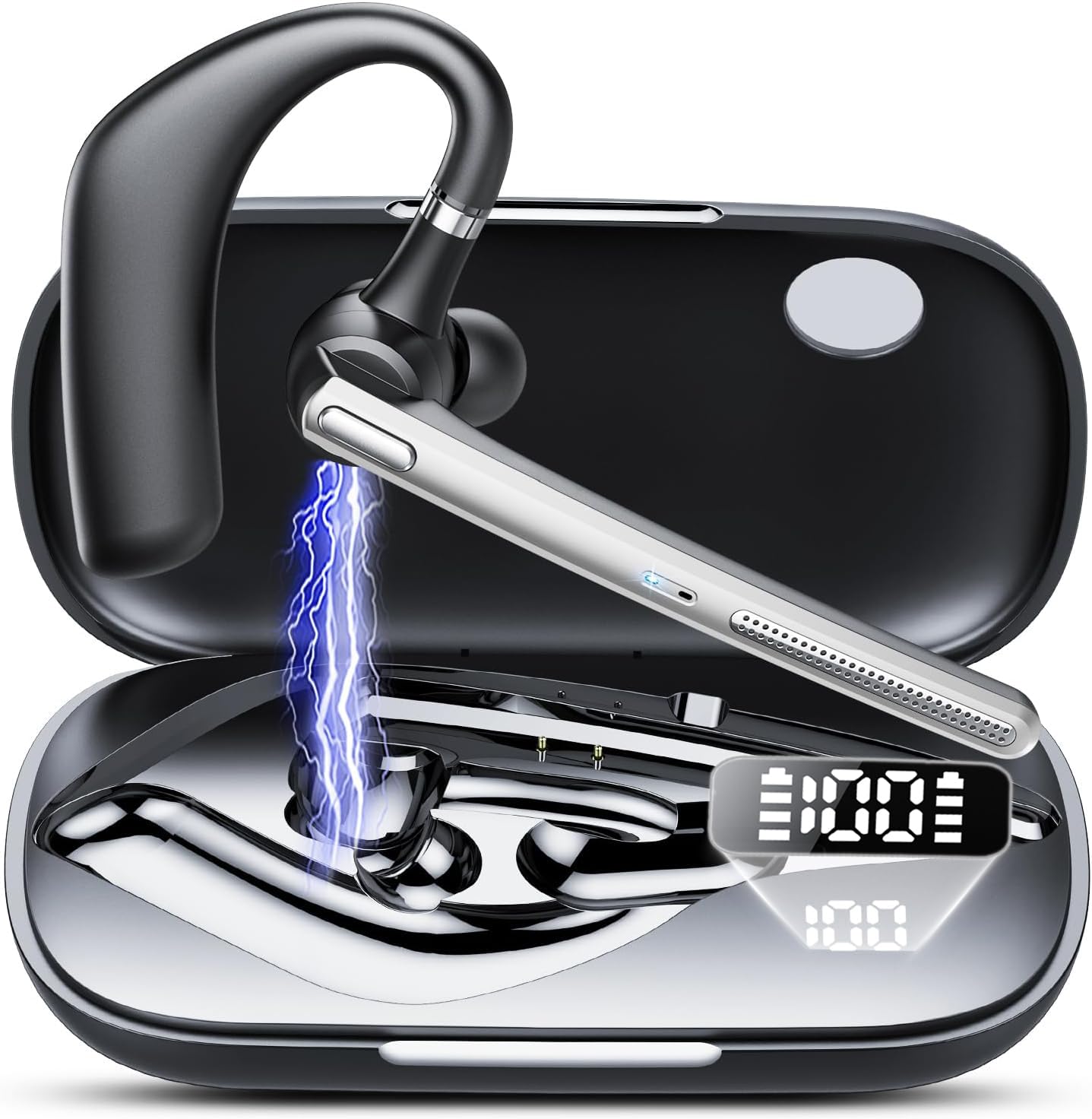
Figure 2: Headset showing battery life and LED display. The charging case has a 500mAh capacity.
2. Күйгүзүү / Өчүрүү
- Күйгүзүү: Көп функциялуу баскычты 3 секунд басып, LED индикатору көк түстө күйгөнгө чейин кармап туруңуз.
- Өчүрүү: Press and hold the Multi-function Button for 5 seconds until the LED indicator flashes red and then turns off.
3. Bluetooth Жупташтыруу
- Гарнитура өчүрүлгөнүн текшериңиз.
- Press and hold the Multi-function Button for 5-7 seconds until the LED indicator flashes red and blue alternately, indicating pairing mode.
- Түзмөгүңүздө (смартфон, планшет ж.б.) Bluetooth иштетиңиз жана жеткиликтүү түзмөктөрдү издеңиз.
- Select "CASCHO G10" from the list of devices.
- Жупташкандан кийин LED индикатору жай көк түстө күйөт.

Figure 3: Bluetooth 5.3 technology provides stable connection, fast pairing (approx. 2 seconds), and an extended range.
4. Гарнитураны тагынуу
Gently place the ear hook over your ear and adjust the earpiece to fit comfortably in your ear canal. Ensure the microphone is positioned towards your mouth for optimal call clarity.
Иштөө нускамалары
Чалууларды башкаруу
- Чалууга жооп берүү/аяктоо: Көп функциялуу баскычты бир жолу басыңыз.
- Чакырууну четке кагуу: Көп функциялуу баскычты 2 секунд басып туруңуз.
- Үнсүз/Ачуу: During a call, click the mute button once. The other party will not hear your voice.
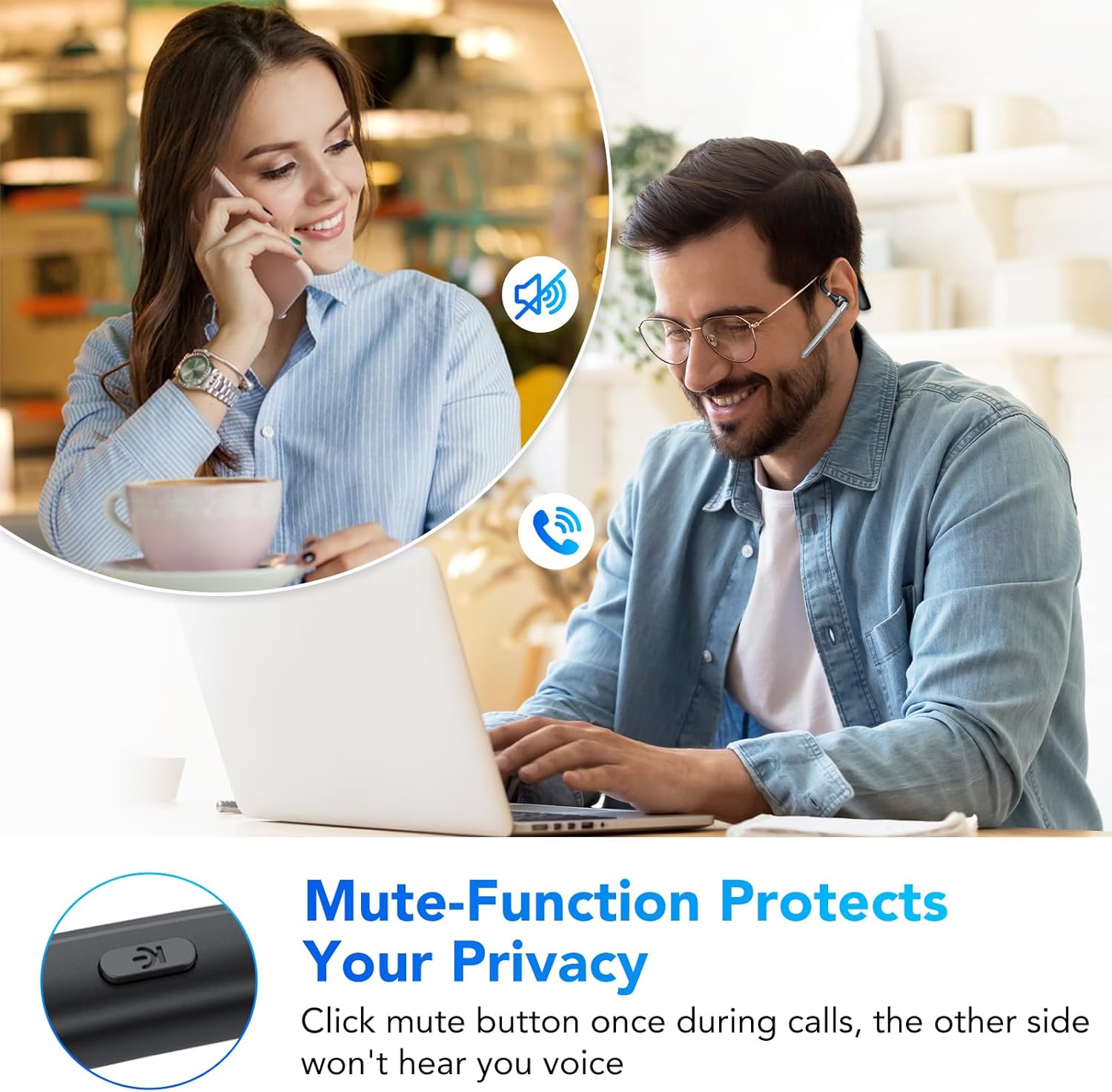
Figure 4: The mute function protects your privacy during calls.
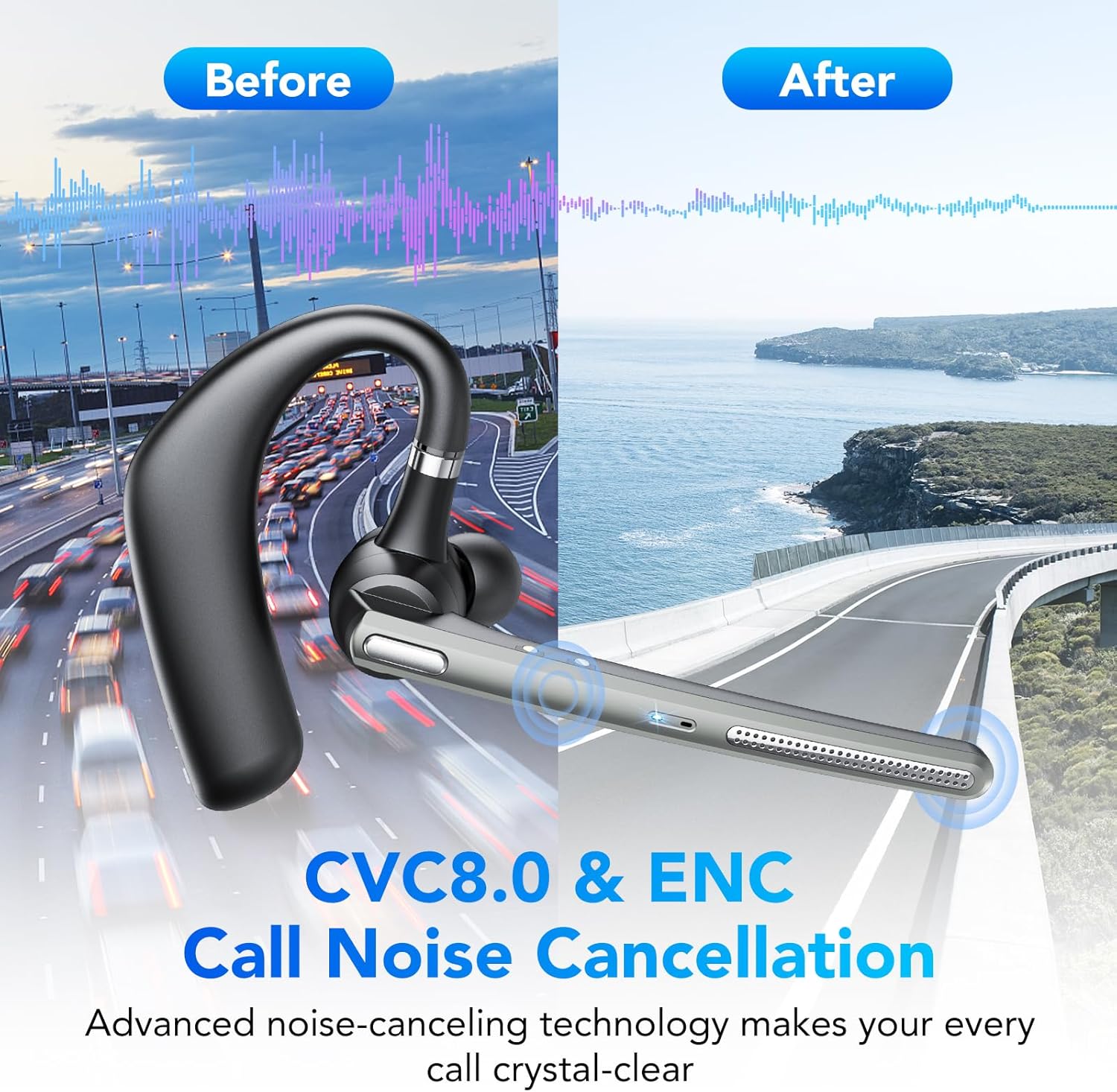
Figure 5: CVC8.0 & ENC Call Noise Cancellation ensures crystal-clear calls even in noisy environments.
Музыканы ойнотуу
- Ойнотуу/тындыруу: Көп функциялуу баскычты бир жолу басыңыз.
- Кийинки трек: Көп функциялуу баскычты эки жолу басыңыз.
- Мурунку трек: Көп функциялуу баскычты үч жолу басыңыз.
Үндү көзөмөлдөө
- Көлөмү: Үнүн жогорулатуу баскычын басыңыз.
- Үнүн азайтуу: Үндү азайтуу баскычын басыңыз.
Үн жардамчысы
Press and hold the Volume Down button for 2 seconds to activate your device's voice assistant (e.g., Siri, Google Assistant).
Техникалык тейлөө
Тазалоо
Wipe the headset with a soft, dry cloth. Do not use abrasive cleaners or solvents. For the earpiece, gently clean with a cotton swab if necessary.
Сактагыч
Store the headset in a cool, dry place away from direct sunlight and extreme temperatures. When not in use for extended periods, charge the headset at least once every three months to preserve battery life.
Сууга туруктуулук (IP7)
The headset is IP7 water-resistant, meaning it can withstand splashes and sweat. However, it is not designed for submersion in water. Avoid exposing it to heavy rain or swimming.
Проблемаларды чечүү
| Көйгөй | Мүмкүн себеп | Чечим |
|---|---|---|
| Гарнитура күйбөйт. | Батарея аз. | Гарнитураны толук заряддаңыз. |
| Түзмөк менен жупташтыруу мүмкүн эмес. | Гарнитура жупташтыруу режиминде эмес; түзмөктө Bluetooth өчүк; аппарат өтө алыс. | Ensure headset is in pairing mode (red/blue flashing LED). Turn on Bluetooth on your device. Move headset closer to device. |
| No sound during calls/music. | Volume too low; headset not connected; incorrect audio output selected. | Increase volume on headset and device. Reconnect headset. Check device's audio output settings. |
| Чалуу сапаты начар. | Алсыз сигнал; экологиялык ызы-чуу. | Move closer to your device. Ensure microphone is positioned correctly. CVC8.0 & ENC should minimize environmental noise. |
Техникалык шарттар
| Модель номери: | G10 |
| Бренд: | CASCHO |
| Байланыш технологиясы: | Зымсыз (Bluetooth 5.3) |
| Өзгөчөлүктөр: | Noise Cancellation (CVC8.0 & ENC), Mute Function |
| Сууга туруктуулук деңгээли: | IP7 (Суу өткөрбөйт) |
| Батарея түрү: | Литий-ион |
| Сүйлөшүү убактысы: | 20 саатка чейин |
| Күтүү убактысы: | 250 саатка чейин |
| Кубаттоо кубаттуулугу: | 500mAh |
| Заряддоо убактысы: | Болжол менен 1.5 саат |
| Салмагы: | 150 грамм |
| Материал: | Пластик |
| Түсү: | Темир боз |
| Форма фактору: | In-Ear (Intra-Auriculaire) |
| Камтылган компоненттер: | Headset, Charging Cable |
Кепилдик жана колдоо
Кепилдик жөнүндө маалымат же техникалык колдоо алуу үчүн, сатып алуу учурунда берилген документтерди караңыз же сатуучуга кайрылыңыз. Кепилдик боюнча дооматтар үчүн сатып алууну тастыктаган документти сактап коюңуз.