
AMPAI 4 Gang
AMPAI WiFi Wall Touch Smart Switch User Manual
Model: 4 Gang
1. Киришүү
тандаганыңыз үчүн рахмат AMPAI WiFi Wall Touch Smart Switch. This smart switch is designed to upgrade your home lighting control with advanced features and convenience. It offers multiple control methods including touch panel, RF433 remote, and voice control via Alexa and Google Home. This manual provides detailed instructions for installation, operation, and troubleshooting to ensure optimal performance and safety.

1-сүрөт: AMPAI WiFi Wall Touch Smart Switch (4 Gang) and included RF433 Remote.
2. Коопсуздук боюнча маанилүү маалымат
- Электр коопсуздугу: Installation should be performed by a qualified electrician or a person with a thorough understanding of electrical systems. Always turn off power at the circuit breaker before installation or maintenance.
- Шайкештик: This switch is designed for standard on/off control only. It is NOT compatible with dimmable bulbs or fixtures. Attempting to use it with dimmable bulbs may cause damage to the bulbs or the switch.
- WiFi тармагы: The smart switch operates on a 2.4GHz Wi-Fi network only. It is not compatible with 5GHz Wi-Fi networks. Ensure your router supports 2.4GHz.
- Зымдар: This switch supports both neutral wire and no neutral wire (single fire) installations. Refer to the wiring diagrams carefully.
- Not a Traditional 3-Way Switch: While it offers 3-way control via multi-control methods (app, remote, voice), it does not function as a traditional mechanical 3-way switch requiring traveler wires between two switches.

Figure 2: Key attention points regarding 2.4GHz WiFi, wiring, and non-compatibility with traditional 3-way or dimmable setups.
3. Пакеттин мазмуну
Сураныч, таңгактын мазмунун ачканда, бардык буюмдардын бар экенин жана бузулбаганын текшериңиз:
- AMPAI WiFi Wall Touch Smart Switch (4 Gang)
- Монтаждоочу жабдыктар (буроолор)
- RF433 Remote Control (if included in your specific package)
- Колдонуучунун Колдонмосу (бул документ)
4. Орнотуу жана орнотуу
4.1 Электр зымдары боюнча нускамалар
WARNING: Ensure power is OFF at the circuit breaker before beginning any wiring.
This smart switch supports two wiring methods: with a neutral wire or without a neutral wire (single fire). Identify your home's wiring configuration before proceeding.

Figure 3: Wiring diagrams for Neutral and Fire Line (left) and Single Fire (right) installations. A capacitor is required for single fire wiring.
- Электр кубатын өчүрүү: Locate the circuit breaker controlling the light switch and turn it OFF. Verify power is off using a voltage сыноочу.
- Эски өчүргүчтү алып салуу: Дубалга орнотулган пластинаны этияттык менен алып салыңыз жана эски өчүргүчтү дубал кутусунан бурап чыгарыңыз. Зымдарды ажыратыңыз.
- Зымдарды аныктоо: Identify the Live (Line), Load, and Neutral wires (if present). For single fire wiring, you will only have Live and Load.
- Акылдуу коммутаторду туташтыруу:
- Neutral and Fire Line Wiring: Connect the Live wire to the 'L' terminal, the Neutral wire to the 'N' terminal, and the Load wires to the 'L1', 'L2', 'L3', 'L4' terminals corresponding to your light circuits.
- Single Fire Wiring: Connect the Live wire to the 'L' terminal and the Load wires to the 'L1', 'L2', 'L3', 'L4' terminals. A capacitor must be connected across the Live and Load wires of the light fixture for stable operation.
- Которгучту орнотуу: Secure the smart switch into the wall box using the provided screws. Attach the glass panel.
- Күчтү калыбына келтирүү: Электрди өчүргүчтөн кайра күйгүзүңүз.
4.2 App Installation and Pairing (Tuya Smart Life)
- Колдонмону жүктөп алуу: Download the "Smart Life" or "Tuya Smart" app from the App Store (iOS) or Google Play Store (Android).
- Катталуу/Кирүү: Колдонмону ачып, жаңы каттоо эсебин каттаңыз же сизде мурунтан эле бар болсо кириңиз.
- Түзмөк кошуу:
- Телефонуңуз 2.4 ГГц Wi-Fi тармагына туташып турганын текшериңиз.
- Колдонмодо түзмөк кошуу үчүн жогорку оң бурчтагы "+" сүрөтчөсүн таптаңыз.
- Select "Electrical Switch" or "Wall Switch" from the device list.
- Follow the on-screen instructions to put the switch into pairing mode (usually by pressing and holding a button on the switch until an indicator light blinks rapidly).
- Confirm the indicator light is blinking rapidly in the app and enter your Wi-Fi password.
- The app will connect to the switch. Once connected, you can rename the switch and assign it to a room.
4.3 RF433 Remote Pairing
The included RF433 remote can be paired directly with the switch for local control without Wi-Fi.
- Жупташтыруу режимине кирүү: On the smart switch, press and hold the touch button you wish to pair for approximately 5-7 seconds until you hear a "beep" sound or see a small indicator light flash.
- Press Remote Button: Within 3 seconds, press the corresponding button (A, B, or C) on the RF433 remote.
- Ырастоо: The switch will "beep" again or the light will stop flashing, indicating successful pairing.
5. Акылдуу которгучту иштетүү
5.1 Сенсордук башкаруу
Simply touch the corresponding icon on the glass panel to turn the connected light ON or OFF.

Figure 4: The smart switch supports multiple control methods for convenience.
5.2 Smart Life / Tuya App Control
Open the Smart Life or Tuya Smart app on your smartphone. From the device list, tap on your smart switch to access its control interface. You can turn lights ON/OFF, set schedules, and create scenes from anywhere with an internet connection.
5.3 Үн менен башкаруу (Alexa жана Google Home)
The AMPAI Smart Switch is compatible with Amazon Alexa and Google Home for convenient voice control.
- Каттоо эсебин байланыштыруу: In the Alexa or Google Home app, enable the "Smart Life" or "Tuya Smart" skill/action and link your Smart Life/Tuya account.
- Түзмөктөрдү табуу: Ask Alexa or Google Home to "Discover devices" or manually add them through the app.
- Үн буйруктары: Once discovered, you can use commands like:
- "Alexa, [Light Name] күйгүзүңүз"
- "Hey Google, turn off [Light Name]"
- "Alexa, set [Light Name] to 50%" (Note: This switch does not support dimming, so dimming commands will not work.)

Figure 5: Enjoy hands-free control with Amazon Alexa and Google Assistant.
5.4 RF433 алыстан башкаруу
Use the paired RF433 remote to control the switch from a distance. Each button (A, B, C) on the remote can be paired to control a specific gang or group of gangs on the switch.

Figure 6: The RF433 remote provides an additional convenient control method.
5.5 Timer and Scene Functions
Utilize the Smart Life/Tuya app to set schedules and create custom scenes for your lighting. For example, you can set lights to turn on at sunset or off at a specific time, or create a "Movie Night" scene that turns off certain lights.
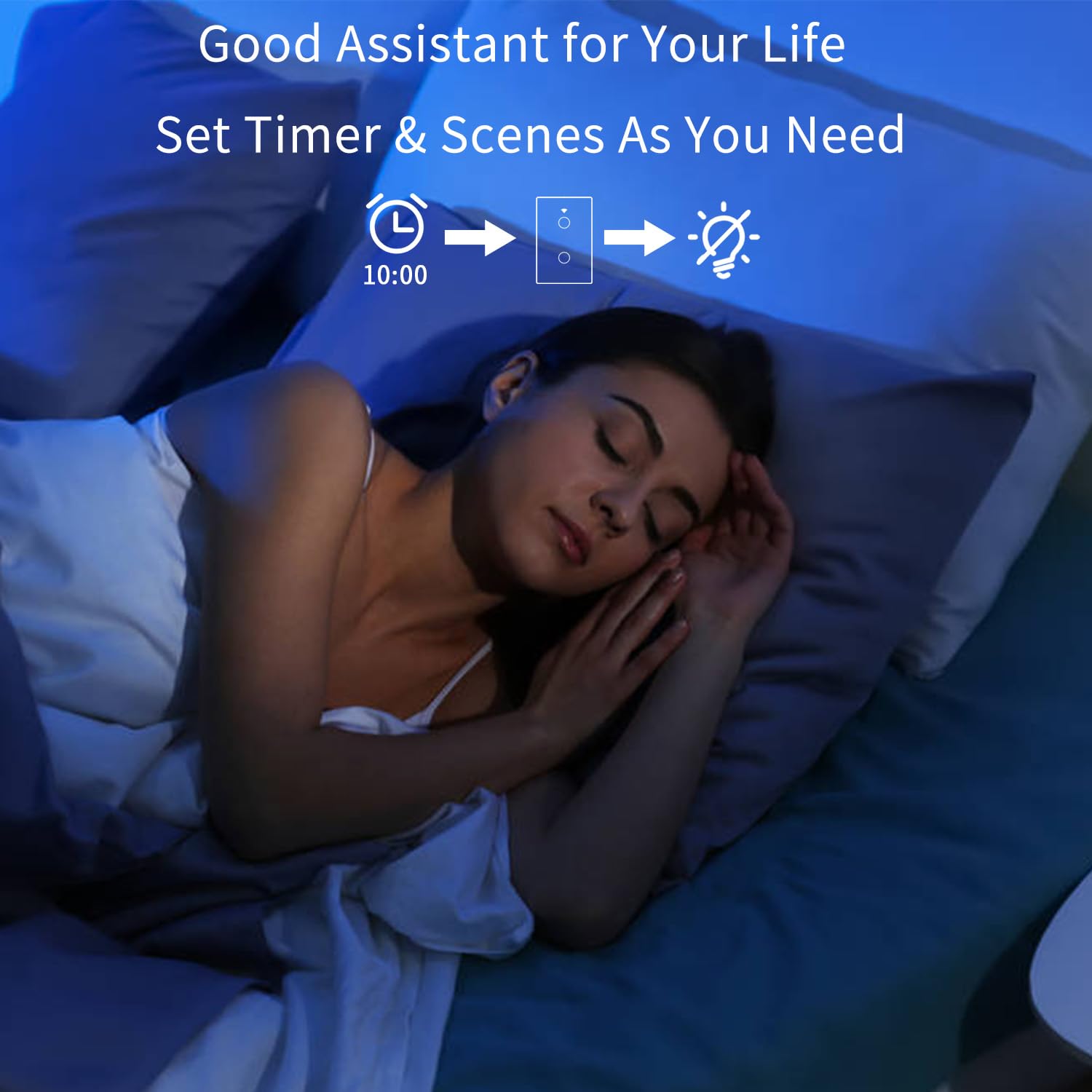
Figure 7: Set timers and scenes for automated lighting control.
6. Техникалык тейлөө
The AMPAI Smart Switch requires minimal maintenance. To keep it clean and functioning properly:
- Тазалоо: Gently wipe the glass panel with a soft, damp кездеме. Абразивдүү тазалоочу каражаттарды же эриткичтерди колдонуудан алыс болуңуз, анткени алар бетке зыян келтириши мүмкүн.
- Power Cycle: If the switch becomes unresponsive, try turning off the power at the circuit breaker for 10 seconds, then turning it back on.
- Программалык камсыздоонун жаңыртуулары: Оптималдуу иштөөнү жана коопсуздукту камсыз кылуу үчүн, Smart Life/Tuya колдонмосунда коммутаторуңуз үчүн жеткиликтүү болгон микропрограммалык камсыздоонун жаңыртууларын мезгил-мезгили менен текшерип туруңуз.
7. Кыйынчылыктарды
| Көйгөй | Мүмкүн себеп | Чечим |
|---|---|---|
| Которуу тийүүгө жооп бербейт. | No power; Loose wiring; Switch malfunction. | Check circuit breaker. Verify wiring connections. Power cycle the switch. If problem persists, contact support. |
| Wi-Fi'га туташпай жатат. | Incorrect Wi-Fi band (5GHz); Incorrect password; Router too far; Switch not in pairing mode. | Ensure your phone is on a 2.4GHz Wi-Fi network. Double-check Wi-Fi password. Move router closer or use a Wi-Fi extender. Re-enter pairing mode. |
| Lights flicker or do not turn off completely (single fire wiring). | Missing or incorrectly installed capacitor. | Ensure the capacitor is correctly installed across the Live and Load wires of the light fixture. |
| Үн башкаруу иштебейт. | Account not linked; Device not discovered; Incorrect commands. | Ensure Smart Life/Tuya skill/action is enabled and linked in Alexa/Google Home app. Ask to "Discover devices." Use correct device names and commands. |
| RF433 remote not controlling switch. | Remote not paired; Battery low in remote. | Re-pair the remote following section 4.3. Replace remote battery if necessary. |
| Коммутатор жарыкты күңүрт кылбайт. | This switch is not designed for dimming. | This is an on/off switch only. It is not compatible with dimmable bulbs or fixtures. |
8. Техникалык шарттар
| Өзгөчөлүк | Деталь |
|---|---|
| Модель номери | 4 Банда |
| Бренд | AMPAI |
| Продукциянын өлчөмдөрү | 2.85 x 1.36 x 4.74 дюйм |
| Operating Voltage | 120 вольт |
| Учурдагы рейтинг | 10 Amps |
| Иштөө режими | Зымсыз |
| Байланыш | Wi-Fi 2.4GHz, RF433MHz |
| Circuit Type | 3-way (Multi-control) |
| Актуатор түрү | Сенсордук панел |
| Шайкештик | Tuya Smart Life App, Amazon Alexa, Google Home |
| Өзгөчө өзгөчөлүк | No Neutral Wire Required (with capacitor) |
9. Кепилдик жана колдоо
For warranty information and technical support, please contact AMPAI customer service. You can often find support contact details on the product packaging, the manufacturer's official website, or through your purchase platform (e.g., Amazon).
Өндүрүүчү: AMPAI
Кошумча жардам алуу үчүн, сураныч, баш багыңыз AMPAI Store on Amazon.
Ask a question about this manual
Ask about setup, troubleshooting, compatibility, parts, safety, or missing instructions. Manuals+ will review the question and use this page’s manual context to help answer it.