
Introduction
This manual provides detailed instructions for the safe and effective use of your Bewinner 5K 72MP HD Digital Camera. Please read this manual thoroughly before operating the camera and retain it for future reference. This camera is designed for capturing high-resolution photos and videos with features like dual cameras, a 2.8-inch screen, timelapse photography, and 18X digital zoom.
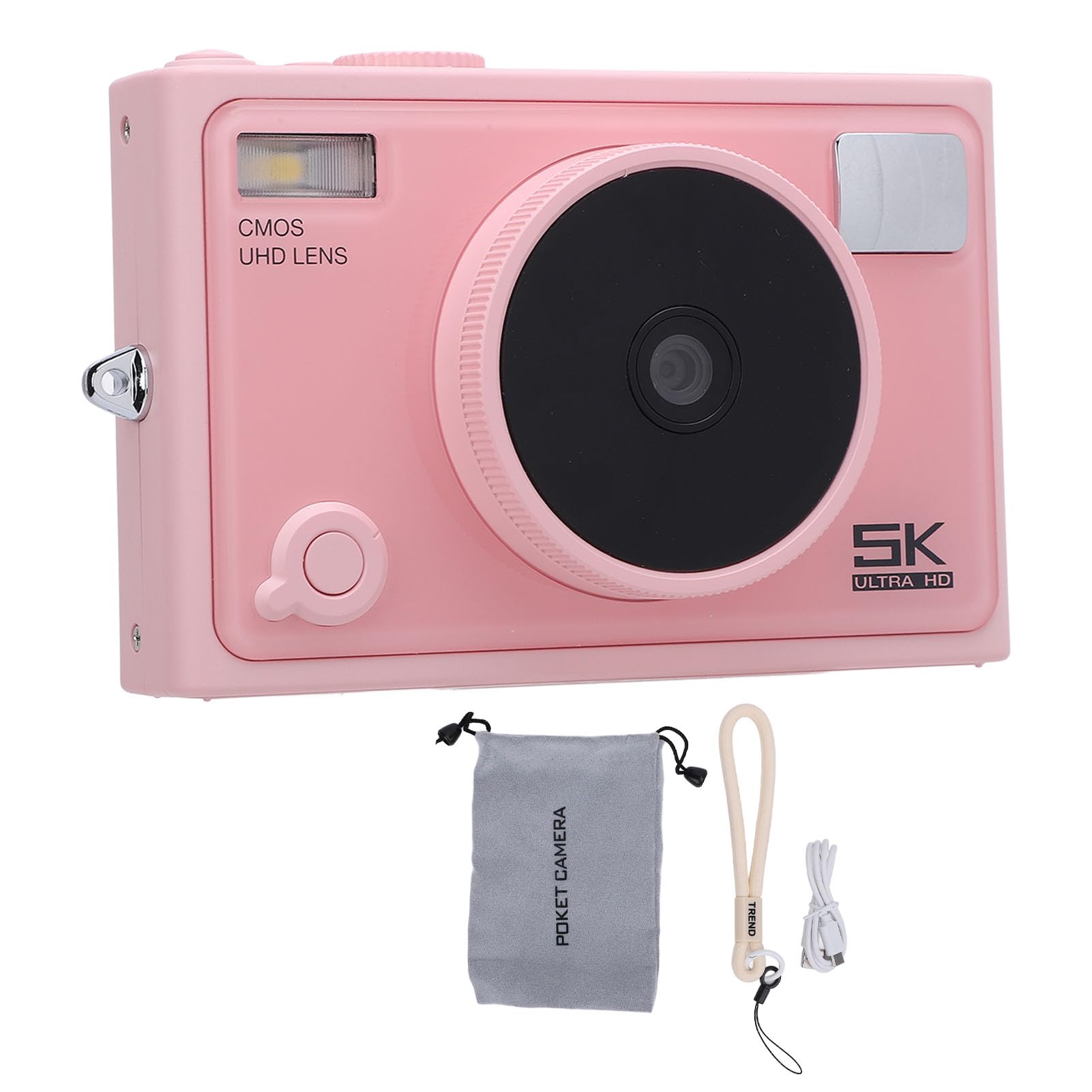
Сүрөт: алдыңкы view of the Bewinner 5K 72MP HD Digital Camera.
Коопсуздук маалыматы
- Камераны сууга же нымга тийгизбеңиз.
- Камераны жерге түшүрүүдөн же катуу тийүүдөн сактаныңыз.
- Keep the camera away from direct sunlight and high temperatures.
- Use only the specified battery type (NP-40) and charger.
- Камераны ажыратууга же өзгөртүүгө аракет кылбаңыз.
- Кичинекей балдар жетпеген жерде сактаңыз.
Пакеттин мазмуну
Пакетте бардык буюмдар бар экенин текшериңиз:
- 1 x 5K Digital Camera
- 1 x Camera Strap
- 1 x USB кабели
- 1 x User Manual
- 1 x Camera Pouch
Note: A standard memory card is not included and must be purchased separately. The camera supports up to 128GB.
Продукт бүттүview
The Bewinner 5K 72MP HD Digital Camera offers a range of features for capturing high-quality images and videos:
- 5K 72MP чечилиши: Capture crisp details with 5K 72MP resolution for photos and professional 5K videos.
- 18X Digital Zoom: Magnify your subjects with 18 times digital zoom.
- 2.8 дюймдук HD экран: View your shots clearly on the 2.8-inch HD screen with enhanced light transmission and color reproduction.
- Зымсыз туташуу: Connect to smartphones or tablets for remote control and instant sharing of photos and videos.
- Special Effects Filters: Apply various photography filters for creative styles.
- Timelapse and Slow Motion: Explore creative possibilities with built-in timelapse and slow motion photography modes.
- 1300mAh High Capacity Battery: Enjoy extended usage with the included 1300mAh lithium-ion battery.
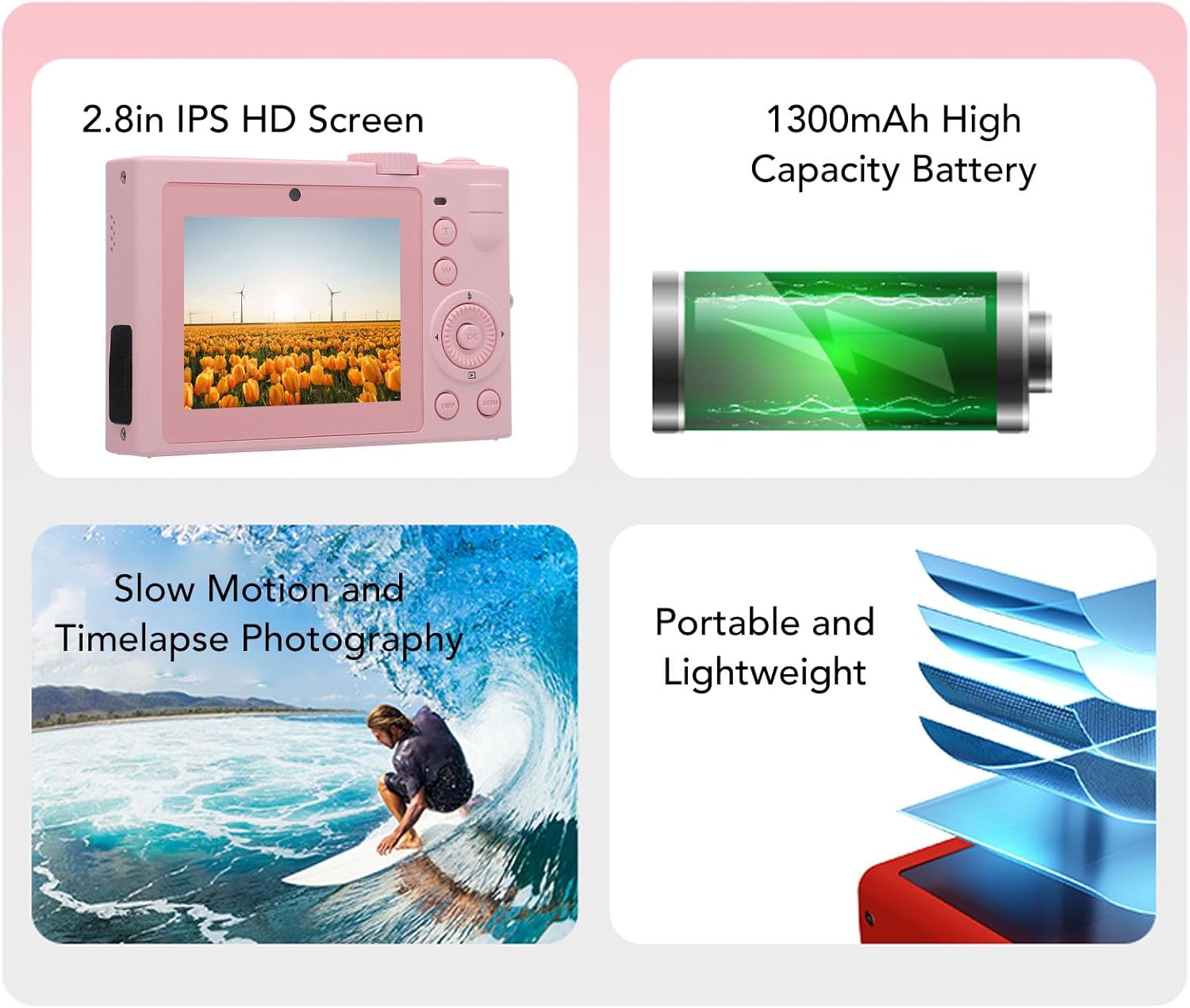
Сүрөт: бүттүview of key camera features including screen, battery, and photography modes.
Жайгашуу
1. Батареяны орнотуу
- Камеранын ылдый жагындагы батарея уясынын капкагын табыңыз.
- Капкакты ачуу үчүн бекиткичти жылдырыңыз.
- Insert the NP-40 lithium-ion battery (1300mAh) into the compartment, ensuring the correct polarity.
- Close the battery compartment cover until it clicks securely.
2. Эстутум картасын киргизүү
- Locate the memory card slot, typically near the battery compartment or on the side.
- Insert a standard memory card (up to 128GB, not included) into the slot with the contacts facing the correct direction. Push until it clicks into place.
- Алып салуу үчүн, картаны кайра акырын түртүп, ал чыгып кеткенге чейин.
3. Батареяны заряддоо
- Камераны берилген USB кабели аркылуу кубат булагына туташтырыңыз.
- Кубаттоо индикатору күйөт. Кубаттоо аяктаганда ал өчөт же түсүн өзгөртөт.

Сүрөт: каптал view of the camera, highlighting the USB port for charging and data transfer.
Иштөө нускамалары
1. Күйгүзүү / Өчүрүү
Press and hold the power button (usually located on the top or side) to turn the camera on or off. The camera is ready to use upon power on.

Сүрөт: Арткы view of the camera, showing the 2.8-inch HD screen and control buttons.
2. Негизги сүрөт
- Режим тандоо: Use the mode dial or menu to select between photo and video modes.
- Чоңойтуу: Use the zoom buttons (often marked 'W' for wide and 'T' for telephoto) to adjust the 18X digital zoom.
- Фокус: The camera typically features automatic focus.
- Жабык баскычы: Press the shutter button halfway to focus, then fully to capture a photo.
3. Видео жаздыруу
- Switch to video mode.
- Press the record button (often marked with a red dot) to start and stop recording 5K video.
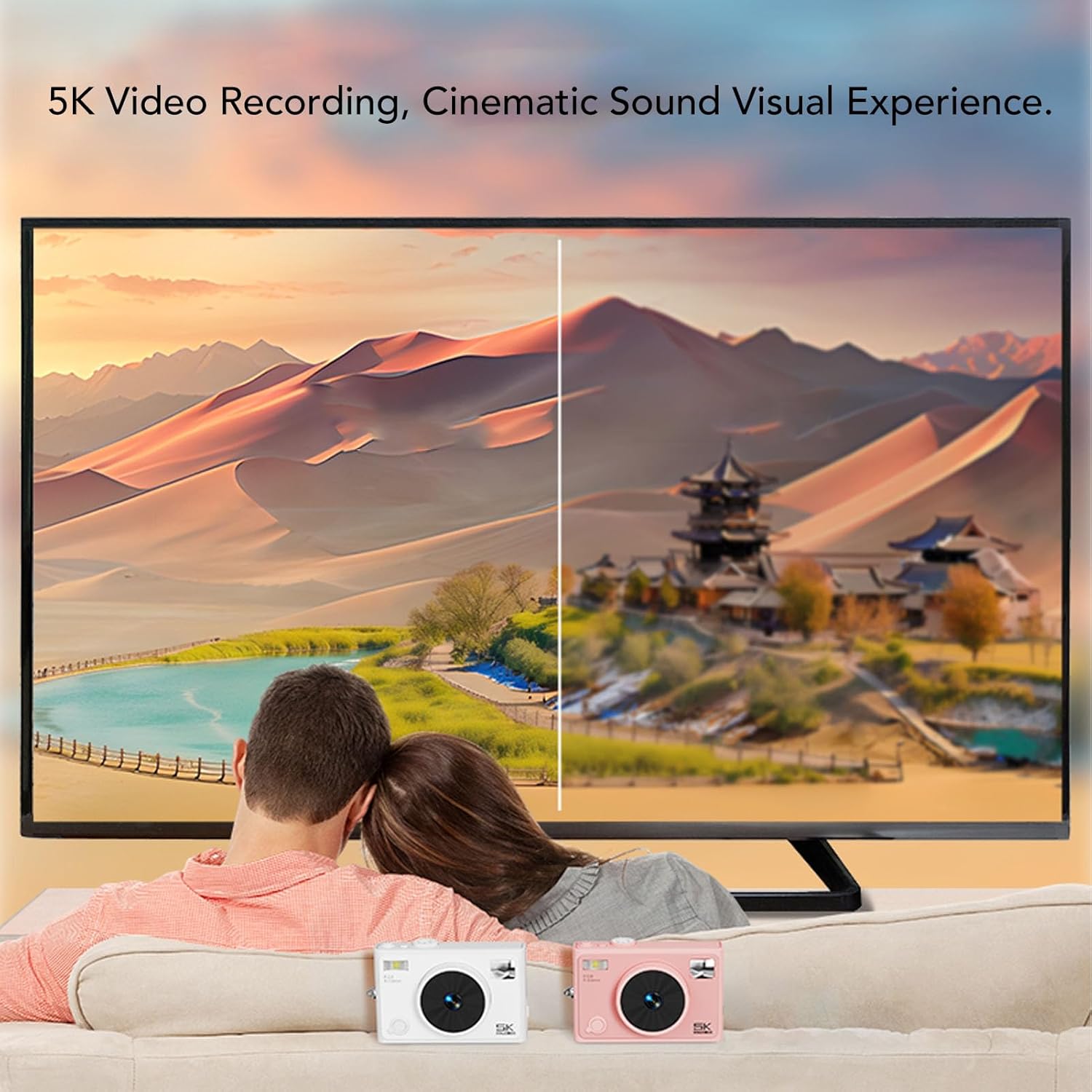
Image: Illustrates the 5K video recording capability, showing playback on a large screen.
4. Special Effects and Modes
- Чыпкалар: Access the menu to apply various special effects filters to your photos.
- Timelapse Photography: Set the interval and duration for timelapse sequences through the camera settings.
- Жай кыймыл: Select slow motion mode for capturing dynamic scenes in slow motion.

Сүрөт: Мисamples of special effects filters that can be applied to photos.
5. Зымсыз байланыш
- Activate the wireless fidelity function in the camera settings.
- On your smartphone or tablet, search for the camera's wireless network and connect.
- Use the dedicated camera application (if available) for remote control, photo transfer, and viewing.

Image: Illustration of the camera's wireless connectivity features, including remote photography and wireless transmission to a smartphone.
Техникалык тейлөө
- Тазалоо: Камера корпусун тазалоо үчүн жумшак, кургак чүпүрөктү колдонуңуз. Линза үчүн атайын линза тазалоочу чүпүрөктү жана эритмени колдонуңуз.
- Сактагыч: When not in use, store the camera in a cool, dry place, preferably in the provided camera pouch, away from dust and extreme temperatures.
- Батареяга кам көрүү: Remove the battery if the camera will not be used for an extended period. Charge the battery periodically to maintain its lifespan.
Проблемаларды чечүү
| Көйгөй | Мүмкүн себеп | Чечим |
|---|---|---|
| Камера күйбөйт. | Батарея түгөнүп калган же туура эмес салынган. | Батареяны заряддаңыз. Батарея туура полярдуулук менен салынганын текшериңиз. |
| Сүрөткө/видео тартууга болбойт. | Эстутум картасы толуп, кулпуланган же кыстарылган эмес. | Insert a memory card. Check if the card is locked. Delete unnecessary fileже картаны форматтаңыз. |
| Сүрөттүн сапаты начар. | Lens is dirty, insufficient lighting, or incorrect settings. | Clean the lens. Ensure adequate lighting. Adjust camera settings as needed. |
| Зымсыз байланыш ишке ашпай калды. | Wireless function is off, or incorrect pairing. | Ensure wireless function is enabled on the camera. Re-attempt pairing with your device. |
Техникалык шарттар
| Бренд | Bewinner |
| Модель аты | Bewinnerc1dy9uoiqb-12 |
| Сүрөттүн максималдуу чечилиши | 72 депутат |
| Видеонун максималдуу чечилиши | 5K |
| Оптикалык масштаб | 18 x |
| Screen Size | 2.8 дюйм |
| Батарея түрү | Lithium Ion Battery (NP-40) |
| Батарея сыйымдуулугу | 1300mAh |
| Сактоо колдоо | Up to 128GB Standard Memory Card (Not Included) |
| Байланыш технологиясы | Wireless Fidelity (Wi-Fi) |
| Түс | Кызгылт |
Кепилдик жана колдоо
For warranty information and technical support, please refer to the documentation included with your purchase or visit the official Bewinner webсайт. Кепилдик дооматтар үчүн сатып алганыңыздын далилин сактаңыз.