
Introduction
The Xmenha YX36 RGB Mecha True Wireless Gaming Earbuds are designed to provide an immersive audio experience for gaming and music. Featuring Bluetooth 5.4 connectivity, low latency, and a unique mecha-inspired design, these earbuds offer enhanced sound quality and comfortable wear. This manual provides instructions for setup, operation, maintenance, and troubleshooting to ensure optimal performance.
Пакеттин мазмуну
Сураныч, төмөнкү нерселер үчүн кутучаны белгилеңиз:
- Gaming Earbuds (L/R)
- 2 Sizes of Ear Caps
- Заряддоо кутусу
- USB заряддоо кабели (Type-C)
- User Manual (2 copies)
Продукт бүттүview
The Xmenha YX36 earbuds feature a distinctive mecha design with RGB lighting, housed in a compact charging case. They are engineered for comfort and performance, especially for gaming.

Image: The Xmenha YX36 Winter-Blue earbuds are shown inside their open charging case, highlighting the unique design and glowing elements.
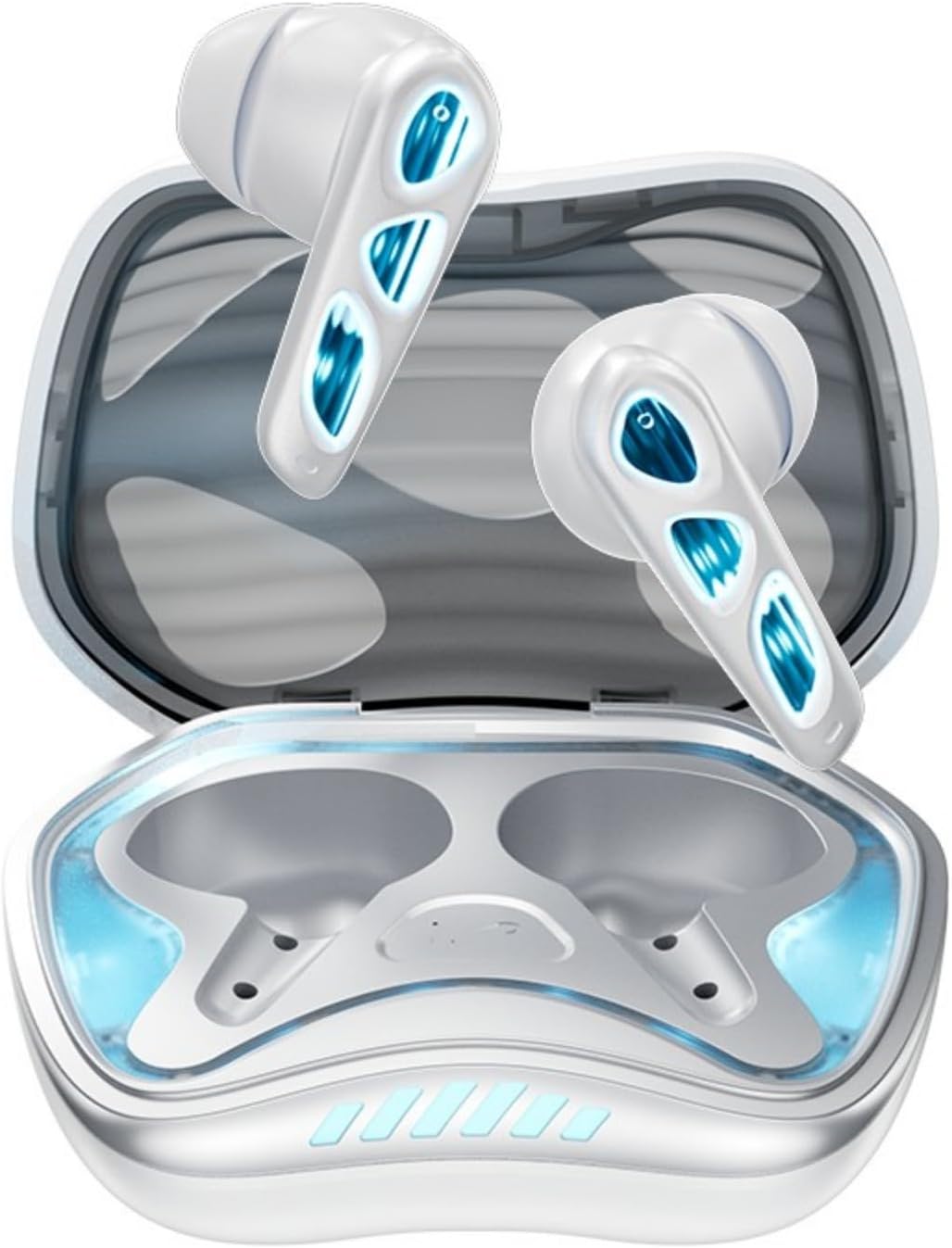
Сүрөт: жогорудан ылдыйга view of the Winter-Blue earbuds resting in their charging case, showcasing the internal layout and design details.

Image: This graphic highlights the gaming-specific features of the earbuds, including Bluetooth 5.4 for smooth connection, a polymer diaphragm for sound quality, super heavy bass, and comfortable noise reduction.
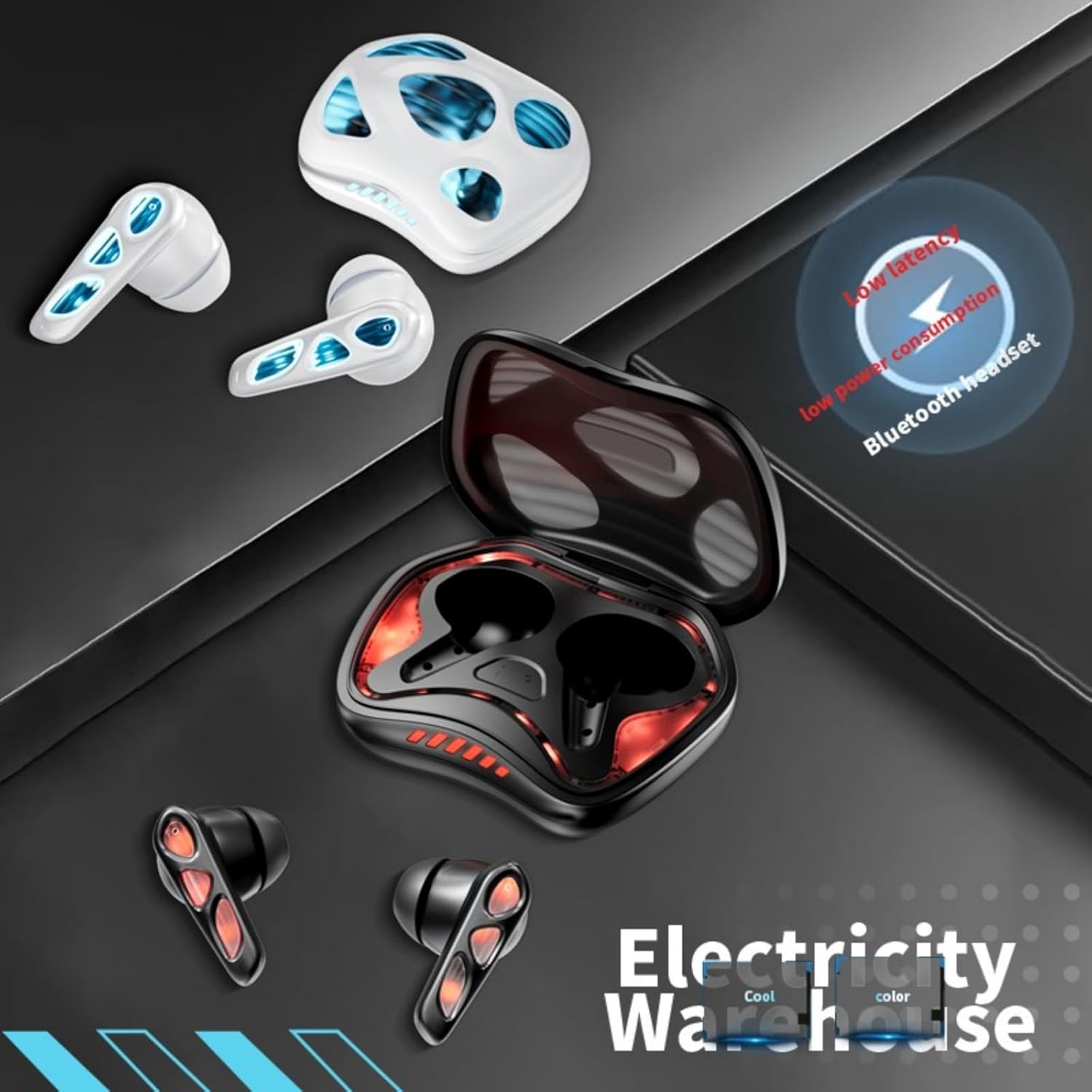
Image: The earbuds and charging case are depicted alongside text indicating low latency and low power consumption, emphasizing efficient performance for gaming and extended use.
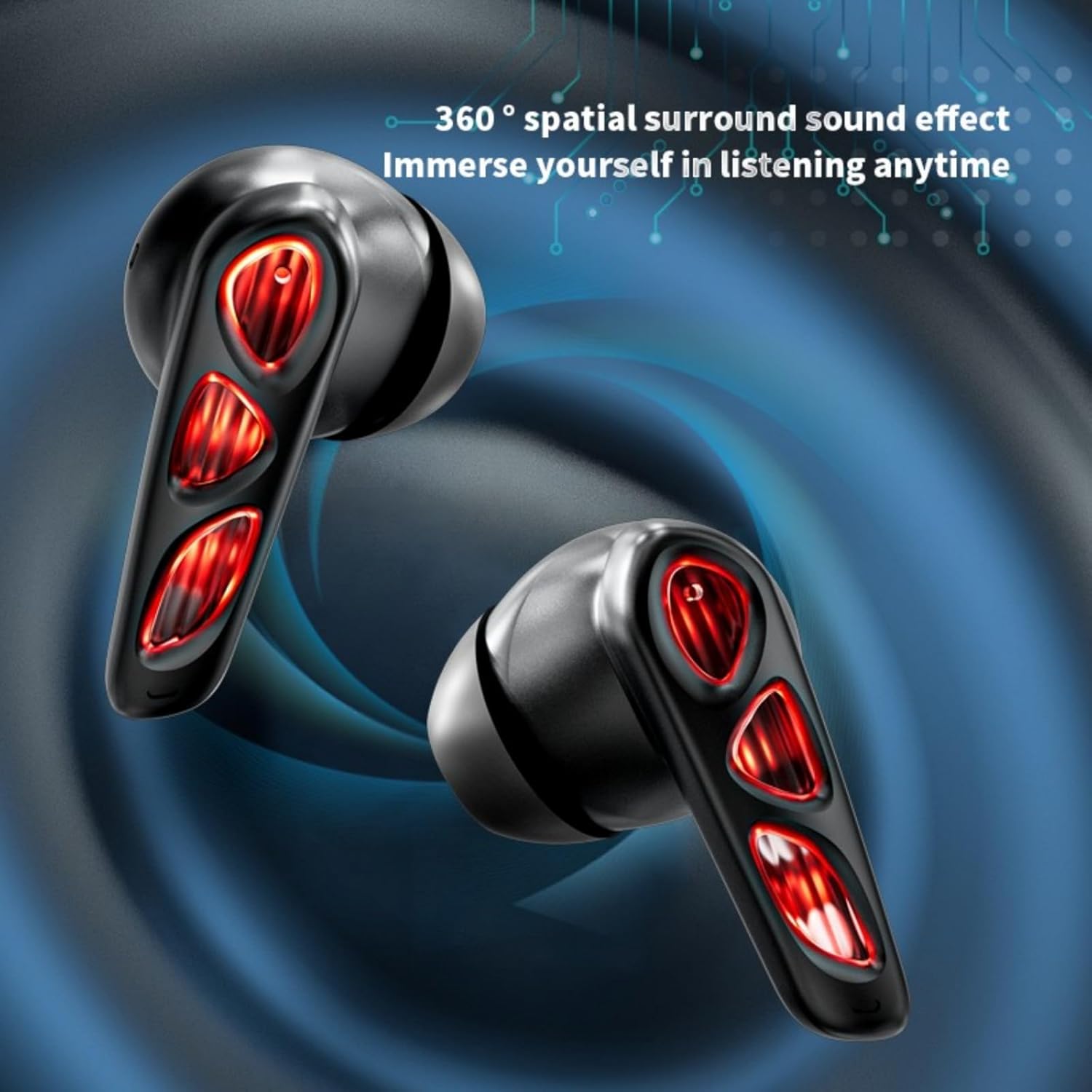
Image: A close-up of the earbuds (in the Flame-Red variant) highlights the 360-degree spatial surround sound effect, designed to immerse the user in their audio experience.

Image: This image showcases the Winter-Blue earbuds in their charging case, emphasizing the ultra-long battery life and strong power reserve for extended gaming sessions.

Image: A person is shown wearing the earbuds, illustrating the ergonomic design for comfortable and worry-free use during play.
Жайгашуу
1. Кулакчындарды жана кутуну кубаттоо
Биринчи колдонуудан мурун, кулакчындарды жана кубаттоочу кутучаны толук заряддаңыз.
- Берилген USB Type-C заряддоо кабелин корпустагы заряддоо портуна жана кубат булагына туташтырыңыз.
- The charging case will indicate its charging status. A full charge for the case typically takes approximately 2 hours.
- Place the earbuds into the charging case. They will begin charging automatically. The earbuds provide approximately 5.5 hours of continuous playtime on a single charge, with the charging case offering an additional 36 hours of battery life.
2. Bluetooth Жупташтыруу
Ыңгайлуулук үчүн кулакчындар бир баскычтуу жупташтыруу функциясына ээ.
- Заряддоо кутучасын ачыңыз. Кулакчындар автоматтык түрдө күйүп, жупташтыруу режимине өтөт.
- Түзмөгүңүздө (смартфон, планшет, компьютер) Bluetooth иштетип, жеткиликтүү түзмөктөрдү издеңиз.
- Select "YX36" (or similar name) from the list of found devices to connect.
- Once paired, the earbuds will automatically connect to the last paired device when removed from the case.
Иштөө нускамалары
Touch Controls
The Xmenha YX36 earbuds utilize intelligent touch controls for various functions:
- Музыканы ойнотуу/тындыруу: Кулакчындарды бир жолу таптаңыз.
- Кийинки ыр: Оң кулакчынды эки жолу таптаңыз.
- Мурунку ыр: Сол кулакчынды эки жолу таптаңыз.
- Чалууга жооп берүү/аяктоо: Кирүүчү чалуу учурунда гарнитураны бир жолу таптаңыз.
- Чакырууну четке кагуу: Кирүүчү чалуу учурунда кулакчындын бирин 2 секунд басып туруңуз.
- Үн Жардамчысын жандыруу: Кулакчындарды үч жолу таптаңыз (функциялар түзмөккө жараша өзгөрүшү мүмкүн).
Оюн режими
The earbuds are designed with a low-latency connection (55ms) for an optimized gaming experience. This ensures audio and video synchronization with near-zero delay.
Техникалык тейлөө
Тазалоо
Оптималдуу аткарууну жана гигиенаны сактоо үчүн:
- Кулакчындарды жана кубаттоочу кутуну жумшак, кургак, түксүз чүпүрөк менен акырын сүртүңүз.
- Абразивдүү тазалагычтарды, спиртти же химиялык эриткичтерди колдонбоңуз.
- Кулакчындардагы жана кутудагы кубаттоо контакттары таза жана кургак экенин текшериңиз.
Сактагыч
When not in use, store the earbuds in their charging case to protect them and keep them charged. Avoid storing in extreme temperatures or humid environments.
Проблемаларды чечүү
If you encounter issues with your Xmenha YX36 earbuds, please refer to the following common solutions:
| Көйгөй | Чечим |
|---|---|
| Кулакчындар жупташкан жок |
|
| Бир кулактын үнү чыкпайт |
|
| Заряддоо куту заряддалбай жатат |
|
| Көлөмү төмөн же үн сапаты начар |
|
Техникалык шарттар
| Өзгөчөлүк | Деталь |
|---|---|
| Модель номери | YX36 |
| Bluetooth версиясы | 5.4 |
| Өткөрмө аралык | >10 метр |
| Кулакчындын батареянын кубаттуулугу | 30 мАч (ар бири) |
| Заряддоо корпусунун батареясынын сыйымдуулугу | 380mAh |
| Ойнотуу убактысы | Approx. 5.5 hours (earbuds), 36 hours (with charging case) |
| Заряддоо убактысы | Болжол менен 2 саат (заряддоо кутусу) |
| Заряддоо порту | Type-C |
| Төмөн күтүү | 55ms |
| Башкаруу ыкмасы | тийүү |
| Сууга туруктуулук деңгээли | Суу өткөрбөйт |
| Шайкеш түзмөктөр | iPhone, Android, PC |
| Материал | Пластик |
| Элемент Салмагы | 3.8 унция |
Кепилдик жана колдоо
Xmenha is committed to providing quality products and customer satisfaction. While specific warranty details are not provided in this manual, if you receive a defective product or have any questions during use, please contact Xmenha customer support. We aim to respond and provide a solution within 24 hours.
For support, please refer to the contact information provided with your purchase or visit the official Xmenha store page on Amazon.