
Introduction
Welcome to the EDYELL A1 Wireless Earbuds user manual. These earbuds are designed to provide a high-quality audio experience with advanced features such as Active Noise Cancellation (ANC), powerful dynamic drivers, and convenient Type-C fast charging. This manual will guide you through the setup, operation, and maintenance of your new earbuds.
Кутуда эмне бар
Пакетиңиздин мазмунун текшериңиз. Эгерде кандайдыр бир нерселер жок болсо же бузулса, кардарларды колдоо менен байланышыңыз.
- 1 Pair of EDYELL A1 Wireless Earbuds
- 1 Заряддоо кутусу
- 1 Type-C заряддоо кабели
- 2 Pairs of Earplugs (different sizes)
- 1 Колдонуучунун колдонмосу

Image: EDYELL A1 Wireless Earbuds, showing both earbuds and the charging case.
Продукт өзгөчөлүктөрү
- Активдүү ызы-чууну жокко чыгаруу (ANC): Up to 35dB noise reduction for an immersive audio experience.
- Динамикалык драйверлер: Equipped with 13mm Titanized Diaphragm Drivers for deep bass and clear treble.
- Crystal Clear Чалуулар: Four built-in microphones per earbud with CVC8.0 and anti-wind algorithms for enhanced call clarity.
- Сенсордук башкаруу: Intuitive touch controls for managing music, calls, and ANC modes.
- Батареянын узак иштөө мөөнөтү: Заряддоочу кутуча менен 48 саатка чейин музыка ойнотуу.
- Тез кубаттоо: Type-C port for quick and efficient charging.
- Сууга чыдамдуу: Designed to be water resistant for durability.
- Bluetooth 5.3: Advanced Bluetooth connectivity for stable and seamless wireless pairing.

Image: Infographic highlighting key features of the EDYELL A1 earbuds, such as 35dB ANC, 100 hours playtime (total with case), Bluetooth 5.3, touch control, IPX5 water resistance, comfort fit, noise-canceling technology, and 13mm dynamic drivers.

Image: Detailed diagram illustrating the 4-microphone system with CVC8.0 technology for clear calls, highlighting anti-wind noise design, feedback microphone, and talk microphone, which contribute to 90% background noise reduction.

Сүрөт: жарылган view of the 13mm dynamic driver, showcasing its components and emphasizing its capability to deliver HIFI stereo sound with dynamic treble and deep bass.
Орнотуу колдонмосу
1. Кулакчындарды жана кутуну кубаттоо
Биринчи колдонуудан мурун, кулакчындарды жана заряддоо кутучасын толук заряддаңыз.
- Кулакчындарды заряддоо кутусуна салыңыз.
- Type-C заряддоо кабелин корпустагы кубаттоо портуна жана USB кубат булагына туташтырыңыз.
- Корпустагы индикатор жарыктары кубаттоо абалын көрсөтөт. Толук заряддалгандан кийин, жарыктар аяктагандыгын көрсөтүп турат же өчөт.
Эскертүү: A full charge provides up to 48 hours of music playback with the charging case. The earbuds themselves offer 5-6 hours of music time per charge, and the case can provide multiple recharges.
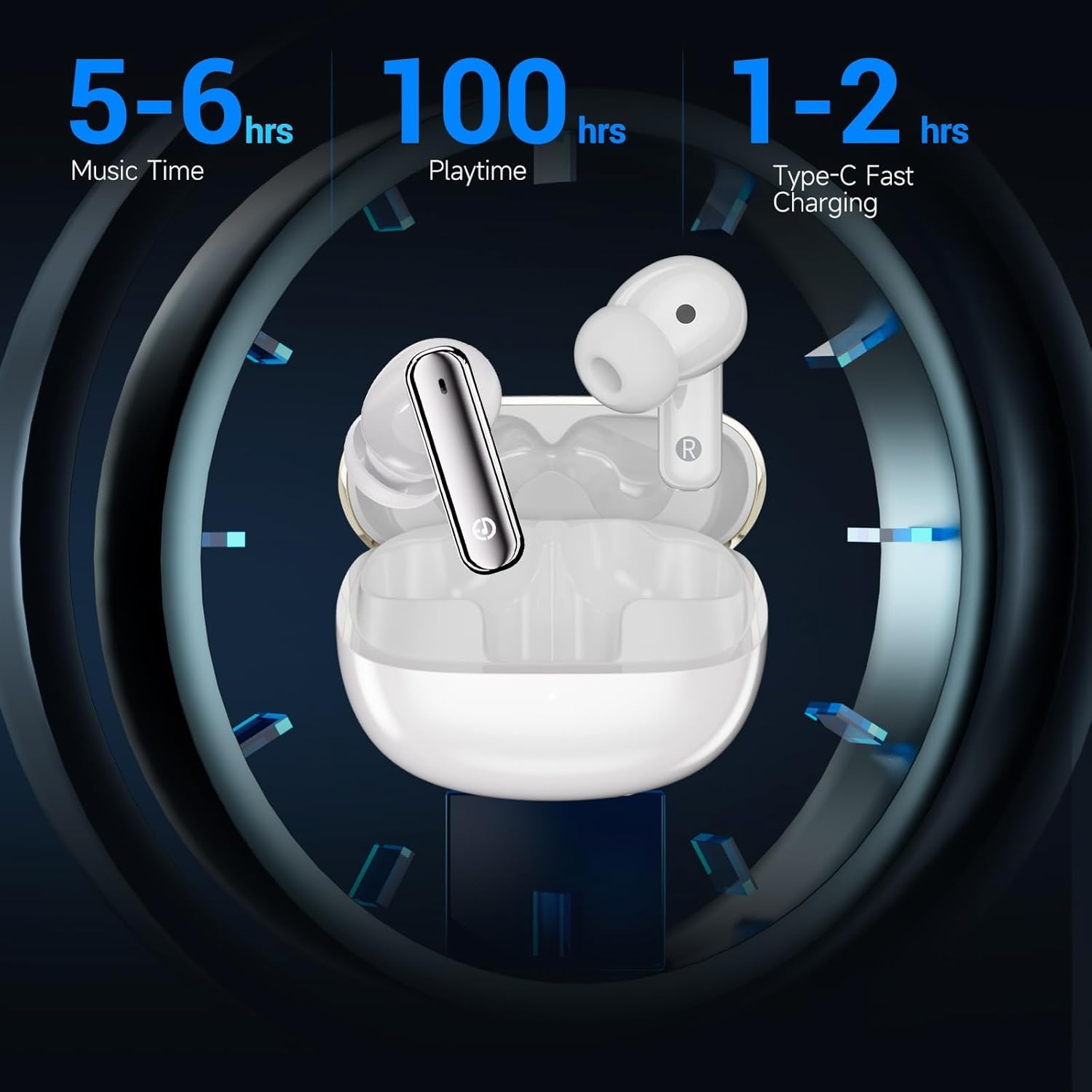
Image: Visual representation of the EDYELL A1 earbuds in their charging case, illustrating battery performance with 5-6 hours of music time per earbud charge, up to 100 hours total playtime with the charging case, and 1-2 hours for Type-C fast charging of the case.
2. Түзмөгүңүз менен жупташтыруу
- Заряддоо кутучасын ачыңыз. Кулакчындар жупташтыруу режимине автоматтык түрдө кирет.
- Түзмөгүңүздө (смартфон, планшет, ноутбук) Bluetooth жөндөөлөрүнө өтүңүз.
- Издөө available devices and select "EDYELL A1" from the list.
- Туташкандан кийин, сиз ырастоо үнүн угасыз жана кулакчындар колдонууга даяр болот.
The earbuds feature Bluetooth 5.3 for a stable and efficient connection with various Bluetooth-enabled devices.
Иштөө нускамалары
Touch Controls
The EDYELL A1 earbuds feature intuitive touch controls on each earbud. The specific functions may vary slightly, but common controls include:
| Акция | Функция |
|---|---|
| Бир таптоо (Сол/Оң) | Музыка ойнотуу/тындыруу, Чалууга жооп берүү/аяктоо |
| Эки жолу таптаңыз (оңго) | Кийинки трек |
| Эки жолу таптаңыз (солго) | Мурунку трек |
| Үч жолу таптап (Сол/Оң) | Үн жардамчысын жандырыңыз |
| Узун басуу (Сол/Оң) | Toggle ANC/Transparency Mode (approx. 2 seconds) |
| Long Press (during incoming call) | Чакырууну четке кагуу |
Активдүү Шумду Жоюу (ANC)
The EDYELL A1 earbuds feature Active Noise Cancellation to reduce ambient noise. To switch between ANC mode, Transparency mode, and Normal mode, long-press the touch sensor on either earbud for approximately 2 seconds. A voice prompt will confirm the mode change.
- ANC режими: Имерсивдүү угуу тажрыйбасы үчүн тышкы ызы-чууну азайтат.
- Ачыктык режими: Аудио угуп жатып, айланаңыздагы нерселерди угууга мүмкүндүк берет, бул аң-сезимди жакшыртат.
- Кадимки режим: ызы-чууну жокко чыгаруу же ачыктык жок стандарттуу аудио ойнотуу.
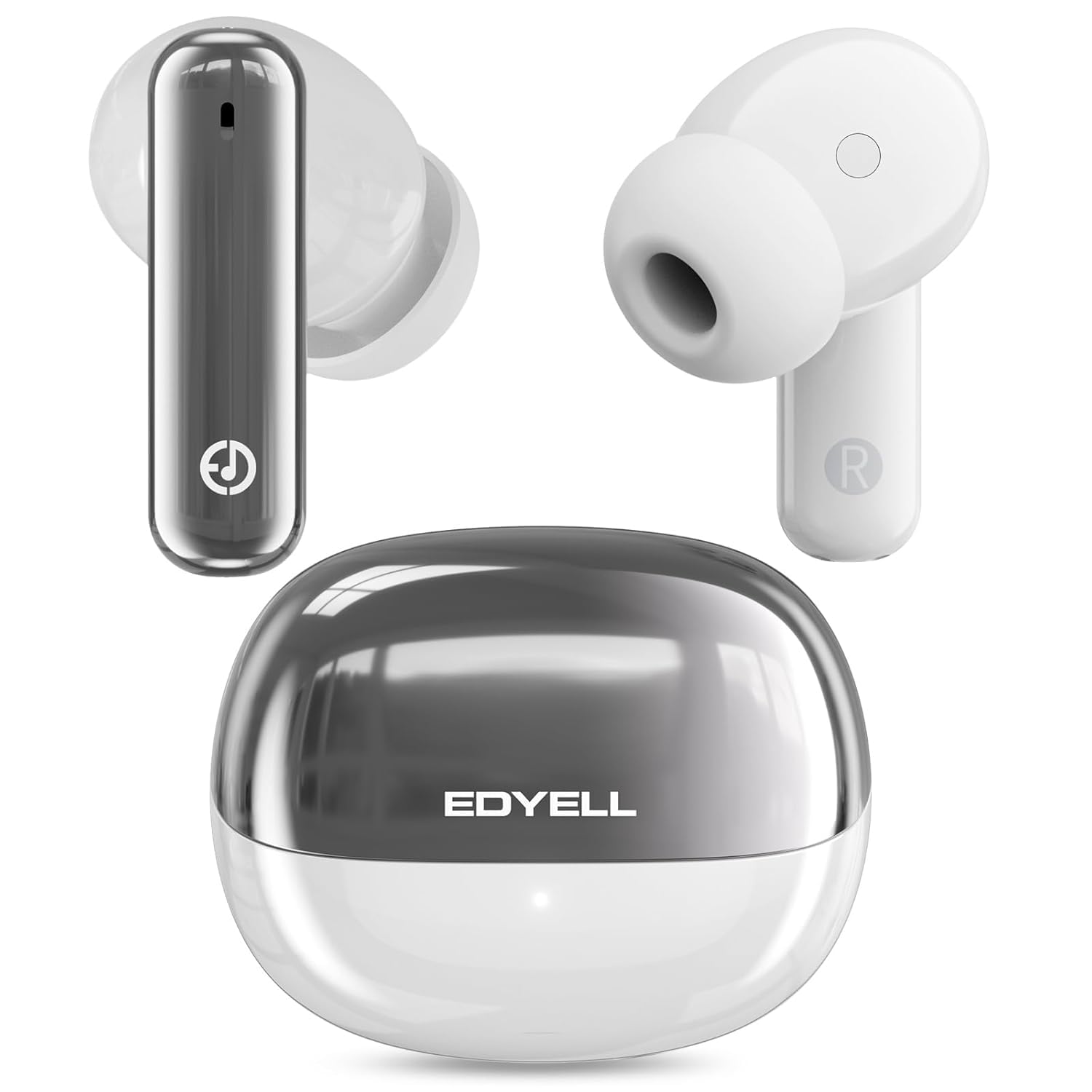
Image: A visual representation of the 35dB Active Noise Cancellation feature of the EDYELL A1 earbuds, depicting sound waves being eliminated for a quieter listening experience.
Техникалык тейлөө жана кам көрүү
- Тазалоо: Кулакчындарды жана заряддоо кутусун жумшак, кургак чүпүрөк менен дайыма тазалаңыз. Катуу химиялык заттарды же абразивдүү материалдарды колдонбоңуз.
- Суу каршылык: Кулакчындар сууга чыдамдуу. Аларды сууга чөктүрүүдөн же ашыкча нымдуулукта узак убакытка калуудан алыс болуңуз. Алар нымдуу болсо, аларды жакшылап кургатуу.
- Сактагыч: Колдонулбаганда, кулакчындарды коргоо жана кубаттоо үчүн кубаттоочу кутучага сактаңыз.
- Температура: Кулакчындарды экстремалдык температурага (ысык же муздак) тийгизбеңиз, анткени бул батареянын иштөө мөөнөтүн жана иштешине таасирин тийгизиши мүмкүн.
Проблемаларды чечүү
| Көйгөй | Чечим |
|---|---|
| Кулакчындар жупташкан жок | Ensure earbuds are charged. Turn off and on Bluetooth on your device. Forget "EDYELL A1" from your device's Bluetooth list and re-pair. |
| Бир гана кулакчын иштейт | Place both earbuds back in the case, close it, then open it again. Ensure both earbuds are charged. Re-pair the earbuds with your device. |
| Көлөмү төмөн же үн сапаты начар | Adjust volume on your device. Ensure earbuds are clean and free of debris. Try different earplug sizes for a better seal. |
| Кулакчындар заряддалбай жатат | Check the charging cable and power source. Ensure the charging contacts on the earbuds and case are clean. |
| ANC эффективдүү эмес | Ensure earbuds are properly seated in your ears for a good seal. Toggle ANC mode to ensure it's active. |
Техникалык шарттар
| Өзгөчөлүк | Деталь |
|---|---|
| Модель аты | FM-Earbuds-A1 |
| Bluetooth версиясы | 5.3 |
| Noise Control | Активдүү ызы-чууну жокко чыгаруу (35дБ чейин) |
| Аудио драйверинин өлчөмү | 13мм динамикалык айдоочулар |
| Микрофондор | 4-built-in microphones with CVC8.0 |
| Батареянын иштөө мөөнөтү (наушник) | 5-6 hours music time |
| Жалпы ойноо убактысы (капка менен) | 48 саатка чейин |
| Заряддоо порту | Type-C |
| Суу каршылык | Сууга туруктуу (IPX5) |
| Башкаруу түрү | Touch Control |
| Шайкеш түзмөктөр | Smartphones, Tablets, Laptops, Bluetooth-enabled Devices |
| Элемент Салмагы | 100 грамм |
Кепилдик жана колдоо
Кепилдик: The EDYELL A1 Wireless Earbuds come with a 12-month EDYELL India Warranty. The warranty is valid for 15 months from the date of purchase.
Кардарларды колдоо: For any quality problems or warranty-related inquiries, please contact EDYELL India customer care:
- Электрондук почта: support@fenman.in
- Телефон: +91 8882786235
- You can also contact us via Amazon.
Продукт видеосу бүттүview
Видео: Аткаминерview of the EDYELL A1 Wireless Earbuds, highlighting key features, battery life, design, and device compatibility.