
Introduction
This manual provides comprehensive instructions for the OSALO Scientific Calculator OS-82ES-2. Designed for secondary students, this calculator features 252 functions, a 2-line written display, and dual power sources for reliable performance.

Сүрөт: алдыңкы view of the OSALO Scientific Calculator OS-82ES-2.
Жайгашуу
Электр камсыздоо
The OSALO OS-82ES-2 calculator operates on dual power: solar and battery.
- Күн энергиясы: The solar panel located at the top of the calculator provides power in well-lit environments.
- Батарея кубаттуулугу: For low-light conditions or when solar power is insufficient, the calculator uses a single LR44 battery (included).

Image: Illustration showing the dual power supply (solar and battery) of the calculator.
Баштапкы колдонуу
Before first use, ensure the protective slide cover is removed. The calculator is ready for use once powered on.

Сүрөт: деталдуу view of the calculator's components, including the solar panel, display, and various keys.
Иштөө нускамалары
Негизги операциялар
The calculator features a 2-line written display that mimics textbook expressions, showing both input and calculation results.
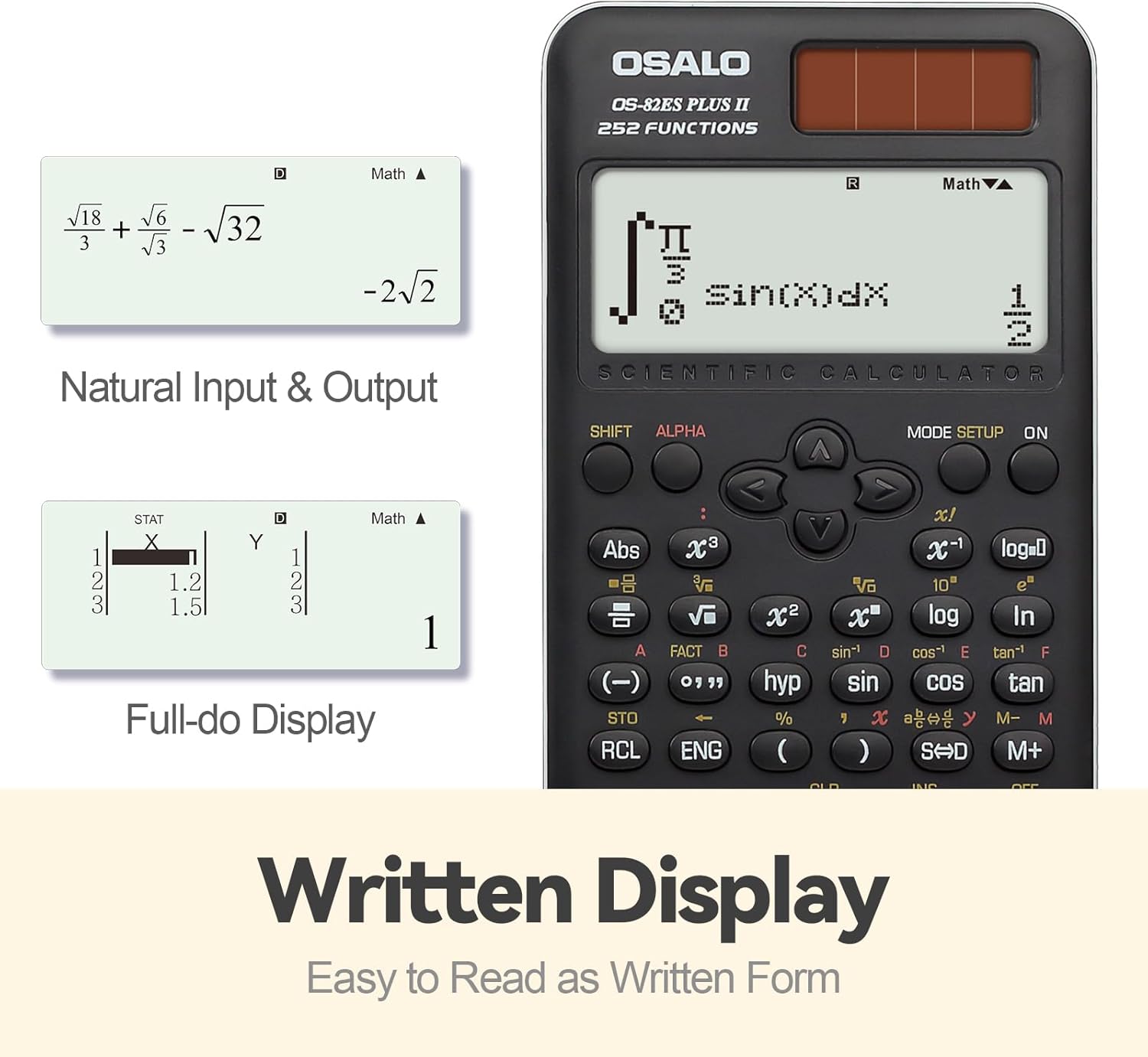
Сүрөт: Мисample of the calculator's natural input and output display, showing mathematical expressions as they appear in textbooks.
Функция бүттүview
The OS-82ES-2 offers 252 functions, covering a wide range of scientific calculations.
- Негизги эсептөөлөр
- Variable statistics
- Prime factorization
- Differentiation calculation
- Integration calculation
- Көп кайталоо функциясы
- Combination and Permutation
- Бөлчөктөрдү эсептөө
- 9 өзгөрүлмө эс тутум
- Fraction-decimal conversion (using SD keys)

Image: Visual representation highlighting the 252 functions of the scientific calculator, including statistical and fractional capabilities.
Smart History and Recall
Utilize the smart history feature to quickly retrieve, reuse, or edit previous formulas. This streamlines complex calculations and reduces repetitive input.
Дисплейдин контрастын жөндөө
To adjust the display contrast for optimal readability:
- басыңыз РЕЖИМ ОРНОТУ баскычы.
- багыттоо КОНТРАСТ (usually option 5).
- Use the arrow keys to adjust between ЖАРЫК жана КАРАҢЫЗ орнотуулар.
- Басыңыз AC орнотуулардан чыгуу үчүн.

Image: Comparison of the calculator's display in dark and bright contrast settings, demonstrating the brightness adjustment function.
Расмий продукт Video
Video: An official product video demonstrating the features and usage of the OSALO Scientific Calculator, including its 252 functions, 2-line display, and dual power capabilities. Duration: 34 seconds.
Техникалык тейлөө
Тазалоо
To clean the calculator, wipe it gently with a soft, dry cloth. Do not use abrasive cleaners or solvents, as these may damage the surface or internal components.
Сактагыч
When not in use, store the calculator in a cool, dry place, away from direct sunlight and extreme temperatures. The included slide-on hard case provides protection against dust and physical damage.
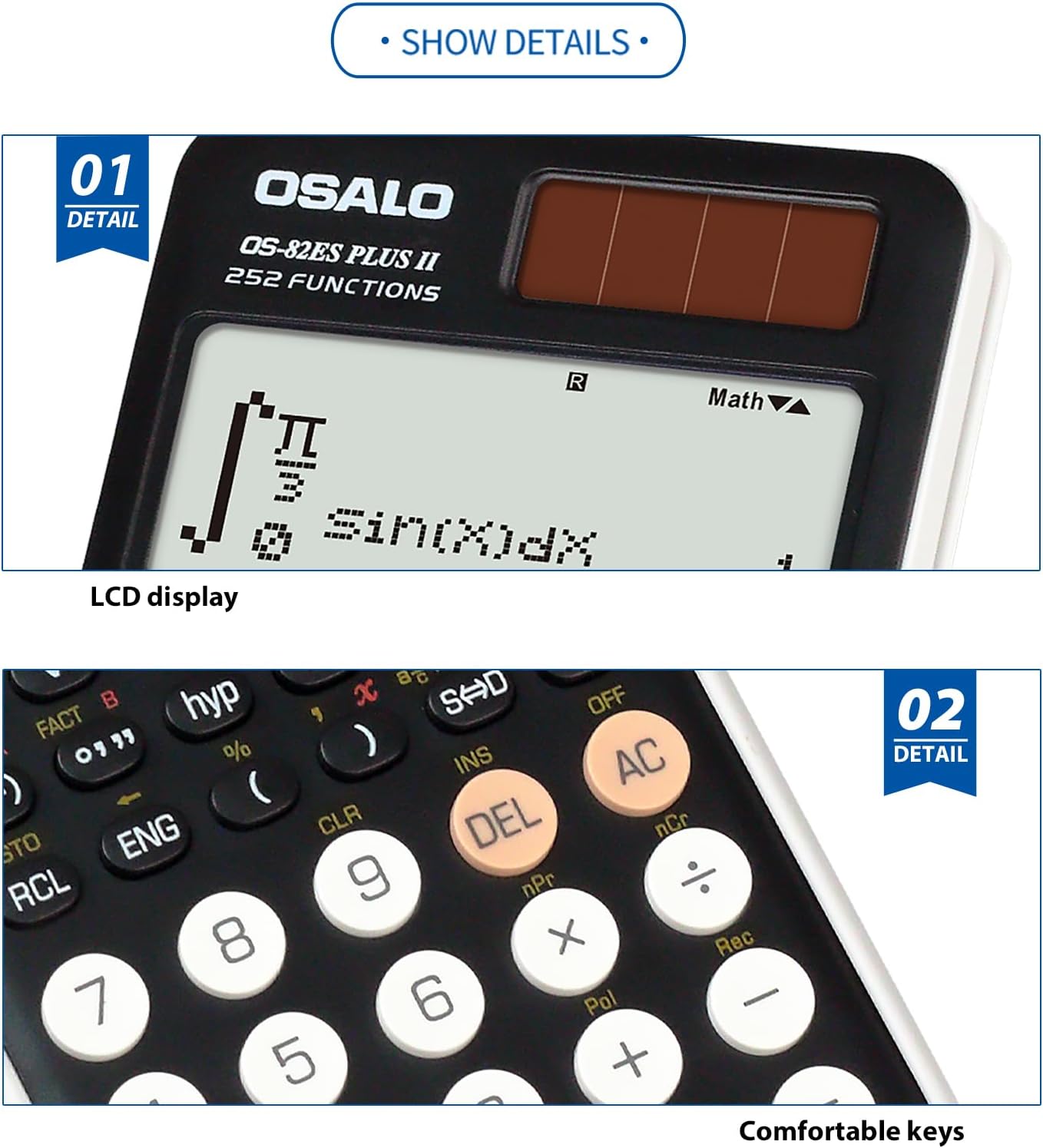
Сүрөт: Жакын план view highlighting the clear LCD display and the comfortable, responsive keys of the calculator.
Проблемаларды чечүү
Дисплей бош же күңүрт
- Ensure the calculator is in a well-lit area to activate solar power.
- Check the battery. If the display remains dim or blank, the LR44 battery may need replacement.
- Adjust the display contrast using the РЕЖИМ ОРНОТУ function as described in the Operating Instructions.
Calculator does not respond
- басыңыз ON баскычы.
- If unresponsive, try pressing the RESET button (if available, usually a small recessed button requiring a thin object like a paperclip).
- Ensure sufficient power from either solar or battery sources.
Техникалык шарттар
| Өзгөчөлүк | Деталь |
|---|---|
| Модель номери | OS-82ES-2 |
| Функциялар | 252 |
| Дисплей түрү | 2-line Written Display |
| Power Source | Battery (1 LR44 included) & Solar |
| Өлчөмдөрү (L x W x Y) | 6.46 x 3.15 x 0.1 inches (164 x 80 x 2.5 mm approx) |
| Салмагы | 4.9 ounces (140g approx) |
| Түс | Кара |
| Калькулятор түрү | Инженердик/Илимий |
| Screen Size | 2.4 дюйм |

Image: Visual representation of the calculator's thin profile and lightweight design, along with its precise dimensions.
Кепилдик жана колдоо
For warranty information and customer support, please refer to the official OSALO webсайтка же сатуучуга кайрылыңыз. Сатып алганыңыздын далили катары сатып алуу дүмүрчөгүңүздү сактаңыз.
Эскертүү: Кепилдиктин конкреттүү шарттары аймакка жана сатуучуга жараша өзгөрүшү мүмкүн.