Introduction
This manual provides essential information for the setup, operation, maintenance, and troubleshooting of your Starlink Mini Internet Kit Satellite. Designed for portable, high-speed internet access, the Starlink Mini utilizes advanced satellite technology to deliver reliable connectivity in remote areas.
The Starlink Mini is a compact and travel-friendly solution, ideal for users requiring internet access on the go, such as during RV trips. It functions as a versatile internet router, capable of supporting various connectivity needs including wireless routing, modem router combinations, and gaming.
Маанилүү эскертүүлөр
Regional Activation Fee: Be aware that a one-time activation fee of $300 may apply if you use your Starlink Mini outside of a specific service area. Please consult the Starlink application or website for detailed regional service information.
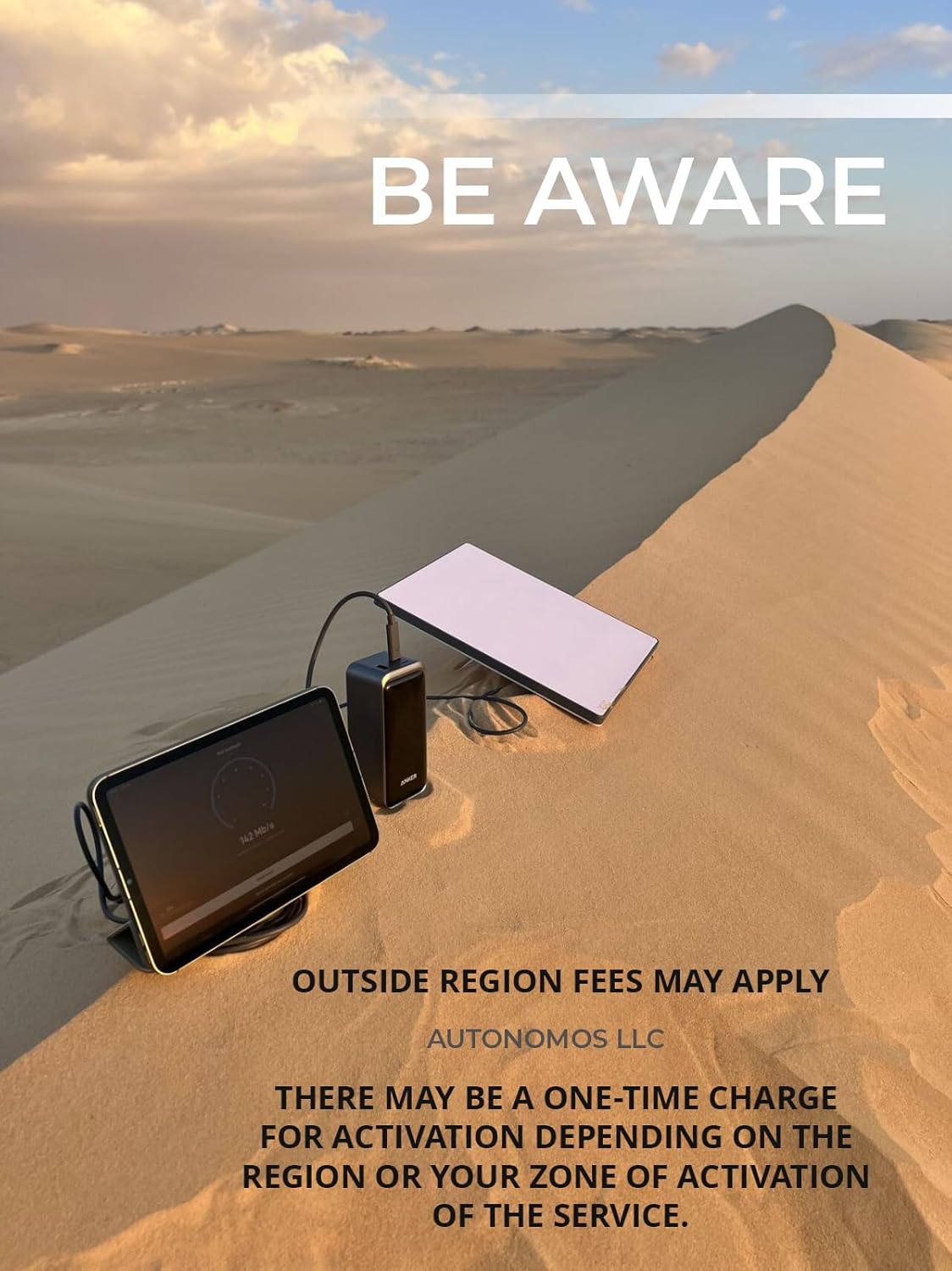
Image: Starlink Mini setup in a desert environment, highlighting the potential for outside region fees.
Кутуда эмне бар
Орнотууну баштоодон мурун, бардык компоненттер бар экенин текшериңиз:
- Starlink Mini (with integrated WiFi)
- 15m (49.2 ft) DC Power Cable
- Электр камсыздоо
- Тепкич
- Mini Pipe Adapter and Flat Mount (if included in your kit)
- Starlink Plug (for power supply)

Image: Visual representation of the Starlink Mini kit contents, including the antenna, kickstand, adapter, DC power cable, power supply, and plug.
Орнотуу жана орнотуу
- Assemble the Starlink Mini: Attach the kickstand to the Starlink Mini dish. Ensure it is securely fastened to provide stable support.

Сүрөт: Арткы view of the Starlink Mini, illustrating the integrated kickstand for deployment.

Image: Step-by-step diagram showing the assembly of the kickstand and the connection of the power cable to the Starlink Mini.
- Туташуу кубаты: Plug the DC Power Cable into the Starlink Mini. Connect the other end of the DC Power Cable to the Power Supply, and then plug the Power Supply into a standard electrical outlet.

Сүрөт: Side profile of the Starlink Mini, demonstrating its compact design when set up.
- Жайгашкан жери: Position the Starlink Mini in an open area with a clear view of the sky. The device will automatically align itself to the nearest satellite once powered on.

Image: The Starlink Mini deployed in an outdoor setting, ready for use with a laptop.
- Starlink колдонмосун жүктөп алыңыз: For optimal setup and monitoring, download the official Starlink app from your device's app store. The app will guide you through the activation process and help you find the best placement for your Starlink Mini.
Video: An official installation guide for the Starlink Mini, demonstrating the setup process and use of the Starlink app for activation and monitoring. This video is provided by the seller, AUTONOMOS LLC.
- Кызматты иштетүү: Follow the in-app instructions to activate your Starlink service. The app will assist in checking for obstructions and confirming a clear view оптималдуу аткаруу үчүн асман.

Image: Starlink availability map, illustrating service coverage areas globally. Users should check the Starlink app or website for current service availability in their region.
Иштөө нускамалары
Once set up and activated, the Starlink Mini provides high-speed internet access. It is designed for ease of use and portability.
- Автоматтык тегиздөө: The Starlink Mini automatically aligns itself to the optimal satellite constellation for the best signal. No manual dish adjustment is typically required after initial setup.
- Integrated WiFi: The device includes an integrated WiFi router, allowing multiple devices (up to 128) to connect wirelessly to the internet.
- Байланыш: Connect your devices (laptops, smartphones, tablets, etc.) to the Starlink Mini's WiFi network using the network name and password provided during setup or found in the Starlink app.
- Аткаруу: Expect high-speed transmission suitable for streaming, online gaming, video calls, and general web browsing, even in remote locations.
- Көчүрүү мүмкүнчүлүгү: The compact design allows for easy transport. When moving to a new location, simply power down the device, pack it, and repeat the setup process at your new destination.

Image: A person hiking with the Starlink Mini attached to their backpack, illustrating the product's portability for on-the-go internet access.
Техникалык тейлөө
The Starlink Mini is designed for minimal maintenance. Follow these guidelines to ensure longevity and optimal performance:
- Таза кармоо: Ensure the dish surface is free from snow, ice, dirt, or other obstructions that could block the satellite signal. The dish has a self-heating capability to melt snow.
- Акырын тазалоо: Эгерде тазалоо зарыл болсо, жумшак, гamp кездеме. Катуу химиялык заттарды же абразивдүү материалдарды колдонбоңуз.
- Кабелдик башкаруу: Ensure cables are not kinked or pinched, which can damage them over time.
- Программалык камсыздоо жаңыртуулары: The Starlink Mini automatically receives software updates. Ensure your device is powered on and connected to the internet periodically to receive these updates, which improve performance and add new features.
Проблемаларды чечүү
If you encounter issues with your Starlink Mini, try the following steps:
| Көйгөй | Мүмкүн себеп | Чечим |
|---|---|---|
| Интернет байланышы жок | Power issue, obstruction, service not active. |
|
| Жай Интернет ылдамдыгы | Partial obstruction, network congestion, outdated software. |
|
| Device Not Connecting to WiFi | Incorrect WiFi password, device too far from router. |
|
For further assistance, refer to the Starlink app's support section or visit the official Starlink support webсайт.
Техникалык шарттар
| Модель номери | УТА-231 |
| Бренд | Жалпы |
| Антенна түрү | Satellite (Phase Array Technology) |
| Түс | Ак жана боз |
| Продукциянын өлчөмдөрү (L x W x Y) | 10"L x 1"W x 12"H |
| Элемент Салмагы | 5 фунт |
| DC Power Cable Length | 15m (49.2 и) |
| Каналдардын саны | 2 |
| Импеданс | 4 Ом |
| Максималдуу диапазон | 112 Фут (likely WiFi range) |
| Келип чыккан өлкө | АКШ |
Кепилдик жана колдоо
Specific warranty details for this product are not provided in the available information. Please refer to the product packaging or contact the seller, AUTONOMOS LLC, for warranty information and support inquiries.
For general Starlink service support, download the Starlink app or visit the official Starlink webсайт.


