
Introduction
This manual provides comprehensive instructions for the safe and efficient use of your JUNJIEUNVO SY-BT1632 Wireless Bluetooth Headset. Please read this manual thoroughly before operating the device and retain it for future reference.
Продукт бүттүview
The SY-BT1632 is a wireless Bluetooth headset designed for audio playback, gaming, and sports activities. It features HiFi audio capabilities, an ultra-long standby time, hands-free calling with a built-in microphone, and support for TF card and AUX input.

Figure 1: SY-BT1632 Wireless Bluetooth Headset, front view.
Негизги өзгөчөлүктөрү:
- Wireless Bluetooth connectivity for audio streaming.
- Колсуз байланыш үчүн орнотулган микрофон.
- Support for TF (MicroSD) card for direct music playback.
- AUX input for wired connection to audio devices.
- Over-ear design for extended wear comfort.
- Adjustable headband for various head sizes.
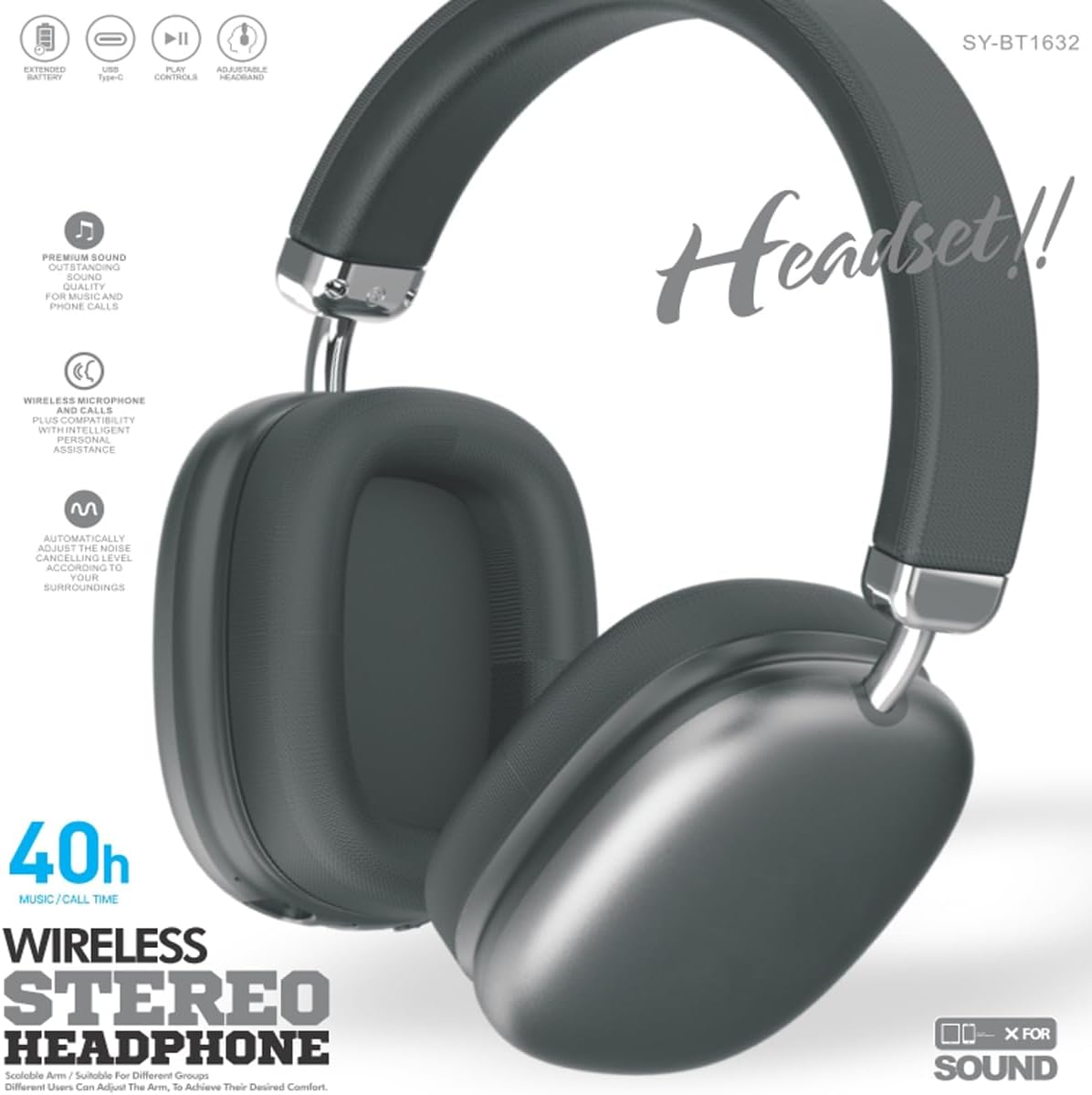
Figure 2: SY-BT1632 Wireless Bluetooth Headset being worn during activity.

Figure 3: Headband adjustment mechanism for the SY-BT1632 headset.

Figure 4: Diagram showing the 40mm dynamic speaker unit of the SY-BT1632 headset.

Figure 5: Close-up of the high-grade leather earpads for comfort.

Figure 6: Illustration of the Bluetooth 5.1 technology for stable connection and low power consumption.
Жайгашуу
1. Гарнитураны заряддоо
Before first use, fully charge the headset. Connect the provided USB Type-C charging cable to the headset's charging port and the other end to a compatible USB power source (e.g., computer, wall adapter). The charging indicator light will show the charging status. A full charge typically takes approximately 1.2 hours.
2. Күйгүзүү / Өчүрүү
- Күйгүзүү: Press and hold the Power button for a few seconds until the indicator light flashes.
- Өчүрүү: Индикатор жарыгы өчкөнчө Кубат баскычын бир нече секунд басып туруңуз.
3. Bluetooth Жупташтыруу
- Гарнитура өчүрүлгөнүн текшериңиз.
- Күйгүзүү баскычын индикатор жарыгы кызыл жана көк түстөр менен кезектешип күйүп-өчкөнгө чейин басып туруңуз, бул жупташтыруу режимин көрсөтөт.
- Түзмөгүңүздө (смартфон, планшет, компьютер) Bluetooth иштетип, жеткиликтүү түзмөктөрдү издеңиз.
- Select "SY-BT1632" from the list of found devices.
- Once paired, the indicator light will turn solid blue or flash blue slowly.
Note: The headset will automatically attempt to reconnect to the last paired device when powered on.
Иштөө нускамалары
Музыканы ойнотуу
- Ойнотуу/тындыруу: Көп функциялуу баскычты бир жолу басыңыз.
- Кийинки трек: Үнүн жогорулатуу баскычын басып, кармап туруңуз.
- Мурунку трек: Үндү азайтуу баскычын басып, кармап туруңуз.
- Көлөмү: Үндү жогорулатуу баскычын кыска басыңыз.
- Үнүн азайтуу: Үндү азайтуу баскычын кыска басыңыз.
Телефон чалуулар
- Чакырууга жооп берүү: Көп функциялуу баскычты бир жолу басыңыз.
- Чакырууну аяктоо: Чалуу учурунда Көп функциялуу баскычты бир жолу басыңыз.
- Чакырууну четке кагуу: Көп функциялуу баскычты 2 секунд басып туруңуз.
- Акыркы номерди кайра терүү: Көп функциялуу баскычты эки жолу басыңыз.
TF карта режими
MP3 аудиосу бар TF (MicroSD) картасын салыңыз files into the designated slot. The headset will automatically switch to TF card playback mode. Use the music playback controls as described above.
AUX режими
Connect an audio cable (3.5mm jack) from your audio device to the AUX port on the headset. The headset will automatically switch to AUX mode. Controls on the headset may be limited in this mode; use your audio device for playback control.
Видео 1: Бүттүview of the SY-BT1632 Wireless Bluetooth Headset, showcasing анын дизайны жана өзгөчөлүктөрү.
Техникалык тейлөө
- Тазалоо: Гарнитураны тазалоо үчүн жумшак, кургак чүпүрөктү колдонуңуз. Абразивдүү тазалагычтарды же эриткичтерди колдонбоңуз.
- Сактагыч: Гарнитураны күн нурунан жана экстремалдык температурадан алыс салкын, кургак жерде сактаңыз.
- Батареяга кам көрүү: Батареянын иштөө мөөнөтүн узартуу үчүн, бат-баттан батарейканы толук зарядсыздандырбаңыз. Гарнитураны узак убакыт бою колдонбосо дагы, дайыма заряддап туруңуз.
- Суу таасири: Бул гарнитура суу өткөрбөйт. Сууга же ашыкча нымдуулукка дуушар кылбаңыз.
Проблемаларды чечүү
| Көйгөй | Мүмкүн себеп | Чечим |
|---|---|---|
| Гарнитура күйбөйт. | Батарея аз. | Гарнитураны толук заряддаңыз. |
| Түзмөк менен жупташтыруу мүмкүн эмес. | Гарнитура жупташтыруу режиминде эмес; түзмөктө Bluetooth өчүк; аппарат өтө алыс. | Ensure headset is in pairing mode (flashing red/blue). Turn on Bluetooth on your device. Move device closer to headset (within 10 meters). |
| Ойнотуу учурунда үн чыкпайт. | Volume too low; incorrect audio source; headset not connected. | Increase volume on headset and device. Check if headset is correctly paired or AUX/TF card is properly inserted. |
| Микрофон иштебей жатат. | Микрофондун үнү өчүрүлгөн; компьютерде туура эмес киргизүү түзмөгү тандалып алынган. | Ensure microphone is not muted. On a computer, check audio settings to confirm SY-BT1632 is selected as the input device. |
Техникалык шарттар
| Өзгөчөлүк | Деталь |
|---|---|
| Модель номери | SY-BT1632 |
| Байланыш технологиясы | Зымсыз (Bluetooth) |
| Bluetooth версиясы | 5.1 |
| Bluetooth диапазону | 15 метр |
| Кулак жайгаштыруу | Кулак үстүндө |
| Speaker Unit Diameter | 40мм |
| Номиналдуу импеданс | 32 Ом ± 15% |
| Жыштык диапазону | 20Гц - 20,000Гц |
| Микрофондун сезгичтиги | -42дБ ± 3дБ |
| Батарея Voltage | 3.7-4.2V |
| Батареяны заряддоо убактысы | Болжол менен 1.2 саат |
| Батареянын орточо иштөө мөөнөтү | 32 саатка чейин |
| Колдоого алынган медиа | TF картасы, AUX |
| Шайкеш түзмөктөр | Car Audio Systems, Cellphones, Desktops, Gaming Consoles, Laptops, Smart Speaker, Tablets, Telephones, Television |
| Материал | Металл, пластик |
Кепилдик жана колдоо
Кепилдик маалымат
The JUNJIEUNVO SY-BT1632 Wireless Bluetooth Headset comes with a 1 жылдык кепилдик сатып алынган күндөн тартып. Бул кепилдик кадимки колдонуудагы өндүрүштүк кемчиликтерди жана материалдык кемчиликтерди камтыйт. Ал туура эмес колдонуудан, кырсыктардан, уруксатсыз өзгөртүүлөрдөн же кадимки эскирүүдөн келип чыккан зыянды камтыбайт.
Кардарларды колдоо
For technical assistance, warranty claims, or any questions regarding your SY-BT1632 headset, please contact the seller or JUNJIEUNVO customer service through the platform where the product was purchased. Please have your purchase receipt and product model number available when contacting support.