
1. Introduction and Overview
The XIXIMENG P30 Max Smart Video Game Projector (64G) is a versatile device designed to deliver an immersive entertainment experience. It combines a high-definition projector with a built-in gaming console, offering a vast library of games and advanced connectivity options. This manual provides essential information for setting up, operating, and maintaining your projector to ensure optimal performance and enjoyment.
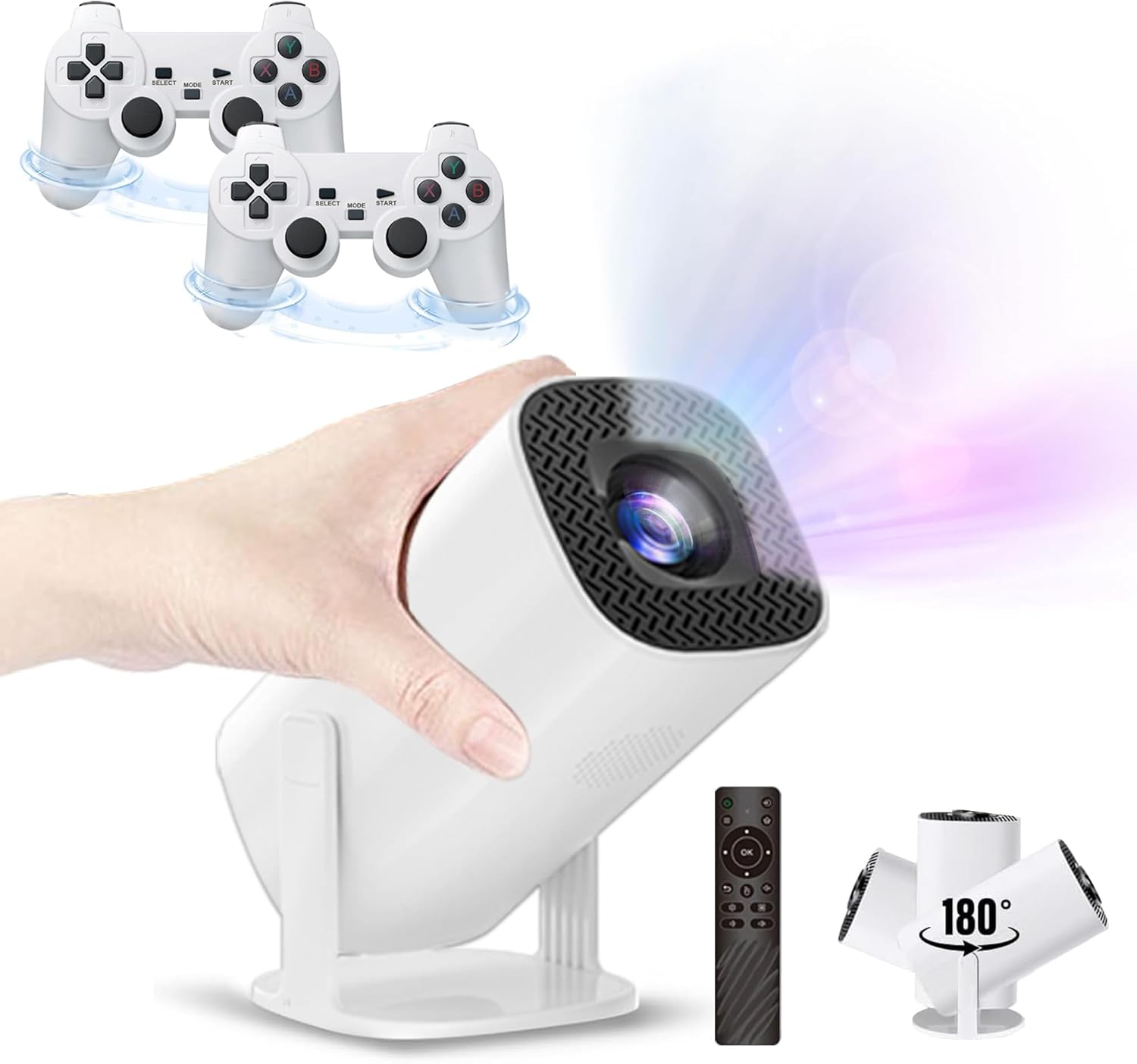
Figure 1.1: The P30 Max projector displaying a large screen image in a living room environment.
2. Пакеттин мазмуну
Төмөндө тизмеленген нерселердин баары пакетиңизге камтылганын текшериңиз. Эгерде кандайдыр бир нерселер жок болсо же бузулса, кардарларды колдоо менен байланышыңыз.
- 1 x P30 Max Smart Video Game Projector
- 2 x зымсыз контроллер
- 1 x Game Stick
- 1 x HDMI кабели
- 1 х Кубат кабели
- 1 x Алыстан башкаруу
- 1 USB Receiver х
- 1 x USB заряддоо кабели
- 1 х Колдонуучунун колдонмосу (бул документ)
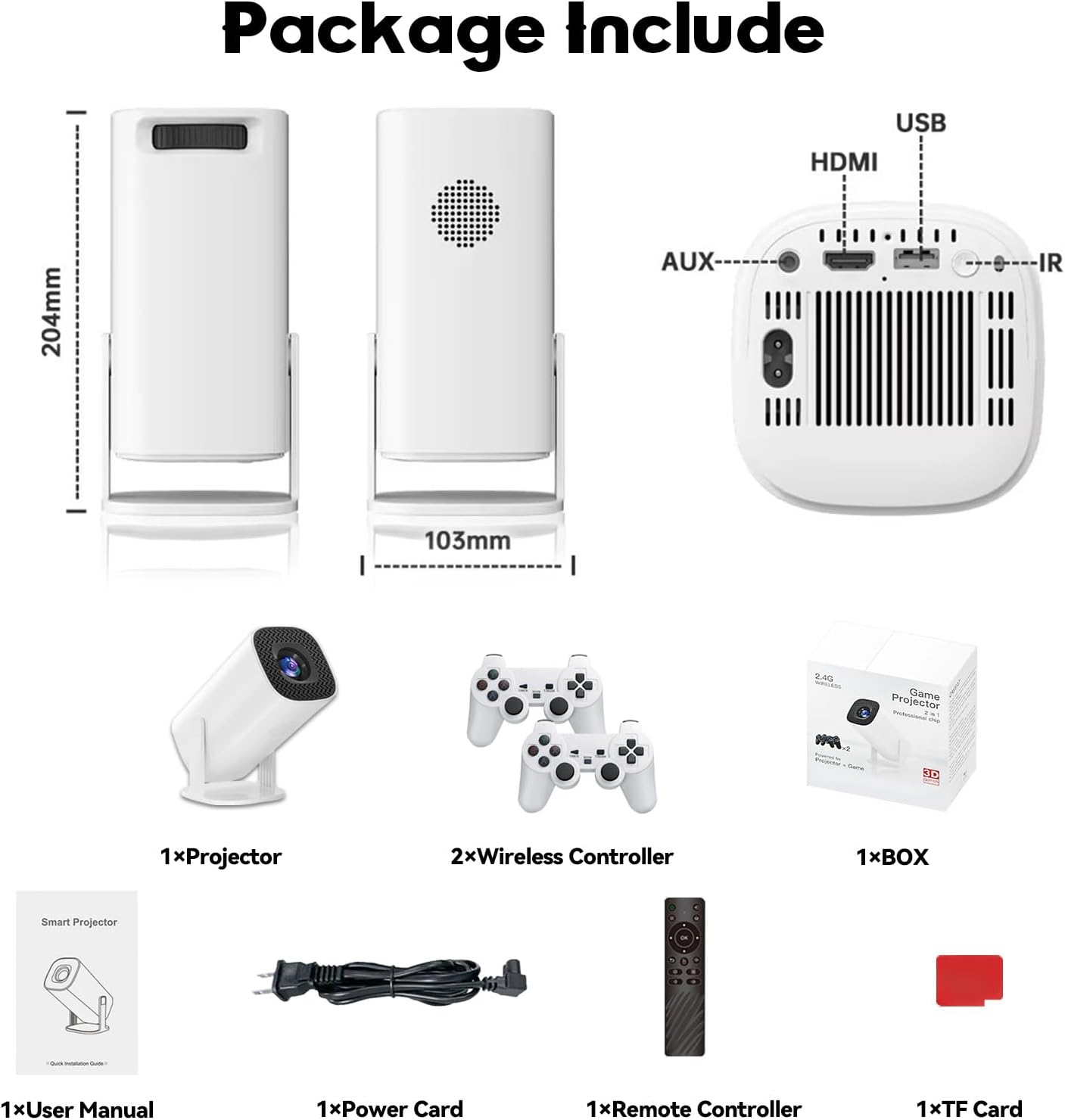
Figure 2.1: Diagram of the P30 Max package contents.

Figure 2.2: Photo of the P30 Max package contents.
3. Продукциянын өзгөчөлүктөрү
- Immersive Gaming: Built-in game console with over 35,000 3D games, offering low latency, high frame rates, and 4K UHD visuals.
- High-Quality Home Theater: Supports 4K video with native 1280x720P resolution, 50% zoom function, and a high dynamic contrast ratio. Operates quietly at 25 dB.
- Өркүндөтүлгөн байланыш: Equipped with WiFi 6 for faster, smoother connections and Bluetooth 5.4 for easy pairing with external audio devices.
- Портативдик жана ийкемдүү дизайн: Lightweight and portable with a 180° adjustable stand for versatile projection angles.
- Так башкаруу: Includes two wireless controllers with multiple keys and sensitive rockers for enhanced gaming and navigation.
4. Орнотуу
4.1 Алгачкы жайгаштыруу
Place the projector on a stable, flat surface. The 180° adjustable stand allows you to direct the projection onto a wall or ceiling. Ensure there are no obstructions in front of the lens.
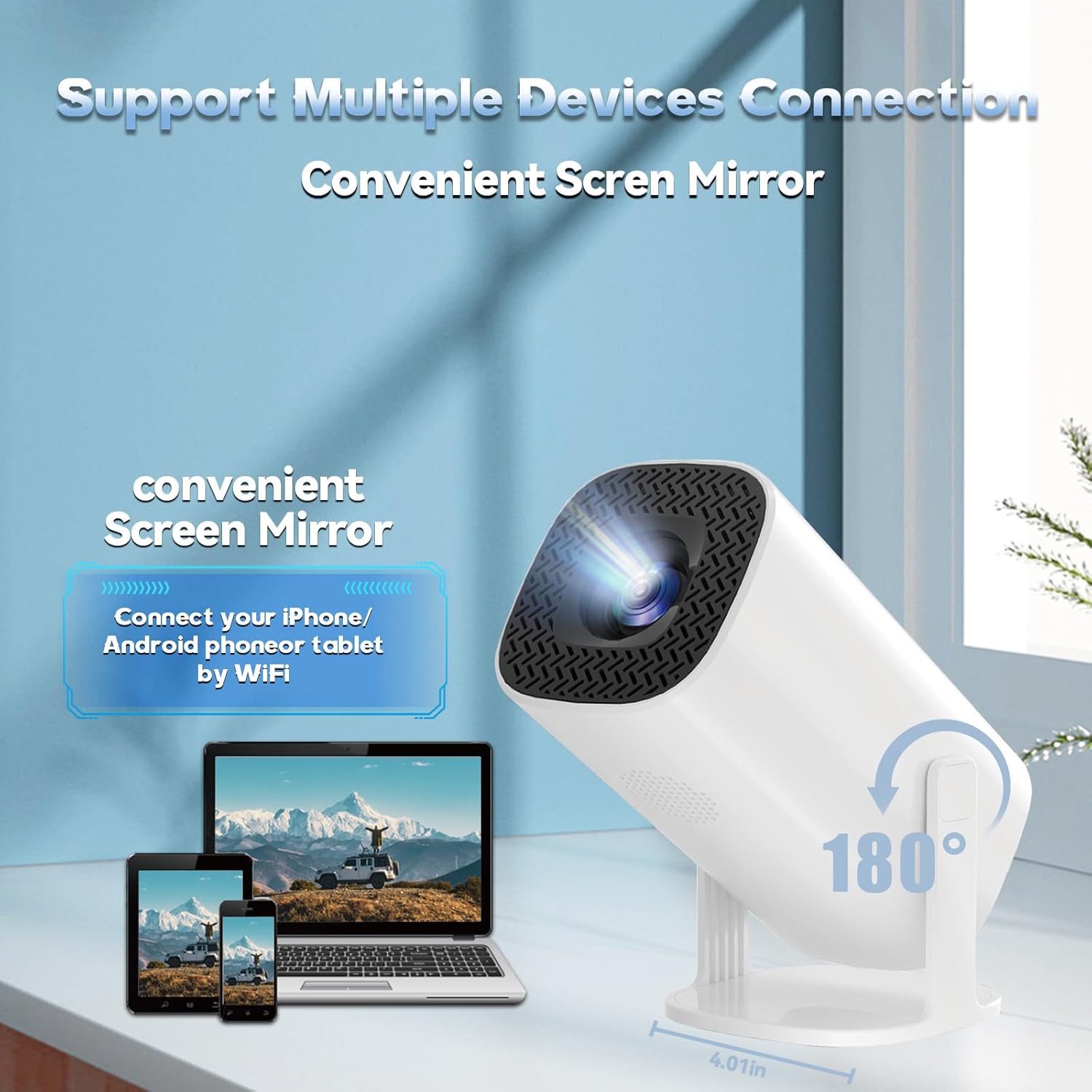
Figure 4.1: The projector's 180° adjustable stand for flexible placement.
4.2 Кубат туташтыруу
Connect the provided power cord to the projector's power input and then to a power outlet. The projector will typically power on or enter standby mode.
4.3 Фокустоо жана Keystone коррекциясы
The projector features automatic keystone correction to adjust the image shape. For optimal clarity, manual focus adjustment may be required. Use the remote control to fine-tune the focus until the image is sharp.
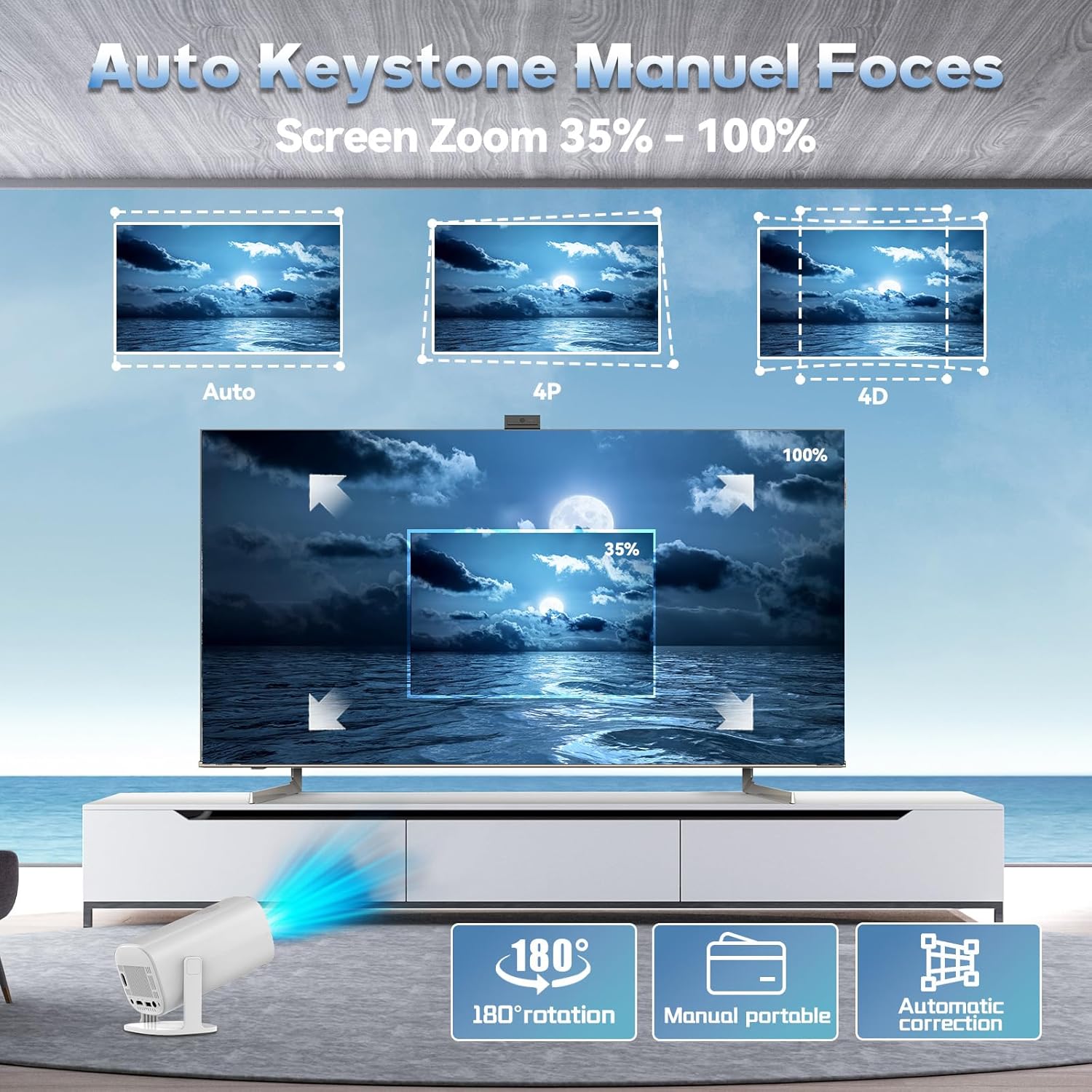
Figure 4.2: Automatic keystone correction and manual focus options.
5. Иштөө нускамалары
5.1 Күйгүзүү/өчүрүү
Аппаратты күйгүзүү же өчүрүү үчүн проектордун же пульттун кубат баскычын басыңыз.
5.2 Интерфейсте навигация
Use the included remote control to navigate the projector's smart interface. The interface provides access to applications, settings, and the built-in game library.
5.3 Киргизүү булактары
The projector supports various input sources. You can connect external devices via HDMI or USB. For wireless connections, refer to the 'Connectivity' section.
5.4 Экранды чагылдыруу
The P30 Max supports 5G+2.4G WiFi screen mirroring, allowing you to cast content from your smartphone, tablet, or other compatible devices. Access the screen mirroring function from the main menu and follow the on-screen instructions to connect your device.
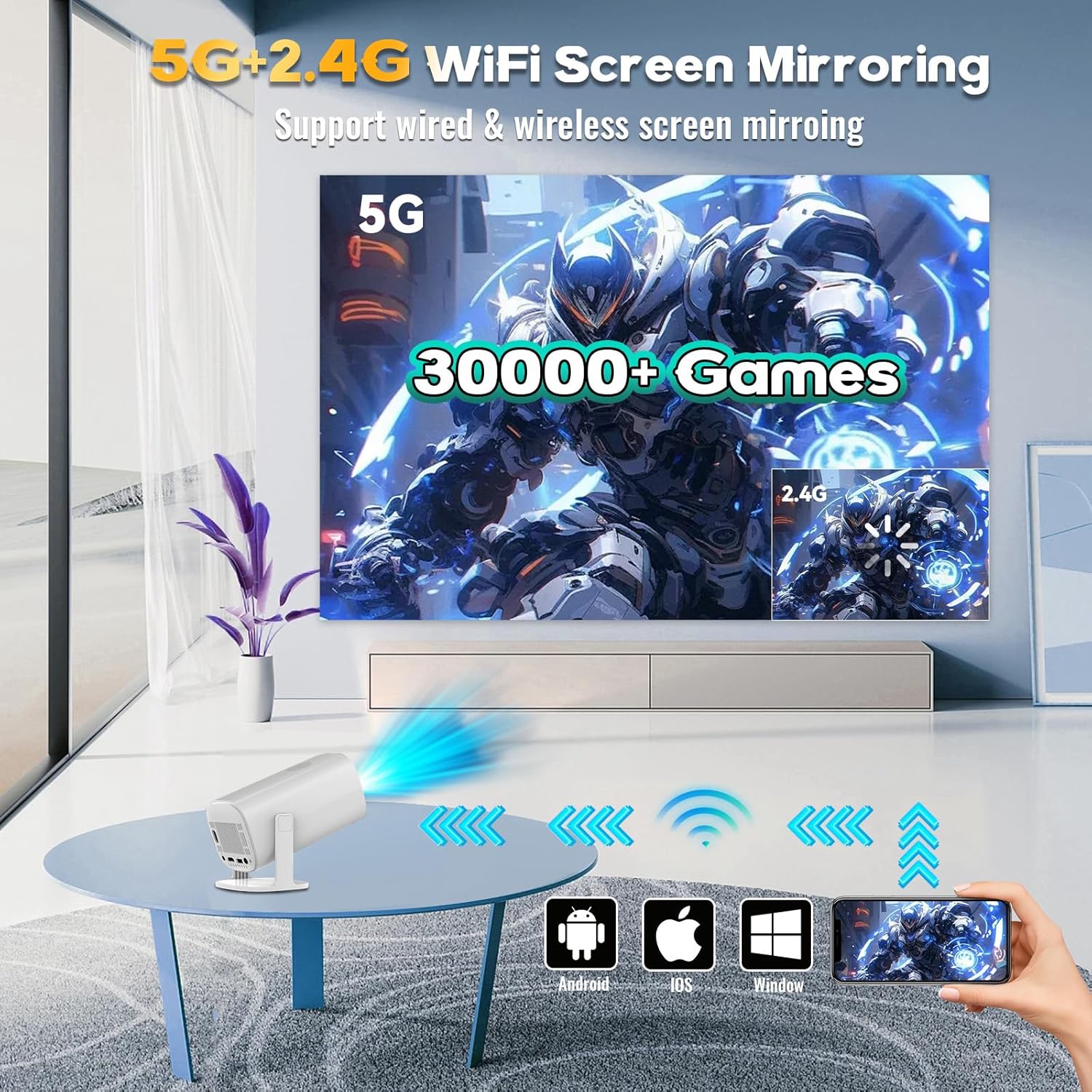
Figure 5.1: Screen mirroring from various devices using 5G+2.4G WiFi.
6. Оюн функциялары
The P30 Max comes with a built-in game console featuring over 35,000 3D games. To access the game library, select the 'Game Box' or 'Gamer' application from the main interface.
6.1 Connecting Wireless Controllers
The package includes two wireless controllers. Insert the USB receiver into an available USB port on the projector. The controllers should automatically pair. If not, refer to the controller's specific pairing instructions.
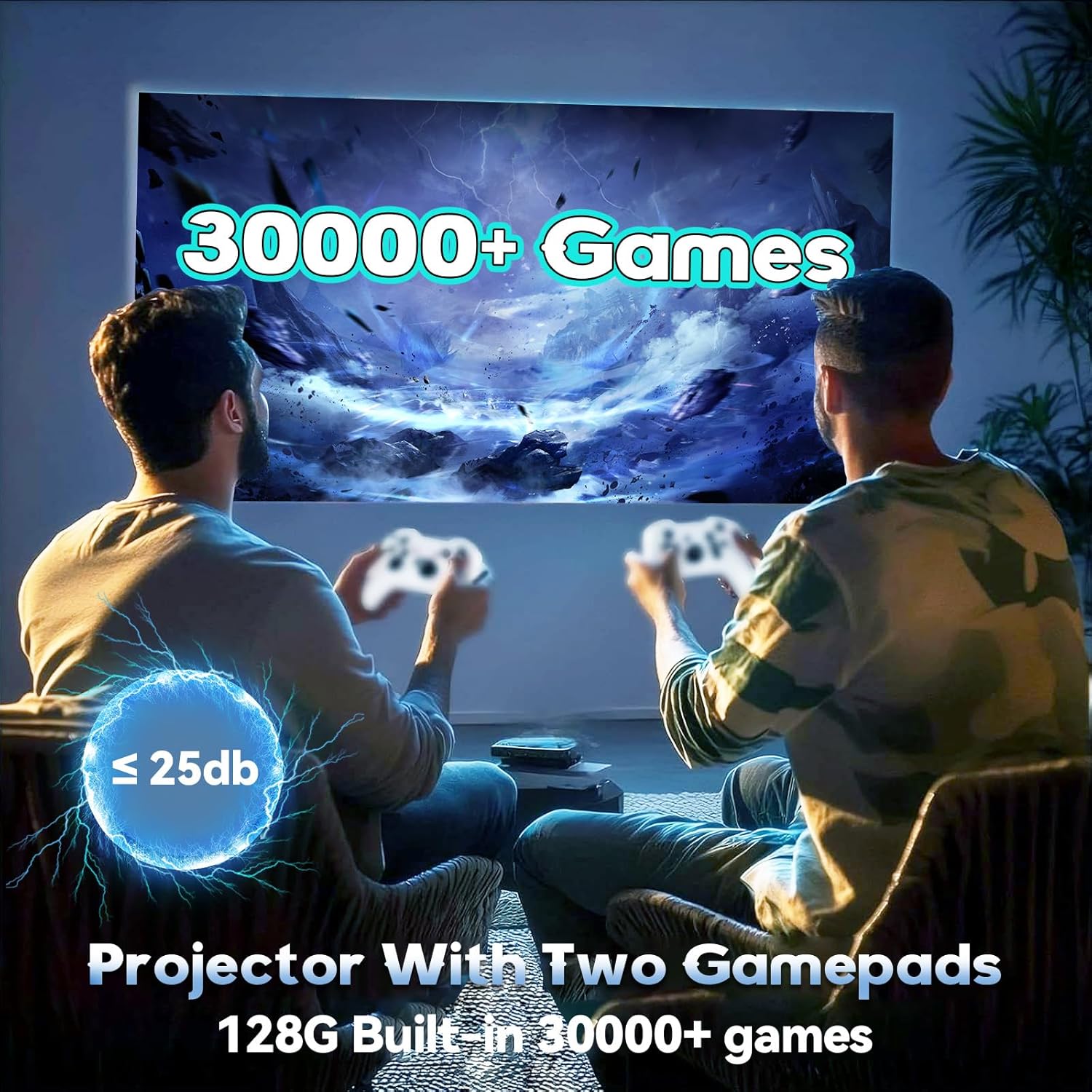
Figure 6.1: Enjoying games with the P30 Max projector and wireless controllers.
6.2 Оюнду тандоо жана ойноо
Navigate through the game library using the wireless controllers. Select your desired game and follow the on-screen prompts to start playing. The projector is optimized for a smooth gaming experience with minimal latency.
7. Байланыш
- WiFi 6: For high-speed internet access and seamless streaming.
- Bluetooth 5.4: Connect Bluetooth speakers, headphones, or other audio devices for an enhanced sound experience.
- HDMI: Connect to laptops, gaming consoles, TV boxes, and other HDMI-enabled devices.
- USB: For connecting USB drives, external storage, or the wireless controller receiver.
8. Техникалык тейлөө
8.1 Линзаны тазалоо
Gently wipe the projector lens with a soft, lint-free cloth. Avoid using abrasive materials or harsh chemicals that could scratch the lens.
8.2 Сырты тазалоо
Проектордун сыртын тазалоо үчүн жумшак, кургак чүпүрөктү колдонуңуз. Суюк тазалоочу каражаттарды түз эле түзмөккө колдонбоңуз.
8.3 Сактоо
Проекторду узак убакыт бою колдонбогон учурда, аны салкын, кургак жерде, күндүн түз нурунан жана өтө жогорку температурадан алыс сактаңыз. Чаңдын топтолушун жана бузулушун алдын алуу үчүн түпнуска таңгакты же коргоочу капты колдонуңуз.
9. Кыйынчылыктарды
If you encounter any issues with your P30 Max projector, please refer to the following common solutions:
| Көйгөй | Мүмкүн себеп | Чечим |
|---|---|---|
| Күч жок | Power cord not connected properly; Power outlet issue. | Электр шнурунун бекем туташтырылганын текшериңиз. Розетканы башка аспап менен текшериңиз. |
| Сүрөт жок | Incorrect input source selected; Device not connected. | Select the correct input source (HDMI, USB, Screen Mirroring). Verify device connection. |
| бүдөмүк сүрөт | Out of focus; Incorrect keystone correction. | Adjust manual focus using the remote. Check automatic keystone correction settings. |
| Үн жок | Volume too low; External audio device not connected/paired. | Increase volume. Ensure Bluetooth audio device is correctly paired or connected via AUX. |
| Контроллерлер жооп бербей жатат | USB receiver not connected; Controllers not paired. | Ensure USB receiver is plugged in. Re-pair controllers if necessary. |
10. Техникалык шарттар
| Өзгөчөлүк | Деталь |
|---|---|
| Бренд | XIXIMENG |
| Модель номери | 64G |
| Продукциянын өлчөмдөрү | 4.06 x 3.67 x 9.45 дюйм |
| Display Resolution | Native 1280 x 720P (Supports 4K HD) |
| Өзгөчөлүктөр | Auto Focus, Portable, 180° Adjustable Stand |
| Байланыш технологиясы | Bluetooth 5.4, Wi-Fi 6 |
| Сунушталган Колдонуулар | Оюн-зоок, үй кинотеатры |
| Камтылган оюндар | Over 35,000 3D Games |
11. Кепилдик жана колдоо
For warranty information and customer support, please refer to the warranty card included in your product packaging or visit the official XIXIMENG webсайт. Кепилдик дооматтары үчүн сатып алуу дүмүрчөгүңүздү сактаңыз.