
1. Продукт бүтүп калдыview
The YOFITS YF79 is a portable wireless Bluetooth karaoke microphone designed for clear sound and versatile use. It features a 20W speaker, DSP chip for enhanced audio, and a 3200mAh rechargeable battery for extended playback.
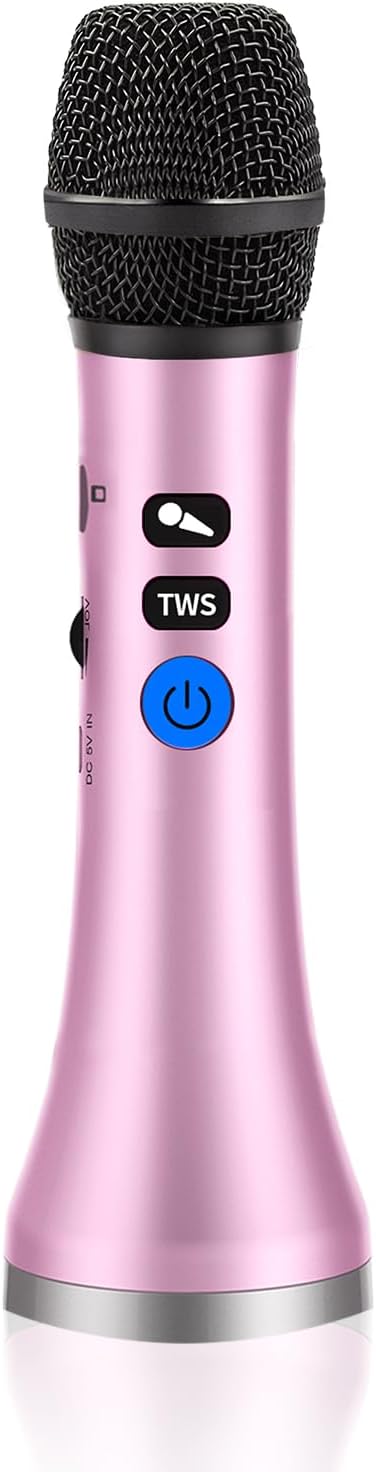
Image: The YOFITS YF79 Wireless Bluetooth Karaoke Microphone, showcasing its sleek pink design and control buttons.
2. Пакеттин мазмуну
Сураныч, пакетте төмөнкү нерселерди текшериңиз:
- 1 x YOFITS YF79 Wireless Karaoke Microphone
- 1 x USB заряддоо кабели
- 1 х Колдонуучунун колдонмосу (бул документ)
3. Орнотуу нускамалары
3.1 Микрофонду заряддоо
Before first use, fully charge the microphone. Connect the provided USB charging cable to the USB Type-C port on the microphone and to a standard USB power adapter (not included). The charging indicator light will show the charging status. A full charge provides up to 10 hours of playback time.
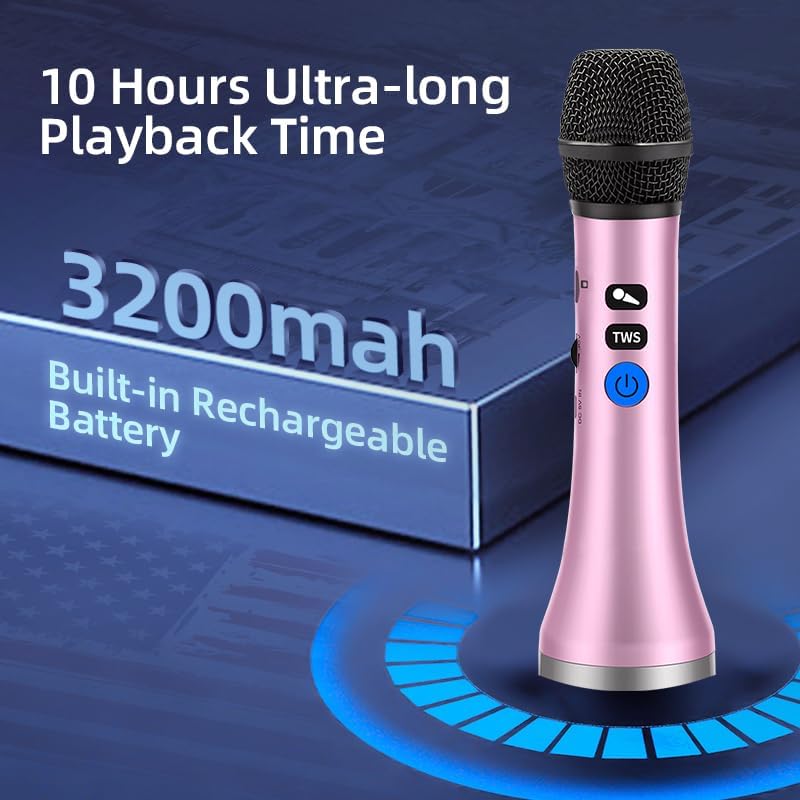
Image: The YF79 microphone highlighting its 3200mAh built-in rechargeable battery, offering up to 10 hours of ultra-long playback time.
3.2 Күйгүзүү/өчүрүү
Press and hold the power button (usually marked with a power symbol) for a few seconds to turn the microphone on or off. A sound prompt or indicator light will confirm the status.
3.3 Bluetooth жупташтыруу
To connect the microphone to your device:
- Микрофонду күйгүзүңүз. Ал автоматтык түрдө Bluetooth жупташтыруу режимине өтөт.
- Смартфонуңузда, планшетиңизде же башка шайкеш түзүлүшүңүздө Bluetooth'ду иштетиңиз.
- Издөө available Bluetooth devices and select "YF79" from the list.
- Once connected, you will hear a confirmation sound, and the indicator light will stabilize.
The microphone utilizes Bluetooth 5.3 for stable and fast connections, with a range of up to 50ft without obstacles.

Image: A smartphone screen showing a successful Bluetooth 5.3 connection to the YF79 microphone, demonstrating enhanced connectivity.
4. Иштөө нускамалары
4.1 Негизги функциялар
The microphone features integrated controls for easy operation:
- Үндү көзөмөлдөө: Use the dedicated buttons to adjust the microphone's output volume.
- Echo Adjustment: Adjust the echo effect to enhance your singing experience.
- Музыка ойнотуу: Control music playback (play/pause, next/previous track) directly from the microphone when connected via Bluetooth.

Image: A person singing passionately into the YF79 microphone, demonstrating its 20W super loud volume capability for a concert-like experience.
4.2 Vocal Reduction (Karaoke Mode)
The YF79 microphone includes a one-click vocal reduction feature. Press the designated button to minimize original vocals in a song, allowing you to sing along more prominently.
4.3 Duet Singing (TWS Function)
To connect two YF79 microphones for duet singing:
- Connect the first microphone to your phone via Bluetooth as described in Section 3.3.
- Turn on the second microphone (do not connect it to your phone).
- On the first microphone, short press the "TWS" button. The red light will flash, indicating pairing is in progress.
- Once paired successfully, the red light on both microphones will turn off, and a constant blue light will indicate a successful TWS connection. Both microphones will now play music from your phone, enabling duet singing.

Image: A visual guide illustrating the four steps to connect two YF79 microphones for duet singing, showing successful pairing and use.
4.4 Көп түзмөктүн шайкештиги
The YF79 microphone supports various connection options:
- Bluetooth 5.3: For wireless connection to smartphones, tablets, and laptops (iOS, Android, Windows compatible).
- Көмөкчү киргизүү: Аудио булактарына зымдуу туташуу үчүн.
- USB Type-C: For charging and potentially audio input/output (refer to device specifications for full USB audio support).
- TF картасы: Музыка менен TF картасын салыңыз files түз ойнотуу үчүн.
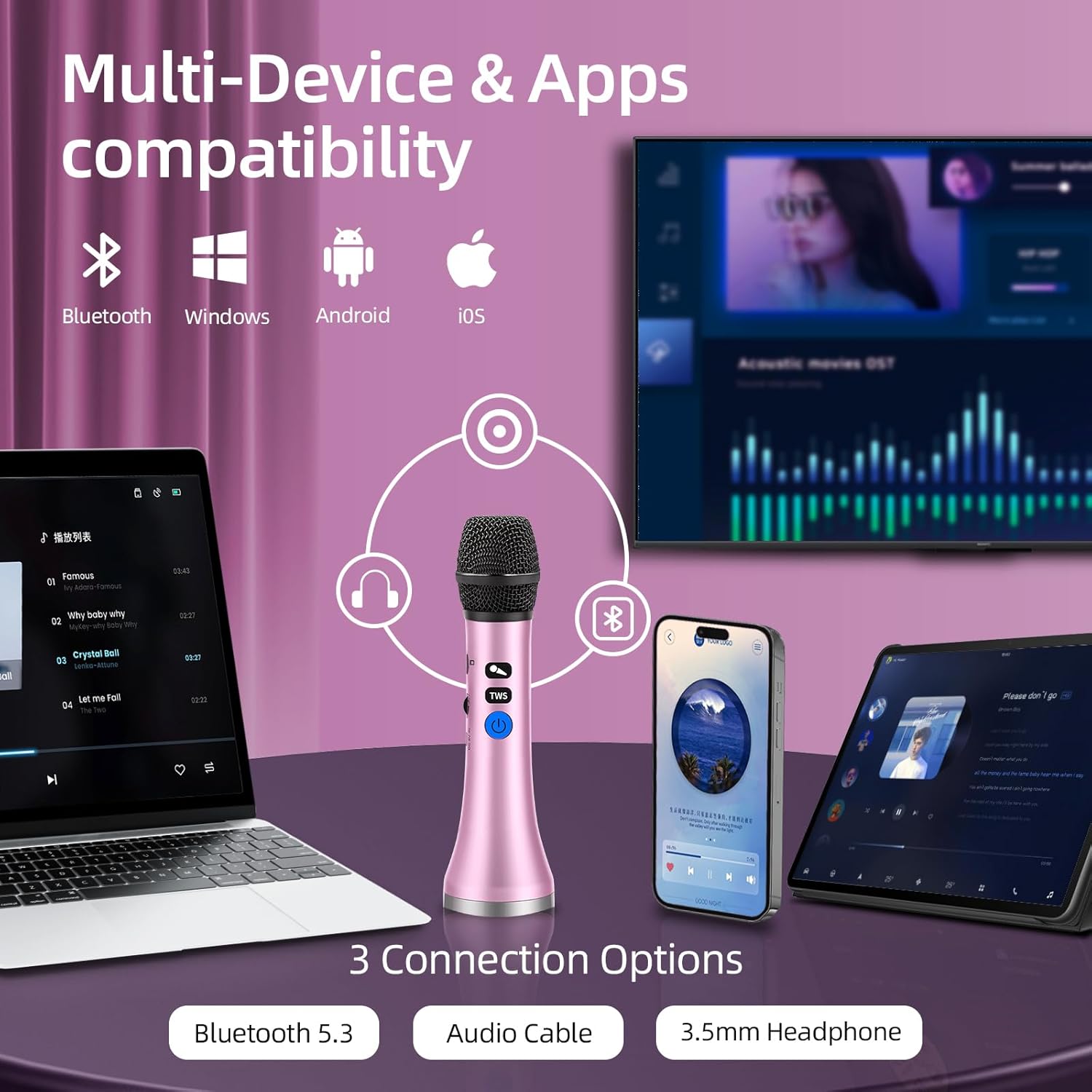
Image: The YF79 microphone demonstrating its compatibility with multiple devices and apps, including Bluetooth 5.3, audio cable, and 3.5mm headphone options.
5. Техникалык тейлөө жана кам көрүү
To ensure the longevity and optimal performance of your YF79 microphone:
- Тазалоо: Wipe the microphone with a soft, dry cloth. Avoid using harsh chemicals or abrasive materials.
- Сактагыч: Микрофонду күндүн тике тийген нурунан жана экстремалдык температурадан алыс, салкын, кургак жерде сактаңыз.
- Батареяга кам көрүү: To maintain battery health, avoid fully discharging the battery frequently. Charge the microphone regularly, even if not in use for extended periods.
- Нымдуулуктан качыңыз: Do not expose the microphone to water or high humidity.
6. Кыйынчылыктарды
If you encounter issues with your YF79 microphone, please refer to the following common solutions:
| Көйгөй | Мүмкүн чечим |
|---|---|
| Микрофон күйбөйт | Батарея заряддалганын текшериңиз. USB заряддоо кабелин туташтырыңыз жана аны кайра күйгүзүү аракетинен мурун кеминде 30 мүнөт кубаттоого уруксат бериңиз. |
| Микрофондон үн чыкпайт | Check the microphone's volume level. Ensure it is properly connected via Bluetooth or auxiliary cable. Verify the connected device's volume is also turned up. |
| Bluetooth байланышы үзгүлтүккө учурап жатат же туруксуз | Ensure the microphone is in pairing mode. Turn off and on Bluetooth on your device, then try re-pairing. Move closer to the microphone to reduce interference. Ensure no other devices are actively connected to the microphone. |
| Начар үн сапаты же бурмалоо | Check for obstructions around the microphone head. Ensure the microphone is not too close to the speaker, which can cause feedback. Adjust the echo level. Ensure the audio source is of good quality. |
| TWS (Duet Singing) pairing issues | Ensure only one microphone is initially paired to the phone. Follow the TWS pairing steps carefully (Section 4.3). Make sure both microphones are within close proximity during pairing. |
7. Техникалык шарттар
Key technical specifications for the YOFITS YF79 Wireless Bluetooth Karaoke Microphone:
- Чыгуу күчү: 20 Вт
- Батарея сыйымдуулугу: 3200mAh
- Байланыш: Bluetooth 5.3, Auxiliary, USB Type-C
- Микрофон форма фактору: Колдук
- Элемент Салмагы: 14 унция (болжол менен 397 грамм)
- Пакеттин өлчөмдөрү: 9.45 x 2.76 x 2.72 дюйм (болжол менен 24 x 7 x 6.9 см)
- Материал: Plastic or lightweight metal alloys
- Полярдык үлгү: Бир багыттуу
- DSP чип: Integrated for enhanced audio clarity

Image: A visual representation of the high-fidelity DSP (Digital Signal Processor) chip, indicating its role in providing unparalleled audio clarity and precision.

Сүрөт: жарылган view diagram of the microphone's upgraded large horn with a 3x diaphragm, illustrating its internal speaker components for enhanced sound.
8. Кепилдик жана колдоо
For warranty information or technical support, please refer to the contact details provided with your purchase or visit the official YOFITS webсайт. Сатып алганыңыздын далили катары сатып алуу дүмүрчөгүңүздү сактаңыз.