
Introduction
This manual provides essential information for the setup, operation, and maintenance of your PowerA Enhanced Wireless Controller, featuring the unique Pikachu vs. Gengar design. This officially licensed controller is designed to enhance your gaming experience on Nintendo Switch, Nintendo Switch Lite, and Nintendo Switch (OLED Model) consoles.
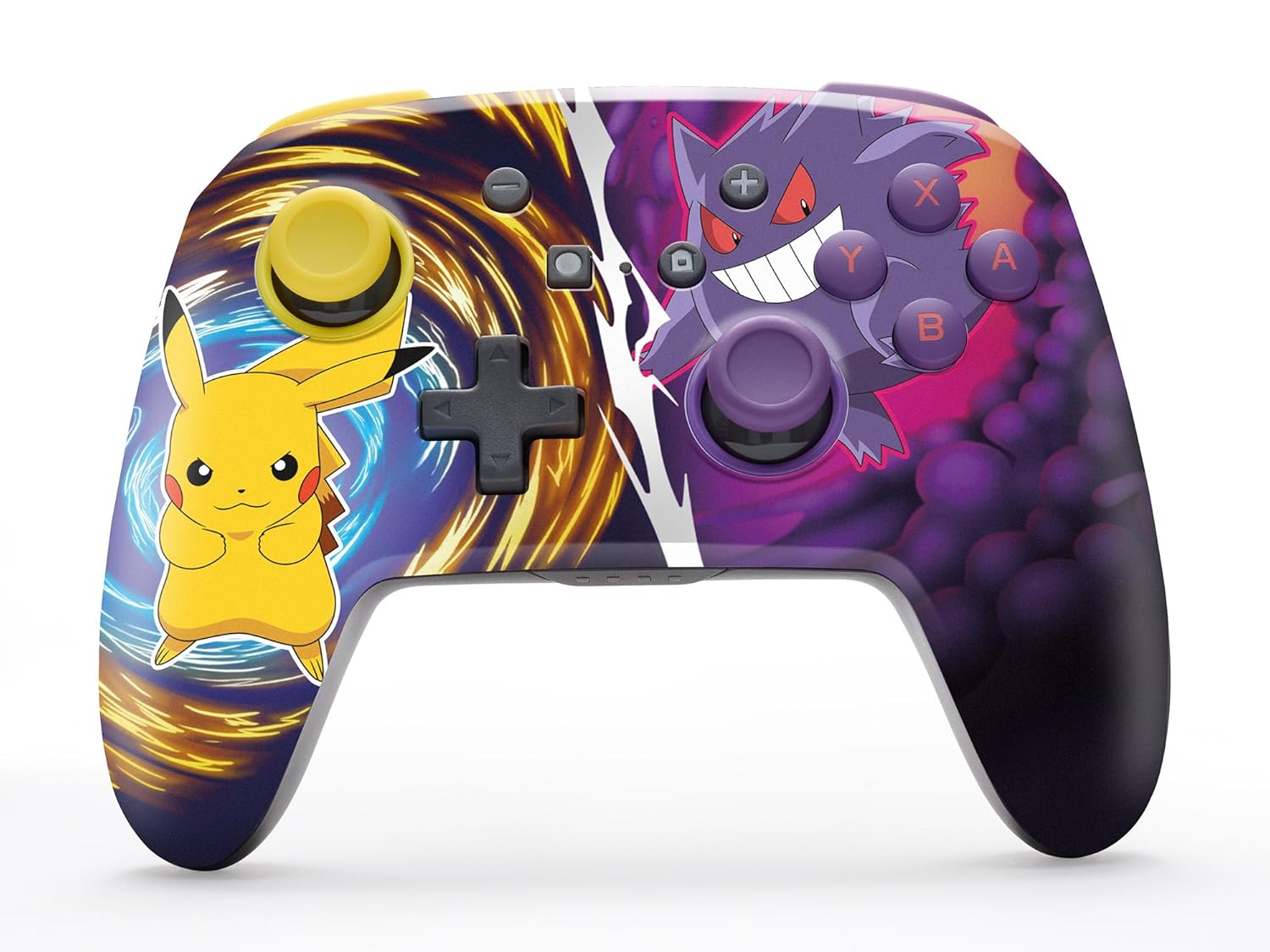
The PowerA Enhanced Wireless Controller with Pikachu vs. Gengar artwork.
Негизги өзгөчөлүктөрү
- Зымсыз туташуу: туруктуу байланыш үчүн Bluetooth 5.0 технологиясын колдонот.
- Кайра заряддалуучу батарея: Интеграцияланган литий-иондук батарея ар бир заряддоодо 30 саатка чейин оюн ойноону камсыз кылат.
- Картага түшүрүлүүчү өркүндөтүлгөн оюн баскычтары: Two programmable buttons on the back for custom control.
- Эргономикалык дизайн: Superior ergonomics for extended comfortable gaming sessions.
- Жылмакай баш бармак таякчасын башкаруу: Embedded anti-friction rings ensure precise and fluid movement.
- Кыймылды башкаруу каражаттары: Supports intuitive motion controls for compatible games.

Оюн ойноо үчүн ыңгайлуу эргономикалык дизайн.
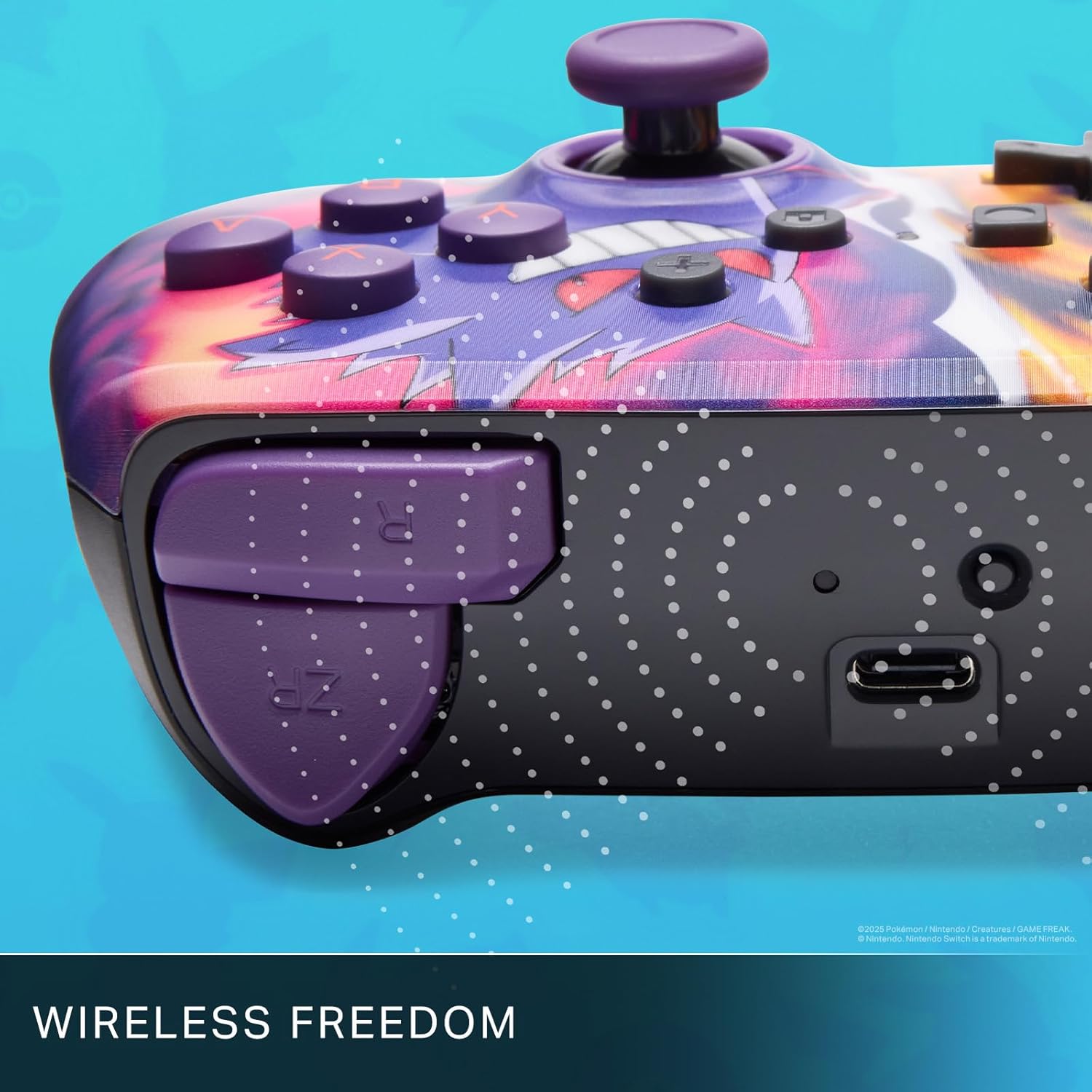
Enjoy wireless freedom with Bluetooth 5.0 technology.
Орнотуу жана жупташтыруу
- Nintendo Switch консолуңуз күйгүзүлүп, системанын эң акыркы программалык камсыздоосуна жаңыртылганын текшериңиз.
- HOME Менюсунан тандаңыз Контроллер, анда Катуу/Тартипти өзгөртүү.
- басып, кармап туруңуз SYNC баскычы on the top edge of your PowerA Enhanced Wireless Controller for at least one second. The Player LED(s) will flash.
- Once paired, the Player LED(s) corresponding to the controller number will remain lit.
- басыңыз Баскыч to confirm and exit the menu. Your controller is now ready for use.
Контроллерди заряддоо
The controller features an internal 900mAh lithium-ion rechargeable battery, providing up to 30 hours of gameplay on a single charge. To charge your controller:
- Connect the included 10ft (3m) USB-C charge cable to the USB-C port on the top of the controller.
- Connect the other end of the USB-C cable to a USB power source (e.g., Nintendo Switch dock, USB wall adapter, or computer USB port).
- The LED indicator on the controller will show charging status. It will typically turn off or change color when fully charged.

Connect the USB-C cable to charge your controller.
Өркүндөтүлгөн оюн баскычтары
Your PowerA Enhanced Wireless Controller includes two mappable Advanced Gaming Buttons (AGBs) on the back, allowing you to assign specific button functions for quick access during gameplay.
Programming AGBs:
- басыңыз Программа баскычы on the back of the controller. The Program LED will flash, indicating programming mode.
- Press the button you wish to map (A/B/X/Y/L/R/ZL/ZR/Left Stick Click/Right Stick Click/D-Pad). The Program LED will flash rapidly.
- Press the Advanced Gaming Button (AGB L or AGB R) you want to assign the function to. The Program LED will stop flashing, indicating the AGB is now programmed.
Resetting AGBs:
To reset all Advanced Gaming Buttons to their default (no function) state, press and hold the Программа баскычы for five seconds. The Program LED will flash slowly, then turn off, confirming the reset.
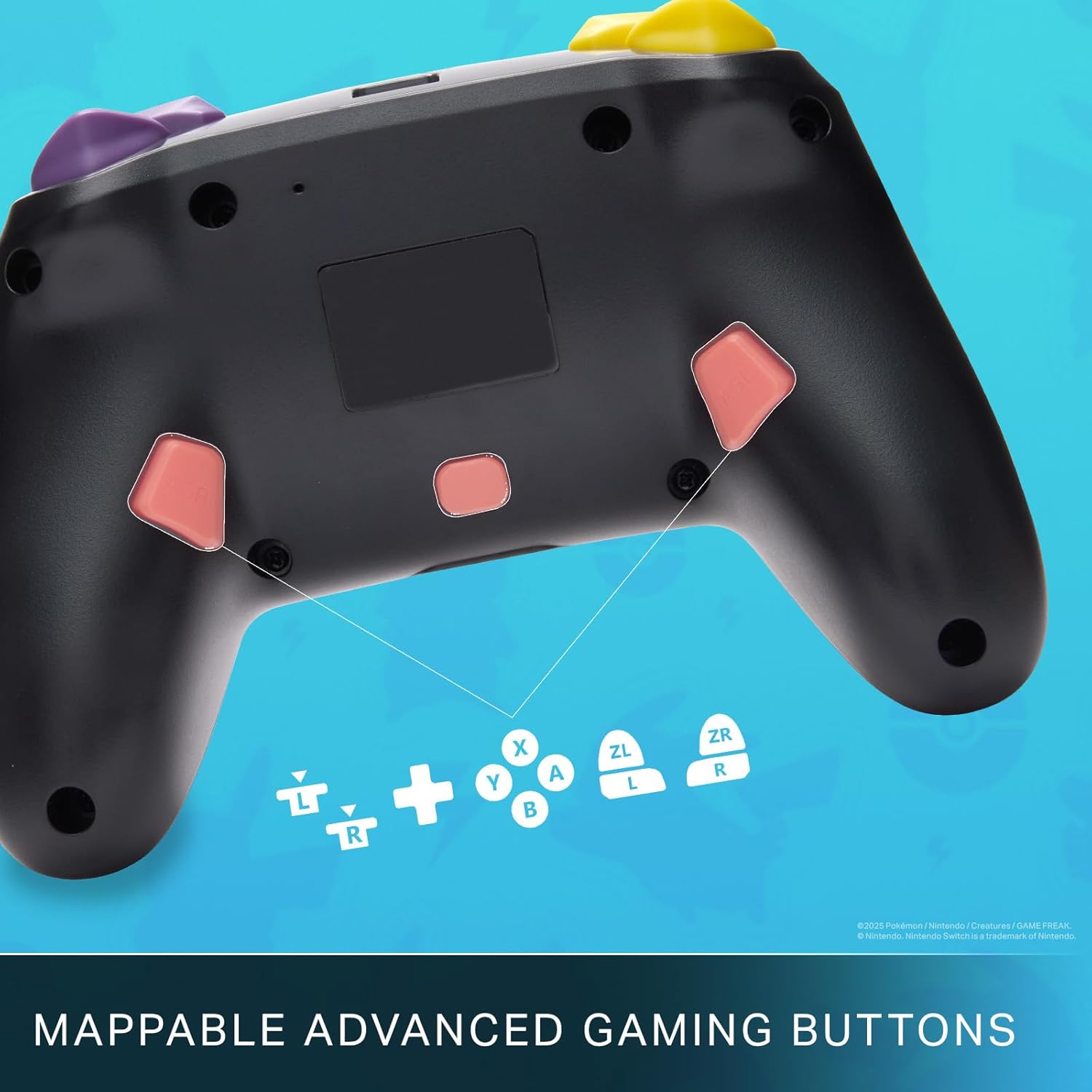
Mappable Advanced Gaming Buttons for personalized control.
Шайкештик
This PowerA Enhanced Wireless Controller is compatible with the following Nintendo consoles:
- Nintendo Switch
- Nintendo Switch Lite
- Nintendo Switch (OLED Model)
- Nintendo Switch 2 (Note: C button not available)

The controller is compatible with Nintendo Switch 2, though the C button functionality is not available.
Техникалык шарттар
| Өзгөчөлүк | Деталь |
|---|---|
| Шайкеш түзмөктөр | Nintendo Switch |
| Controller Type | Gamepad |
| Байланыш технологиясы | Bluetooth, USB |
| Кошумча функциялар | Ergonomic, Wireless |
| Button Quantity | 12 |
| Аппараттык платформа | Оюн консолу |
| Power Source | Батарея менен иштейт (Кайра заряддалуучу литий-ион) |
| Шайкеш келген видео оюн консолдорунун моделдери | Nintendo Switch, Nintendo Switch Lite |
| Элемент Салмагы | 0.68 фунт |
| Элементтин өлчөмдөрү | 6.02 x 4.41 x 2.48 дюйм |
| Түс | Pikachu vs Gengar |
| Модель аты | Pikachu vs. Gengar |
| Модель номери | NSGP0420-01R |
Кароо жана тейлөө
- Keep the controller dry. Avoid exposure to moisture or extreme temperatures.
- Башкаргычты жумшак, кургак чүпүрөк менен тазалаңыз. Катуу химиялык заттарды же абразивдүү материалдарды колдонбоңуз.
- Контроллерди колдонбогон учурда зыян келтирбөө үчүн коопсуз жерде сактаңыз.
Проблемаларды чечүү
Контроллер туташпай жатат:
- Контроллердин толук заряддалганын текшериңиз.
- Verify the controller is within the Bluetooth range of your Nintendo Switch console.
- Attempt to re-pair the controller following the "Setup and Pairing" instructions.
Жооп бербей жаткан баскычтар/джойстиктер:
- Баскычтардын же джойстиктердин айланасында кандайдыр бир физикалык тоскоолдуктар же таштандылар бар-жогун текшериңиз.
- Perform a hard reset by holding the SYNC button for 10 seconds, then attempt to re-pair.
- Ensure the controller's firmware is up to date (check PowerA's official webжаңыртуулар үчүн сайт).
Кепилдик жана колдоо
This PowerA Enhanced Wireless Controller comes with a Эки жылдык чектелген кепилдик. For detailed warranty information, product support, and troubleshooting assistance, please visit the official PowerA support webсайт: