
Introduction
Thank you for choosing the ASHATA 64GB MP3 Player. This portable digital music player is designed to provide a high-fidelity audio experience with versatile functionalities including music playback, video viewing, e-book reading, voice recording, and image viewing. It features a 1.8-inch color screen, 64GB built-in memory, and Bluetooth 5.0 connectivity. This manual will guide you through the setup, operation, and maintenance of your device.

Сүрөт 1: Алдыңкы view of the ASHATA 64GB MP3 Player.
Пакеттин мазмуну
Сураныч, кутудан чыгарганда пакеттин мазмунун текшерип, бардык буюмдар бар экенин текшериңиз:
- 1 x ASHATA Music Player
- 1 x USB кабели
- 1 х Наушник
- 1 x User Manual

Figure 2: Included accessories: MP3 player, USB cable, and earphones.
Продукт бүттүview
Familiarize yourself with the device's physical features and controls.

3-сүрөт: алдыңкы панелдин башкаруу элементтери жана дисплей.
- Дисплей экраны: 1.8-inch color screen for navigation and content display.
- M баскычы: Menu/Mode button.
- Кайтаруу баскычы: Мурунку экранга кайтып барат.
- Чабыттоо баскычтары: Up, Down, Left, Right, and Center (Play/Pause/Confirm) for menu navigation and media control.
- Үн баскычтары: Dedicated + and - buttons for volume adjustment.
- Гарнитура уячасы: 3.5mm audio output for earphones.
- USB порт: Заряддоо жана маалыматтарды өткөрүү үчүн.
- Кубат которгучу: ON/OFF slider switch.

4-сүрөт: Төмөнкү view showing the headphone jack and power switch.
Жайгашуу
1. Аппаратты заряддоо
Before first use, fully charge the MP3 player.
- Connect the small end of the included USB data cable to the USB port on the MP3 player.
- Кабелдин стандарттуу USB учун USB кубат адаптерине (кошулмада жок) же компьютердин USB портуна туташтырыңыз.
- The device will indicate charging status on the screen. A full charge typically takes 1-2 hours.
2. Күйгүзүү / Өчүрүү
- Күйгүзүү үчүн, КҮЙГҮЗҮҮ/ӨЧҮРҮҮ которгучун "КҮЙГҮЗҮҮ" абалына жылдырыңыз.
- Өчүрүү үчүн, КҮЙГҮЗҮҮ/ӨЧҮРҮҮ которгучун "ӨЧҮРҮҮ" абалына жылдырыңыз.
3. өткөрүп берүү Files to the Device
The MP3 player functions as a storage device when connected to a computer.
- MP3 ойноткучтун күйүп турганын текшериңиз.
- Connect the device to your computer using the provided USB data cable.
- The computer will recognize the MP3 player as a removable disk.
- Open the device's folder on your computer. You can then drag and drop music fileс, видео files, e-books (TXT format), and image files into the appropriate folders or directly onto the device's root directory.
- USB кабелин ажыратуудан мурун, түзмөктү компьютериңизден коопсуз сууруп алыңыз.
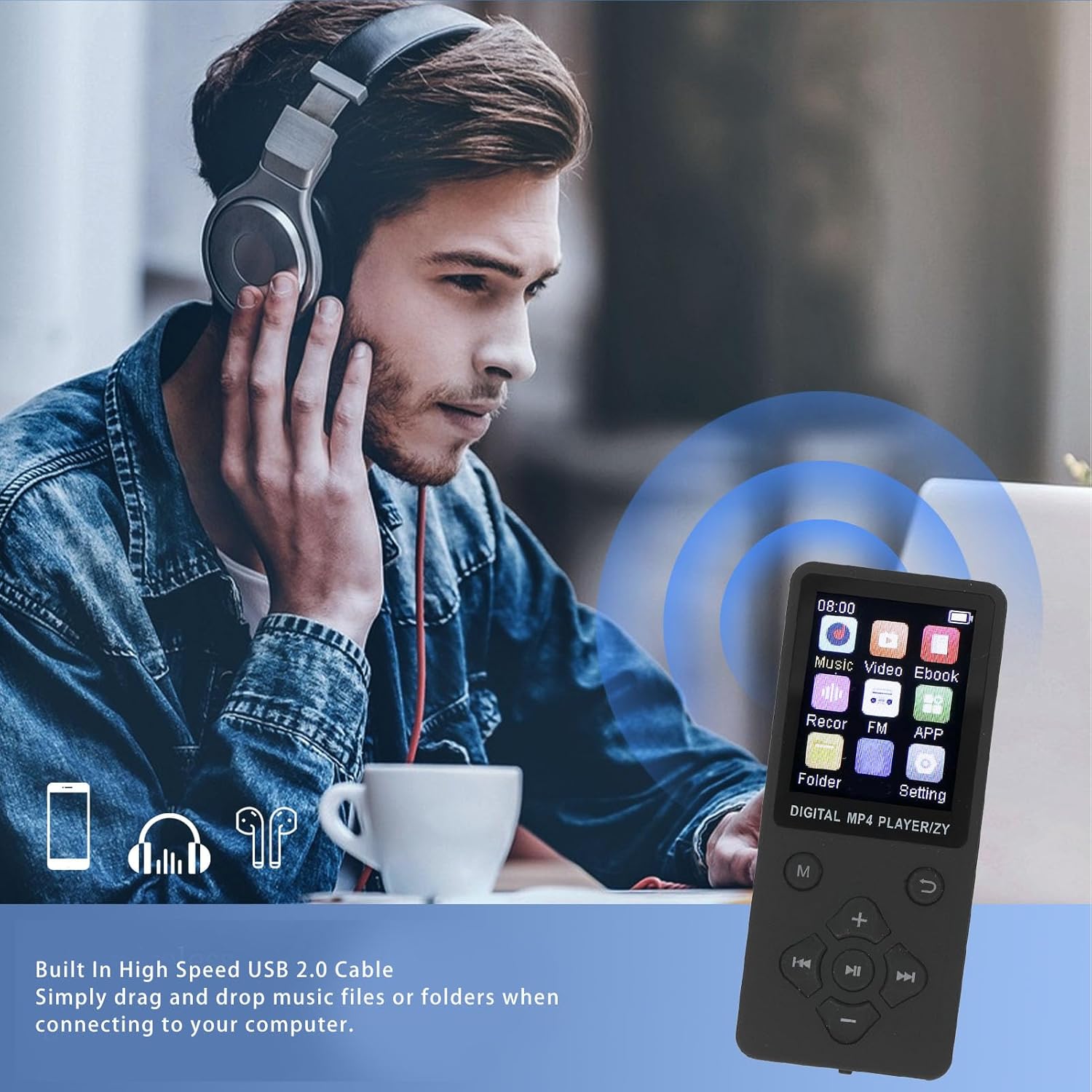
Figure 5: Connecting the MP3 player to a computer for file өткөрүп берүү.
Иштөө нускамалары
Менюда чабыттоо
Use the navigation buttons (Up, Down, Left, Right) to move between menu options and the center button to select. The 'Return' button takes you back to the previous screen.
1. Музыканы ойнотуу
The player supports MP3, WMA, OGG, APE, FLAC, and WAV audio formats.
- Негизги менюдан "Музыка" бөлүмүн тандаңыз.
- Navigate to your desired song or folder.
- Press the center button to play.
- Use the navigation buttons for playback control: Left/Right for previous/next track, Center for play/pause.
- Adjust volume using the dedicated + and - buttons.
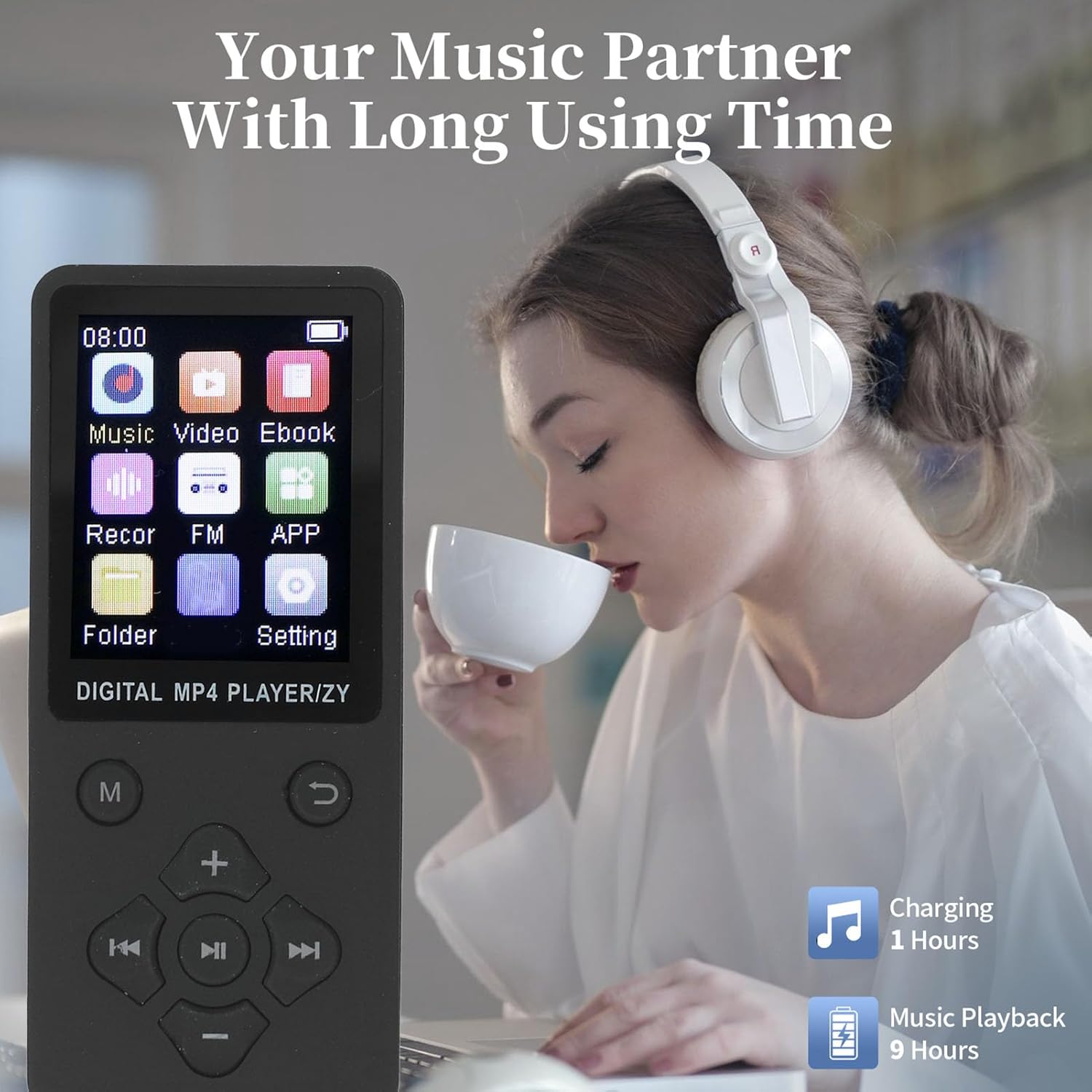
Figure 6: Enjoying music playback with the MP3 player.
2. Видеону ойнотуу
The player supports AMV video format. Videos must be converted to AMV format for playback.
- Негизги менюдан "Видео" бөлүмүн тандаңыз.
- Видеону тандаңыз file ойногуңуз келет.
- Press the center button to start playback.
3. Электрондук китеп окуу
The player supports TXT format e-books.
- From the main menu, select "Ebook".
- Select the TXT file сиз окугуңуз келет.
- Текстти жылдыруу үчүн навигация баскычтарын колдонуңуз.
4. Сүрөт Viewing
The player supports JPG, JPEG, BMP, and GIF image formats.
- From the main menu, select "Image".
- Browse and select the image file.
- The image will be displayed on the screen.
5. Үн жаздыруу
The device includes a built-in voice recorder.
- From the main menu, select "Recor" (Recorder).
- Жаздырууларды баштоо, тындыруу, сактоо жана ойнотуу үчүн экрандагы көрсөтмөлөрдү аткарыңыз.
6. Bluetooth байланышы
Pair your MP3 player with Bluetooth headphones or speakers for wireless audio.
- Bluetooth кулакчындарыңыз/динамиктериңиз жупташтыруу режиминде экенин текшериңиз.
- Негизги менюдан "Орнотуулар" бөлүмүнө, андан кийин "Bluetooth" бөлүмүнө өтүңүз.
- Turn Bluetooth "On" and select "Издөө түзмөктөр".
- Select your device from the list to pair. Once paired, audio will be routed wirelessly.
Техникалык тейлөө
- Тазалоо: Аппаратты тазалоо үчүн жумшак, кургак чүпүрөктү колдонуңуз. Суюк тазалагычтарды же аэрозолдорду колдонбоңуз.
- Сактагыч: Аппаратты түз күн нурунан жана экстремалдык температурадан алыс салкын, кургак жерде сактаңыз.
- Батареяга кам көрүү: Батареянын иштөө мөөнөтүн узартуу үчүн, бат-баттан батарейканы толук зарядсыздандырбаңыз. Аппаратты узак убакыт бою колдонбосо дагы, үзгүлтүксүз заряддаңыз.
- Тамчылардан качуу: Protect the device from physical shocks and drops.
Проблемаларды чечүү
| Көйгөй | Мүмкүн чечим |
|---|---|
| Түзмөк күйбөйт. | Ensure the battery is charged. Connect to a power source and try again. Check the ON/OFF switch is in the "ON" position. |
| Компьютерге туташуу мүмкүн эмес. | Ensure the USB cable is securely connected to both the device and the computer. Try a different USB port or cable. Restart both the device and the computer. |
| Наушниктен үн чыкпайт. | Check if earphones are properly plugged in. Increase the volume. Test with different earphones. If using Bluetooth, ensure it's paired correctly and volume is up. |
| Files not appearing on device. | камсыз кылуу files were transferred successfully and are in supported formats. Disconnect and reconnect the device to the computer. |
| Экран катып калган же жооп бербей жатат. | Try sliding the ON/OFF switch to "OFF" and then "ON" again to restart the device. |
Техникалык шарттар
Detailed technical specifications for the ASHATA 64GB MP3 Player:
- Модел: ASHATA75itzng219-11
- Материал: ABS
- Батарея түрү: Built-in 180mAh Lithium Ion Battery
- Ички эстутум: Камтылган 64 ГБ
- Кеңейтүүчү эстутум: Supports up to 128GB (via memory card, not included)
- Экрандын өлчөмү: 1.8 дюймдук түстүү экран
- Bluetooth версиясы: 5.0
- Колдоого алынган музыка форматтары: MP3, WMA, OGG, APE, FLAC, WAV
- Колдоого алынган видео форматтары: AMV (Converted Video)
- Колдоого алынган сүрөт форматтары: JPG, JPEG, BMP, GIF
- E-book Format Supported: TXT
- Заряддоо убактысы: Болжол менен 1-2 саат
- Музыка ойнотуу убактысы: 10 саатка чейин (болжол менен)
- Өлчөмдөрү: Болжол менен 17 x 8 x 2 см
- Салмагы: Болжол менен 75 грамм

Figure 7: The 1.8-inch color screen and memory capacity.
Кепилдик жана колдоо
For warranty information and technical support, please refer to the documentation provided with your purchase or visit the official ASHATA webсайт. Сатып алуу квитанциясын кепилдик дооматтары үчүн сатып алуунун далили катары сактаңыз.


