
1. Киришүү
Thank you for choosing the Vonztek Wireless Headset. This manual provides essential information for the proper setup, operation, and maintenance of your headset. Please read it thoroughly before use to ensure optimal performance and longevity of your device.
2. Пакеттин мазмуну
Пакетиңизде бардык буюмдар бар экенин текшериңиз:
- Vonztek Wireless Headset
- С тибиндеги кубаттоочу кабель x1
- USB Dongle x1
3. Продукт бүтүп калдыview
The Vonztek Wireless Headset (Model XSY-BT882M-BJ-D-NEW2) is designed for business and work-from-home environments, offering clear communication and comfortable wear. It features AI Noise Canceling for the microphone and Passive Noise Cancellation for the earpieces.

Figure 3.1: Vonztek Wireless Headset with included accessories.
Негизги өзгөчөлүктөрү:
- Жогорку стерео үн: Equipped with 40mm dynamic drivers for clear audio reproduction.
- Ыңгайлуу дизайн: Ultra-soft memory foam ear cushions and an adjustable one-piece steel headband ensure comfort during extended use.
- Bidirectional Microphone with AI Noise Canceling: The flexible 270° rotatable microphone arm can be positioned on either side and features AI noise cancellation to focus on your voice, reducing background noise.
- Кеңири шайкештик: Connects to cellphones and desktops via Bluetooth 5.3 or the included USB dongle.
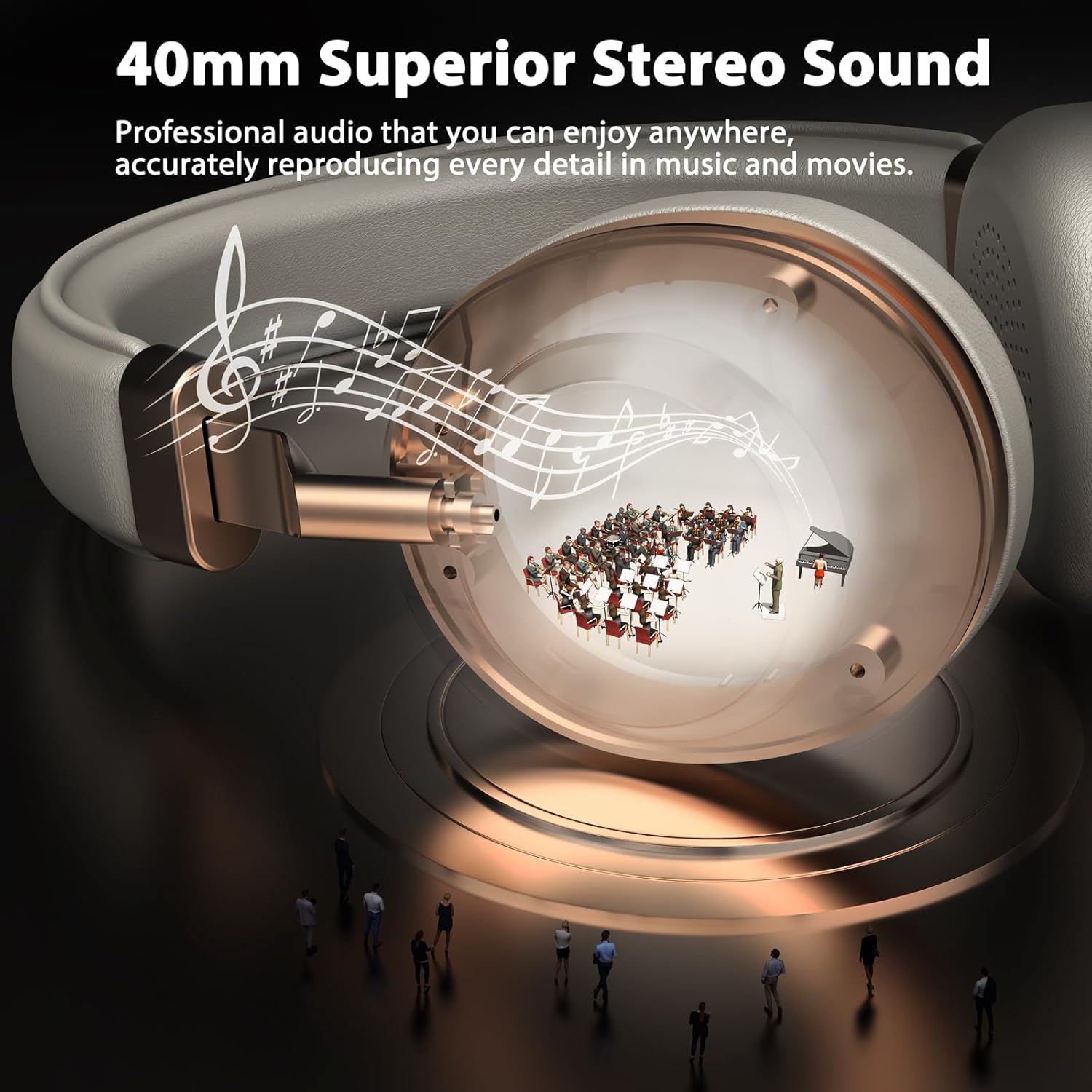
Figure 3.2: 40mm Superior Stereo Sound.
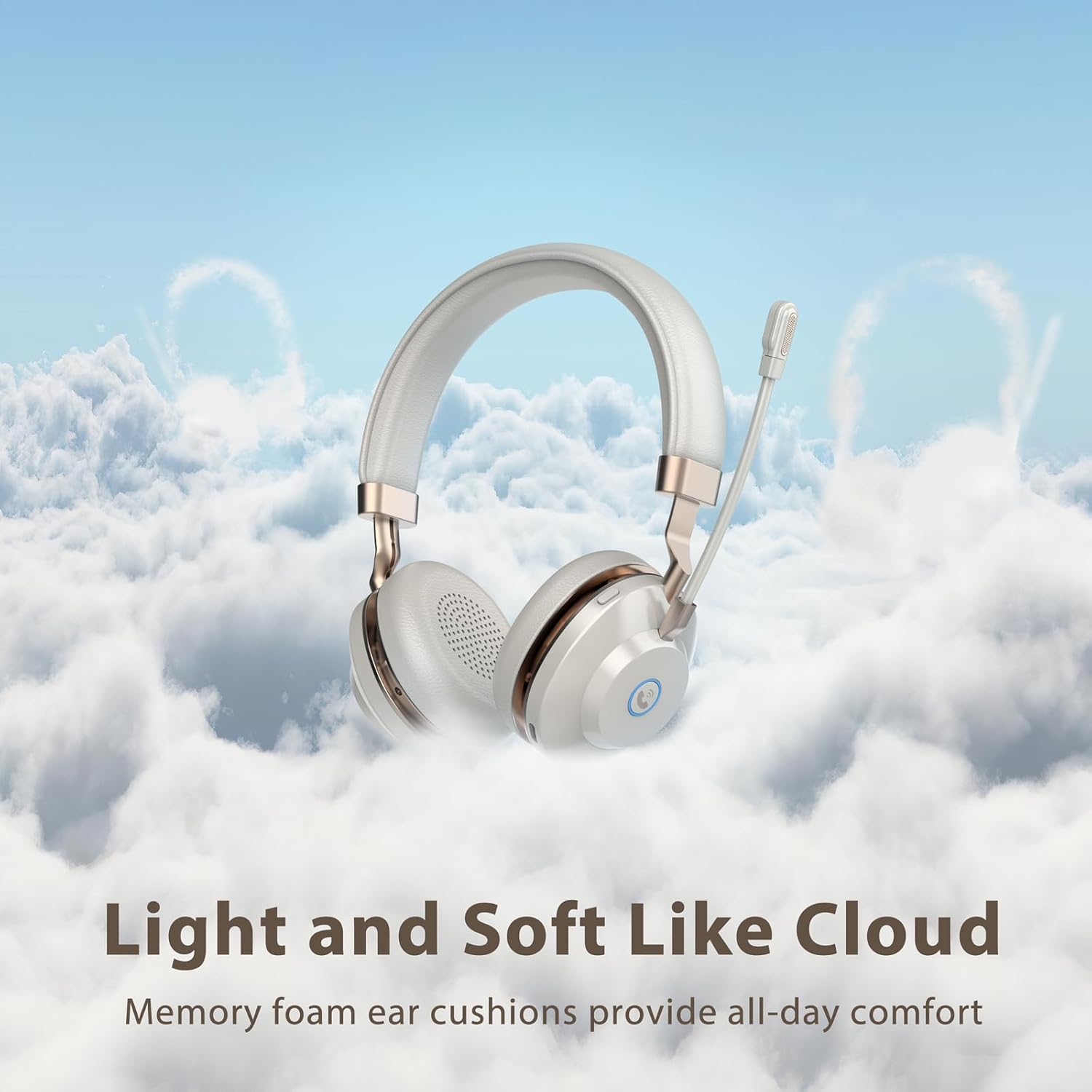
Figure 3.3: Light and Soft Design for Comfort.

Figure 3.4: Bidirectional Microphone with Noise Cancellation.
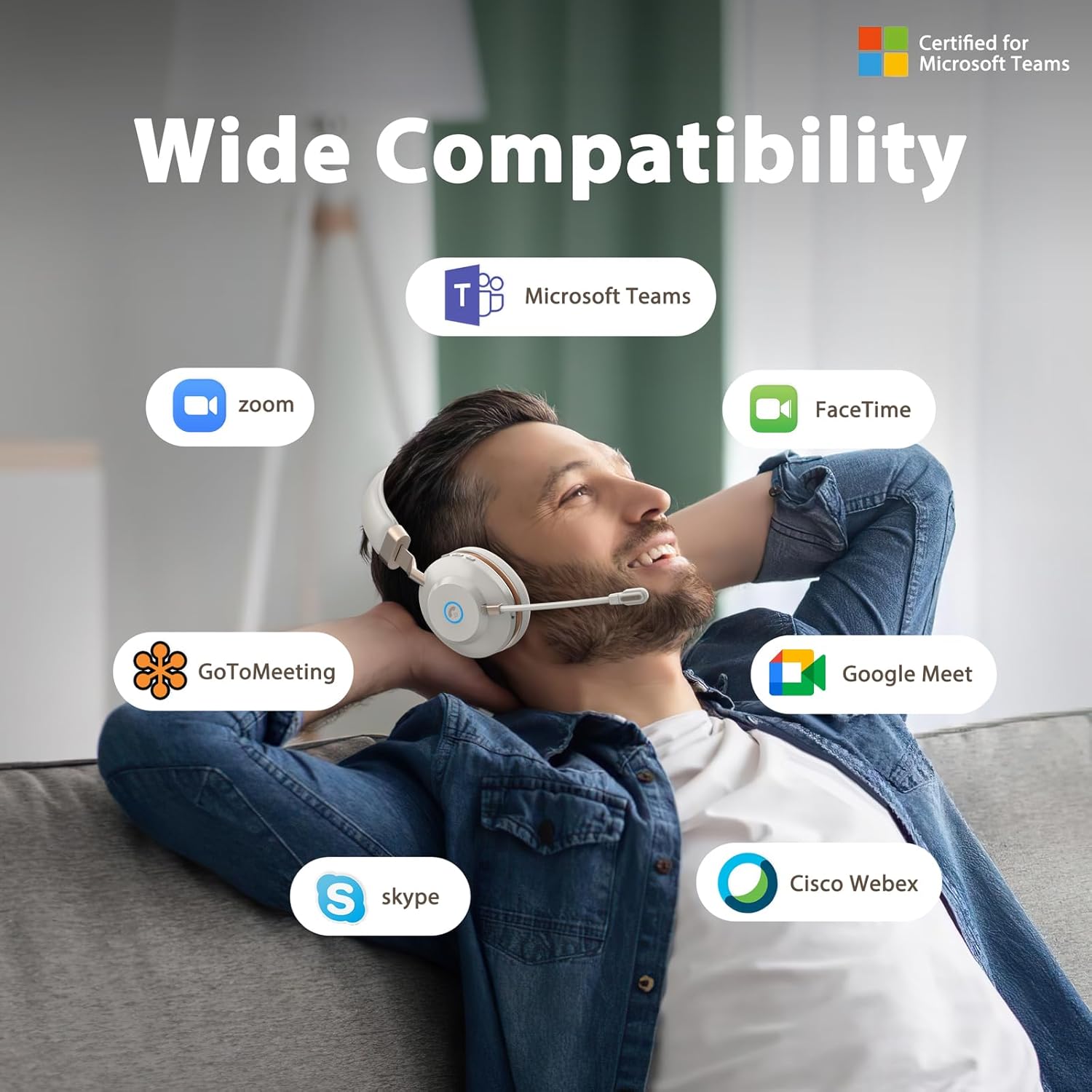
Figure 3.5: Wide Compatibility with Communication Platforms.
4. Орнотуу
4.1 Гарнитураны заряддоо
Before first use, fully charge the headset. Connect the provided Type-C charge cable to the headset's charging port and the other end to a USB power source (e.g., computer USB port, wall adapter). A full charge takes approximately 2 hours.
4.2 USB донгл аркылуу туташуу
- USB жабдыгын компьютериңиздеги жеткиликтүү USB портуна сайыңыз.
- Күч баскычын басып, кармап туруу менен гарнитураны күйгүзүңүз.
- The headset will automatically connect to the dongle. An indicator light on the headset will confirm connection (refer to LED indicator section in operating instructions for details).
4.3 Bluetooth аркылуу туташуу
- Гарнитура өчүрүлгөнүн текшериңиз.
- Press and hold the power button until the LED indicator flashes rapidly (usually blue and red), indicating pairing mode.
- On your device (e.g., cellphone, computer), enable Bluetooth and search for new devices.
- Select "Vonztek Headset" from the list of available devices.
- Once connected, the LED indicator will show a steady blue light or flash slowly. The Bluetooth range is up to 15 meters.
5. Иштөө нускамалары
5.1 Күйгүзүү/өчүрүү
- Күйгүзүү: Кубат баскычын 3 секунд басып туруңуз.
- Өчүрүү: Кубат баскычын 3 секунд басып туруңуз.
5.2 Үндү башкаруу
- Көлөмү: '+' баскычын басыңыз.
- Үнүн азайтуу: '-' баскычын басыңыз.
5.3 Микрофонду колдонуу
- The microphone arm is flexible and can be rotated 270° to be worn on either the left or right side. Adjust it to position the microphone close to your mouth for optimal voice pickup.
- The AI Noise Canceling feature is automatically active to reduce background noise during calls.
5.4 Чалууларды башкаруу
- Чалууга жооп берүү/аяктоо: Press the multi-function button (often indicated by a phone icon).
- Чакырууну четке кагуу: Көп функциялуу баскычты 2 секунд басып туруңуз.
5.5 Медианы башкаруу
- Ойнотуу/тындыруу: Көп функциялуу баскычты басыңыз.
- Кийинки трек: '+' баскычын басып, кармап туруңуз.
- Мурунку трек: '-' баскычын басып, кармап туруңуз.
6. Техникалык тейлөө
- Тазалоо: Гарнитураны тазалоо үчүн жумшак, кургак чүпүрөктү колдонуңуз. Абразивдүү тазалагычтарды же эриткичтерди колдонбоңуз.
- Сактагыч: Гарнитураны күн нурунан жана экстремалдык температурадан алыс салкын, кургак жерде сактаңыз.
- Батареяга кам көрүү: To preserve battery life, charge the headset regularly, even if not in frequent use. Avoid fully discharging the battery for extended periods.
- Суу каршылык: Бул гарнитура суу өткөрбөйт. Суюктуктарга тийгизбеңиз.
7. Кыйынчылыктарды
| Көйгөй | Мүмкүн себеп | Чечим |
|---|---|---|
| Гарнитура күйбөйт | Батарея аз | Гарнитураны 30 мүнөттөн кем эмес заряддаңыз. |
| Bluetooth аркылуу туташуу мүмкүн эмес | Headset not in pairing mode; Device Bluetooth off; Out of range | Ensure headset is in pairing mode (flashing blue/red LED). Turn on Bluetooth on your device. Move closer to your device (within 15 meters). |
| Үн жок же үн сапаты начар | Volume too low; Incorrect audio output selected; Headset not properly connected | Increase volume on headset and device. Check audio settings on your device to ensure Vonztek Headset is selected as output. Reconnect the headset. |
| Микрофон иштебей жатат | Microphone muted; Incorrect input device selected | Ensure microphone is not muted. Check audio input settings on your device to ensure Vonztek Headset is selected as input. |
8. Техникалык шарттар
| Өзгөчөлүк | Деталь |
|---|---|
| Модель аты | XSY-BT882M-BJ-D-NEW2 |
| Байланыш технологиясы | Зымсыз (Bluetooth) |
| Зымсыз байланыш технологиясы | Bluetooth 5.3 |
| Bluetooth диапазону | 15 метр |
| Аудио драйверинин өлчөмү | 40 миллиметр |
| Noise Control | AI Noise Cancellation (Mic), Passive Noise Cancellation (Earpiece) |
| Батареянын иштөө мөөнөтү | 45 саат |
| Заряддоо убактысы | 2 саат |
| Наушник уясы | Type-C (заряддоо үчүн) |
| Сезимталдуулук | 118 дБ |
| Импеданс | 32 Ом |
| Материал | Faux Leather, Plastic, Stainless Steel |
| Элемент Салмагы | 13.1 унция |
| Шайкеш түзмөктөр | Cellphones, Desktops |
9. Кепилдик жана колдоо
For warranty information or technical support, please refer to the contact details provided with your purchase or visit the official Vonztek webсайт. Кепилдик дооматтар үчүн сатып алганыңыздын далилин сактаңыз.