
1. Киришүү
Thank you for choosing the ADVWIN F380C Treadmill. This manual provides essential information for the safe assembly, operation, and maintenance of your new fitness equipment. Please read this manual thoroughly before using the treadmill and keep it for future reference.
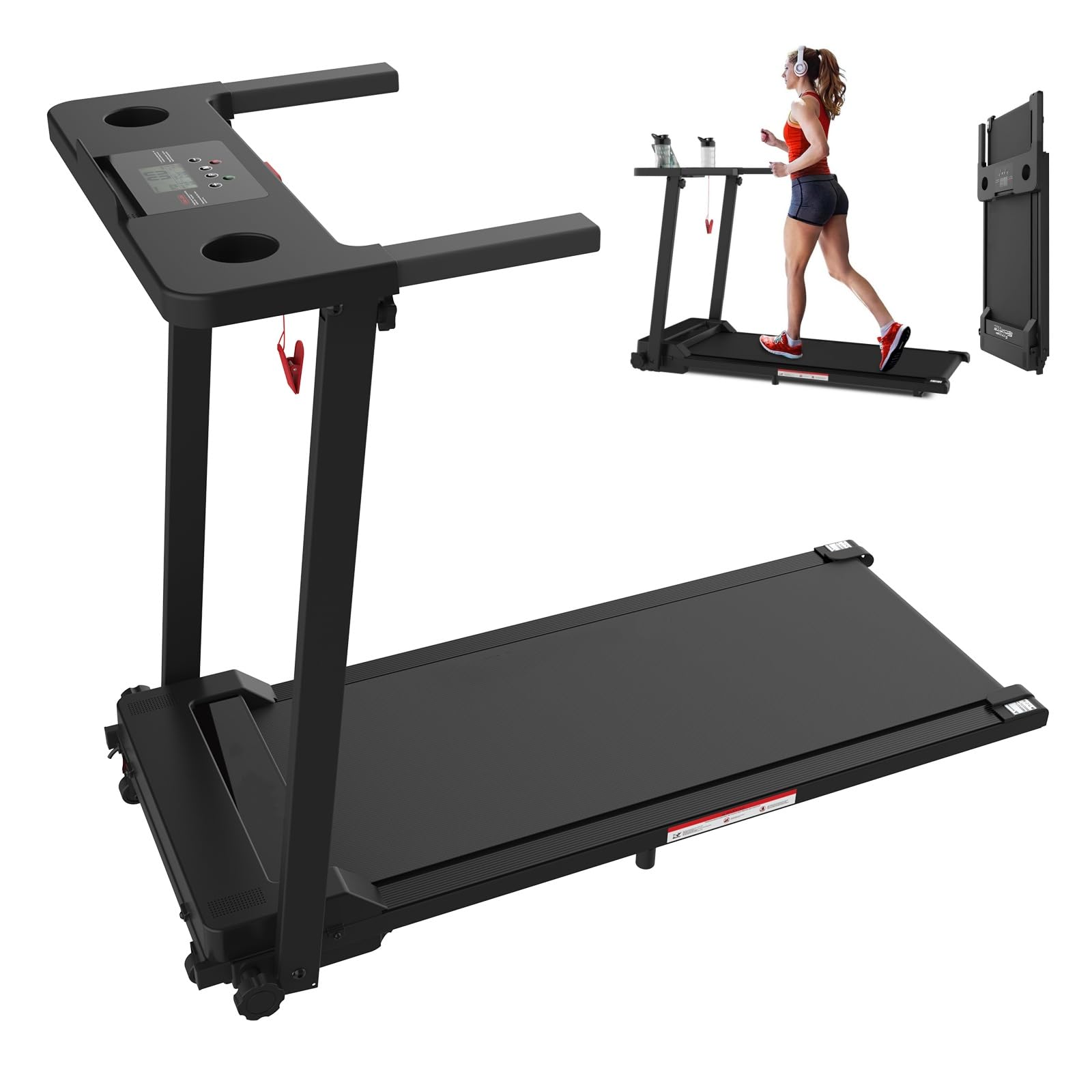
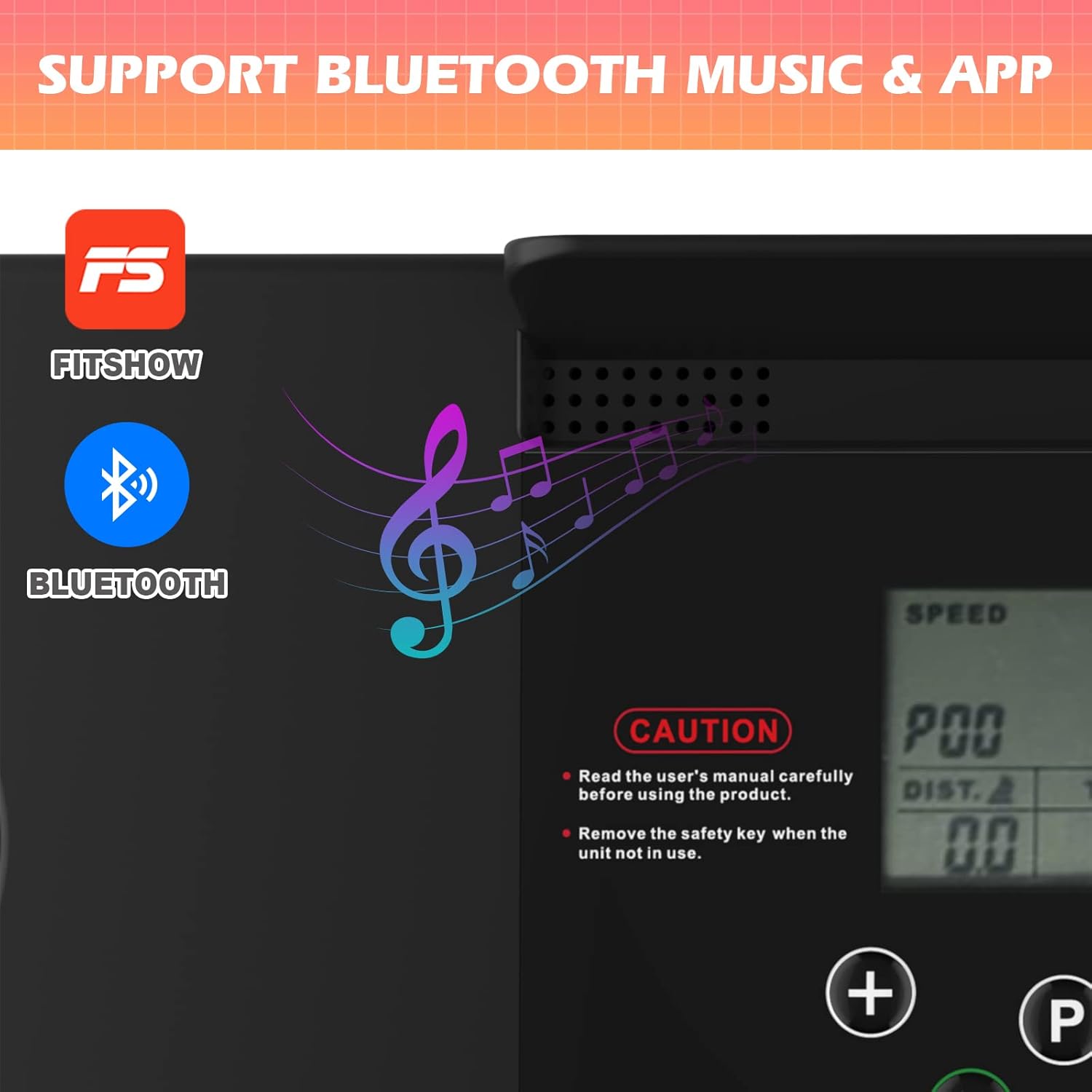
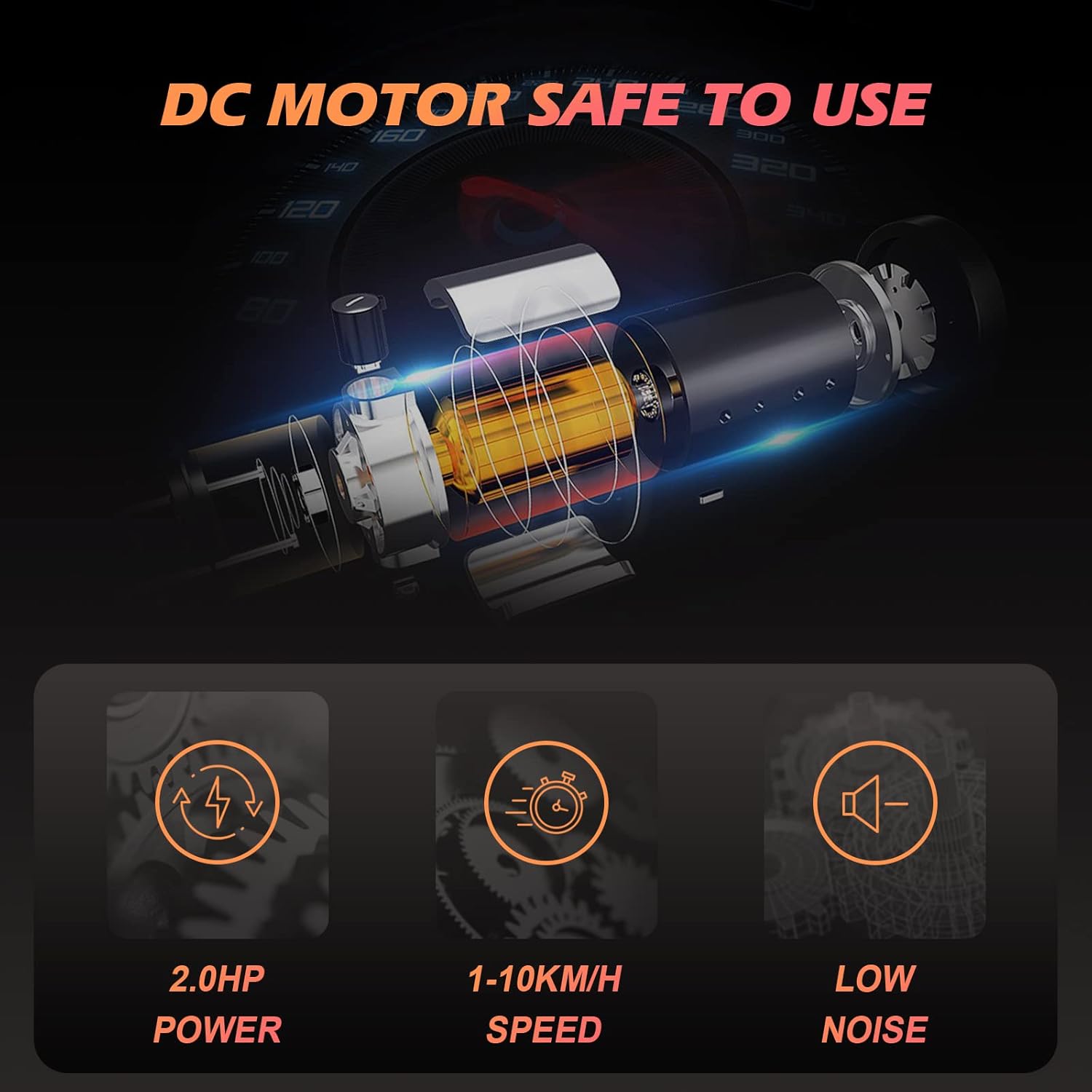
The ADVWIN F380C Treadmill is designed for home use, featuring a 2.0 HP motor, a speed range of 1-10 km/h, and 12 preset programs. It includes a 3.5-inch LCD display, Bluetooth connectivity for music and app control, and a convenient foldable design for easy storage.
2. Маанилүү коопсуздук нускамалары
To reduce the risk of serious injury, read all instructions before using this treadmill. The manufacturer is not responsible for personal injury or property damage sustained by or through the use of this product.
- Кандайдыр бир көнүгүү программасын баштоодон мурун дарыгериңиз менен кеңешиңиз.
- Always place the treadmill on a level surface with at least 0.6 meters (2 feet) of clear space around it.
- Иш учурунда балдарды жана үй жаныбарларын чуркоо жолунан алыс кармаңыз.
- Ensure the safety key is properly attached to both the treadmill and your clothing before starting. The treadmill will stop immediately if the safety key is disengaged.
- Тийиштүү көнүгүү кийимин жана спорттук бут кийимди кийиңиз.
- Эгерде чуркоо жолунун шнуру же сайы бузулуп калса, же ал туура иштебей жатса, аны иштетпеңиз.
- Бул чуркоо тилкесинин колдонуучунун максималдуу салмагы 120 кг (264 фунт).
- Remove the safety key when the unit is not in use to prevent accidental activation.
3. Пакеттин мазмуну
Carefully unpack the box and ensure all items are present. If any parts are missing or damaged, please contact customer support.
- 1 x ADVWIN Treadmill
- 1 x Коопсуздук ачкычы
- 1 x Кубат кабели
- 1 x User Manual
4. Орнотуу
The ADVWIN F380C Treadmill features a foldable design for minimal assembly. Follow these steps to set up your treadmill:
- Таңылганын ачуу: Remove the treadmill and all components from the packaging.
- Кызмат орду: Place the treadmill on a flat, stable surface. Ensure there is adequate space around the unit for safe operation.
- Ачылышы: Carefully unfold the treadmill from its compact storage position. Ensure all locking mechanisms are securely engaged.
- Туташуу кубаты: Plug the power cable into a grounded electrical outlet (AC 220-240V 50-60Hz).
- Коопсуздук ачкычын тиркеңиз: Place the safety key into its designated slot on the control panel.

5. Иштөө нускамалары
5.1 Күйгүзүү/өчүрүү
- To power on, ensure the power cable is connected and the safety key is in place. The LCD display will illuminate.
- To power off, remove the safety key and unplug the power cable from the outlet.
5.2 Using the Control Panel and LCD Display
The 3.5-inch LCD display provides real-time feedback on your workout metrics:
- Ылдамдыгы: Current running speed (1-10 km/h).
- Убакыт: Машыгуунун узактыгы.
- Аралык: Жалпы аралык басып өткөн.
- Калориялар: Болжолдуу күйгөн калория.
Use the control buttons to:
- Баштоо/Токтоо: Begin or end your workout.
- Ылдамдык +/-: Adjust the running speed.
- Program/Mode: Select from 12 preset programs or 3 countdown modes (Time, Distance, Calories).
5.3 Bluetooth байланышы
The treadmill features built-in Bluetooth speakers for audio playback and app control.
- Bluetooth Audio: Activate Bluetooth on your mobile device and connect to the treadmill (usually named 'ADVWIN' or similar). You can then play music through the integrated speakers.
- FitShow App: Download the 'FitShow' application from your device's app store. Connect the app to your treadmill via Bluetooth to record and review training data, display statistics, and manage fitness plans. The app is compatible with both iPhone and Android devices.
5.4 Using the iPad/Tablet Holder
The treadmill is equipped with an enlarged countertop and an iPad/tablet holder, allowing you to place your device for entertainment or work while exercising.
6. Техникалык тейлөө
Үзгүлтүксүз тейлөө сиздин чуркоо жолуңуздун узак мөөнөттүү жана оптималдуу иштешин камсыз кылат.
- Тазалоо: Чуркоо жолундагы беттерди жарнама менен сүртүңүзamp ар бир колдонуудан кийин кездеме. Абразивдүү тазалагычтарды колдонуудан алыс болуңуз.
- Сактагыч: When not in use, fold the treadmill and store it in a dry, clean area. Always remove the safety key before storing.
- Белди майлоо: Periodically check the running belt for proper lubrication. Refer to the specific lubrication instructions provided with your treadmill or contact customer support for guidance.
- Кур чыңдоо жана тегиздөө: Inspect the running belt for proper tension and alignment. If the belt feels loose or is drifting to one side, refer to the adjustment instructions in the full manual or contact customer support.
7. Кыйынчылыктарды
If you encounter issues with your ADVWIN F380C Treadmill, refer to the following common solutions:
- Чуркоо жолу иштебей жатат: Ensure the power cable is securely plugged in and the safety key is correctly inserted into its slot. Check the power switch.
- Дисплей иштебейт: Verify power connection and safety key. If the issue persists, contact customer support.
- Чуркап бара жаткан кайыш: The belt may require tension adjustment. Refer to the maintenance section or contact customer support.
- адаттан тыш үндөр: Stop the treadmill immediately. Inspect for any loose parts or obstructions. If the noise continues, contact customer support.
For more complex issues, please contact ADVWIN customer support.
8. Техникалык шарттар
| Өзгөчөлүк | Спецификация |
|---|---|
| Модель аты | F380C |
| Мотор күчү | 2.0 HP |
| Ылдамдык диапазону | 1-10 км/саат |
| Программалар | 12 Алдын ала коюлган программалар |
| Режимдер | 3 (Time, Distance, Calories Countdown) |
| Дисплей түрү | 3.5 дюймдук LCD |
| Чуркоо аймагы | 100 см х 38 см |
| Колдонуучунун максималдуу салмагы | 120 кг (264 фунт) |
| Жалпы өлчөмдөрү (L x W x Y) | 121 см х 58 см х 93.5 см |
| Бүктөлгөн өлчөмдөрү (L x W x Y) | 121 см х 58 см х 12.5 см |
| Таза Салмак | 22 кг |
| Power Source | AC 220-240V 50-60Hz |
| Материал | Steel, ABS, PVC, Alloy Steel |
| Өзгөчөлүктөр | Lightweight, Portable, Bluetooth Speakers, App Control, iPad Holder |


9. Кепилдик жана колдоо
This product includes a user manual. Please note that specific warranty information is not provided within this document. For warranty details, technical support, or service inquiries, please contact ADVWIN customer service through your purchase platform or the official ADVWIN webсайт.