
1. Киришүү
This manual provides essential instructions for the safe operation, setup, maintenance, and troubleshooting of your ARRIS WPL C24-1 RC Rock Crawler. Please read this manual thoroughly before using the product to ensure proper function and longevity.

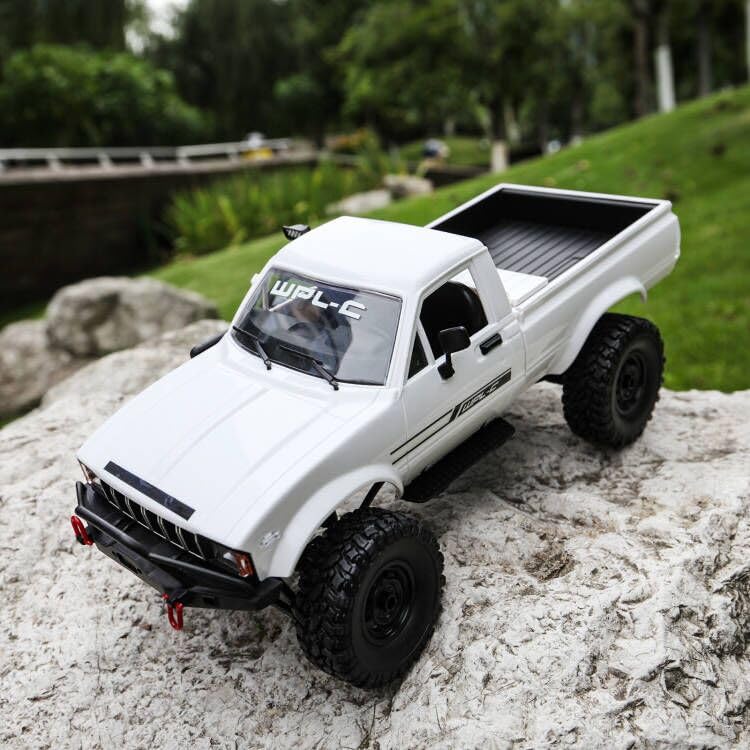
Image: The ARRIS WPL C24-1 RC Rock Crawler, showcasing its detailed design and robust tires.
2. Коопсуздук маалыматы
Always operate the RC vehicle in a safe and responsible manner. Failure to follow these safety guidelines may result in injury or damage to the product or property.
- Колдорду, чачтарды жана бош кийимдерди кыймылдуу бөлүктөрдөн алыс кармаңыз.
- Адамдардын, үй жаныбарларынын же тоскоолдуктардын жанында иштебеңиз.
- Avoid operating in wet conditions or near water unless the product is specifically designed for it.
- Батареялардын туура заряддалганын жана этияттык менен колдонулганын текшериңиз.
- 15 жашка чыга элек колдонуучуларга чоңдордун көзөмөлү сунушталат.
3. Пакеттин мазмуну
Төмөндө тизмеленген нерселердин баары пакетиңизге камтылганын текшериңиз:
- ARRIS WPL C24-1 RC Rock Crawler (1 unit)
- Remote Control Transmitter (1 unit)
- Rechargeable Battery (1 unit, 7.4V 500mAh)
- Кубаттоочу кабель (1 даана)
- Көрсөтмө (бул документ)
4. Орнотуу колдонмосу
4.1. Унаанын аккумуляторун заряддоо
The vehicle battery (7.4V 500mAh) requires charging before first use. A full charge takes approximately 2 hours and provides about 30 minutes of operation.
- Locate the battery compartment on the underside of the RC crawler.
- Connect the rechargeable battery to the provided charging cable.
- Plug the charging cable into a suitable USB power source (e.g., computer USB port, USB wall adapter).
- The indicator light on the charging cable will show the charging status (refer to charger instructions for specific light patterns).
- Once fully charged, disconnect the battery from the charger and install it into the vehicle's battery compartment.
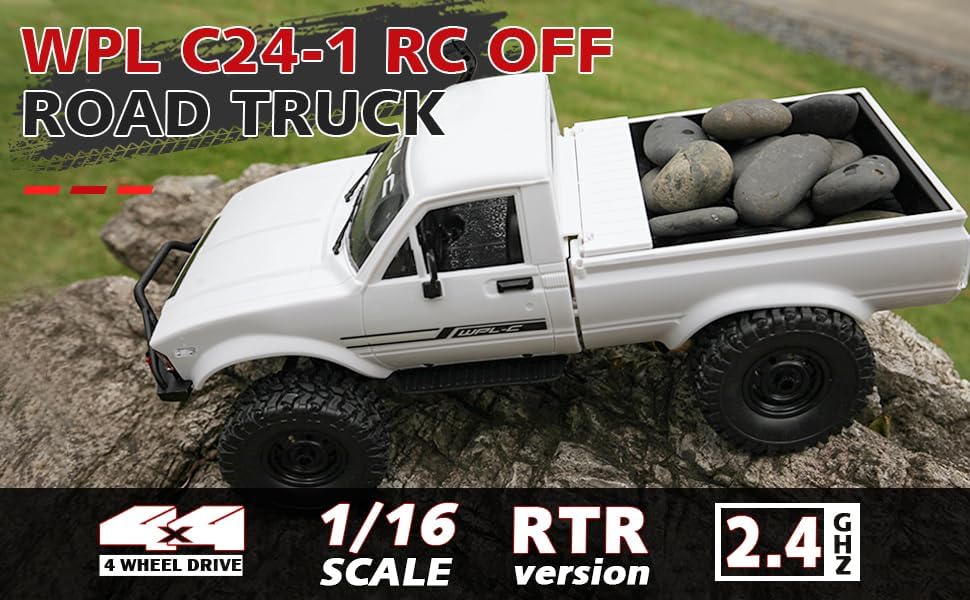
Image: Underside of the RC crawler, highlighting the battery and chassis components.
4.2. Алыстан башкаруунун батареяларын орнотуу
The remote control requires 1 C battery (included). Ensure correct polarity when installing.
- Пульттун артындагы батареянын капкагын ачыңыз.
- Insert the C battery according to the polarity markings (+/-).
- Батареянын капкагын бекем жабыңыз.
4.3. Алыстан башкарууну жупташтыруу
The RC crawler and remote control are typically pre-paired. If re-pairing is necessary:
- Turn on the RC crawler using the switch located on the chassis.
- Алыстан башкарууну күйгүзүңүз.
- The indicator light on the remote control should stop flashing and remain solid, indicating a successful connection.
- If the connection fails, turn both devices off and repeat the process.
5. Иштөө нускамалары
5.1. Негизги башкаруу элементтери
- дроссель триггери: Алдыга жылуу үчүн тартыңыз, тормоздоо/артка жылдыруу үчүн басыңыз.
- Руль: Солго бурулуш үчүн солго, оңго бурулуш үчүн оңго бурулуңуз.
- Тримдин жөндөөлөрү: Use the trim dials on the remote to fine-tune steering and throttle if the vehicle pulls to one side or moves without input.
5.2. Айдоо боюнча кеңештер
The ARRIS WPL C24-1 is designed for off-road crawling. Its 4WD system and independent suspension allow it to navigate various terrains.
- For optimal crawling, use slow and controlled throttle inputs.
- Experiment with steering angles to overcome obstacles.
- The vehicle features highlight LED lights for improved visibility in low-light conditions.

Image: The RC crawler navigating a challenging rocky path, demonstrating its off-road capabilities.

Image: The RC crawler traversing sandy terrain, showcasing its 4WD design.
6. Техникалык тейлөө
6.1. Тазалоо
After each use, especially in dusty or dirty conditions:
- Use a soft brush or compressed air to remove dirt and debris from the chassis, wheels, and suspension.
- Жарнама менен денени сүртүңүзamp кездеме. Катуу химиялык заттарды колдонбоңуз.
- Ensure no moisture enters electronic components.
6.2. Батареяга кам көрүү жана сактоо
- Колдонулбай турган учурда, ар дайым батарейканы унаадан ажыратыңыз.
- Батареяларды салкын, кургак жерде, түз күндүн нурунан жана экстремалдык температурадан алыс сактаңыз.
- Батареяларды ашыкча заряддабаңыз же ашыкча разрядтабаңыз.
6.3. Компоненттерди текшерүү
Regularly inspect the following components for wear or damage:
- Wheels and tires for damage or excessive wear.
- Suspension components (shocks, springs, linkages).
- Steering mechanism for smooth operation.
- All screws and fasteners for tightness.
7. Кыйынчылыктарды
| Көйгөй | Мүмкүн себеп | Чечим |
|---|---|---|
| Vehicle does not respond. | Low vehicle battery; Low remote control battery; Not paired. | Charge vehicle battery; Replace remote control battery; Re-pair remote control. |
| Унаа жай же бир калыпта эмес кыймылдайт. | Low vehicle battery; Obstruction in drivetrain; Motor issue. | Charge vehicle battery; Clear obstructions; Contact support if motor issue persists. |
| Руль туруксуз же жооп бербей жатат. | Steering trim incorrect; Damaged servo; Obstruction. | Adjust steering trim; Inspect servo for damage; Clear obstructions. |
| Кыска иштөө диапазону. | Interference; Low remote control battery. | Move to an area with less interference; Replace remote control battery. |
8. Продукттун спецификациялары
| Өзгөчөлүк | Деталь |
|---|---|
| Модель номери | WPL C24-1 |
| Бренд | ARRIS |
| Масштаб | 1:16 |
| Продукциянын өлчөмдөрү | 12.2 x 5.78 x 4.44 дюйм |
| Элемент Салмагы | 2.4 фунт |
| Материал | ABS + металл |
| Мотор | 180 щеткалуу мотор |
| Батарея (унаа) | 7.4V 500mAh (кошулган) |
| Заряддоо убактысы | Болжол менен 2 саат |
| Иштөө убактысы | Болжол менен 30 мүнөт |
| Алыстан башкаруу жыштыгы | 2.4 ГГц |
| Control Distance | 35 метрден жогору |
| Максималдуу ылдамдык | 20 км/саат |
| Сунушталган Жаш | 15 жаш жана андан жогору |
Сүрөт: каптал view of the RC crawler with key dimensions indicated.

Сүрөт: деталдуу view of the RC crawler's chassis, showing components like the motor, suspension, and drive shafts.
9. Кепилдик жана колдоо
ARRIS products are manufactured to high-quality standards. For warranty information or technical support, please refer to the official ARRIS webсайтка же сатып алуу платформаңыз аркылуу кардарларды тейлөөгө кайрылыңыз.
Ар кандай кепилдик дооматтары үчүн сатып алуунун далили катары сатып алуу дүмүрчөгүңүздү сактаңыз.
Кошумча жардам алуу үчүн, сураныч, баш багыңыз Amazon'догу ARRIS дүкөнү.