
1. Киришүү
This manual provides detailed instructions for the installation, operation, and maintenance of your UNITOPSCI 4GB+64GB Single Din Android Car Stereo. This device features a 7-inch flip-out touchscreen, Wireless CarPlay, Android Auto, GPS navigation, Wi-Fi, Bluetooth 5.0, FM/RDS radio, DSP, USB/TF card/AUX inputs, backup camera support, and steering wheel control compatibility. Please read this manual thoroughly before using the product to ensure proper function and safety.
2. Коопсуздук маалыматы
- Унааны ар дайым коопсуз айдаңыз. Алаксыган айдоо кырсыктарга алып келиши мүмкүн.
- Do not attempt to install or service this unit if you are not qualified. Professional installation is recommended.
- Унаанын электр системасына кыска туташуулардын же бузулуулардын алдын алуу үчүн бардык зымдар туура туташтырылганын текшериңиз.
- Keep the volume at a level that allows you to hear outside traffic and emergency vehicles.
- Аппаратты экстремалдык температурага, түз күн нуруна узак убакытка же ашыкча нымдуулукка дуушар кылуудан алыс болуңуз.
- Агрегаттын желдетүү тешиктерин жаап албаңыз.
3. Пакеттин мазмуну
Пакетте бардык буюмдар бар экенин текшериңиз:
- 1 x Унаа стерео бирдиги
- 1 x Кубат кабели
- 1 x RCA кабели
- 1 x Арткы камера кабели
- 1 x 6 PIN USB Cable
- 1 х Монтаждык кашаа
- 1 x Радио антенна
- 1 x GPS антеннасы
- 1 x Микрофон
- 1 x User Manual
- 1 x AHD камдык камерасы

4. Продукт бүтүп калдыview
The UNITOPSCI Single Din Android Car Stereo is designed to integrate advanced multimedia and navigation features into your vehicle. It features a motorized 7-inch IPS touchscreen that flips out from a standard single DIN chassis.

Негизги өзгөчөлүктөрү:
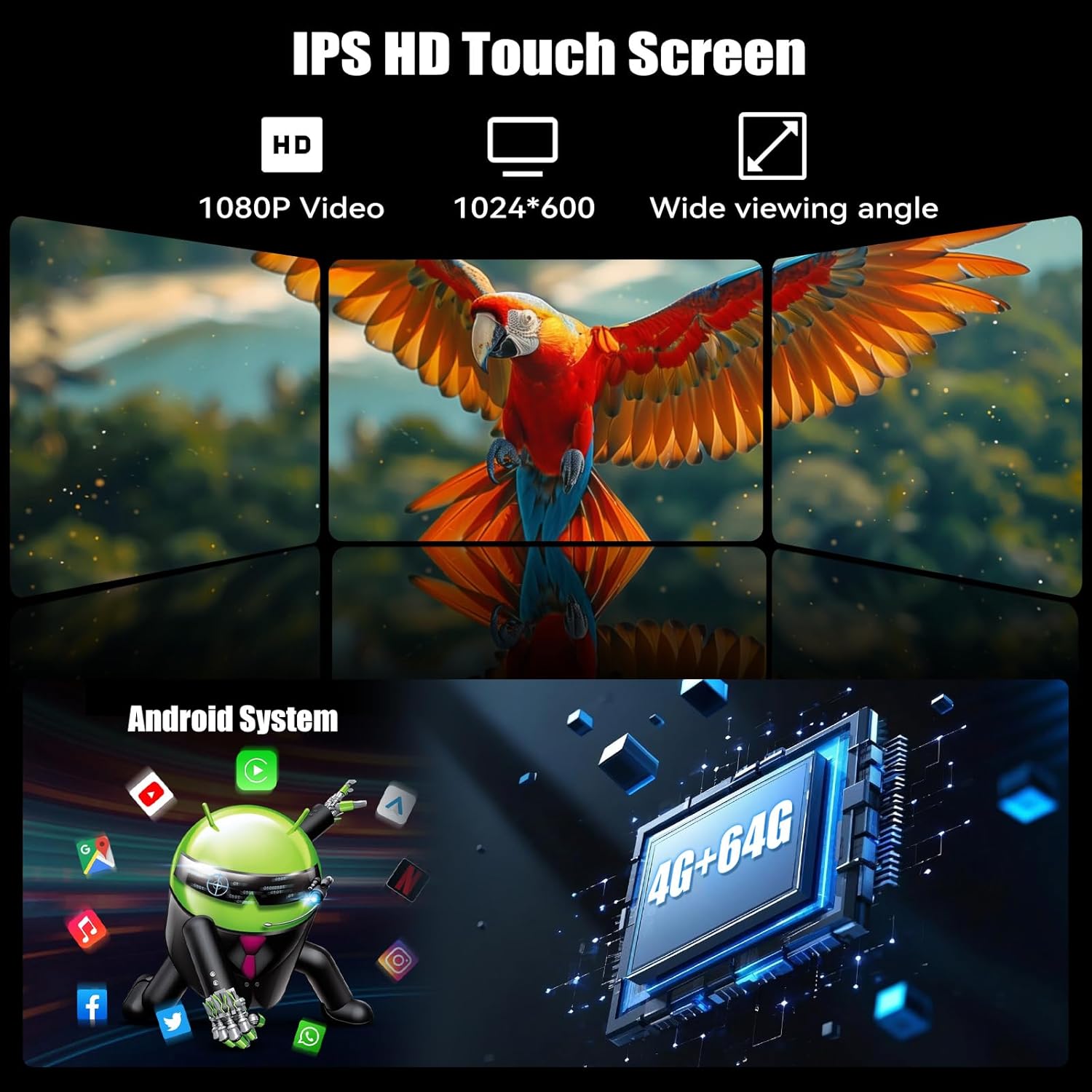
- Android 13 системасы: жылмакай иштеши үчүн 4GB RAM жана 64GB ROM менен жабдылган жана ample сактагыч.
- 7-inch IPS Flip-Out Touchscreen: High-definition 1024*600 capacitive display with wide viewбурчтар.
- Зымсыз CarPlay & Android Auto: Навигация, музыка жана байланыш үчүн смартфондор менен үзгүлтүксүз интеграция.
- GPS навигациясы: Built-in GPS module supporting online and offline maps.
- Wi-Fi туташуусу: For online functions, app downloads, and internet browsing.
- Bluetooth 5.0: Үнсүз чалуулар жана аудио агым.
- FM/RDS радиосу: 18 preset stations with memory function.
- DSP & EQ Sound: Built-in digital sound processing with customizable EQ settings.
- Бир нече киргизүү: Dual USB ports, TF card slot, and AUX input.
- AHD камдык камерасы: Included for enhanced reversing safety.
- Руль башкаруусу (SWC): Compatible with existing vehicle steering wheel controls.
- Mirror шилтемеси: Supports wireless mirroring for Android/iOS devices.
- Бөлүнгөн экран функциясы: Allows two applications to run simultaneously on the display.
- 7 Color Backlight: Ыңгайлаштырылуучу баскыч жарыктандыруу.
5. Орнотуу жана орнотуу
Маанилүү: Due to the complexity of car audio system wiring, professional installation is highly recommended. Incorrect wiring can cause damage to the unit or your vehicle.
5.1 Алдын ала орнотуу текшерүү тизмеси
- Кандайдыр бир электр иштерин баштоодон мурун унаанын терс батарея терминалын ажыратыңыз.
- Ensure you have the correct wiring harness adapter for your vehicle model (if not included).
- Confirm the single DIN opening in your dashboard is compatible with the unit's dimensions.
5.2 Зымдарды туташтыруу
Refer to the wiring diagram provided in the included user manual for specific connections. General connections include:
- Күч: Сары зымды туруктуу 12V, кызыл зымды 12V аксессуарга жана кара зымды жерге туташтырыңыз.
- Баяндамачылар: Динамик зымдарын тиешелүү унаанын динамик зымдарына туташтырыңыз (мисалы, алдыңкы сол жак +, алдыңкы сол жак -).
- GPS антеннасы: GPS антеннасын туташтырып, аны тунук жерге орнотуңуз view асмандын (мисалы, башкаруу панели, алдыңкы айнектин бурчу).
- Арткы камера: Connect the video input from the AHD backup camera to the unit's camera input. Connect the camera's power to the reverse light circuit.
- Микрофон: Колсуз чалуу үчүн тышкы микрофонду туташтырыңыз.
- USB кабелдери: Route the USB extension cables to an accessible location.
- Радио антенна: Унаанын радио антеннасын туташтырыңыз.
- Руль башкаруусу (SWC): Connect the SWC wires according to your vehicle's wiring diagram.
5.3 Агрегатты монтаждоо
- Slide the mounting sleeve into the dashboard opening.
- Secure the sleeve using the bending tabs.
- Carefully slide the car stereo unit into the mounting sleeve until it locks into place.
- Унаанын терс батарея терминалын кайра туташтырыңыз.
6. Иштөө нускамалары
6.1 Негизги операция
- Күйгүзүү/өчүрүү: Түзмөктү күйгүзүү же өчүрүү үчүн кубат баскычын басыңыз (көбүнчө үн баскычы).
- Үндү көзөмөлдөө: Үнүн тууралоо үчүн баскычты буруңуз.
- Экранды тууралоо: The 7-inch screen is motorized. Use the screen controls to adjust its angle or retract it.
- Сенсордук экран интерфейси: Navigate the Android system by tapping, swiping, and pinching on the capacitive touchscreen.

6.2 Wireless CarPlay & Android Auto
Connect your smartphone wirelessly for an integrated driving experience.
- Смартфонуңузда Bluetooth жана Wi-Fi иштетилгенин текшериңиз.
- Унаа стереосунда CarPlay же Android Auto тиркемесин ачыңыз.
- Follow the on-screen prompts to pair your phone. Once paired, your phone will automatically connect in the future.


6.3 GPS навигациясы
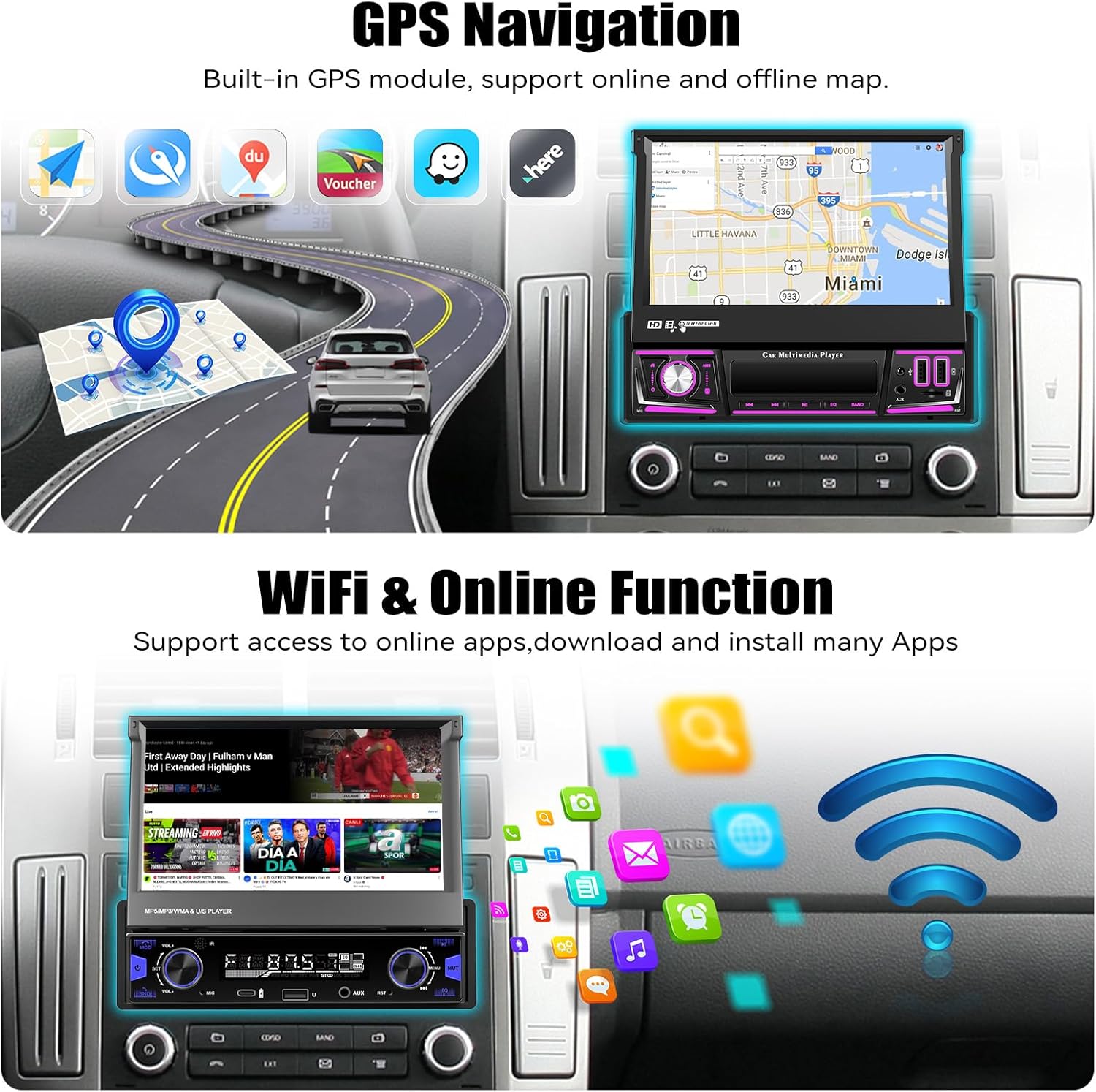
The unit includes a built-in GPS module for navigation. It supports both online and offline map applications.
- GPS антеннасынын туура орнотулганын жана ачык экенин текшериңиз view асмандын.
- Use pre-installed navigation apps or download your preferred map applications via Wi-Fi.
- For offline maps, download the necessary map data when connected to Wi-Fi.


6.4 Wi-Fi & Online Functions
Connect the stereo to a Wi-Fi hotspot (e.g., from your smartphone) to access online features.
- Орнотуулар > Тармак жана Интернет > Wi-Fi бөлүмүнө өтүңүз.
- Каалаган Wi-Fi тармагыңызды тандап, сырсөзүңүздү киргизиңиз.
- Once connected, you can download apps from the Google Play Store, browse the internet, and stream online content.

6.5 Bluetooth 5.0
Pair your mobile phone via Bluetooth for hands-free calling and audio streaming.
- Телефонуңузда жана унаа стереосунда Bluetooth'ду иштетиңиз.
- On the car stereo, search for available devices and select your phone.
- Жупташтыруу кодун эки түзмөктө тең ырастаңыз.
- Туташкандан кийин, сиз чалууларды жасап/кабыл алып, зымсыз музыка ойной аласыз.


6.6 FM/RDS радиосу
Access local radio stations with FM and RDS (Radio Data System) functionality.
- Негизги менюдан "Радио" тиркемесин тандаңыз.
- Жеткиликтүү станцияларды автоматтык түрдө издөө жана сактоо үчүн сканерлөө функциясын колдонуңуз.
- Manually tune to frequencies or select from your preset stations.
- RDS provides station information, song titles, and traffic announcements where available.


6.7 Эквалайзердин үн жөндөөлөрү
Customize your audio experience using the built-in Equalizer (EQ).
- Access the 'EQ' or 'Sound Settings' option from the main menu or during audio playback.
- Adjust frequency bands, bass, treble, and other audio parameters to your preference.
- Select from various preset EQ modes (e.g., Pop, Rock, Jazz) or create custom settings.

6.8 Камдык камеранын иштеши
The included AHD backup camera automatically displays the rear view унаа артка берки берүүдө болгондо.
- Ensure the camera is properly installed and connected to the reverse trigger wire.
- When shifting into reverse, the screen will automatically switch to the camera view, displaying parking guidelines.


6.9 Рулду башкаруу (SWC)
Program your vehicle's steering wheel buttons to control the car stereo functions.
- Түзмөктүн менюсунан "Рулду башкаруу" жөндөөлөрүнө кириңиз.
- Рулдун баскычтарына функцияларды (мисалы, үндү катуулатуу/акырындатуу, тректи өткөрүп жиберүү, режим) дайындоо үчүн экрандагы көрсөтмөлөрдү аткарыңыз.

6.10 Mirror Link
Android же iOS смартфонуңуздун экранын унаанын стерео дисплейине чагылдырыңыз.
- Унаа стереосунда "Mirror Link" тиркемесин ачыңыз.
- Connect your phone via Wi-Fi or USB cable as prompted.
- Your phone's screen will be displayed on the stereo, allowing you to view apps not supported by CarPlay/Android Auto.

6.11 Multiple Input (USB/TF/AUX)
The unit supports various media inputs for playback and charging.
- USB: Connect USB drives for media playback or use the USB ports for charging your smartphone.
- TF картасы: Медиа ойнотуу үчүн атайын уячага TF (microSD) картасын салыңыз.
- AUX: Connect external audio devices (e.g., MP3 players) via the 3.5mm AUX input.

6.12 Бөлүнгөн экран функциясы
The split-screen feature allows you to run two applications side-by-side on the display.
- While an app is open, swipe up from the bottom of the screen or long-press the recent apps button (if available) to enter split-screen mode.
- Экрандын экинчи жарымында көрсөтүү үчүн экинчи колдонмону тандаңыз.

6.13 7 Color Backlight
Customize the illumination color of the physical buttons on the unit.
- Navigate to the 'Settings' menu and look for 'Button Light' or 'Backlight Color' options.
- Choose from seven available colors to match your vehicle's interior lighting or personal preference.

7. Техникалык тейлөө
- Экранды тазалоо: Сенсордук экранды акырын сүртүү үчүн жумшак, түксүз чүпүрөктү колдонуңуз. өжөр тактар үчүн, бир аз гampчүпүрөккө суу же экранды тазалоо эритмеси. Катуу химиялык заттардан алыс болуңуз.
- Жалпы тазалоо: Wipe the unit's body with a dry, soft cloth. Do not use abrasive cleaners.
- Программалык камсыздоо жаңыртуулары: Periodically check for software updates via the unit's settings menu to ensure optimal performance and access to new features.
- Суюктуктардан алыс болуңуз: Суюктуктардын аппаратка киришине жол бербеңиз, анткени бул олуттуу зыян келтириши мүмкүн.
8. Кыйынчылыктарды
| Көйгөй | Мүмкүн себеп | Чечим |
|---|---|---|
| Түзмөк күйбөйт. | Туура эмес зымдар; Сактагыч күйүп кеткен; Электр менен камсыздоо жок. | Check power connections (yellow, red, black wires). Inspect vehicle fuses. Ensure battery is charged. |
| Динамиктерден үн жок. | Incorrect speaker wiring; Volume too low; Mute activated. | Динамиктердин туташуусун текшериңиз. Үнүн катуулатыңыз. Үнсүз режим иштетилгенин текшериңиз. |
| GPS signal lost frequently. | GPS antenna improperly placed; Obstructions; Weak signal area. | GPS антеннасынын таза болушун текшериңиз view of the sky. Relocate antenna if necessary. Update map data. |
| Bluetooth байланышы көйгөйлөрү. | Телефон табылбай жатат; Туура эмес жупташтыруу; тоскоолдук. | Телефондун Bluetooth'у күйүк жана табыла тургандыгын текшериңиз. Мурунку жупташтырууларды өчүрүп, кайра жупташтырыңыз. Эки түзмөктү тең өчүрүп-күйгүзүңүз. |
| CarPlay/Android Auto туташпай жатат. | Wi-Fi/Bluetooth issues; Phone software outdated; App permissions. | Check Wi-Fi and Bluetooth connections. Update phone OS and CarPlay/Android Auto apps. Verify app permissions. |
| Камдык камера көрсөтүлбөй жатат. | Camera wiring incorrect; Reverse trigger not connected; Faulty camera. | Check camera power and video connections. Ensure reverse trigger wire is correctly connected. |
| Сенсордук экран жооп бербейт. | Программалык камсыздоонун иштебей калышы; Экрандын бузулушу. | Restart the unit. If issue persists, perform a factory reset (data will be lost). Contact support if physical damage is suspected. |
9. Техникалык шарттар
| Өзгөчөлүк | Деталь |
|---|---|
| Операция системасы | Android 13 |
| RAM | 4 ГБ |
| Ички сактагыч (ROM) | 64 ГБ |
| Дисплей өлчөмү | 7 дюйм |
| Display Resolution | 1024 * 600 IPS |
| Байланыш | Bluetooth 5.0, Wi-Fi, Wireless CarPlay, Android Auto |
| Навигация | Built-in GPS (North America, Worldwide map support) |
| Аудио чыгаруу режими | Stereo, Built-in EQ |
| Киргизүүлөр | Dual USB, TF Card, AUX-in, Rear Camera Input |
| Өзгөчөлүктөр | Flip-out screen, Mirror Link, Split Screen, Steering Wheel Control, 7 Color Backlight |
| Продукциянын өлчөмдөрү | 7.36 x 7.87 x 2.32 дюйм (18.7 x 20.0 x 5.9 см) |
| Элемент Салмагы | 4.18 фунт (1.9 кг) |
10. Кепилдик жана колдоо
This UNITOPSCI product comes with a 1 жылдык кепилдик сатып алынган күндөн тартып өндүрүш кемчиликтерин жабуу. Кепилдик дооматтары үчүн сатып алганыңыздын далилин сактап коюңуз.
Кардарларды колдоо:
For technical assistance, troubleshooting, or warranty inquiries, please contact UNITOPSCI customer service:
- Электрондук почта: UNITOPSCI@126.com
Please provide your product model and a detailed description of the issue when contacting support for faster resolution.
