
Introduction
This manual provides detailed instructions for the setup, operation, maintenance, and troubleshooting of your BoxWave SlimKeys Bluetooth Keyboard with Trackpad. Please read this manual thoroughly before using the product to ensure optimal performance and longevity.
Продукт бүттүview
The BoxWave SlimKeys Bluetooth Keyboard with Trackpad is a portable, slim keyboard designed for seamless connectivity with various devices. It features responsive chiclet-style keys and a full-functioning trackpad, enhancing productivity on the go.

Сүрөт: жогорудан төмөнгө view of the BoxWave SlimKeys Bluetooth Keyboard with Trackpad, showing the full QWERTY layout and integrated trackpad.

Сүрөт: бурчтуу view of the BoxWave SlimKeys Bluetooth Keyboard with Trackpad, highlighting its slim profile.
Жайгашуу
1. Баскычтопту заряддоо
Before initial use, fully charge the keyboard. Connect the included charging cable to the keyboard's charging port and to a USB power source. The charging indicator light will illuminate during charging and turn off when fully charged.

Image: The BoxWave SlimKeys keyboard connected to a charging cable, illustrating the charging process.
2. Күйгүзүү / Өчүрүү
Locate the ON/OFF switch on the side of the keyboard. Slide the switch to the 'ON' position to power on the keyboard. Slide it to 'OFF' when not in use to conserve battery power.
3. Bluetooth Жупташтыруу
- Баскычтоп кубатталып, күйгүзүлгөнүн текшериңиз.
- басыңыз Туташуу button on the keyboard. The Bluetooth indicator light will begin to flash, indicating it is in pairing mode.
- On your device (e.g., HP Spectre X360, Android tablet, iOS device), go to the Bluetooth settings.
- Издөө available devices. You should see "BoxWave SlimKeys Keyboard" or a similar name appear in the list.
- Select the keyboard from the list to initiate pairing. Follow any on-screen prompts, such as entering a pairing code, if required.
- Once successfully paired, the Bluetooth indicator light on the keyboard will stop flashing and remain solid or turn off, depending on the model.

Image: A hand using the integrated trackpad on the SlimKeys keyboard, demonstrating navigation capabilities.
4. Multi-Platform Compatibility
The SlimKeys keyboard is compatible with Android, Windows, and iOS devices. It automatically adapts to the operating system for optimal functionality.
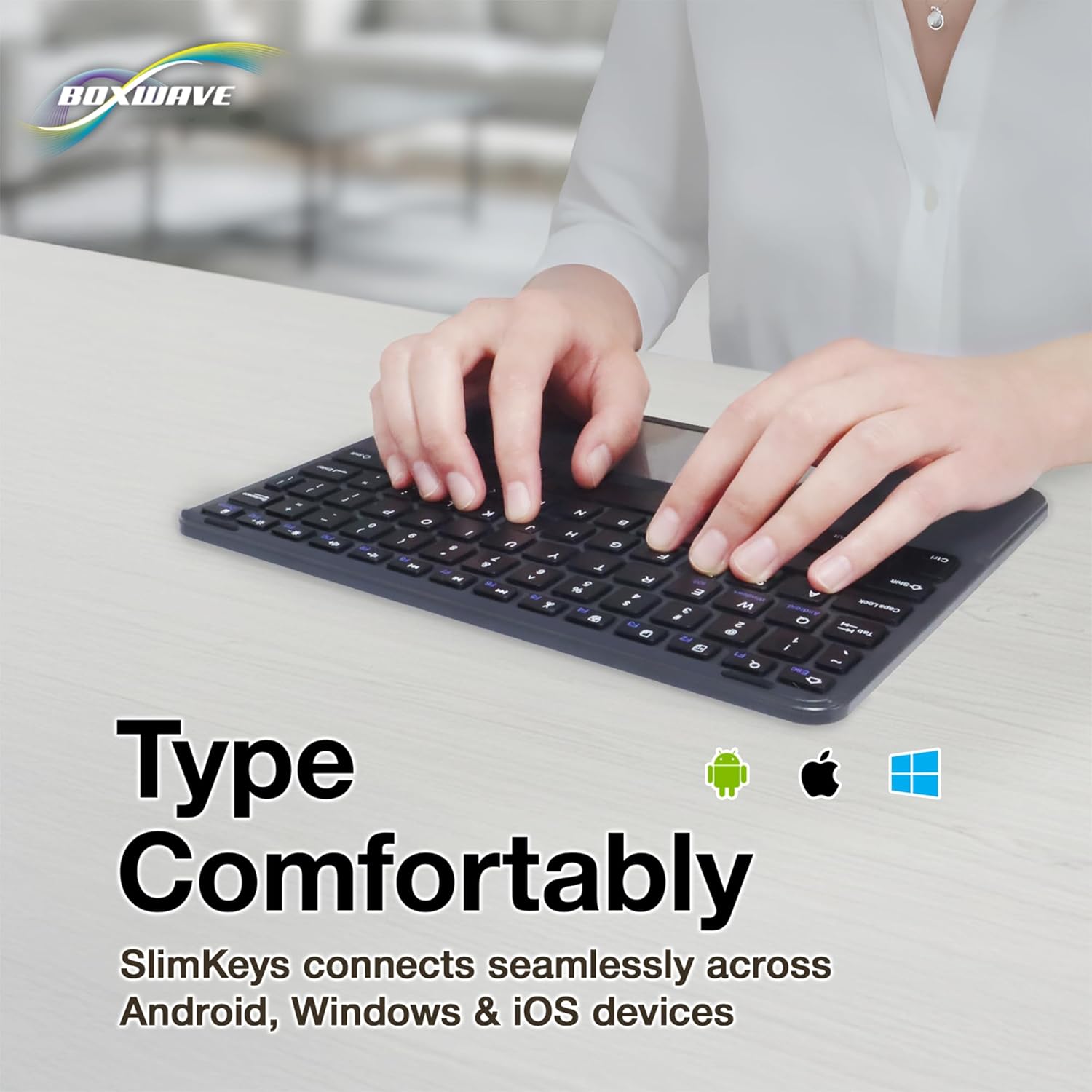
Image: Hands typing on the SlimKeys keyboard, with icons representing Android, Apple (iOS), and Windows operating systems, indicating multi-platform compatibility.
Иштөө нускамалары
1. Basic Keyboard Usage
The keyboard functions like a standard QWERTY keyboard. Simply type as you would on any other keyboard. The chiclet-style keys provide a comfortable and responsive typing experience.
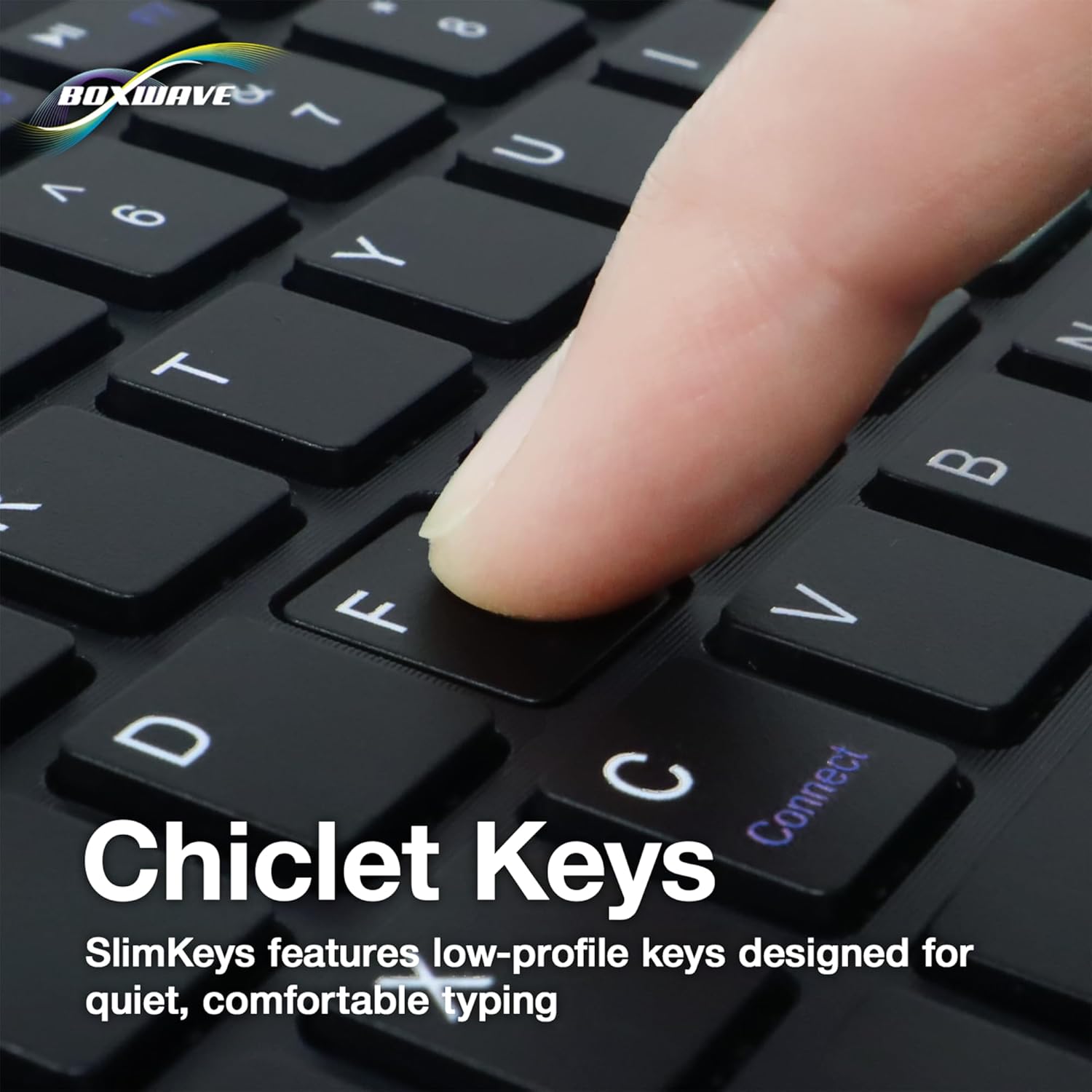
Сүрөт: жакын план view of a finger pressing a key on the SlimKeys keyboard, highlighting the chiclet key design.
2. Trackpad Functionality
The integrated trackpad allows for precise cursor control, similar to a laptop trackpad. Use single-finger gestures for basic navigation and clicking. Multi-touch gestures may be supported depending on your device's operating system.
3. Specialized Function Keys
The keyboard includes a row of specialized function keys (F1-F12) that provide quick access to common commands. These functions may vary slightly depending on the connected device's operating system.
- Esc / Home: Returns to the home screen or acts as Escape.
- F1 / Search: Opens search function.
- F2 / Select All: Selects all content.
- F3 / Copy: Copies selected content.
- F4 / Paste: Pastes copied content.
- F5 / Cut: Cuts selected content.
- F6 / Skip Back: Skips to the previous track/media.
- F7 / Play/Pause: Медианы ойнотот же тындырат.
- F8 / Skip Forward: Skips to the next track/media.
- F9 / Volume Down: Аудионун үнүн азайтат.
- F10 / Volume Up: Аудионун үнүн жогорулатат.
- F11 / Brightness Down: Экран жарыктыгын азайтат.
- F12 / Brightness Up: Экран жарыктыгын жогорулатат.
- Delete / Lock: Deletes characters or locks the device.

Image: A detailed diagram illustrating the specialized function keys and their corresponding actions on the SlimKeys keyboard.
Техникалык тейлөө
1. Тазалоо
Баскычтопту тазалоо үчүн бетти жумшак, г менен акырын сүртүңүзamp cloth. Avoid using harsh chemicals or abrasive materials, as these can damage the finish. Ensure no liquid enters the keyboard's internal components.
2. Батареяга кам көрүү
The keyboard features a long-lasting battery. To maximize battery life:
- Turn off the keyboard using the ON/OFF switch when not in use.
- Recharge the battery when the low battery indicator appears.
- Клавиатураны экстремалдык температурага тийгизүүдөн сактаңыз.
The keyboard offers up to 30 days of active use and up to 6 months of standby time when powered off.
Проблемаларды чечүү
- Баскычтоп туташпай жатат:
- Баскычтоптун күйгүзүлгөнүн жана толук заряддалганын текшериңиз.
- Түзмөгүңүздө Bluetooth иштетилгенин текшериңиз.
- Try re-pairing the keyboard by following the Bluetooth Pairing steps in the Setup section.
- Ensure the keyboard is within the effective Bluetooth range (typically 10 meters or 33 feet).
- Ачкычтар жооп бербейт:
- Баскычтоптун Bluetooth аркылуу туташканын текшериңиз.
- Баскычтопту да, түзмөгүңүздү да өчүрүп күйгүзүңүз.
- Клавиатуранын батареясынын заряды өтө төмөн эмес экенин текшериңиз.
- Trackpad иштебей жатат:
- Verify the keyboard is properly connected.
- Check your device's settings for any trackpad or mouse-related configurations.
- Clean the trackpad surface to remove any debris.
- Үзгүлтүксүз туташуу:
- Кедергилерди азайтуу үчүн түзмөгүңүзгө жакындаңыз.
- Ensure no other strong wireless signals are interfering with the Bluetooth connection.
- Bluetooth байланышын ажыратып, кайра туташтырыңыз.
Техникалык шарттар
| Өзгөчөлүк | Деталь |
|---|---|
| Бренд | BoxWave |
| Модел | SlimKeys Bluetooth Keyboard with Trackpad |
| Түс | Jet Black |
| Материал | Поликарбонат |
| Элемент Салмагы | 10.9 унция |
| Bluetooth версиясы | 3.0 |
| Өлчөмдөрү (W x D x H) | 9.5 дюйм x 7.0 дюйм x 0.2 дюйм (23.2 см x 17.8 см x 0.5 см) |
| Батареянын иштөө мөөнөтү (активдүү колдонуу) | 30 күнгө чейин |
| Батареянын иштөө мөөнөтү (күтүү режими) | 6 айга чейин |
| ASIN | B0DZ7MNDRF |
| Дата биринчи жеткиликтүү | 3-декабрь, 2021-жыл |

Image: A diagram illustrating the width, depth, and height of the SlimKeys keyboard.
Кепилдик жана колдоо
Specific warranty information and detailed support contacts are not provided within this manual. For warranty details, technical support, or further assistance, please refer to the official BoxWave webсайтка же түздөн-түз кардарларды тейлөөгө кайрылыңыз.