
1. Киришүү
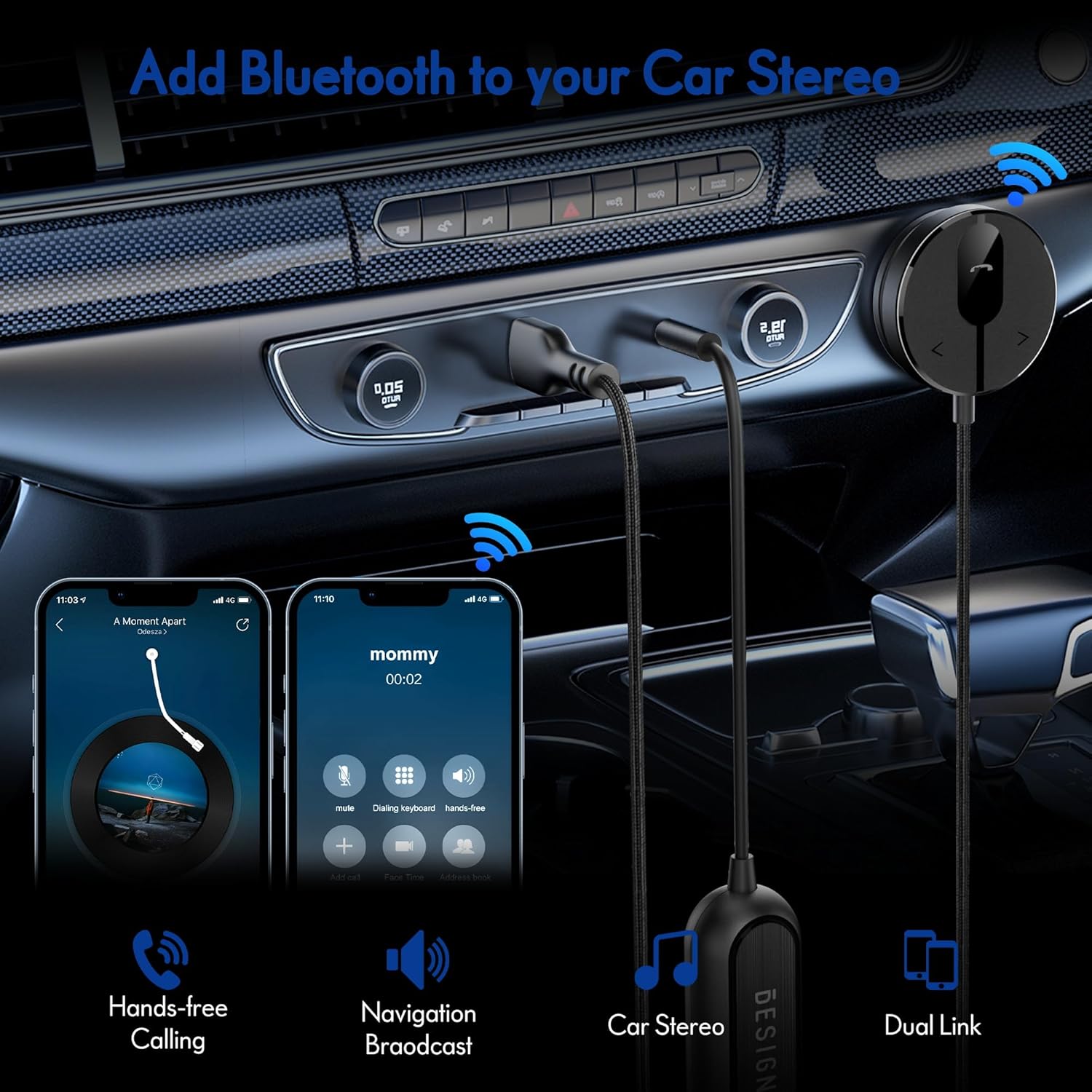
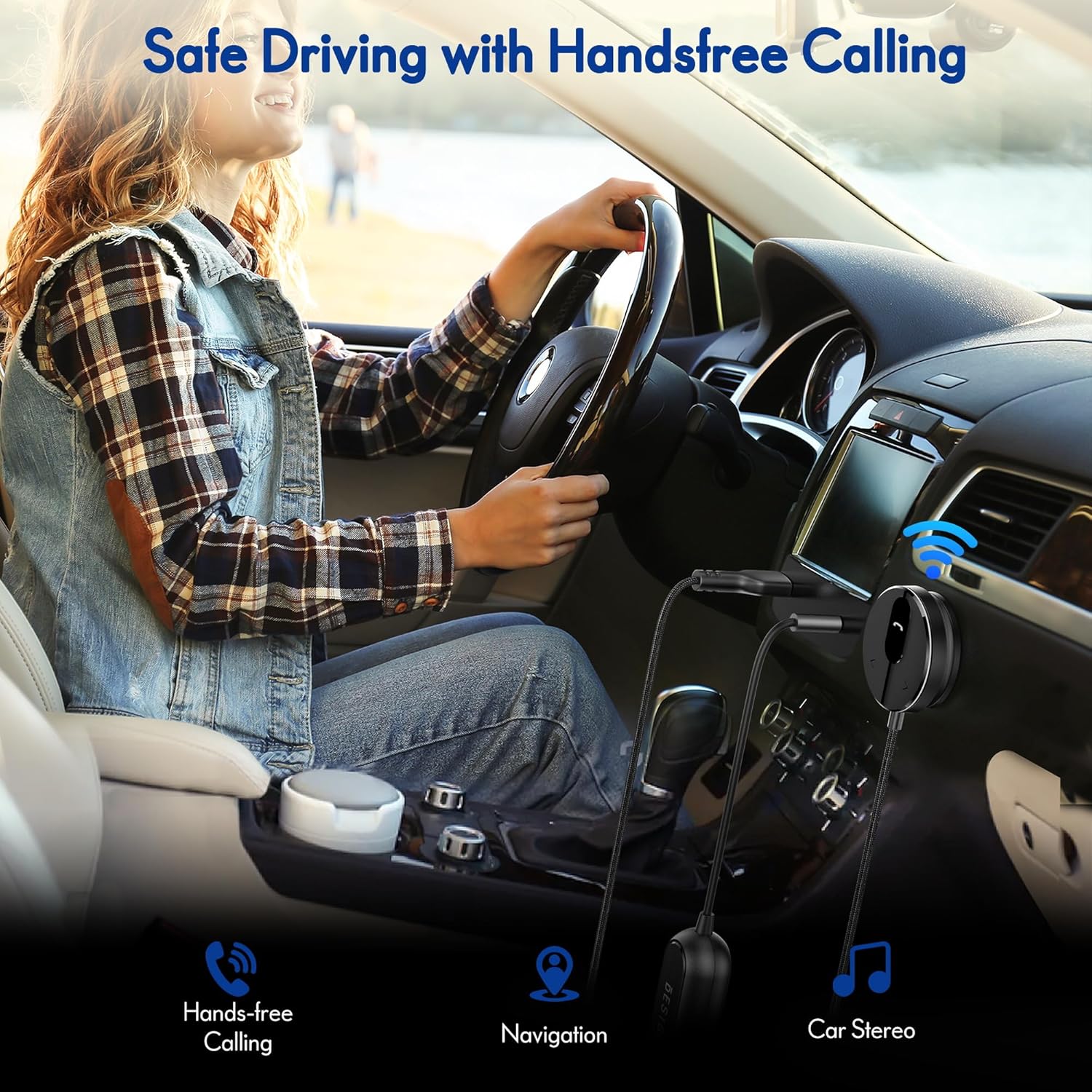
The BESIGN BK01 Bluetooth Car Kit is designed to enhance your driving experience by adding Bluetooth 5.3 connectivity to your car's audio system. This device allows for wireless music streaming, hands-free calling, and navigation broadcast through your car speakers, utilizing your vehicle's 3.5mm Aux input and USB power port. It includes a ground loop noise isolator to ensure clear audio quality.
2. Продукт бүтүп калдыview
Familiarize yourself with the components of your BESIGN BK01 Bluetooth Car Kit.

комплект камтыйт:
- Bluetooth Receiver Unit: Main control unit with Multi-Function Button (MFB), LED indicator, microphone, and track control buttons.
- Magnetic Mounting Disc: For secure placement of the receiver unit.
- Жерге туташтыруучу ызы-чуу изолятору: Reduces buzzing noise in the audio.
- 3.5mm Auxiliary Out Cable: Connects to your car's Aux input.
- USB Power Port: Connects to a USB power source in your car.
LED көрсөткүчүнүн абалы
| LED көрсөткүч | Статус |
|---|---|
| Flashing Red And Blue | Жупташтыруу режими |
| Катуу көк | Туташкан |
3. Техникалык шарттар
- Модель номери: BK01
- Bluetooth версиясы: 5.3
- Байланыш технологиясы: Bluetooth
- Кубат булагы: Car Cigarette USB power supply
- Өзгөчөлүктөр: Automatic On/Off, Built-In Microphone, Hands-Free Calls, Noise Cancellation
- Элемент Салмагы: 3.84 унция
- Пакеттин өлчөмдөрү: 4.13 x 3.11 x 1.77 дюйм
4. Орнотуу нускамалары
Follow these steps to install and connect your BESIGN BK01 Bluetooth Car Kit.
- Кубат жана аудиону туташтырыңыз:
- Plug the USB power port of the BK01 into a USB power source in your car (e.g., a car charger or a built-in USB port).
- Connect the 3.5mm Aux cable from the BK01 to your car's 3.5mm Aux input port.
- If experiencing buzzing noise, connect the included ground loop noise isolator between the BK01's 3.5mm Aux cable and your car's Aux input.
- Кабыл алгычты орнотуу:
- Choose a convenient location on your dashboard or console for the magnetic mounting disc. Ensure the surface is clean and dry.
- Peel off the adhesive backing from the magnetic mounting disc and firmly press it onto the chosen surface.
- Attach the Bluetooth receiver unit to the magnetic disc.
- Күйгүзүү жана жупташтыруу:
- Once connected to power, the BK01 will automatically power on. The LED indicator will flash red and blue, indicating it is in pairing mode.
- On your smartphone or other Bluetooth device, go to the Bluetooth settings and search for available devices.
- Select "BK01" from the list to pair. If prompted for a PIN, enter "0000".
- Ийгиликтүү жупташтырылгандан кийин, LED индикатору көк түскө айланат.
- Автоматтык туташуу: The BK01 is designed to automatically power on and connect to the last paired device when your car starts (ensure your phone's Bluetooth is active). If it doesn't connect automatically, a short press on the Multi-Function Button (MFB) can initiate reconnection.

5. Иштөө нускамалары
5.1. Музыканы ойнотуу
- Ойнотуу/тындыруу: Көп функциялуу баскычты (MFB) бир жолу басыңыз.
- Кийинки трек: Press the ">" button once.
- Мурунку трек: Press the "<" button once.
5.2. Hands Free Чалуу
- Чакырууга жооп берүү: Көп функциялуу баскычты (MFB) бир жолу басыңыз.
- Чакырууну аяктоо: Press the Multi-Function Button (MFB) once during a call.
- Чакырууну четке кагуу: Көп функциялуу баскычты (MFB) 2 секунд басып туруңуз.
- Акыркы номерди кайра терүү: Double-press the Multi-Function Button (MFB).
5.3. Үн жардамчысын жандыруу
Press and hold the ">" button to activate your smartphone's voice assistant (e.g., Siri for iPhone, Google Assistant for Android).
5.4. Dual Phone Connection
The BK01 supports connecting to two phones simultaneously. It will manage calls from both devices and mute music if a call comes in on the other phone.
6. Кыйынчылыктарды
- Buzzing Noise (Ground Loop Noise): If you experience a buzzing or humming noise, especially when music is paused, connect the included ground loop noise isolator. This device is specifically designed to eliminate such electrical interference.
- No Power/No Connection:
- Ensure the USB power port is securely plugged into a working power source.
- Verify your car's USB port or cigarette lighter adapter is providing power.
- Check that your phone's Bluetooth is enabled and within range.
- If the device does not auto-connect, press the MFB button to manually initiate connection.
- Үн сапаты начар:
- Ensure the 3.5mm Aux cable is fully inserted into both the BK01 and your car's Aux input.
- Adjust the volume on both your phone and car stereo.
- If using the ground loop noise isolator, ensure it is correctly connected.
- Microphone Volume Low During Calls: This can sometimes occur with Bluetooth devices. Ensure the microphone on the BK01 receiver unit is not obstructed and is positioned optimally. Adjust call volume on your phone.

7. Техникалык тейлөө
- Аппаратты таза, жумшак, кургак чүпүрөк менен сүртүңүз.
- Аппаратты экстремалдык температурага, тике күн нуруна же нымдуулукка дуушар кылуудан алыс болуңуз.
- Do not attempt to disassemble or repair the device yourself, as this will void any potential warranty.
8. Коопсуздук маалыматы
- Аппаратты айдоодон алаксыта тургандай иштетпеңиз. Ар дайым жол коопсуздугун биринчи орунга коюу.
- Түзмөктү жана анын компоненттерин балдар жетпеген жерде сактаңыз.
- Do not dispose of batteries (if applicable) in fire.
9. Кепилдик жана колдоо
For warranty information or technical support, please refer to the product packaging or contact BESIGN customer service directly through their official webпродукт сатылып алынган сайт же сатуучу.