
1. Киришүү
This manual provides essential instructions for the proper installation, operation, and maintenance of your Generic TM104QDSG09 10.4-inch LCD Display Screen. Please read this manual thoroughly before using the product to ensure safe and efficient operation.
The TM104QDSG09 is a 10.4-inch LCD display designed for various applications requiring a reliable and clear visual interface. It features a glossy screen finish and supports a maximum display resolution of 640x480.
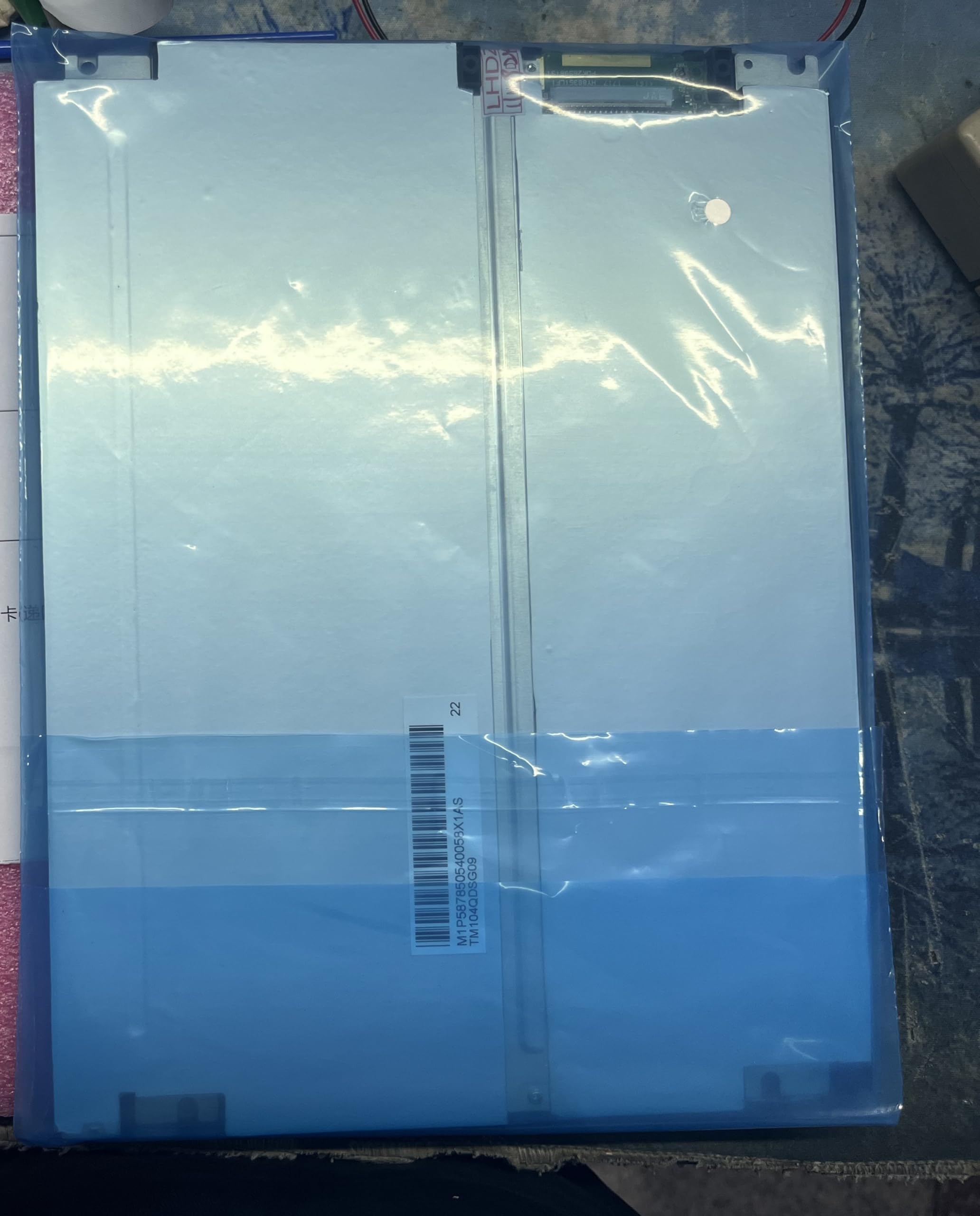
Figure 1: Generic TM104QDSG09 10.4-inch LCD Display Screen. This image shows the front view of the display unit, highlighting its compact design and screen area.
2. Коопсуздук маалыматы
Дисплейге зыян келтирбөө жана колдонуучунун коопсуздугун камсыз кылуу үчүн төмөнкү коопсуздук чараларын сактаңыз:
- Кубат булагы: Use only the specified power adapter and ensure the power supply voltage matches the display's requirements.
- Вентиляция: Do not block ventilation openings. Ensure adequate airflow around the display to prevent overheating.
- Суюктук таасири: Дисплейди суюктуктардан алыс кармаңыз. Аны жамгырга же нымга тийгизбеңиз.
- Тазалоо: Тазалоодон мурун электр кубатынан сууруп коюңуз. Жумшак, кургак чүпүрөктү колдонуңуз. Абразивдүү тазалоочу каражаттардан алыс болуңуз.
- Жайгашкан жери: Place the display on a stable, flat surface. Avoid areas with high humidity, extreme temperatures, or direct sunlight.
- Тейлөө: Do not attempt to service the display yourself. Refer all servicing to qualified personnel.
3. Пакеттин мазмуну
Сураныч, алгандан кийин пакеттин мазмунун текшериңиз. Эгерде кандайдыр бир буюмдар жок же бузулуп калса, дароо камсыздоочуга кайрылыңыз.
- Generic TM104QDSG09 10.4-inch LCD Display Screen
- Кубат адаптери (if included with purchase)
- Video Cable (if included with purchase, e.g., VGA, HDMI)
- User Manual (бул документ)
4. Орнотуу
4.1 Дисплейди туташтыруу
- Позициялоо: Place the display on a stable, flat surface or mount it securely using compatible mounting hardware (not included).
- Видео туташуу: Connect the appropriate video cable (e.g., VGA, HDMI) from your source device (computer, media player) to the corresponding input port on the TM104QDSG09 display. Ensure the connection is secure.
- Кубат туташуу: Connect the power adapter to the display's power input port, then plug the power adapter into a suitable electrical outlet.
4.2 Баштапкы күйгүзүү
- Press the power button on the display. The power indicator light should illuminate.
- Turn on your source device. The display should automatically detect the input signal and show the image.
- Эгерде эч кандай сүрөт көрүнбөсө, Көйгөйлөрдү аныктоо бөлүмүнө кайрылыңыз.
5. Дисплейди иштетүү
5.1 Күйгүзүү/өчүрүү
To turn the display on or off, press the power button located on the display panel. The power indicator will show the current status.
5.2 Basic Display Adjustments
The TM104QDSG09 typically includes buttons for basic adjustments. These may include:
- Жарыктык: Экрандын жалпы жарыктыгын тууралайт.
- Контраст: Adjusts the difference between the lightest and darkest areas of the screen.
- Киргизүүнү тандоо: If multiple video inputs are available, this button allows you to switch between them.
Refer to the on-screen display (OSD) menu, if available, for more advanced settings. Navigation through the OSD is usually done via dedicated menu buttons.
6. Техникалык тейлөө
6.1 Дисплейди тазалоо
- Тазалоодон мурун ар дайым электр шнурын ажыратыңыз.
- Бир аз жумшак, түксүз кездемени колдонуңуз dampened with water or a non-abrasive, ammonia-free, and alcohol-free glass cleaner.
- Тазалоочу каражатты түз экранга чачпаңыз. Алгач аны кездемеге сүйкөңүз.
- Avoid pressing hard on the screen surface.
6.2 Сактоо
When not in use for extended periods, store the display in a cool, dry place, away from direct sunlight and extreme temperatures. It is recommended to use the original packaging for protection during storage or transport.
7. Кыйынчылыктарды
| Көйгөй | Мүмкүн себеп | Чечим |
|---|---|---|
| Экранда сүрөт жок |
|
|
| Жаркылдаган же туруксуз сүрөт |
|
|
| Дисплей күйбөйт |
|
|
8. Техникалык шарттар
| Модель номери | TM104QDSG09 |
| Screen Size | 10.4 дюйм |
| Дисплейдин максималдуу чечилиши | 640x480 |
| Аспект катышы | 1.27:1 |
| Screen Finish | Жылтырак |
| Жаңыртуу ылдамдыгы | 60 Гц |
| Продукциянын өлчөмдөрү (D x W x Y) | 30 x 10 x 20 см (11.8 x 3.9 x 7.9 дюйм) |
| Келип чыккан өлкө | Кытай |
9. Кепилдик жана колдоо
9.1 Кепилдик маалыматы
This Generic TM104QDSG09 LCD Display Screen comes with a brand new one-year warranty from the date of purchase. This warranty covers manufacturing defects under normal use. It does not cover damage caused by misuse, accidents, unauthorized modifications, or improper installation.
9.2 Техникалык колдоо
For technical assistance or warranty claims, please contact the manufacturer directly:
- Өндүрүүчүнүн байланышы: 008613922285218
Please have your product model number (TM104QDSG09) and purchase details ready when contacting support.