
1. Киришүү
Welcome to the JBL Boombox 4 instruction manual. This document provides essential information for setting up, operating, maintaining, and troubleshooting your new portable speaker. The JBL Boombox 4 delivers powerful sound, extended playtime, and robust durability, making it ideal for various environments.
2. Продукт бүтүп калдыview
Негизги өзгөчөлүктөрү
- JBL Pro Sound with AI Sound Boost: Experience massive sound with deep, punchy bass, delivered by two woofers, two tweeters, and three passive radiators. AI Sound Boost optimizes audio in real-time for maximum power and minimal distortion.
- Узартылган ойноо убактысы: Enjoy up to 28 hours of music on a single charge. Utilize JBL Playtime Boost for an additional 6 hours, extending total playtime to 34 hours.
- IP68 суу жана чаң өткөрбөйт: Designed to withstand water and dust, ensuring durability in various outdoor conditions.
- Multi-speaker Connection by Auracast™: Easily stereo pair two Boombox 4 speakers or connect multiple Auracast-enabled JBL speakers for a wider soundstage and synchronized playback.
- Two Bass Boost Settings: Choose between 'Deep' for enhanced bass or 'Punchy' for a tighter, more energetic sound.
- Lighter Design: The redesigned Boombox 4 is lighter than previous models, enhancing portability.
- Аудиолорду жоготуусуз ойнотуу: Connect via the USB-C port for lossless audio playback from compatible devices and sources.
- Туруктуу материалдар: Constructed with post-consumer recycled plastic and fabric, and packaged in FSC-certified paper with soy ink.
- Алмаштылуучу батарея: The rechargeable battery can be replaced in three simple steps (battery sold separately).
Кутуда эмне бар
- JBL Boombox 4 спикери
- AC кубат шнуру (AC сайгычы жана саны аймакка жараша өзгөрүп турат)
- Quick Start Guide
- Коопсуздук баракчасы
- Кепилдик картасы
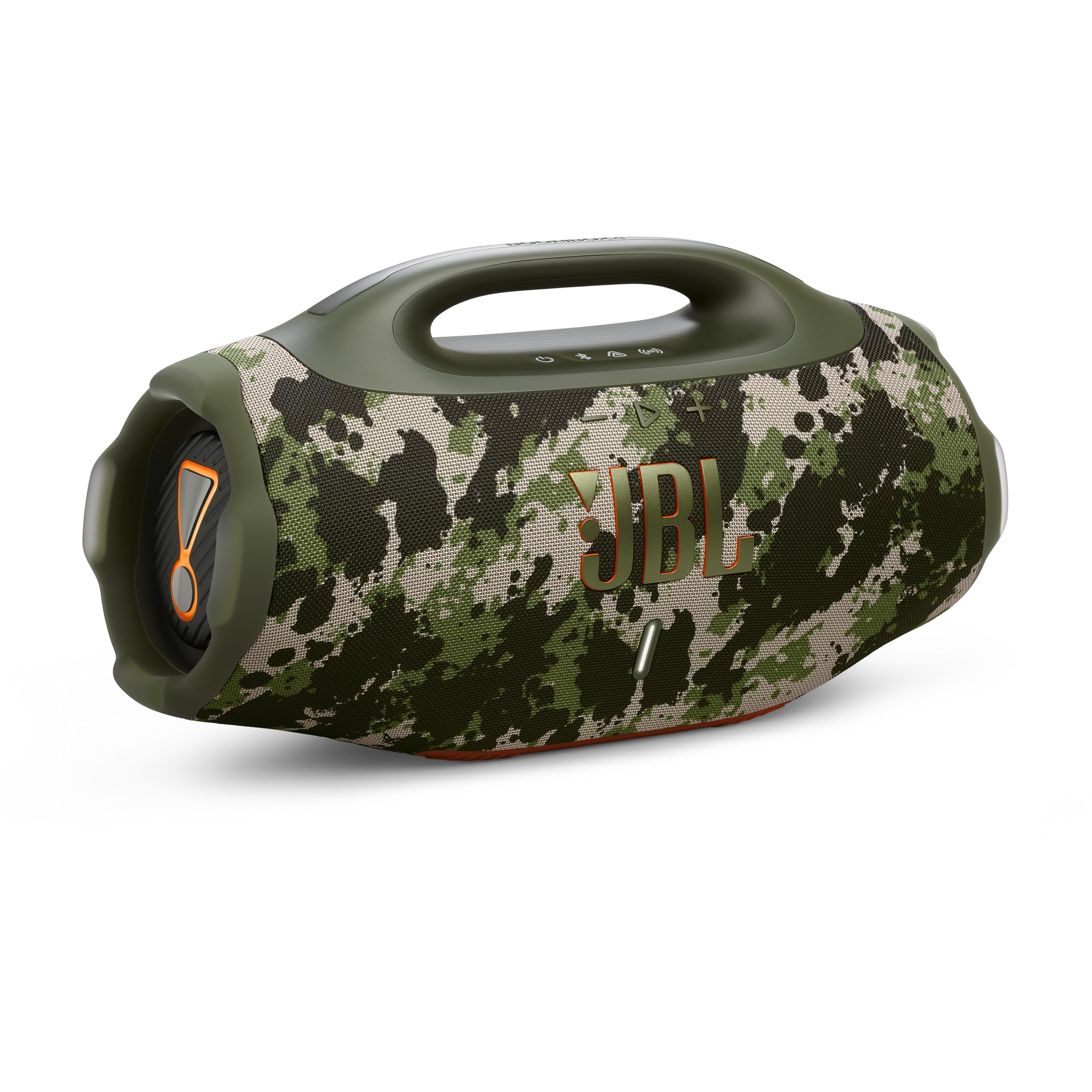
Image: The JBL Boombox 4 in Squad color, showcasing анын бекем дизайны жана интеграцияланган туткасы.
3. Орнотуу
3.1. Баштапкы заряддоо
Before first use, fully charge your JBL Boombox 4. Connect the provided AC power cord to the speaker's AC input port and then to a power outlet. The battery indicator lights will show the charging progress.
3.2. Батареяны орнотуу/алмаштыруу
The JBL Boombox 4 features a user-replaceable battery. To install or replace the battery:
- Locate the battery compartment on the underside of the speaker.
- Use an appropriate tool (e.g., Allen key) to unscrew the cover.
- Carefully remove the rubber grommet.
- Insert or replace the JBL 600 battery, ensuring proper alignment.
- Secure the cover and grommet by screwing them back into place.
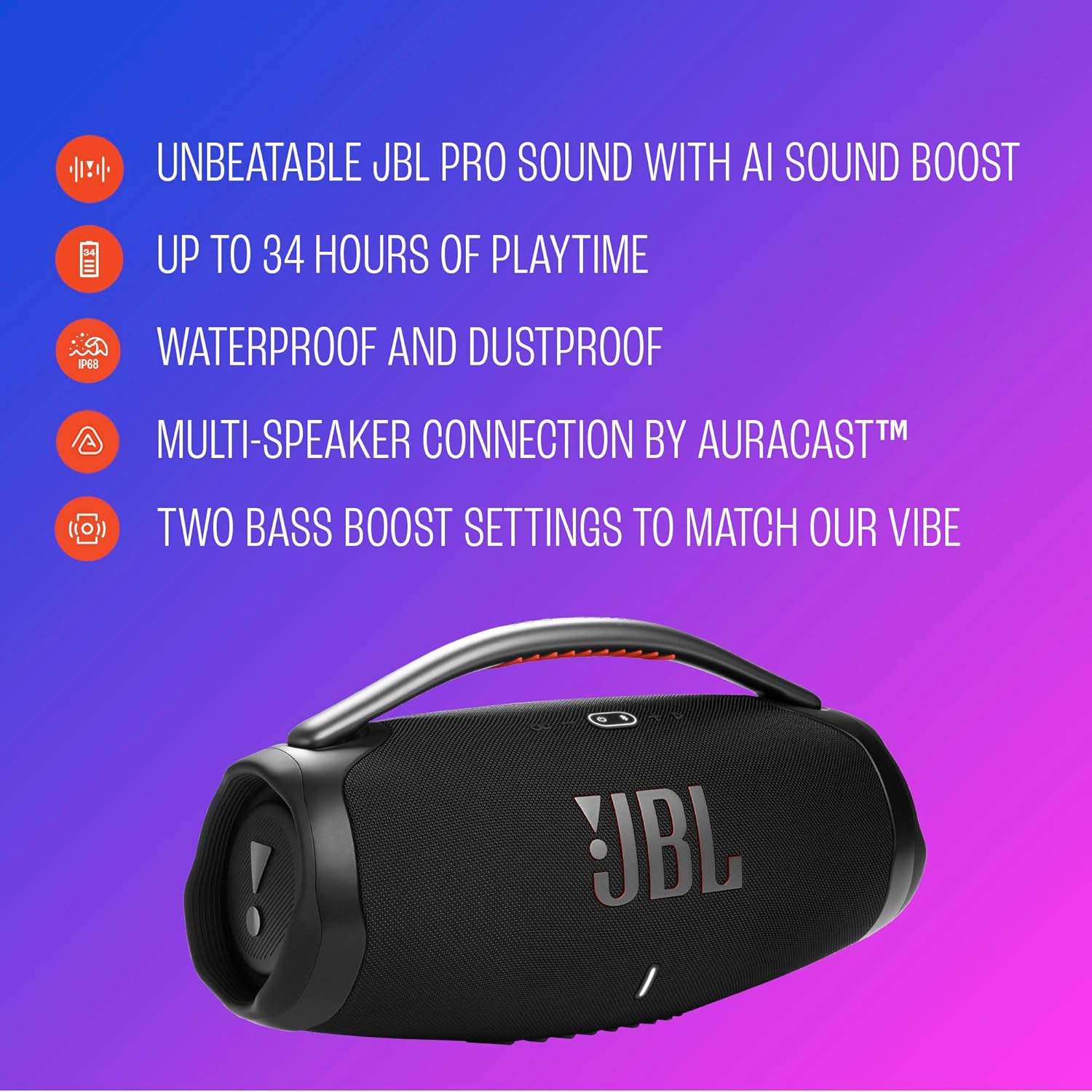
Image: Close-up of the JBL Boombox 4's battery compartment, showing the removable battery.
3.3. Bluetooth Жупташтыруу
To connect your device to the JBL Boombox 4 via Bluetooth:
- Power on the JBL Boombox 4 by pressing the power button.
- Press the Bluetooth button on the speaker. The Bluetooth indicator will flash, indicating pairing mode.
- On your device, enable Bluetooth and select "JBL Boombox 4" from the list of available devices.
- Туташкандан кийин Bluetooth көрсөткүчү туруктуу бойдон калат.
4. Иштөө нускамалары
4.1. Башкаруу
The top panel of the JBL Boombox 4 features several control buttons:
- Кубат баскычы: Динамикти күйгүзөт/өчүрөт.
- Bluetooth баскычы: Bluetooth жупташтыруу режимин баштайт.
- Auracast™ Button: Activates Auracast™ multi-speaker connection.
- Ойнотуу/тындыруу баскычы: Музыка ойнотууну көзөмөлдөйт.
- Үн баскычтары (+/-): Динамиктин үнүн тууралайт.
- Бас жогорулатуу баскычы: Toggles between Bass Boost modes.
4.2. Бассты күчөтүү режимдери
The JBL Boombox 4 offers two distinct Bass Boost settings:
- Deep Bass: Provides a powerful, thumping bass experience. The JBL Horn mark glows orange.
- Punchy Bass: Delivers a tighter, more energetic bass. The JBL Horn mark turns white.
Press the Bass Boost button once to activate Deep Bass. Press it twice to switch to Punchy Bass.
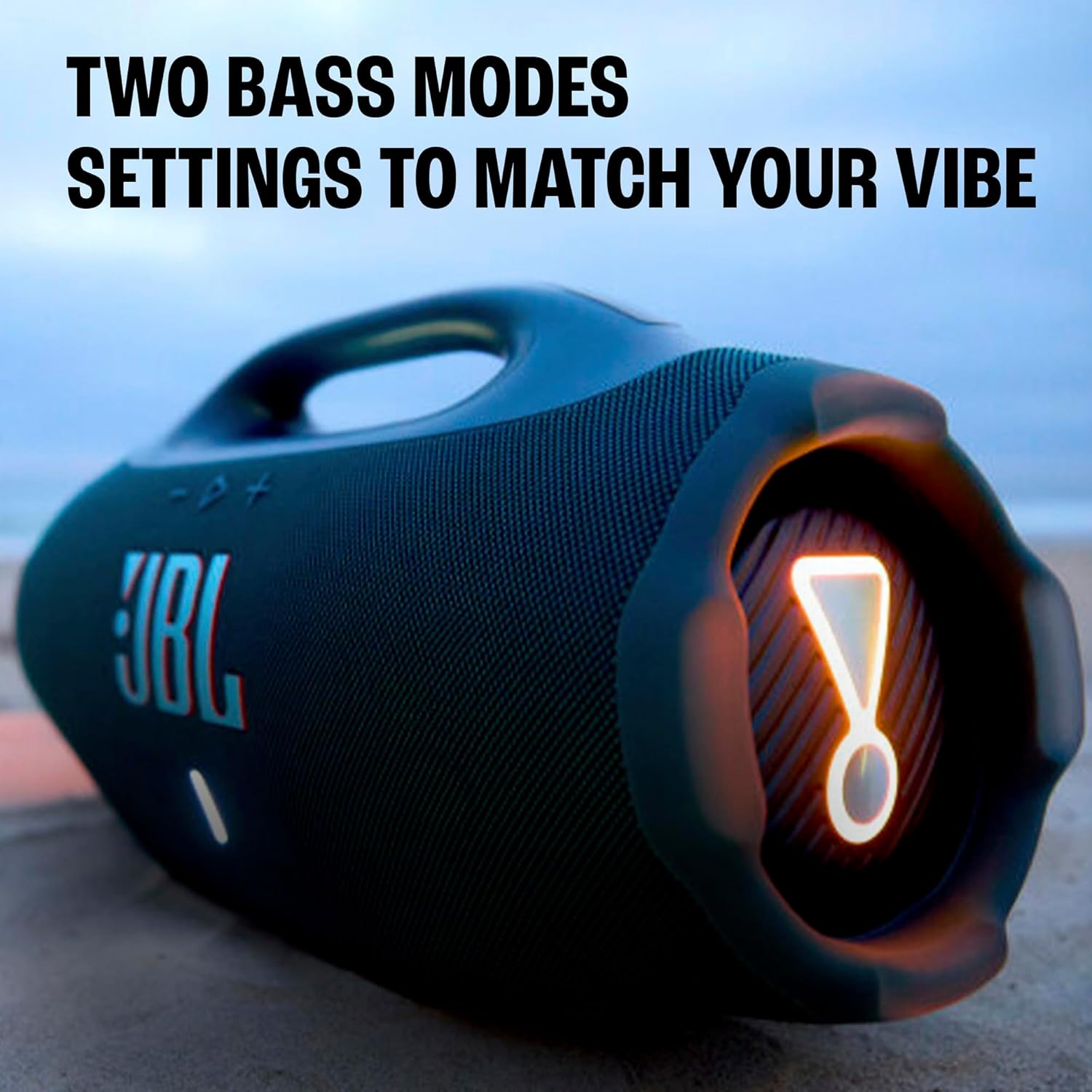
Image: The JBL Boombox 4 with its bass boost light illuminated, indicating an active bass mode.
4.3. Auracast™ Multi-Speaker Connection
Auracast™ allows you to connect multiple JBL speakers for a synchronized audio experience:
- Ensure all desired JBL Auracast-enabled speakers are powered on.
- On the primary speaker, press the Auracast™ button.
- On other Auracast-enabled speakers, press their respective Auracast™ buttons to join the group.
- Speakers will automatically connect and play audio in sync. You can stereo pair two Boombox 4 speakers for a wider soundstage.

Image: Multiple JBL speakers, including the Boombox 4, connected wirelessly via Auracast for a synchronized audio experience.
4.4. Lossless Audio Playback
For high-fidelity audio, connect your compatible device to the JBL Boombox 4 using a USB-C cable. This allows for lossless audio playback, ensuring the highest sound quality from supported apps or services.
5. Техникалык тейлөө
5.1. Тазалоо
To clean your JBL Boombox 4, use a soft, damp cloth. Avoid using harsh chemicals or abrasive materials, as these can damage the speaker's finish and fabric.
5.2. Waterproof and Dustproof Care
The JBL Boombox 4 is IP68 rated, meaning it is waterproof and dustproof. Ensure all port covers are securely closed before exposing the speaker to water or dust. After exposure to water, allow the speaker to dry completely before charging.
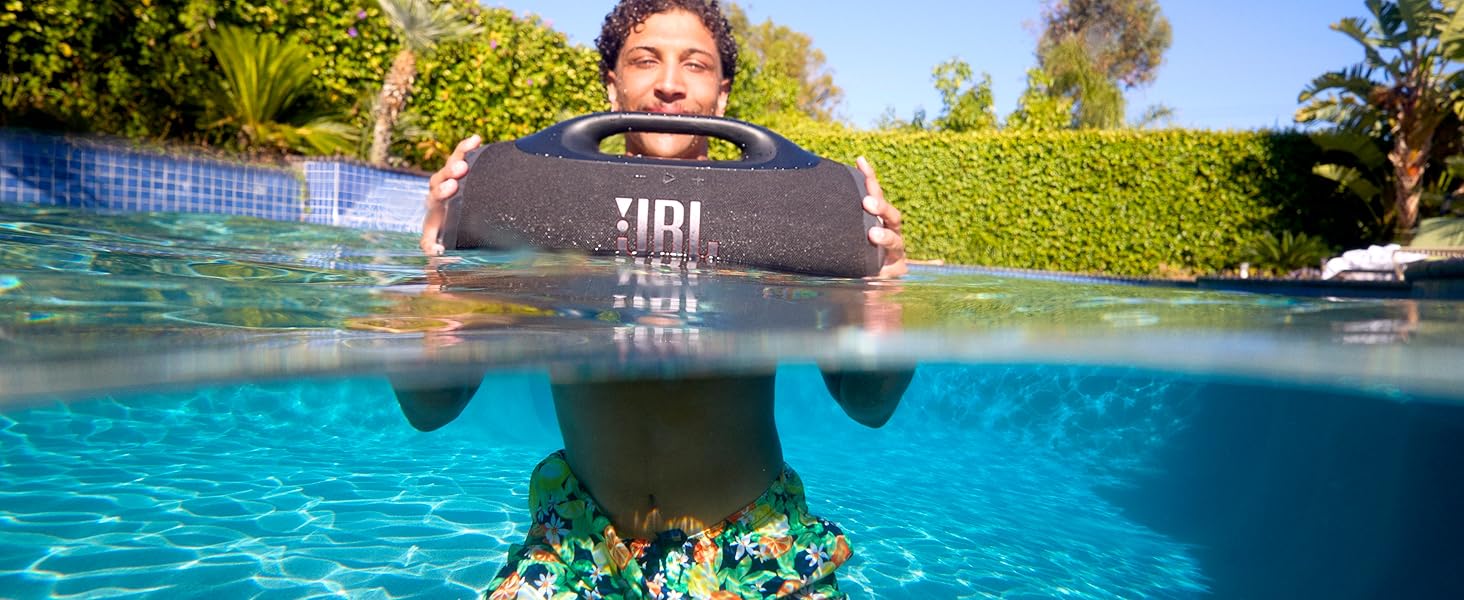
Image: The JBL Boombox 4 demonstrating its waterproof capabilities, submerged partially in water.
5.3. Батареяны алмаштыруу
The JBL Boombox 4 features a replaceable battery to extend its lifespan. A replacement battery can be purchased separately. Refer to section 3.2 for detailed battery installation/replacement instructions.
6. Кыйынчылыктарды
If you encounter issues with your JBL Boombox 4, refer to the following common troubleshooting steps:
- Кубат жок: Ensure the battery is charged. If using the replaceable battery, confirm it is correctly installed.
- Bluetooth туташуу маселелери: Make sure the speaker is in pairing mode (flashing Bluetooth indicator). Try unpairing and re-pairing the device. Ensure no other devices are actively connected.
- Үн жок: Check the volume levels on both the speaker and your connected device. Ensure the correct audio source is selected.
- Auracast™ Connection Failure: Ensure all speakers are Auracast-enabled and within range. Try restarting all speakers and re-initiating the connection process.
- Бурмаланган үн: Reduce the volume on both the speaker and your device. Check for any obstructions around the speaker drivers.
For further assistance, please contact JBL customer support.
7. Техникалык шарттар
| Өзгөчөлүк | Спецификация |
|---|---|
| Бренд | JBL |
| Модель аты | JBL Boombox 4 |
| Модель номери | JBLBOOMBOX4SQUADAM |
| Динамиктин максималдуу чыгаруу күчү | 65 Ватт |
| Байланыш технологиясы | Bluetooth |
| Аудио чыгаруу режими | Стерео |
| Киргизүү көлөмүtage | 5 вольт |
| Коргоочу материал | Пластик |
| Динамик түрү | Көчмө спикер |
| Вуфердин диаметри | 123 миллиметр |
| Tweeter диаметри | 20 миллиметр |
| Сууга туруктуулук деңгээли | Суу өткөрбөйт (IP68) |
| Ызы-чуунун катышы | 80 дБ |
| Элементтин өлчөмдөрү (D x W x Y) | 8.4"D x 19.9"W x 10.4"H |
| Элемент Салмагы | 13 фунт |
| Аудио драйвер түрү | Динамикалык драйвер |
| Батареялардын саны | 1 литий полимердик батарейка талап кылынат |
8. Кепилдик жана колдоо
The JBL Boombox 4 comes with a 1 жылдык өндүрүүчүнүн кепилдиги. For warranty claims, technical support, or additional product information, please visit the official JBL дүкөнү or refer to the Warranty Card included in your product packaging.
9. Продукт видеолору
JBL Boombox 4 Review Клип
Видео: деталдуу кайраview clip of the JBL Boombox 4, highlighting its design, waterproofing, light features, and battery removal process.
JBL Boombox Review
Видео: Кайраview of the JBL Boombox, demonstrating its physical features, light effects, and port functionalities.