
Introduction
Сатып алганыңыз үчүн рахматasing the EBTOOLS Portable AM FM SW Shortwave Radio. This device offers versatile listening options, including AM, FM, and Shortwave radio bands, Bluetooth connectivity, and playback from USB drives or storage cards. Designed for portability and clear sound, this radio is suitable for home, outdoor, and travel use. This manual provides detailed instructions for setup, operation, maintenance, and troubleshooting to ensure optimal performance and longevity of your radio.
Коопсуздук маалыматы
- Радиону жамгыр, нымдуулук же өтө жогорку температурага дуушар кылбаңыз.
- Түзмөктү бөлүктөргө бөлүп алуудан алыс болуңуз. Бардык тейлөө иштерин квалификациялуу адистерге тапшырыңыз.
- Радиону күчтүү магниттик талаалардан алыс кармаңыз.
- Use only the provided charging cable or a compatible Type-C cable for charging.
- Вентиляция тешиктерин жаппаңыз.
Пакеттин мазмуну
Сураныч, пакетте төмөнкү нерселерди текшериңиз:
- 1 x Portable Radio (Model MK-178BT)
- 1 x User Manual
- 1 x Lanyard
- 1 x заряддоо кабели (Type-C)

Image: The EBTOOLS Portable Radio shown with its included lanyard and Type-C charging cable.
Продукт бүттүview
Радиоңуздун ар кандай бөлүктөрүн жана башкаруу элементтерин билип алыңыз.
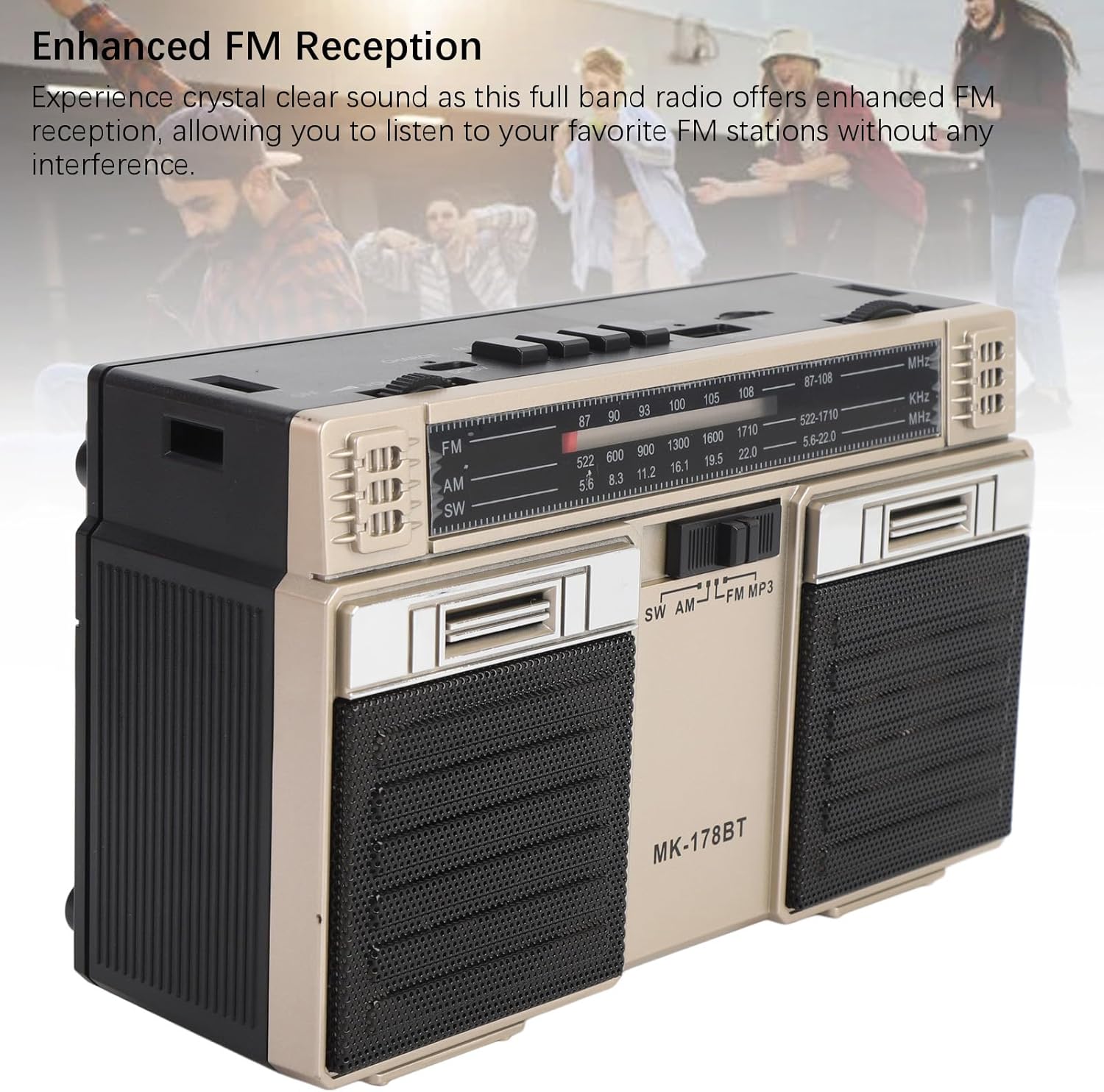
Сүрөт: алдыңкы view of the radio, highlighting the dual speakers and the frequency display panel.
Сүрөт: Жогорку view of the radio, detailing the power switch, volume knob, mode/playback controls, charging port, LED indicator, USB port, and TF card slot.

Сүрөт: жакын план view of the tuning knob, USB port, and TF (Micro SD) card slot, located on the top panel of the radio.
Негизги башкаруу элементтери:
- OFF/ON Switch: Located on the top left, controls power.
- VOLUME баскычы: Аудио чыгаруу деңгээлин тууралайт.
- CHARGE (DC 5V) Port: Type-C port for battery charging.
- M/* Button: Mode selection / Bluetooth pairing.
- ◀◀ / ►► Buttons: Previous/Next track in media modes, or fine-tuning in radio modes.
- ►█ Button: Play/Pause for media playback.
- LED көрсөткүчү: Shows charging status or mode.
- TF Slot: For Micro SD (storage) cards.
- USB слоту: For USB drives.
- TUNING баскычы: Радио жыштыгын тууралайт.
- Антенна: Жакшыртылган радио кабыл алуу үчүн узартылат.
Жайгашуу
1. Батареяны заряддоо
- Connect the provided Type-C charging cable to the CHARGE (DC 5V) port on the radio.
- Кабелдин экинчи учун стандарттуу USB кубат адаптерине (кошумча эмес) же компьютердин USB портуна туташтырыңыз.
- The LED indicator will illuminate during charging. It will change color or turn off once fully charged.
- Толук заряддоо батареянын 18 саатка чейин иштөө мөөнөтүн камсыз кылат.
2. Күйгүзүү / Өчүрүү
- To power on the radio, slide the OFF/ON "ON" абалына которуңуз.
- To power off, slide the switch back to the 'OFF' position.
Иштөө нускамалары
1. Режимди тандоо
басыңыз M/* button repeatedly to cycle through the available modes: FM, AM, SW, Bluetooth, USB, and TF Card (if inserted).
2. Radio Operation (FM/AM/SW)
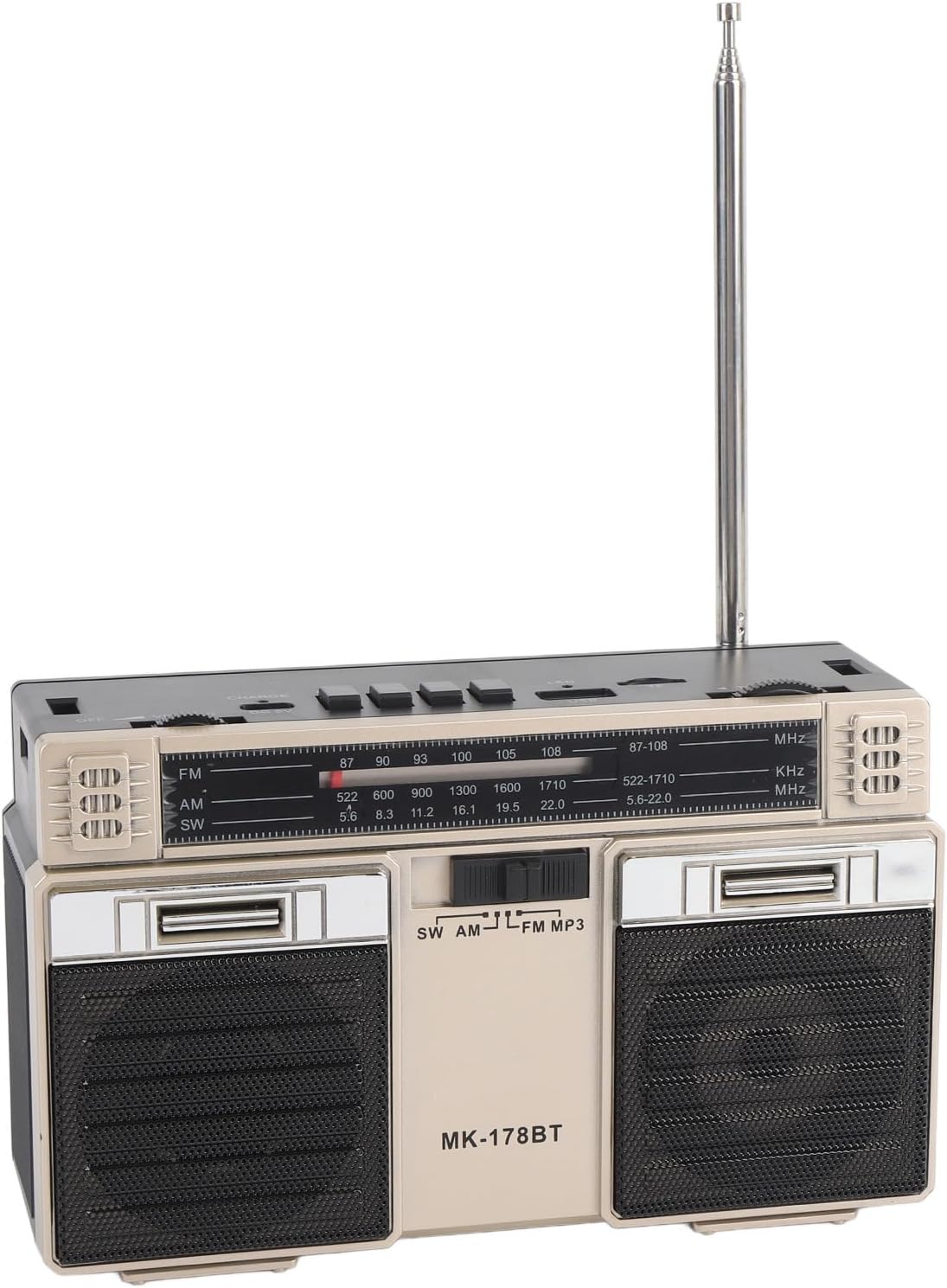
- Extend the telescopic antenna for optimal reception, especially for FM and SW bands.
- Select the desired radio band (FM, AM, or SW) using the M/* баскычы.
- Акырындык менен буруңуз TUNING knob to scan for stations. The frequency will be displayed on the front panel.
- тууралаңыз VOLUME каалаган угуу деңгээлине чейин баскычты басыңыз.
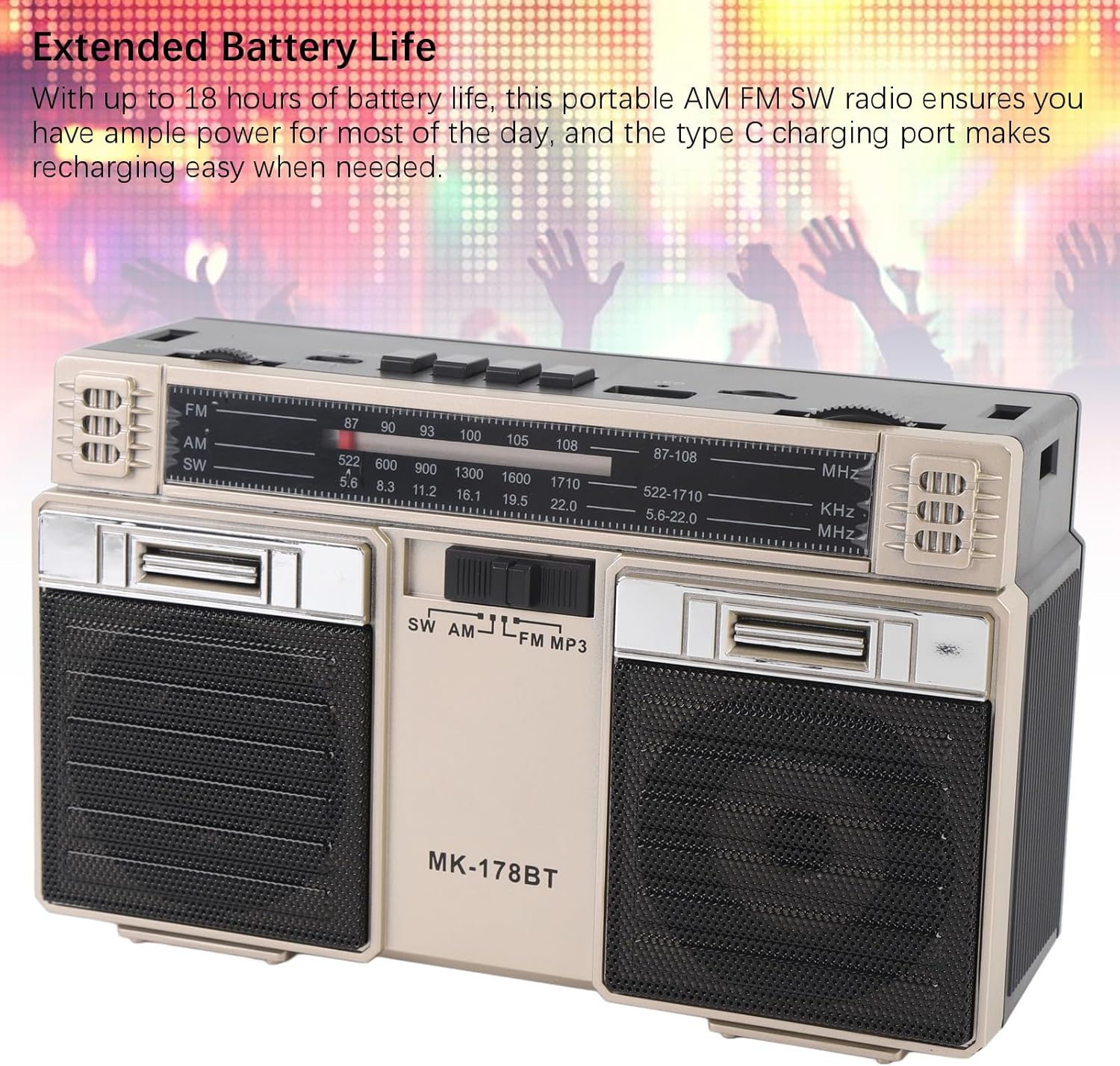
Image: The radio with its telescopic antenna fully extended, demonstrating optimal setup for radio reception.
3. Bluetooth операциясы
- басыңыз M/* button until the radio enters Bluetooth mode (an audible prompt or indicator may confirm this).
- Bluetooth иштетилген түзмөгүңүздө (мисалы, смартфон, планшет) жеткиликтүү Bluetooth түзмөктөрүн издеңиз.
- Select "MK-178BT" (or similar name) from the list to pair.
- Once paired, you can stream audio from your device to the radio. Use the ►█, ◀◀, жана ►► ойнотууну башкаруу үчүн баскычтар.
4. USB/Storage Card Playback
- USB дискти салыңыз USB уячасы or a Micro SD (TF) card into the TF Slot.
- The radio should automatically switch to USB or TF card mode. If not, press the M/* туура режимди тандоо үчүн баскычты басыңыз.
- The radio will begin playing audio fileкыстарылган сактагыч түзмөгүнөн.
- колдонуу ►█ button to play/pause, and the ◀◀ / ►► тректерди өткөрүп жиберүү үчүн баскычтар.
Техникалык тейлөө
1. Тазалоо
- Радионун сыртын жумшак, кургак чүпүрөк менен сүртүңүз.
- Абразивдүү тазалагычтарды, эриткичтерди же күчтүү химиялык заттарды колдонбоңуз.
2. Батареяга кам көрүү
- Биринчи жолу колдонуудан мурун батарейканы толук кубаттаңыз.
- Батареянын иштөө мөөнөтүн узартуу үчүн бат-баттан батареяны толугу менен түгөтпөңүз.
- If storing the radio for an extended period, charge it to about 50% every few months.
3. Сактоо
- Радиону салкын, кургак жерде, күн нуру түз тийген жана өтө жогорку температурадан алыс сактаңыз.
- Аны чаңдан жана нымдуулуктан алыс кармаңыз.
Проблемаларды чечүү
| Көйгөй | Мүмкүн себеп | Чечим |
|---|---|---|
| Радио күйбөйт. | Батарея түгөндү. Кубат өчүргүч өчүк. | Charge the battery. Ensure the power switch is in the 'ON' position. |
| Радио кабыл алуу начар. | Антенна узартылган эмес. Сигнал аймагы алсыз. Тоскоолдуктар бар. | Fully extend the telescopic antenna. Try repositioning the radio. Move away from electronic devices causing interference. |
| Bluetooth туташпай жатат. | Radio not in Bluetooth mode. Device not discoverable. Already paired with another device. | Ensure radio is in Bluetooth mode. Make sure your device's Bluetooth is on and discoverable. Disconnect from other devices. |
| USB/TF картасы ойнотулбай жатат. | Incorrect mode selected. Incompatible file format. Corrupted storage device. | Басыңыз M/* to select USB/TF mode. Ensure audio files are in a compatible format (e.g., MP3). Try a different USB drive or TF card. |
| Үн жок же үнү төмөн. | Volume too low. Mute activated (if applicable). | көбөйтүү VOLUME knob. Check if the connected Bluetooth device's volume is also up. |
Техникалык шарттар
- Модель номери: MK-178BT (Internal SKU: EBTOOLSshukg7o0ny-12)
- Материал: ABS
- FM Frequency колому: 87 – 108 МГц
- AM жыштык диапазону: 522тан 1710 КГцге чейин
- SW жыштык диапазону: 5.6 – 22 МГц
- Storage Card/Small Memory Card Support: Эң көп дегенде 32 ГБ (кошулган эмес)
- Камтылган батарея: 1200 мАч Li-полимер
- Кубат булагы: Батарея менен иштейт (Type-C заряддоо)
- Байланыш технологиясы: Bluetooth
- Продукциянын өлчөмдөрү: 7.48 x 4.72 x 3.14 дюйм (19 x 12 x 8 см)
- Элемент Салмагы: 1.35 фунт (0.61 кг)
- Өзгөчөлүктөр: Portable, Bluetooth, Rechargeable
Кепилдик жана колдоо
For warranty information or technical support, please refer to the purchase platform or contact EBTOOLS customer service directly. Keep your purchase receipt as proof of purchase.