
1. Киришүү
This manual provides detailed instructions for the installation, operation, and maintenance of your TIEJUS PW1 2K Wireless Outdoor Solar Security Camera. Please read this manual thoroughly before using the product to ensure correct usage and optimal performance. Keep this manual for future reference.
The TIEJUS PW1 camera is designed for outdoor security, featuring 2K HD resolution, 360° pan-tilt-zoom (PTZ) capabilities, color night vision, two-way audio, and dual-band Wi-Fi connectivity (2.4GHz/5GHz). It is powered by a rechargeable battery and a solar panel, offering continuous operation. The camera is IP66 weatherproof and compatible with Alexa.
2. Пакеттин мазмуну
Төмөндө тизмеленген нерселердин баары пакетиңизге камтылганын текшериңиз:
- TIEJUS PW1 Security Camera
- Күн панели
- Монтаждоо бурамалар
- Instruction Manual

Image: Contents of the TIEJUS PW1 security camera package, including the camera, solar panel, manual, and mounting hardware.
3. Продукт бүтүп калдыview
Familiarize yourself with the components of your TIEJUS PW1 camera:

Image: Labeled diagram of the TIEJUS PW1 camera, highlighting key components such as the Wi-Fi antennas, camera lens, PIR sensor, white light, IR lamp, microphone, and indicator light.
- Wi-Fi антеннасы: Зымсыз тармакка туташуу үчүн.
- кашаа: Камераны орнотуу үчүн.
- Микрофон: эки тараптуу аудио байланыш үчүн.
- White Light & IR Lamp: For color night vision and infrared illumination.
- Көрсөткүч: Статус жарыгы.
- PIR сенсор: Кыймылды аныктоо үчүн пассивдүү инфракызыл сенсор.
- Камера линзасы: Video foo тартатtage.
- Photosensitive Element: Автоматтык режимди которуу үчүн айланадагы жарыкты аныктайт.
4. Орнотуу
4.1 Камераны заряддоо
Before initial use, ensure the camera's internal battery is fully charged. Connect the solar panel to the camera and place the solar panel in direct sunlight. A minimum of 1.5 hours of direct sunlight per day is recommended for continuous power.
4.2 Колдонмону орнотуу жана түзмөктү жупташтыруу
The TIEJUS PW1 camera operates exclusively with the O-KAM Pro APP. Download the app from your device's app store (iOS App Store or Android Google Play Store).
- Download and install the O-KAM Pro APP.
- Каттоо эсебин түзүп, кириңиз.
- Follow the in-app instructions to add a new device. This typically involves scanning a QR code located on the camera.
- Connect the camera to your Wi-Fi network. The camera supports both 2.4GHz and 5GHz Wi-Fi signals.

Image: Visual guide demonstrating the four-step process for connecting and installing the camera using the O-KAM Pro app, from download to live view.
4.3 Камераны орнотуу
Камера дубалга орнотуу үчүн иштелип чыккан. Каалаган жерди тандаңыз viewing angle and ensures the solar panel receives adequate direct sunlight throughout the day. Use the provided mounting screws to securely attach the camera and solar panel bracket to a stable surface.
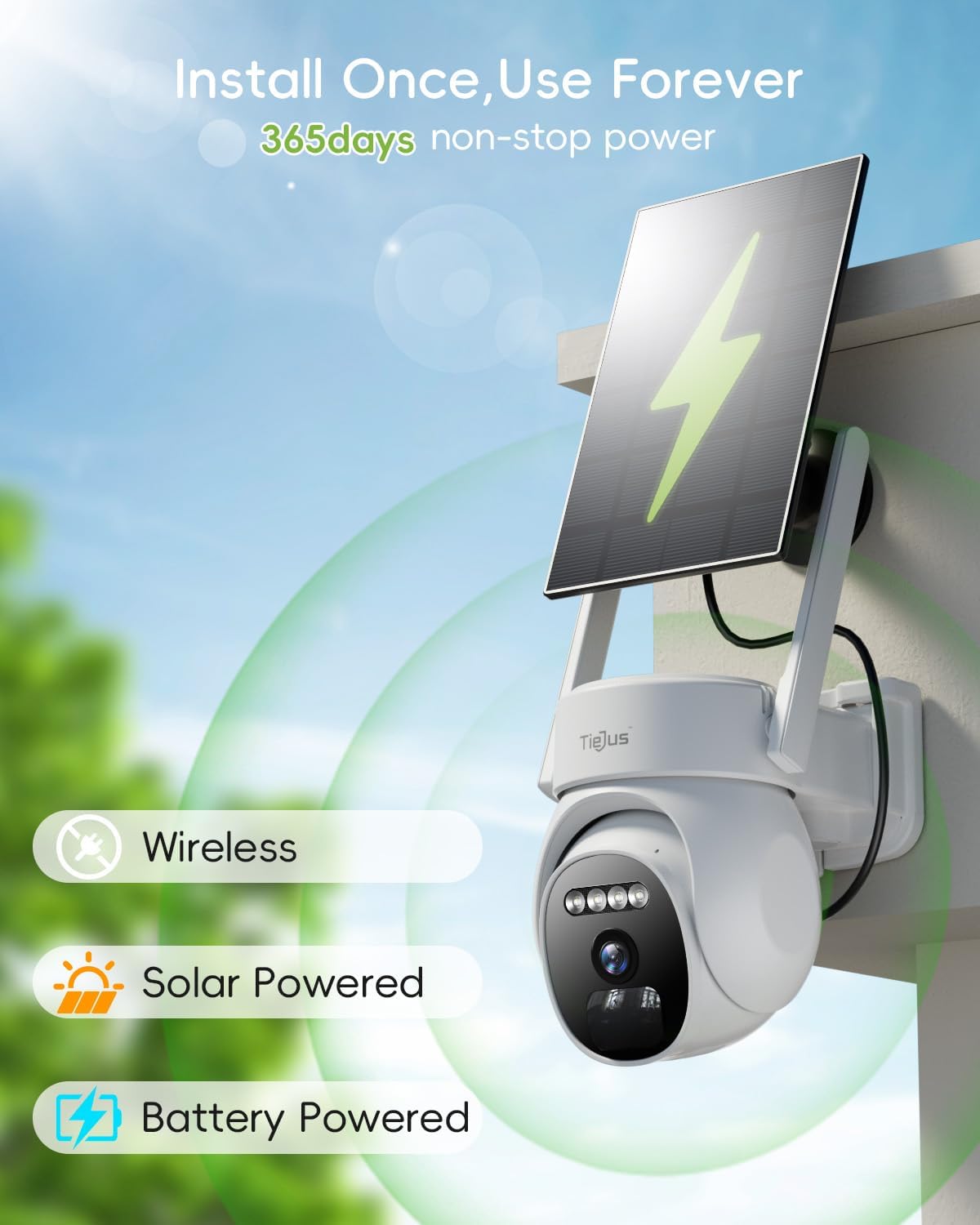
Image: The TIEJUS PW1 camera and its solar panel are shown mounted on an exterior wall, illustrating its wireless, solar-powered, and battery-powered capabilities for continuous operation.
5. Иштөө нускамалары
5.1 Wi-Fi байланышы
The TIEJUS PW1 camera supports both 2.4GHz and 5GHz Wi-Fi networks, offering improved stability and speed. Ensure your router is configured to allow connections on both frequencies for optimal performance.
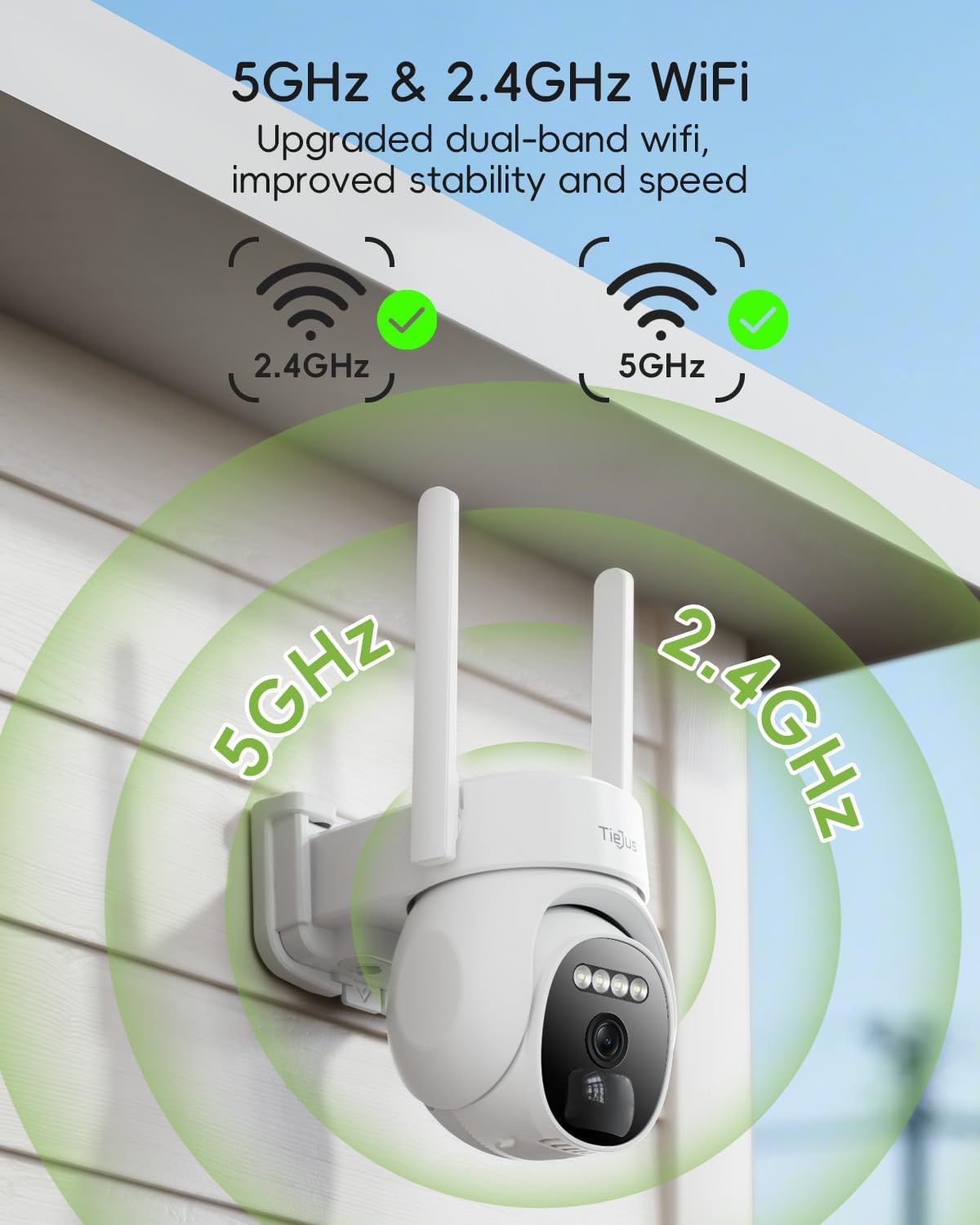
Image: The camera is depicted with visual indicators for both 2.4GHz and 5GHz Wi-Fi signals, emphasizing its dual-band connectivity for enhanced network performance.
5.2 Live View жана PTZ Control
Access the live feed through the O-KAM Pro APP. You can remotely control the camera's pan (355° horizontally) and tilt (100° vertically) functions to achieve a 360° wide vision without blind spots.

Image: A smartphone displays the live feed from the camera, demonstrating the 355° pan and 100° tilt functionality to cover a wide outdoor area, such as a street with houses.
5.3 Видеонун сапаты жана түнкү көрүнүш
The camera records in 2K HD resolution, providing clear and detailed images. It features color night vision, allowing for enhanced visibility and detail in low-light conditions compared to traditional black and white infrared night vision.

Image: An illustration of the camera's color night vision capability, showing a clear and vibrant scene of a person and a dog near a campfire at night, alongside a '2K Resolution' label.
5.4 Кыймылды аныктоо жана эскертүүлөр
The camera utilizes a combination of PIR and AI algorithms for human detection, reducing false alarms. When suspicious activity is detected, the camera can trigger a siren, activate a spotlight, and send instant alerts via the O-KAM Pro APP and email. You can customize alarm schedules, notification sounds, activity areas, and PIR sensitivity within the app.

Image: This graphic illustrates the camera's human auto-tracking feature, depicting a child and a dog in a yard with visual cues for instant alerts, including a siren, spotlight, and two notification methods (O-KAM Pro APP and E-Mail).
5.5 Эки тараптуу аудио
The integrated microphone and speaker allow for two-way audio communication. You can speak through the camera to visitors or deter intruders directly from your smartphone.
5.6 Жазуу жана сактоо
Камера эки сактоо опциясын сунуштайт:
- Булуттагы сактагыч: Provides 3 days of free rotating cloud storage with encrypted data and privacy protection.
- Жергиликтүү сактагыч: Supports a 16-256GB memory card (not included) for local video storage.

Image: This graphic illustrates the two available storage modes for the camera: a cloud icon representing 3-day free cycle cloud storage and a detailed view of the camera's memory card slot supporting 16-256GB cards (not included).
5.7 Smart Home интеграциясы
The TIEJUS PW1 camera is compatible with Amazon Alexa. You can use voice commands to view камераңыздын агымы Alexa иштетилген шайкеш келген түзмөктөрдө.

Image: An Amazon Echo Show device displays the live camera feed of a yard, demonstrating the camera's compatibility with Alexa through voice commands like "Alexa, show me the yard."
5.8 Түзмөктү бөлүшүү
You can share access to your camera with family members or trusted individuals through the O-KAM Pro APP, allowing multiple users to view the security feed simultaneously.
6. Техникалык тейлөө
- Тазалоо: Камера линзасын жана күн батареясын жумшак, d менен үзгүлтүксүз тазалап туруңузamp Сүрөттүн так сапатын жана күн энергиясы менен натыйжалуу кубаттоону камсыз кылуу үчүн кездеме колдонуңуз. Абразивдүү тазалоочу каражаттардан алыс болуңуз.
- Батареяга кам көрүү: The solar panel is designed to keep the battery charged. If the camera is installed in an area with limited sunlight, occasional manual charging via a USB power adapter (not included) may be necessary.
- Программалык камсыздоонун жаңыртуулары: Check the O-KAM Pro APP periodically for available firmware updates. Keeping the firmware updated ensures optimal performance, security, and access to new features.
- Аба ырайын коргоо: The camera is IP66 weatherproof, designed to withstand various weather conditions from -13°F to 140°F (-25°C to 60°C). Ensure proper installation to prevent water ingress.

Image: The TIEJUS PW1 camera and solar panel are depicted enduring sunny, rainy, and snowy weather, highlighting its IP66 weatherproof rating and operational temperature range of -13°F to 140°F (-25°C to 60°C).
7. Кыйынчылыктарды
If you encounter issues with your TIEJUS PW1 camera, refer to the following common problems and solutions:
- Камера Wi-Fi'га туташпай жатат: Ensure the camera is within range of your Wi-Fi router. Verify that you have selected the correct Wi-Fi network (2.4GHz or 5GHz) and entered the password accurately. Restart your router and the camera, then attempt pairing again.
- Delayed notifications or app issues: Ensure your smartphone has a stable internet connection. Check for updates to the O-KAM Pro APP and the camera's firmware. If issues persist (e.g., blank screen, incorrect camera view), try closing and reopening the app, or reinstalling it. A strong Wi-Fi signal at the camera's location is crucial for timely alerts.
- Кыймылды аныктоо иштебей жатат же өтө сезгич эмес: Adjust the PIR sensitivity settings within the O-KAM Pro APP. Define specific activity zones to focus detection on critical areas and reduce unwanted alerts. Ensure there are no obstructions blocking the PIR sensor.
- Батарея кубатталбай жатат: Confirm the solar panel is connected correctly and positioned to receive at least 1.5 hours of direct sunlight daily. Clean the solar panel surface to remove any dirt or debris that may hinder charging efficiency.
- Сүрөттүн сапаты начар: Камера линзасын тазалаңыз. Камеранын линзасынын айланасында эч кандай тоскоолдуктар жок экенин текшериңиз. view. Check your Wi-Fi signal strength, as a weak signal can affect streaming quality.
- Эки тараптуу аудио иштебей жатат: Check the microphone and speaker settings in the O-KAM Pro APP. Ensure your phone's volume is up and the camera's microphone/speaker are not muted.
Кошумча жардам алуу үчүн кардарларды колдоо бөлүмүнө кайрылыңыз.
8. Техникалык шарттар
| Өзгөчөлүк | Спецификация |
|---|---|
| Модель аты | PW1 |
| Бренд | TIEJUS |
| Ички/тышкы колдонуу | Сыртта |
| Power Source | Күн энергиясы, батарея менен иштейт |
| Байланыш технологиясы | Зымсыз (Wi-Fi) |
| Connectivity Protocol | Bluetooth, WiFi |
| Зымсыз байланыш технологиясы | Wi-Fi (2.4 ГГц/5 ГГц кош тилкелүү) |
| Видео тартуунун резолюциясы | 2K |
| PTZ Capabilities | 355° Пан, 100° Тилт |
| Түнкү көрүнүш | Color Night Vision, 65 Feet Range |
| Аудио | 2 жолдуу аудио |
| Аба ырайына каршы рейтинг | IP66 |
| Иштөө температурасы | -13°F – 140°F (-25°C – 60°C) |
| Сактагыч параметрлери | 3-Day Free Cycle Cloud Storage, 16-256GB Memory Card (Not included) |
| Controller Type | Amazon Alexa, Android |
| Монтаж түрү | Дубалга орнотуу |
| Продукциянын өлчөмдөрү | 7.3 x 5.5 x 6.1 дюйм |
| Элемент Салмагы | 1.85 фунт |
9. Кепилдик жана колдоо
The TIEJUS PW1 camera comes with the manufacturer's standard warranty. Please refer to the product packaging or contact customer support for specific warranty terms and conditions.
For technical support, troubleshooting assistance, or any inquiries regarding your product, please contact TIEJUS customer service:
- Онлайн чат: 8 AM - 11 PM EST
- Телефон: (+1) 2692189888 (8 AM - 11 PM EST)
- Электрондук почта: Tech@tiejus.com

Image: A graphic detailing TIEJUS customer service options, including online chat, a phone number (+1 2692189888), and an email address (Tech@tiejus.com), along with their operating hours.