
Introduction
Thank you for choosing the TCL 65Q6C 65-inch 4K QD-Mini LED Google TV. This manual provides essential information for the safe and efficient use of your television. Please read it thoroughly before operating the device and retain it for future reference.
Негизги өзгөчөлүктөрү
- QD-Mini LED технологиясы: Enhances color accuracy and contrast, improving overall display quality. Precise dimming reaches 512 zones, with over a billion shades of perfect vivid colors.
- High Brightness HDR: Enjoy unparalleled brightness with high HDR technology, offering deep contrast and stunning highlights for an immersive viewing experience. See every detail come to life with amazing clarity and vibrant colors.
- QLED дисплей: Features 93% DCI-P3 color gamut coverage, providing unparalleled color for stunning and vibrant visuals and enhanced color accuracy.
- 144Гц жергиликтүү жаңыртуу жыштыгы: Experience ultra-smooth motion with a native 144Hz refresh rate, ideal for gaming and fast-paced scenes.
- Onkyo 2.1 Hi-Fi Audio System: Delivers rich and immersive sound for a complete home entertainment experience.

Сүрөт 1: Алдыңкы view of the TCL 65Q6C 65-inch 4K QD-Mini LED Google TV.

2-сүрөт: Артыкчылыкты көрсөтөтtages of QD-Mini LED technology over ordinary LED TVs, highlighting improvements in color, brightness, and contrast.

Сүрөт 3: An overview of the key technologies and design elements integrated into the TCL 65Q6C TV.
Жайгашуу
1. Таңгактан чыгаруу жана текшерүү
Carefully remove the TV from its packaging. Inspect for any damage. Ensure all accessories are present: remote control, power cable, stand components, and screws.
2. Стенд орнотуу (кошумча)
If using the TV stand, place the TV face down on a soft, flat surface. Attach the stand bases to the TV using the provided screws, ensuring they are securely fastened.
3. Дубалга орнотуу (кошумча)
For wall mounting, refer to the VESA mounting standard: 600 x 400 mm. Use a compatible wall mount bracket (sold separately) and follow its instructions carefully. Professional installation is recommended for safety.

4-сүрөт: Side profile of the TV, illustrating its slim design and port locations.
4. Түзмөктөрдү туташтыруу
- Күч: Электр кабелин сыналгыга, андан кийин розеткага туташтырыңыз.
- HDMI түзмөктөрү: Use HDMI cables to connect external devices like gaming consoles, Blu-ray players, or set-top boxes to the HDMI ports. This model supports HDMI connectivity.
- USB түзмөктөрү: Connect USB drives for media playback or other compatible devices to the USB ports. This model includes USB 3.0 ports.
- Аудио системалар: For external audio, connect via HDMI (ARC/eARC) or Bluetooth. The TV features an Onkyo 2.1 Hi-Fi audio system with Dolby Atmos support.

5-сүрөт: Арткы view of the TV, highlighting the VESA mounting points and various input/output connections.
5. Баштапкы күйгүзүү жана Google TV орнотуулары
After connecting power, press the power button on the remote control. Follow the on-screen instructions to complete the initial setup, including network connection, Google account login, and channel scanning.
Иштеп жатат
1. Алыстан башкаруу функциялары
The remote control allows you to navigate the Google TV interface, adjust volume, change channels, select inputs, and access smart features. Familiarize yourself with the button layout for optimal use.
2. Google TV интерфейси
Your TV runs on Google TV, providing a personalized home screen with content recommendations, access to streaming apps, and Google Assistant voice control. Use the directional pad on your remote to navigate menus and select items.
3. Киргизүүнү тандоо
To switch between connected devices (e.g., HDMI 1, USB), press the 'Input' button on your remote and select the desired source from the on-screen menu.
4. Үн менен башкаруу
Мазмун издөө, акылдуу үй түзмөктөрүн башкаруу, жооп алуу жана башкалар үчүн пульттагы Google Жардамчы баскычын басып, микрофонго сүйлөңүз.
5. Оюн функциялары
The TCL 65Q6C is optimized for gaming with its 144Hz native refresh rate and Game Master mode. Ensure your gaming console is connected to an HDMI port that supports high refresh rates for the best experience.
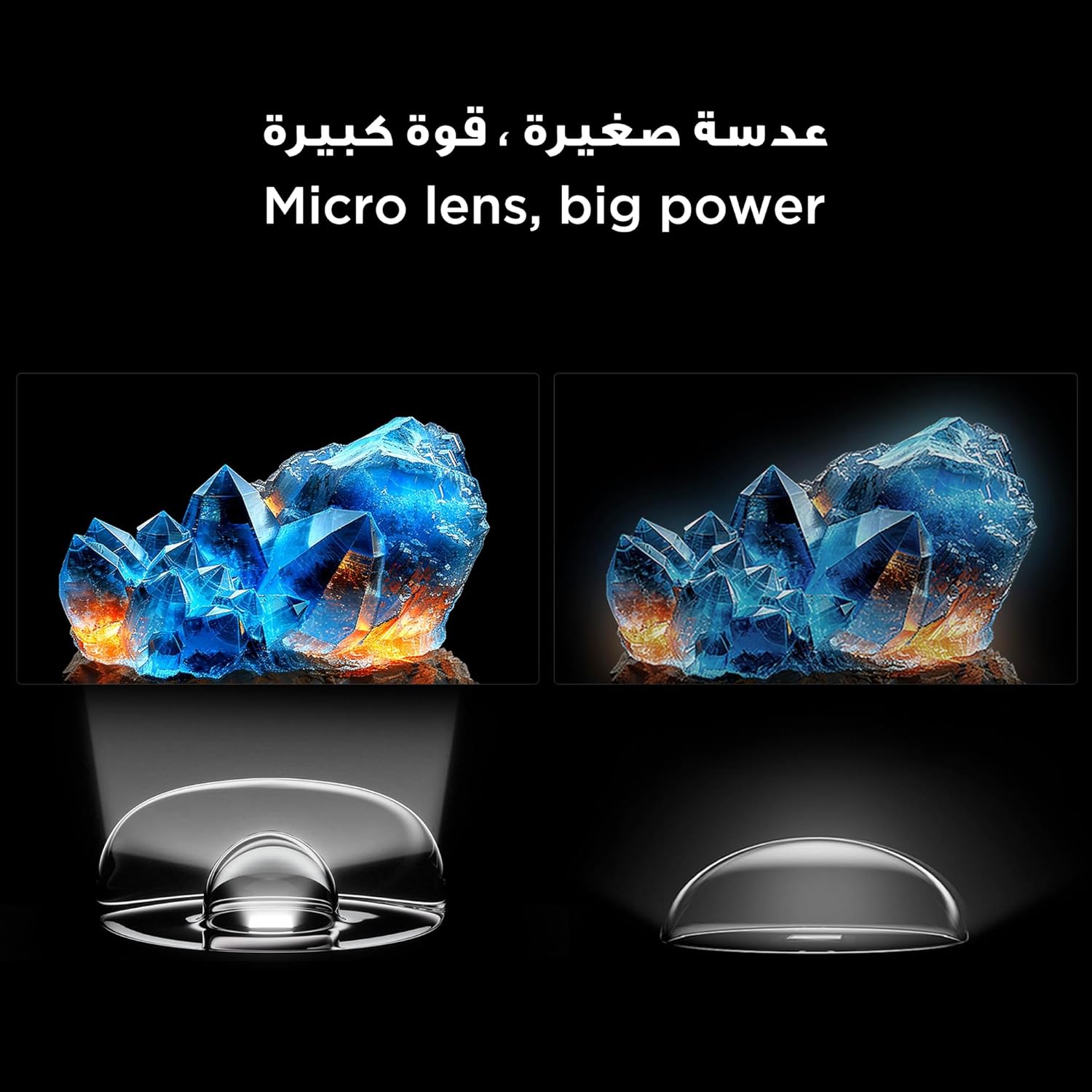
Figure 6: Demonstrates the smooth and clear motion provided by the 144Hz native refresh rate, ideal for fast-paced content and gaming.
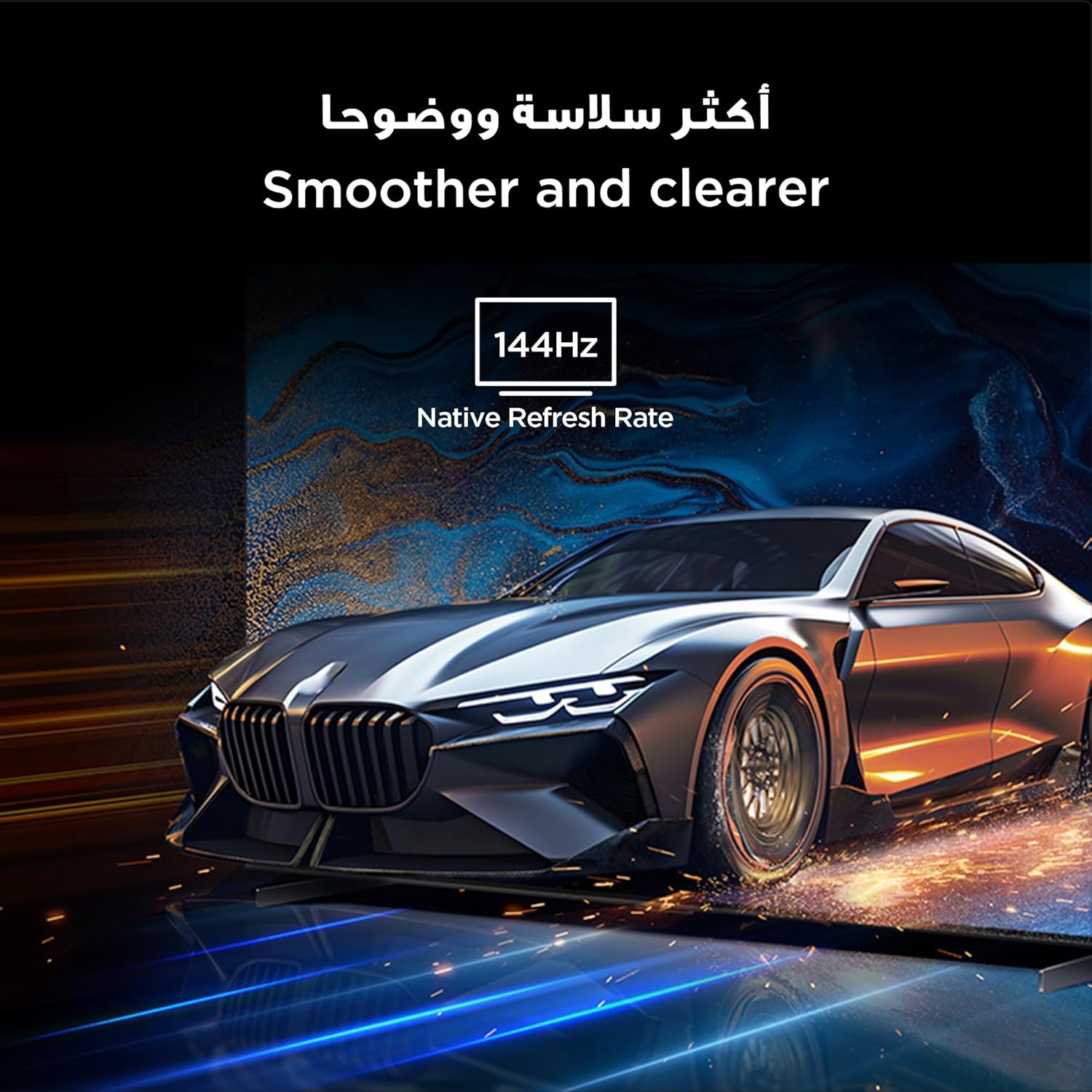
Figure 7: Highlights the immersive audio experience delivered by the integrated Onkyo 2.1 sound system, defining a new standard for home theater.
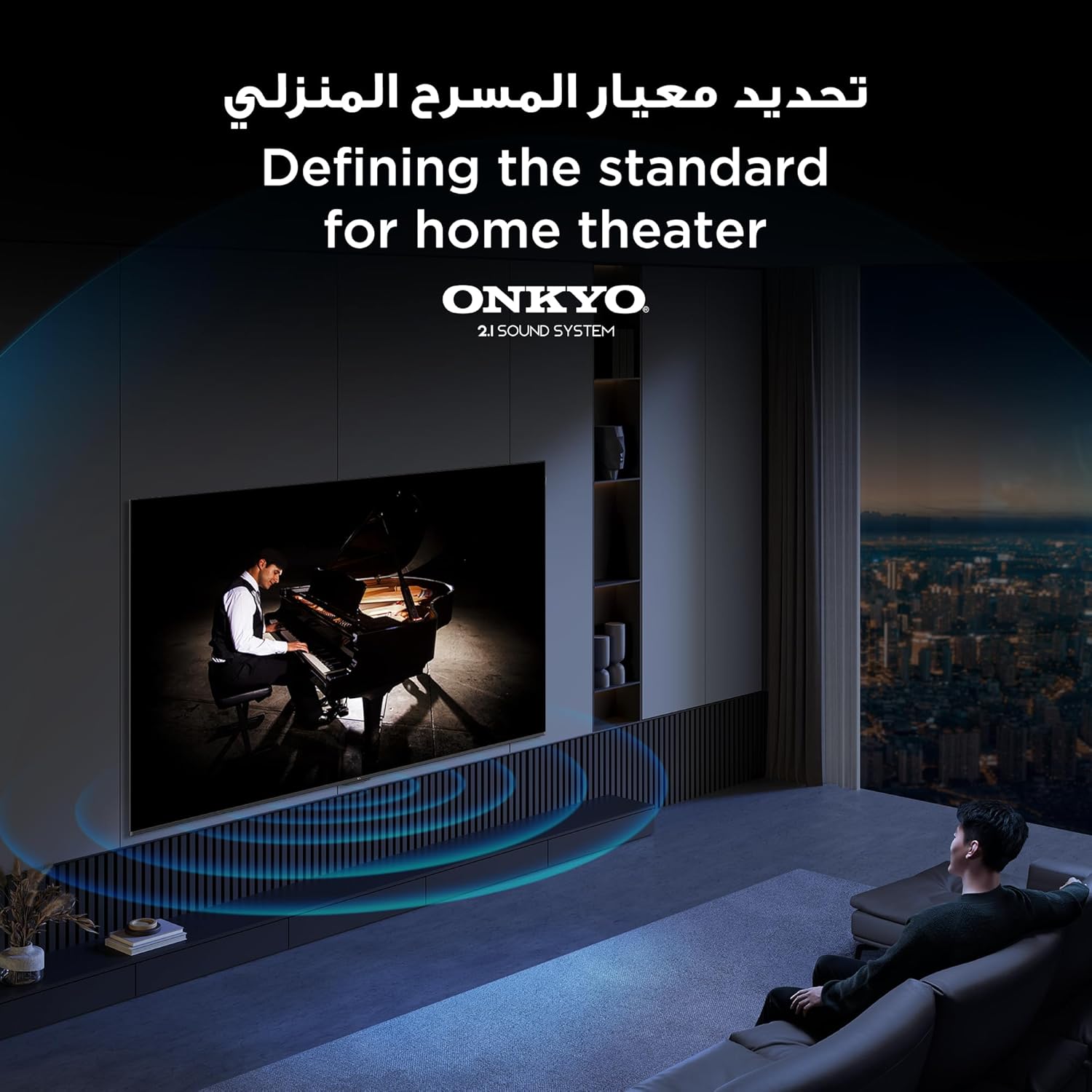
Figure 8: Visual representation of the AiPQ Pro Processor, which intelligently perceives, thinks, and produces optimized visuals and audio.

Figure 9: Illustrates the smart control capabilities of the TCL TV, allowing users to manage other TCL smart devices within their home.
Техникалык тейлөө
1. Экранды тазалоо
Экранды жумшак, мамыксыз чүпүрөк менен акырын сүртүңүз. Эгерде өжөр тактар пайда болсо, телевизорлор үчүн атайын иштелип чыккан, экранды тазалоочу эритмени колдонуңуз, аны түздөн-түз экранга эмес, кездемеге сүйкөңүз.
2. Рамканы тазалоо
Телевизордун алкагын сүртүп, жумшак, кургак чүпүрөк менен туруңуз. Абразивдүү тазалагычтарды же эриткичтерди колдонуудан алыс болуңуз.
3. Программалык камсыздоону жаңыртуу
Ensure your TV is connected to the internet to receive automatic software updates. These updates improve performance and add new features. You can also manually check for updates in the TV's settings menu.
4. Safe Handling
Avoid placing heavy objects on the TV. Do not block ventilation openings. Disconnect the power cable during lightning storms or when the TV will be unused for extended periods.
Проблемаларды чечүү
This section addresses common issues you might encounter with your TCL 65Q6C TV.
Күч жок
- Электр кабели сыналгыга да, розеткага да бекем туташтырылганын текшериңиз.
- Башка аспапка сайып, розетка иштеп жатканын текшериңиз.
- Алыскы көйгөйдү болтурбоо үчүн пульттун эле эмес, сыналгыдагы кубат баскычын басыңыз.
Сүрөт жок / Бурмаланган сүрөт
- Туура киргизүү булагы тандалганын текшериңиз (мисалы, HDMI 1, HDMI 2).
- Бардык кабелдик байланыштарды (HDMI, антенна) боштугун же бузулгандыгын текшериңиз.
- Try connecting a different device to the same HDMI port to see if the issue is with the source device.
- Сыналгы менюсунда сүрөт жөндөөлөрүн (жарыктык, контраст, түс) тууралаңыз.
Үн жок / бурмаланган үн
- Үндүн үнү өчүп же өтө төмөн коюлбагандыгын текшериңиз.
- Check audio output settings in the TV menu to ensure the correct output (e.g., TV speakers, external audio system) is selected.
- Эгер тышкы динамиктерди колдонсоңуз, алардын кубаттуулугун жана туташууларын текшериңиз.
Пульт иштебейт
- Пульттагы батарейкаларды алмаштырыңыз.
- Пульт менен сыналгынын IR сенсорунун ортосунда эч кандай тоскоолдуктар жок экенин текшериңиз.
- If it's a Bluetooth remote, try re-pairing it with the TV (refer to the TV's settings for pairing instructions).
Тармакка туташуу маселелери
- Wi-Fi роутериңизди жана модемиңизди өчүрүп күйгүзүңүз.
- Зымсыз туташууда Wi-Fi сырсөзүн текшериңиз.
- If possible, try connecting the TV to the internet via an Ethernet cable.
- Go to the TV's network settings to diagnose the connection.
Заводдук абалга кайтаруу
If problems persist, a factory reset may resolve them. Be aware that this will erase all your settings and installed apps. Navigate to Settings > System > About > Reset > Factory data reset.
Техникалык шарттар
| Өзгөчөлүк | Description |
|---|---|
| Бренд | TCL |
| Модель аты | 65Q6C |
| Модель номери | 65Q6C |
| Моделдер сериясы | Q6C |
| Өндүрүш жылы | 2025 |
| Screen Size | 65 дюйм |
| Дисплей технологиясы | Mini LED, LED |
| Резолюция | 4K |
| Жаңыртуу ылдамдыгы | 144 Гц |
| Сүрөттүн карама-катышы | Жогорку |
| HDR Format колдоо | HDR10+ |
| Motion Enhancement Technology | Native 144Hz Refresh Rate |
| Image Quality Enhancement Technology | QD-Mini LED, QLED, HDR 10+ |
| Screen Backlight Technology | Мини LED |
| Операция системасы | Google TV |
| Колдоого алынган Интернет кызматтары | Google TV for Gaming |
| Байланыш технологиясы | HDMI, USB, Bluetooth |
| Аппараттык интерфейс | HDMI, USB, Bluetooth |
| Жалпы HDMI порттору | 1 |
| Жалпы USB порттору | 1 |
| Total USB 3.0 Ports | 1 |
| Зымсыз байланыш технологиясы | Bluetooth |
| Speaker Description | Onkyo 2.1 Channel Hi-Fi Speakers |
| Көлөмдүү үн каналынын конфигурациясы | 2.1 |
| Built-in Surround Sound Format | Dolby Atmos |
| Башкаруу ыкмасы | Алыстан |
| Монтаж түрү | Дубалга орнотуу |
| VESA орнотуу стандарты | 600 x 400 мм |
| Элемент Салмагы | 24.2 килограмм |
Кепилдик
This TCL television comes with a limited warranty. The specific terms and duration of the warranty may vary by region and retailer. Please refer to the warranty card included in your product packaging or visit the official TCL webтолук кепилдик маалымат алуу үчүн сайт. Сатып алуу квитанциясын кепилдик дооматтары үчүн сатып алуунун далили катары сактаңыз.
Колдоо
Көбүрөөк жардам, техникалык колдоо же тейлөө боюнча суроолор үчүн төмөнкү ресурстарды колдонуңуз:
- TCL расмий Webсайт: Visit www.tcl.com for product information, FAQs, and support contact details specific to your region.
- Кардарларды тейлөө: Refer to the contact information provided in your warranty documentation or on the TCL webтүздөн-түз кардарларды колдоо сайты.
- Онлайн ресурстар: Many common issues can be resolved by consulting the online support sections or user forums available on the TCL webсайт.