
SKYZONE M5F
SKYZONE M5F 5 дюймдук FPV монитору, DVR колдонуучу колдонмосу менен
Модель: M5F | Бренд: SKYZONE
1. Киришүү
DVR менен SKYZONE M5F 5 дюймдук FPV мониторун тандаганыңыз үчүн рахмат. Бул колдонмо түзмөгүңүздү туура орнотуу, иштетүү жана техникалык тейлөө боюнча маанилүү маалыматтарды берет. Коопсуз жана оптималдуу иштешин камсыз кылуу үчүн мониторду колдонуудан мурун бул колдонмону кылдаттык менен окуп чыгыңыз.
Коопсуздук чаралары
- Иштетүүдөн мурун продукт менен таанышып чыгуу үчүн ар дайым колдонмону толугу менен окуп чыгыңыз.
- Мониторду нымдуу же суу чөйрөдө иштетүүдөн алыс болуңуз.
- Монитор AV портунан видео киргизүүнү жаздыра албайт.
- Аудио чыгаруу жана видео киргизүү бир убакта иштей албайт.
2. Пакеттин мазмуну
Төмөндө тизмеленген нерселердин баары пакетиңизге камтылганын текшериңиз:
- 1 x SKYZONE M5F 5 дюймдук FPV монитору DVR менен
- 2 х Антенналар
- 1 x USB заряддоо кабели
- 1 x User Manual
3. Продукт бүтүп калдыview
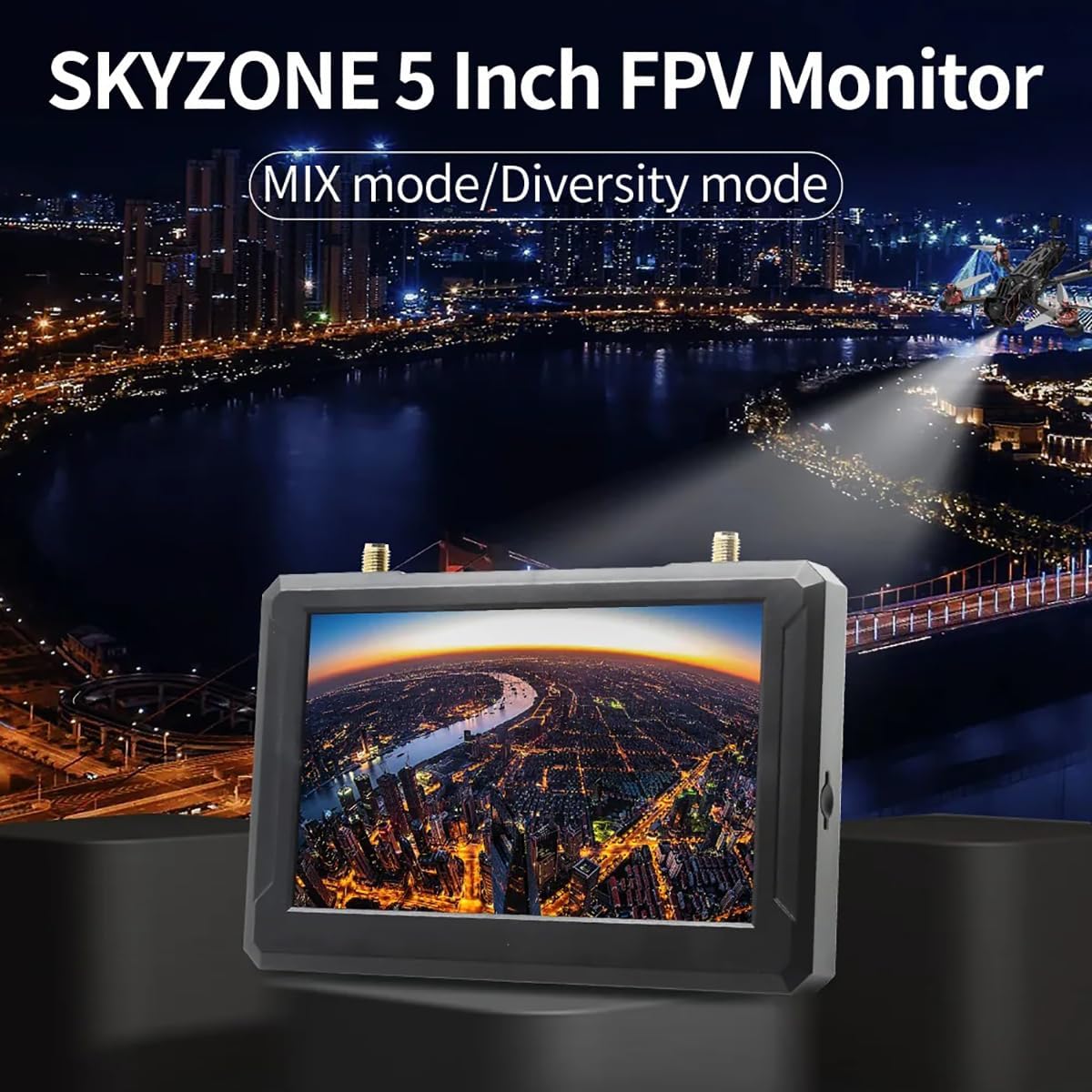
SKYZONE M5F – бул орнотулган DVR жана 5.8 ГГц 48 каналдуу кабыл алгыч менен жабдылган жогорку жарыктыктагы 5 дюймдук FPV монитор. Ал видеонун туруктуулугун жогорулатуу үчүн өркүндөтүлгөн сигнал кабыл алуу режимдерин колдойт.
Компонент диаграммасы

Негизги өзгөчөлүктөрү
- Орнотулган туруктууview Алуучу: Эки кабыл алуу режими бар:
- Ар түрдүүлүк режими: Кабыл алгыч эки RSSI сигналын салыштырып, эң күчтүү чыгарууну тандайт. Сигналдын тез өзгөрүшү сүрөттүн айрылышына же тоголонушуна алып келиши мүмкүн.
- АРАЛАШТЫРУУ режими: Эки сигнал татаал схемалар жана алгоритмдер аркылуу иштетилип, аларды бирдиктүү, туруктуураак жана так сүрөткө бириктирет.
- Бир нече кубат булагы параметрлери: 2-6S LiPo батарейкаларын, USB-C кубат булагын же 18650 Li-ion батарейкасын колдойт.
4. Орнотуу
4.1 Антенналарды бекитүү
Берилген эки антеннаны монитордун жогору жагында жайгашкан ANT1 жана ANT2 туташтыргычтарына этияттык менен бурап бекитиңиз. Коопсуз туташууну орнотуу үчүн алардын манжаларыңыз менен бекем бекитилгенин текшериңиз.
4.2 Мониторду кубаттоо
SKYZONE M5F монитору ийкемдүү кубаттуулук параметрлерин сунуштайт:
- 18650 литий-иондук батарея: Толук заряддалган 18650 литий-иондук батареяны монитордун арткы жагындагы батарея бөлүмүнө туура полярдуулукту сактап, салыңыз.
- 2-6S LiPo киргизүү: 2-6S LiPo батареясын тиешелүү кабель аркылуу DCIN портуна туташтырыңыз.
- USB-C кубаттуулугу: USB-C кабелин Type-C портуна жана шайкеш келген USB кубат булагын (мисалы, кубат банкы же дубал адаптери) туташтырыңыз.

4.3 SD картаны салуу
DVR жаздыруу функциясы үчүн, монитордун капталындагы SD карта уячасына C10 жогорку ылдамдыктагы TF (microSD) картасын салыңыз. Карта ордуна чыкылдаган үн чыкканга чейин туура салынганын текшериңиз.
5. Операция
5.1 Күйгүзүү/өчүрүү
Түзмөктү күйгүзүү же өчүрүү үчүн монитордун капталында жайгашкан кубат баскычын басып, кармап туруңуз.
5.2 Канал издөө
Монитордо ыңгайлуулук үчүн автоматтык түрдө канал издөө функциясы бар.
- Автоматтык издөөнү баштоо үчүн, белгиленген баскычты басыңыз (3-бөлүмдөгү диаграмманы караңыз).
- Автоматтык издөөдөн кийин, зарыл болсо, жыштыкты тандоону так жөндөө үчүн шаттл дөңгөлөгүн колдонуңуз.

5.3 Меню Навигациясы
МЕНЮ баскычын жана маршруттук дөңгөлөктү колдонуп, монитордун жөндөөлөрү жана параметрлери боюнча багыт алыңыз. Автоматтык дөңгөлөк элементтерди тандоо жана маанилерди тууралоо үчүн тез жана так башкарууну камсыз кылат.
5.4 DVR жаздыруу
FPV агымыңызды жаздыруу үчүн, жогорку ылдамдыктагы TF картасы салынганын текшериңиз. Жаздырууну баштоо жана токтотуу үчүн REC баскычын басыңыз. Жаздырылган видеолор AVI форматында сакталат.
5.5 AV киргизүү/чыгаруу
Монитор тышкы аудио жана видео киргизүү же аудио чыгаруу үчүн AV интерфейсин камтыйт. AV портунан видео киргизүүнү жаздыруу мүмкүн эмес экенин жана аудио чыгаруу менен видео киргизүүнү бир убакта колдонуу мүмкүн эмес экенин эске алыңыз.
6. Техникалык шарттар
| Өзгөчөлүк | Спецификация |
|---|---|
| Дисплей өлчөмү | 5 дюйм |
| Резолюция | 800 x 480 пиксель |
| Жарыктык | 500 кд/м² |
| Дисплей катышы | 16:9 |
| Жыштык | 5.8 ГГц |
| Каналдардын саны | 40 CH |
| Video File Формат | AVI |
| Электр камсыздоо | DC5V/2A, DV5-23V кең вольтту колдойтtage |
| Автоматтык канал издөө | Ооба |
| Кар экранынын функциясы | Ооба |
| Card Slot | C10 жогорку ылдамдыктагы TF картасын колдойт |
| AV интерфейси | Тышкы аудио/видео киргизүү же аудио чыгаруу |
| Батареянын иштөө мөөнөтү (орнотулган) | Болжол менен 2.5 саат (DVR күйүк), Болжол менен 3.5 саат (DVR өчүрүлгөн) |
| Антенна туташтыргычтары | 2 x RP-SMA эркек тешиги |
| Өлчөмдөр | 146 x 80 x 13 мм (5.75 x 3.15 x 0.51 дюйм) |
| Салмагы | 159 г (5.6 унция) (антенналарды кошпогондо) |
| Модель аты | SKYZONE M5F |
| Байланыш технологиясы | 5.8 ГГц |
| Видео тартуунун резолюциясы | 800x480 |
| Элемент Салмагы | 165 грамм (5.8 унция) |
| Продукциянын өлчөмдөрү | 5.3"L x 0.6"W x 3.5"H |
7. Кыйынчылыктарды
Бул бөлүмдө SKYZONE M5F мониторуңуз менен кездешиши мүмкүн болгон жалпы көйгөйлөр каралат.
- Кубат жок: Батарея заряддалганын жана туура салынганын, же тышкы кубат булагы туташтырылганын жана иштеп жатканын текшериңиз. Кубат которгучун текшериңиз.
- Видео сигнал жок: Антенналар бекем бекитилгенин текшериңиз. Автоматтык түрдө канал издөөсүн жүргүзүңүз. FPV өткөргүчүңүз күйүп турганын жана шайкеш жыштыкта берип жатканын текшериңиз. Өткөргүч менен кабыл алгычтын ортосундагы тоскоолдуктарды текшериңиз.
- Видеонун сапаты начар (айрып/төмөндөп): Бул сигналдар тез өзгөрүп турган Ар түрдүүлүк режиминде болушу мүмкүн. Сүрөттүн туруктуураак болушу үчүн MIX режимине которулуп көрүңүз. Антенналар оптималдуу жайгашканын текшериңиз.
- DVR жаздырылбай жатат: C10 жогорку ылдамдыктагы TF картасы туура салынганын жана жетиштүү бош орун бар экенин текшериңиз. Карта туура форматталганын текшериңиз (FAT32 сунушталат).
- AV киргизүү/чыгаруу көйгөйлөрү: AV портунан видео киргизүүнү жаздыруу мүмкүн эместигин жана аудио чыгаруу менен видео киргизүүнү бир убакта колдонуу мүмкүн эместигин унутпаңыз. AV туташуулары үчүн туура кабелдер колдонулганын текшериңиз.
8. Техникалык тейлөө
SKYZONE M5F мониторуңуздун узак мөөнөттүү иштешин жана оптималдуу иштешин камсыз кылуу үчүн, төмөнкү техникалык тейлөө көрсөтмөлөрүн аткарыңыз:
- Тазалоо: Монитордун экранын тазалоо үчүн жумшак, кургак чүпүрөктү колдонуңуз жанаasinг. Абразивдүү тазалагычтардан же эриткичтерден качыңыз.
- Сактагыч: Мониторду салкын, кургак жерде, түз күн нурунан жана өтө жогорку температурадан алыс сактаңыз. Узак убакытка сактасаңыз, батареяларды алып салыңыз.
- Антенналар: Туташтыргычтарга зыян келтирбөө үчүн антенналарды этияттык менен кармаңыз.
9. Кепилдик жана колдоо
Продукциянын чоо-жайында кепилдик боюнча эч кандай так маалымат берилген эмес. Техникалык колдоо же тейлөө боюнча суроолор боюнча, сатуучуга же өндүрүүчүгө, SKYZONE компаниясына кайрылыңыз.
Ask a question about this manual
Ask about setup, troubleshooting, compatibility, parts, safety, or missing instructions. Manuals+ will review the question and use this page’s manual context to help answer it.