
Introduction
The HRUITU T3 Ski Helmet Speakers are designed to provide high-quality audio for skiing and snowboarding. These true wireless stereo headphones feature HDR audio technology, Bluetooth 5.3 connectivity, and a glove-friendly control button, making them suitable for integration into most audio-ready ski or snowboard helmets. This manual provides instructions for setup, operation, maintenance, and troubleshooting to ensure optimal performance and user experience.
Кутуда эмне бар
- HRUITU T3 Ski Helmet Speakers (Left and Right)
- Зымсыз кубаттоо кутусу
- USB заряддоо кабели
- User Manual

Image: The HRUITU T3 Ski Helmet Speakers, charging case, and accessories laid out.
Продукт бүттүview

Image: Close-up of the HRUITU T3 speakers highlighting the 40mm drivers and HDR Audio technology.
The HRUITU T3 speakers feature 40mm high-efficiency drivers with proprietary HDR Audio technology for enhanced sound quality, delivering deep bass, clear vocals, and detailed high-pitched instruments.

Image: A HRUITU T3 speaker shown with a ski helmet, demonstrating its compact size and how it fits into helmet ear pads.
Each speaker has a compact design (2.1 inch diameter, 0.7 inch thickness) to fit comfortably into most audio-ready ski or snowboard helmets.
Жайгашуу
1. Charging the Speakers and Case
Before first use, fully charge the speakers and the charging case.
- Place the speakers into the charging case. Ensure they are correctly seated.
- Connect the USB charging cable to the charging case and a power source.
- The indicator lights on the case will show charging status. A full charge provides up to 72 hours of battery life for the case, and 12 hours of listening time for the speakers on a single charge. A 15-minute quick charge provides up to 3 hours of listening time.
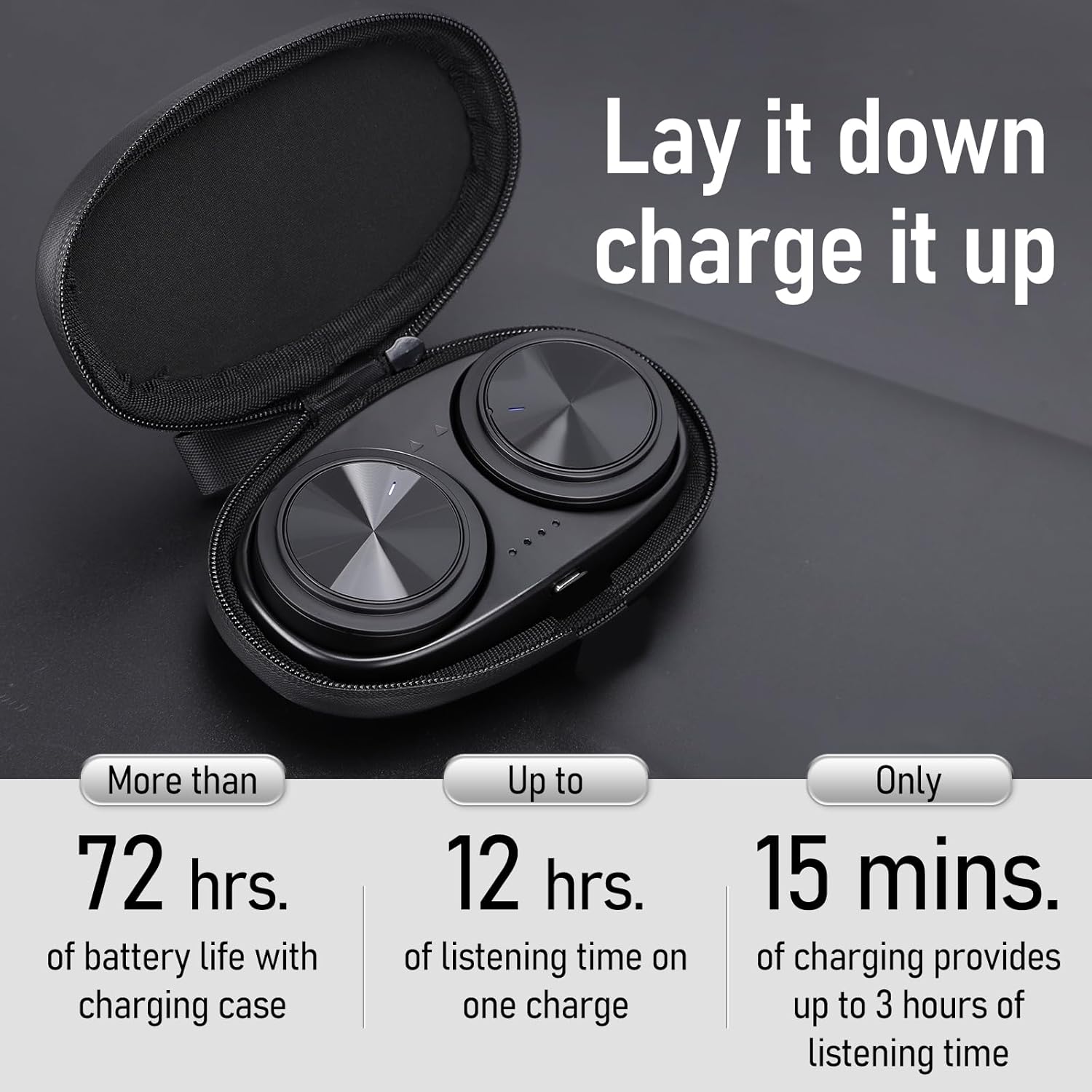
Image: The HRUITU T3 speakers nestled in their charging case, illustrating the charging process and battery life indicators.
2. Bluetooth Жупташтыруу
The HRUITU T3 speakers use Bluetooth 5.3 for a stable and fast wireless connection.
- Баштапкы жупташтыруу: Open the charging case and remove both speakers. They will automatically enter pairing mode (indicator lights flashing).
- On your smartphone or tablet, go to Bluetooth settings and select "HRUITU T3" from the list of available devices.
- Once connected, you will hear an audio prompt, and the indicator lights will stop flashing.

Image: A smartphone displaying a successful Bluetooth connection to the HRUITU T3 speakers, with the speakers and their charging case visible.
3. Installation into Helmet
The HRUITU T3 speakers are designed for easy drop-in installation into audio-ready ski or snowboard helmets.
- Locate the audio pockets in the ear pads of your helmet.
- Gently slide each speaker into its respective pocket. Ensure the speaker with 'L' is in the left ear pad and 'R' in the right ear pad.
- Adjust the speakers for comfortable placement against your ears.
Video: This video demonstrates the simple process of installing the HRUITU T3 Ski Helmet Speakers into the ear pads of a compatible ski helmet.
Иштөө нускамалары
1. Күйгүзүү/өчүрүү
- Күйгүзүү: The speakers automatically power on when removed from the charging case.
- Өчүрүү: Place the speakers back into the charging case to power them off automatically. Alternatively, press and hold the control button on either speaker for approximately 5 seconds until you hear a power-off prompt.
2. Музыканы ойнотуу
The control buttons on the speakers allow for easy management of your music.
- Ойнотуу/тындыруу: Single press the control button on either speaker.
- Кийинки трек: Double press the control button on the right speaker.
- Мурунку трек: Double press the control button on the left speaker.
- Көлөмү: Triple press the control button on the right speaker.
- Үнүн азайтуу: Triple press the control button on the left speaker.
3. Чалууларды башкаруу
Manage incoming calls directly from your helmet speakers.
- Чалууга жооп берүү/аяктоо: Single press the control button on either speaker.
- Чакырууну четке кагуу: Press and hold the control button on either speaker for 2 seconds.
4. Үн жардамчысы (Siri/Google жардамчысы)
Колду бош башкаруу үчүн түзмөгүңүздүн үн жардамчысын иштетиңиз.
- Үн Жардамчысын жандыруу: Triple press the control button on either the left or right speaker.

Image: An illustration detailing the various functions of the speaker control buttons, including call handling, music playback, and voice assistant activation.
5. Glove-Friendly Button
The control buttons are designed to be easily operable even when wearing ski gloves, ensuring seamless control without needing to remove your hands from your helmet.
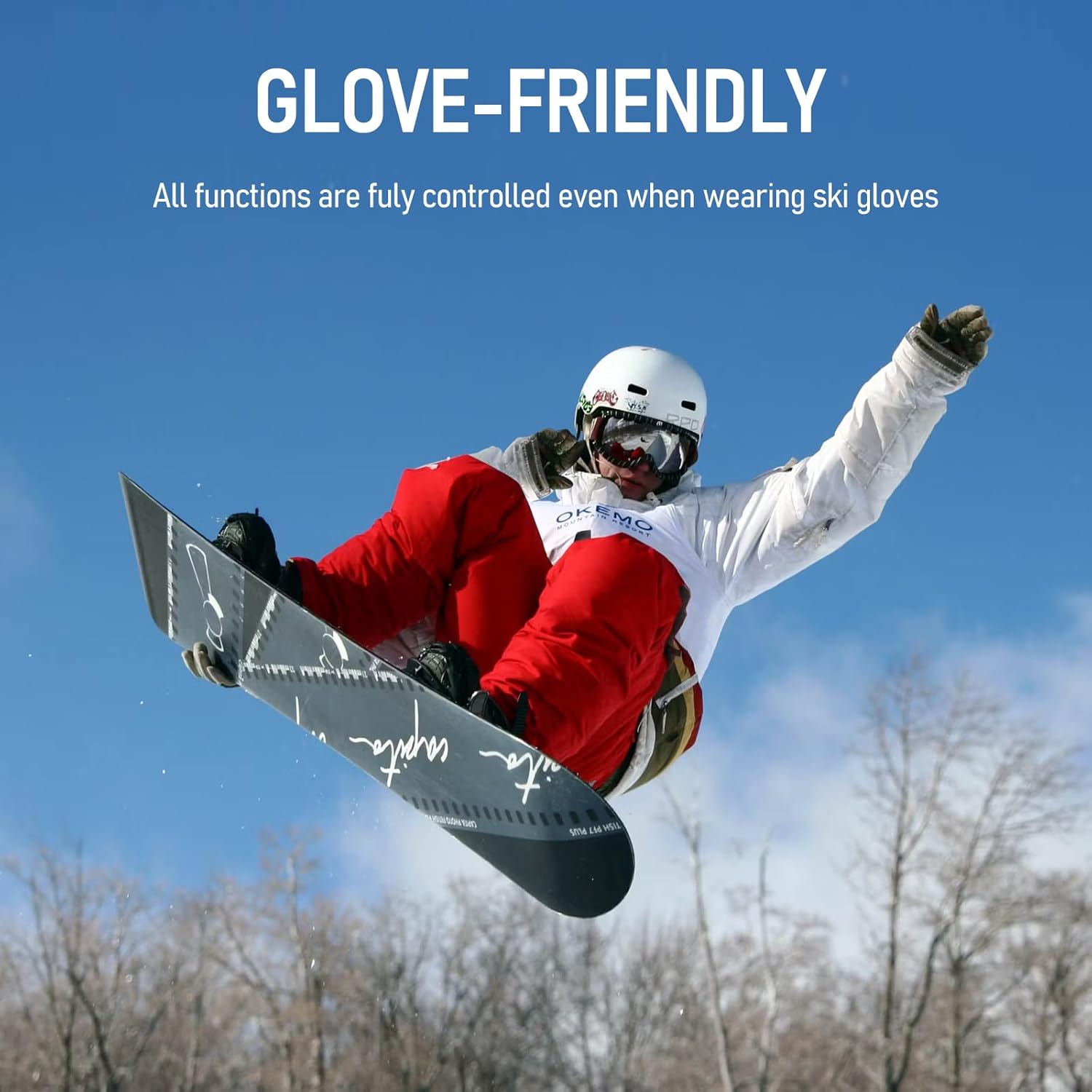
Image: A snowboarder demonstrating the ease of using the glove-friendly control button on the HRUITU T3 speakers while wearing ski gloves.
Техникалык тейлөө
1. Тазалоо
- Wipe the speakers and charging case with a soft, dry cloth.
- Абразивдүү тазалагычтарды же эриткичтерди колдонбоңуз.
2. Сактоо
- Store the speakers in their charging case when not in use to protect them and keep them charged.
- Күн нурунан жана экстремалдык температурадан алыс салкын, кургак жерде сактаңыз.
3. Сууга туруктуулук
The HRUITU T3 speakers are water-resistant, designed to withstand splashes and sweat. However, they are not intended for submersion in water. Ensure the charging port is dry before charging.
Проблемаларды чечүү
| Көйгөй | Мүмкүн себеп | Чечим |
|---|---|---|
| Only one speaker connects or plays audio. | Speakers are in non-TWS (True Wireless Stereo) mode. | Place both speakers back into the charging case, then remove them again. This should reset them to TWS mode. If the issue persists, press and hold the power button for 5 seconds during startup to enter non-TWS mode, then repeat the reset process. |
| Speakers do not pair with device. | Bluetooth is off on device, speakers are out of range, or battery is low. | Ensure Bluetooth is enabled on your device. Move speakers closer to your device. Charge the speakers and charging case. Try forgetting the device in your Bluetooth settings and re-pairing. |
| Low sound volume or poor quality. | Volume too low on device/speakers, improper helmet fit, or environmental noise. | Increase volume on both your device and the speakers. Adjust speaker placement within the helmet for optimal sound. The HDR audio technology helps combat wind noise, but extreme conditions may still affect perception. |
| Charging case not charging speakers. | Speakers not properly seated, case battery low, or cable issue. | Ensure speakers are correctly placed in the case. Charge the charging case. Try a different USB cable and power adapter. |

Image: A diagram illustrating common pairing issues and their solutions, specifically for when only one speaker connects.
Техникалык шарттар
| Өзгөчөлүк | Деталь |
|---|---|
| Модель аты | HRUITU Skiing Wireless Bluetooth Headphone T3 |
| Байланыш технологиясы | Bluetooth 5.3, зымсыз |
| Аудио драйвер түрү | Динамикалык драйвер (40 мм) |
| Батареянын иштөө мөөнөтү (динамиктер) | 12 саатка чейин угуу убактысы |
| Заряддоого Батарея Өмүрү | Up to 72 hours additional listening time |
| Тез кубаттоо | 15 minutes for up to 3 hours listening time |
| Bluetooth диапазону | 15 метрге чейин (50 фут) |
| Сууга туруктуулук деңгээли | Сууга туруктуу (IPX4) |
| Башкаруу ыкмасы | Push Button (Glove-Friendly) |
| Өзгөчөлүктөр | Proprietary HDR Audio Tech, Built-in Mic |
| Материал | Акрилонитрил бутадиен стирол (ABS), полиуретан (PU) |
| Өлчөмдөрү (ар бир динамик үчүн) | Approx. 2.1 inch (52.5mm) diameter, 0.7 inch (16.0mm) thickness |
| Салмагы | 10.5 унция (жалпы пакет) |
Кепилдик жана колдоо
For warranty information and customer support, please refer to the contact details provided with your purchase or visit the official HRUITU webсайт. Кепилдик дооматтар үчүн сатып алганыңыздын далилин сактаңыз.