
1. Киришүү
Thank you for choosing the GT POWER AC Adapter. This adapter is specifically designed to provide reliable power to your Studiomaster Digilive 16 Mixer. This manual provides essential information for the safe and efficient use of your new power adapter. Please read it thoroughly before use and retain it for future reference.
2. Коопсуздук маалыматы
WARNING: To prevent fire, electric shock, or injury, always follow these basic safety precautions.
- Адаптердин киргизүү көлөмүн текшериңизtage (110V AC) matches your local power supply.
- Do not expose the adapter to rain, moisture, or extreme temperatures.
- Адаптерди ажыратпаңыз же өзгөртпөңүз. Бардык тейлөөлөрдү квалификациялуу кызматкерлерге тапшырыңыз.
- Keep the adapter away from heat sources and direct sunlight.
- Always unplug the adapter from the power outlet when not in use for extended periods.
- This adapter features built-in protection mechanisms:
- OVP (Ашыкча томtage Output Protection): Protects connected devices from excessive voltage.
- OCP (Ашыкча ток чыгарууну коргоо): Ашыкча ток тартуунун зыянын алдын алат.
- SCP (Кыска туташуулардан коргоо): Кыска туташуулардан коргойт.
3. Продукт бүтүп калдыview
The GT POWER AC Adapter is a compact and robust power supply unit. It converts standard AC wall power to the DC voltage required by your Studiomaster Digilive 16 Mixer.
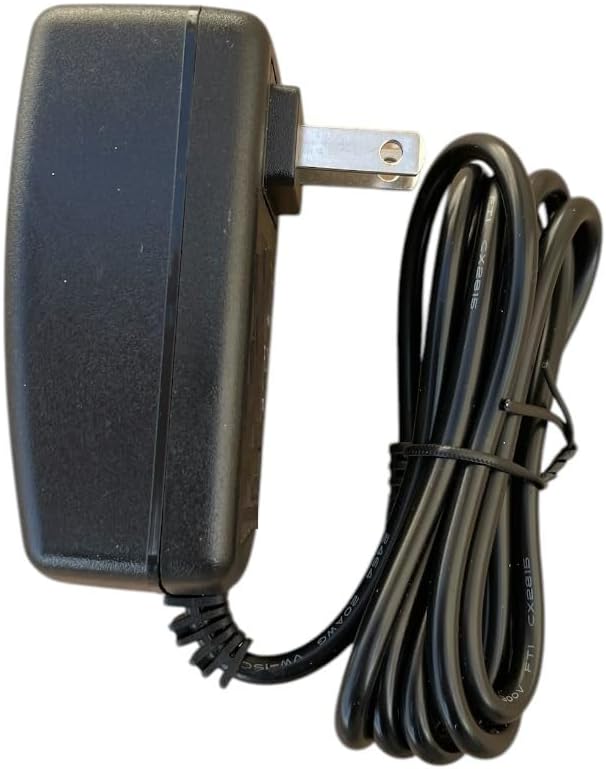
1-сүрөт: Каптал view of the GT POWER AC Adapter, showing the US-style plug and the attached power cable.

2-сүрөт: Арткы view of the GT POWER AC Adapter, displaying the product label with model information, input/output specifications, and safety certifications.
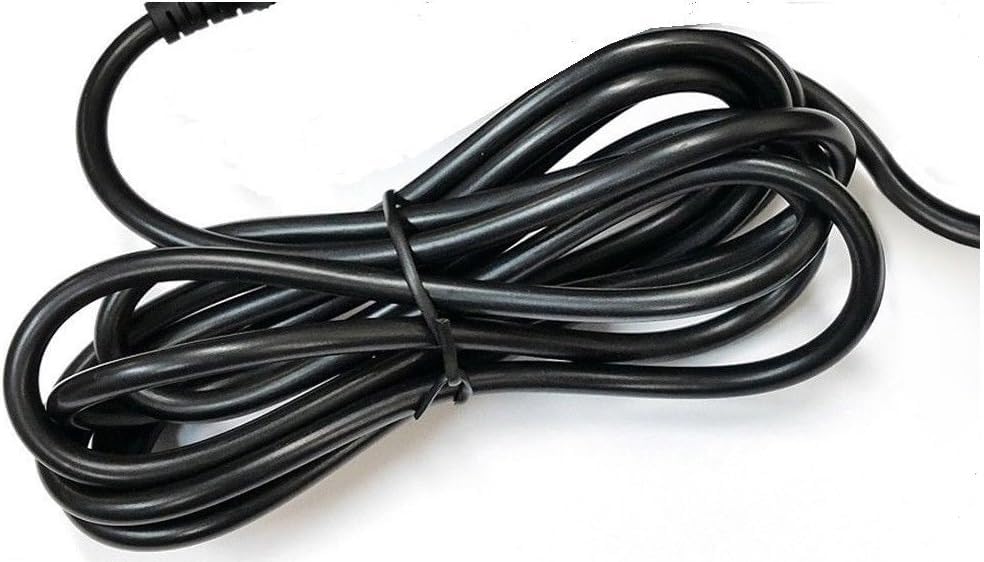
Сүрөт 3: Жакын пландан view of the coiled power cable, indicating its length and flexibility.
4. Орнотуу
AC адаптериңизди туура орнотуу үчүн бул кадамдарды аткарыңыз:
- Таңылганын ачуу: Carefully remove the AC adapter from its packaging. Inspect it for any signs of damage.
- Connect to Mixer: Locate the power input port on your Studiomaster Digilive 16 Mixer. Insert the barrel connector of the AC adapter's cable firmly into this port. Ensure a secure connection.
- Розеткага туташуу: Plug the AC adapter's main plug into a standard 110V AC wall outlet.
- Байланышты текшерүү: Ensure both ends of the adapter are securely connected before powering on your mixer.

Figure 4: The barrel connector, which plugs into the Studiomaster Digilive 16 Mixer's power input.
5. Иштөө нускамалары
Once the adapter is properly connected:
- Ensure your Studiomaster Digilive 16 Mixer is switched off before connecting the power adapter.
- Connect the adapter to the mixer and then to the wall outlet as described in the Setup section.
- Switch on your Studiomaster Digilive 16 Mixer. The mixer should now receive power.
- When finished, switch off the mixer first, then unplug the adapter from the wall outlet.
6. Техникалык тейлөө
To ensure the longevity and proper functioning of your AC adapter:
- Тазалоо: Use a soft, dry cloth to clean the adapter. Do not use liquid cleaners or solvents.
- Сактагыч: Адаптерди колдонбогон учурда салкын, кургак жерде сактаңыз. Кабелди өтө бекем ороп албаңыз.
- Текшерүү: Periodically inspect the cable and connector for any signs of wear, cuts, or damage. If damage is found, discontinue use immediately and replace the adapter.
7. Кыйынчылыктарды
AC адаптериңизде көйгөйлөргө туш болсоңуз, төмөнкү жалпы көйгөйлөрдү жана чечимдерди караңыз:
- No Power to Mixer:
- Check if the adapter is securely plugged into both the wall outlet and the mixer.
- Дубал розеткасынын иштешин башка аспап менен текшерип текшериңиз.
- Inspect the adapter cable and connector for any visible damage.
- Үзгүлтүктүү кубаттуулук:
- Бардык байланыштар тыгыз экендигин текшериңиз.
- Avoid bending or stressing the cable at the connector points.
Бул чечимдерди колдонууга аракет кылгандан кийин көйгөй чечилбесе, кардарларды колдоо кызматына кайрылыңыз.
8. Техникалык шарттар
| Өзгөчөлүк | Спецификация |
|---|---|
| Бренд | GT POWER |
| Модель номери | 109 |
| Киргизүү көлөмүtage | 110 вольт (AC) |
| Output Voltage | 12 вольт (ток) |
| Туташтыргыч түрү | баррель |
| Кабелдин узундугу | 59 inches (Heavy Duty Power Cable) |
| Коргоо өзгөчөлүктөрү | OVP, OCP, SCP |
9. Кепилдик жана колдоо
Бул GT POWER AC адаптери менен келет Бир жылдык кепилдик from the date of purchase. This warranty covers manufacturing defects under normal use. Additionally, a 30 күндүк акчаны кайтаруу кепилдик берилет.
For warranty claims, technical support, or any inquiries, please contact your retailer or GT POWER customer service. Please have your purchase receipt and product model number (109) available when contacting support.