
1. Киришүү
Сатып алганыңыз үчүн рахматasing the JUNJIEUNVO B36 Wireless Over-Ear Headphones. This manual provides detailed instructions for the proper setup, operation, and maintenance of your headphones. Please read this manual thoroughly before use to ensure optimal performance and longevity of your device.

Figure 1: B36 Wireless Over-Ear Headphones. A front-facing view of the B36 Wireless Over-Ear Headphones, showcasing their sleek black design, premium mesh fabric headband, and silver metal accents.
2. Пакеттин мазмуну
Төмөндө тизмеленген нерселердин баары пакетиңизде бар экенин текшериңиз:
- B36 Wireless Over-Ear Headphones
- Колдонуучунун Колдонмосу (бул документ)
- Charging Cable (not explicitly listed in product data, but typically included with wireless headphones)

Figure 2: Product Packaging. The retail packaging for the B36 Hi-Fi Wireless Headphones, showing product features and safety precautions.
3. Продукт бүтүп калдыview жана Controls
The B36 headphones feature an ergonomic design for comfortable extended wear, with intuitive controls located on the earcup for easy access.
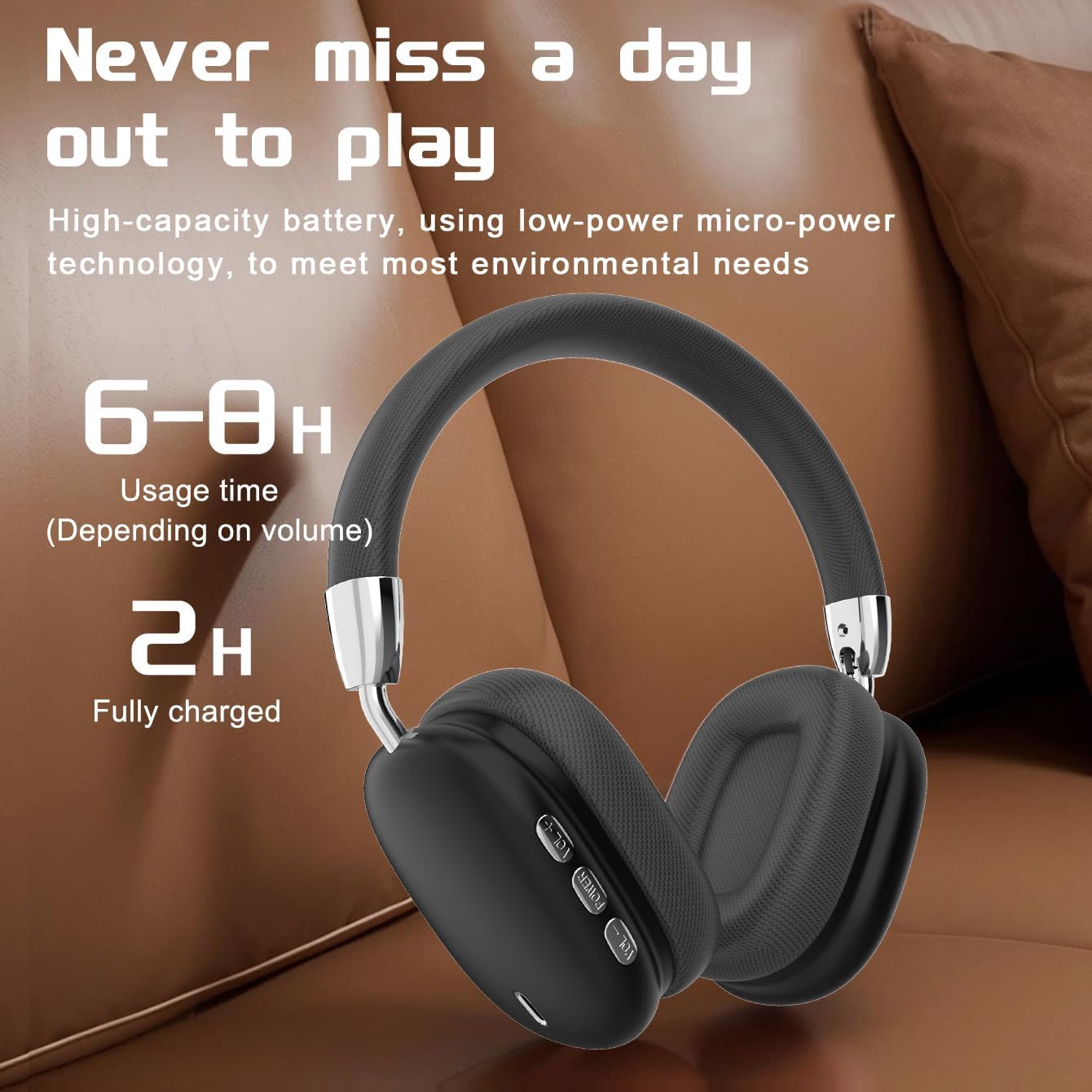
Figure 3: Earcup Controls and Battery Information. This image highlights the battery performance of the B36 headphones, indicating 6-8 hours of usage time and a 2-hour full charge time, with visible control buttons on the earcup.
Башкаруу баскычтары:
- Кубат баскычы: Used for powering the headphones on/off and initiating Bluetooth pairing.
- Үнүн жогорулатуу (+): Аудионун үнүн жогорулатат.
- Үнүн төмөндөтүү (-): Аудионун үнүн азайтат.
- Көп функциялуу баскыч (MFB): Controls playback (play/pause), track selection (next/previous), and call management (answer/end calls).
4. Орнотуу
4.1 Наушниктерди заряддоо
- Заряддоо кабелин наушниктеги заряддоо портуна туташтырыңыз.
- Кубаттоочу кабелдин экинчи учун USB кубат булагына туташтырыңыз (мисалы, компьютердин USB порту, USB дубал адаптери).
- The indicator light will show charging status (refer to LED indicator section for details, if available).
- Толук кубаттоо болжол менен 2 саатты талап кылат.
Important: The charging cable current should be 0.2A. Do not use a high-power charging head for charging. If you use a fast-charging head, please equip yourself with a corresponding power charging cable to avoid overheating and catching fire.
4.2 Күйгүзүү/өчүрүү
- Күйгүзүү: Индикатор жарыгы күйгүчө кубат баскычын болжол менен 3 секунд басып туруңуз.
- Өчүрүү: Күйгүзүү баскычын болжол менен 3 секунд басып, индикатор өчкөнчө кармап туруңуз.
4.3 Bluetooth жупташтыруу
- Наушниктердин өчүрүлгөнүн текшериңиз.
- Press and hold the Power button for approximately 5 seconds until the indicator light flashes rapidly (usually blue and red), indicating pairing mode.
- Түзмөгүңүздө (смартфон, планшет, компьютер) Bluetooth иштетип, жеткиликтүү түзмөктөрдү издеңиз.
- Select "B36" from the list of found devices.
- Once paired, the indicator light on the headphones will change (e.g., slow blue flash or solid blue).
- Эгер сырсөз суралса, "0000" киргизиңиз.
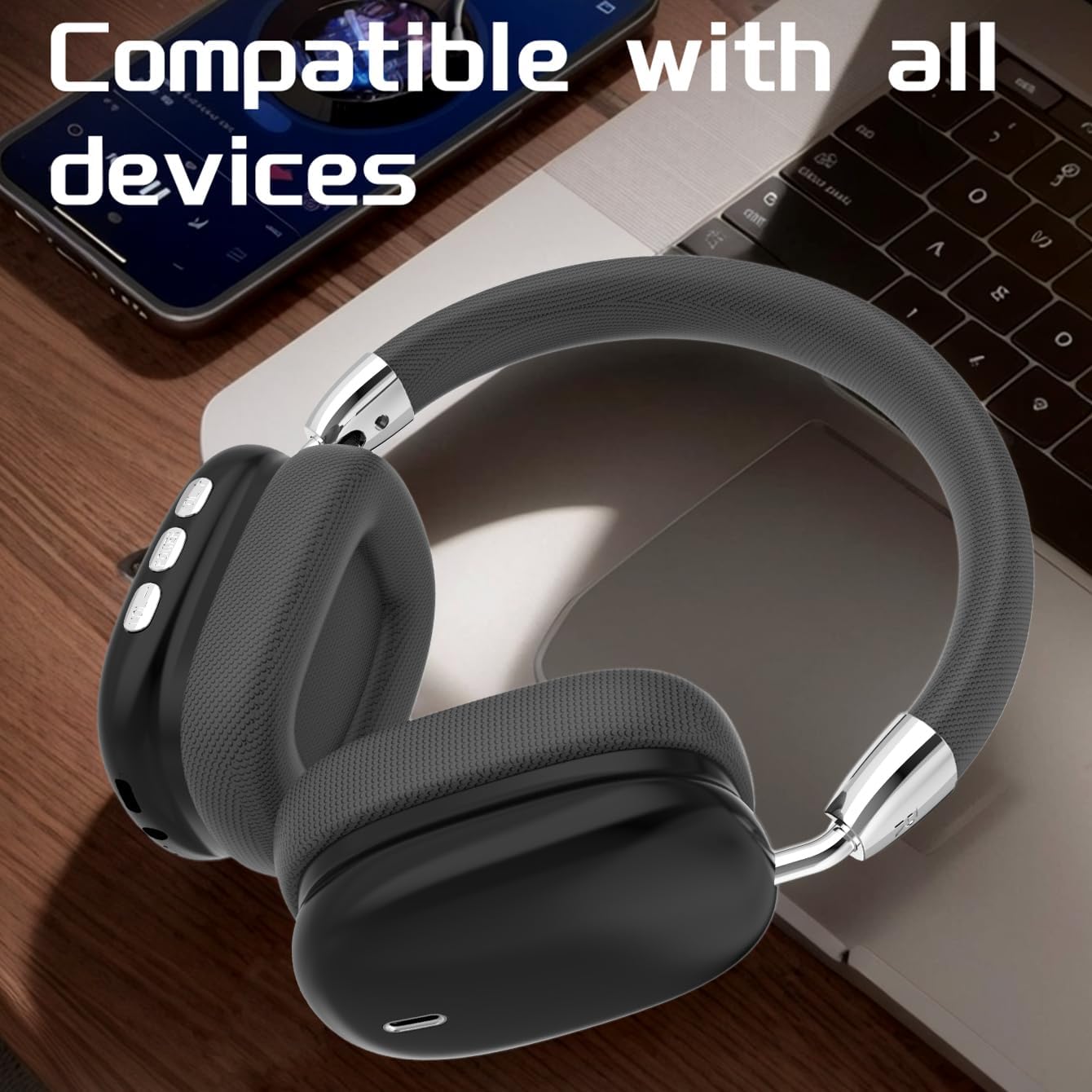
Figure 4: Device Compatibility. The B36 Wireless Over-Ear Headphones placed near a laptop and smartphone, illustrating their broad compatibility with Bluetooth-enabled devices.
5. Иштөө нускамалары
5.1 Аудио ойнотуу
- Ойнотуу/тындыруу: MFB бир жолу басыңыз.
- Кийинки трек: Үндү жогорулатуу (+) баскычын басып, кармап туруңуз.
- Мурунку трек: Үндү азайтуу (-) баскычын басып, кармап туруңуз.
5.2 Үндү башкаруу
- Көлөмүн жогорулатуу: Үндү жогорулатуу (+) баскычын кыска басыңыз.
- Көлөмдү азайтуу: Үндү азайтуу (-) баскычын кыска басыңыз.
5.3 Чалууларды башкаруу
- Чалууга жооп берүү/аяктоо: Press the MFB once during an incoming call or active call.
- Чакырууну четке кагуу: Press and hold the MFB for 2 seconds during an incoming call.
- Акыркы номерди кайра терүү: MFBди эки жолу басыңыз.

Figure 5: In-Use Comfort. A user wearing the B36 Wireless Over-Ear Headphones, demonstrating their comfortable over-ear fit and suitability for various activities.
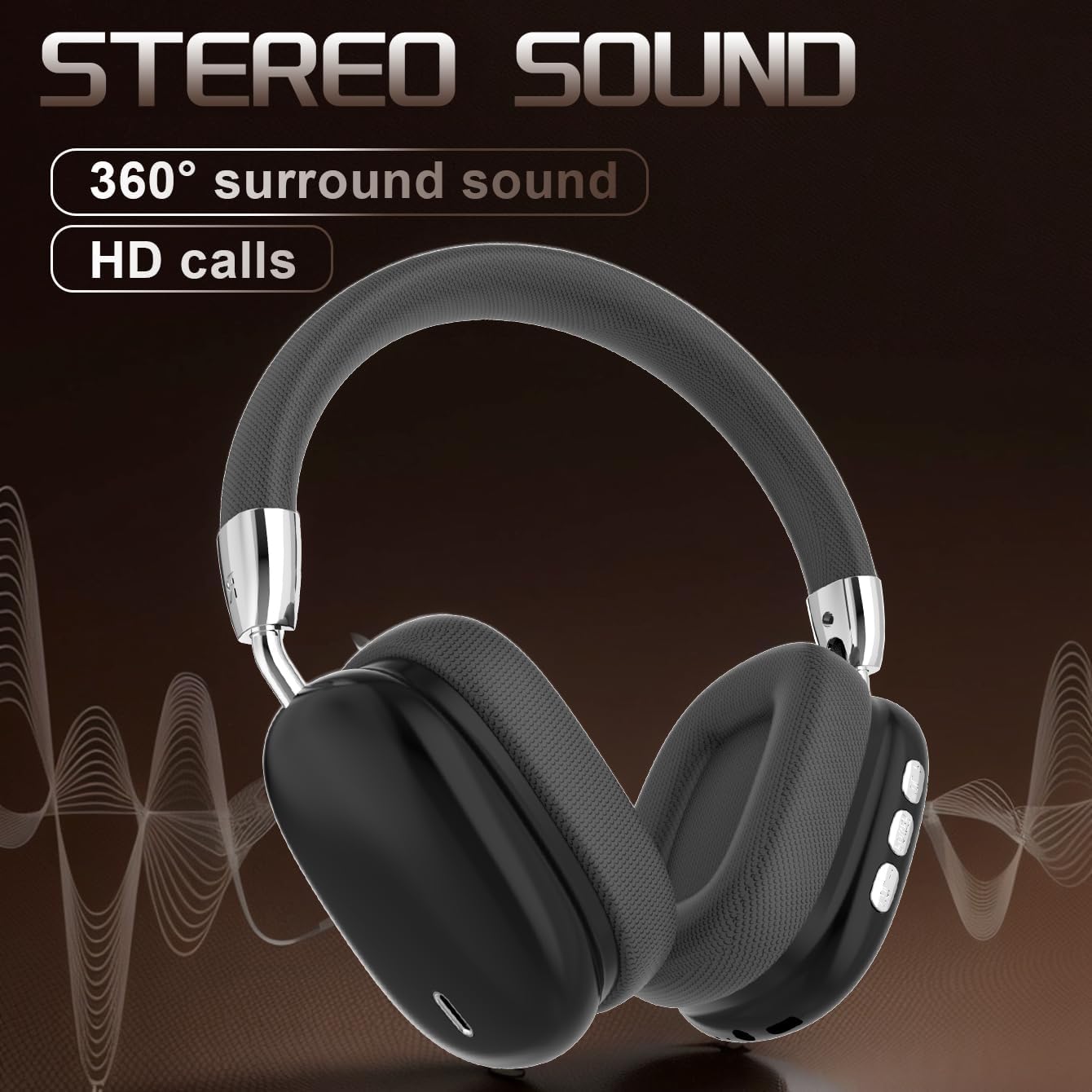
Figure 6: Audio Quality. A visual representation emphasizing the 360-degree surround sound and HD call capabilities of the B36 headphones.
6. Техникалык тейлөө
- Тазалоо: Use a soft, dry cloth to clean the headphones. For the mesh fabric, a slightly damp cloth can be used, but ensure it is not wet. Do not use harsh chemicals or abrasive cleaners.
- Суу каршылык: Бул кулакчындар сууга чыдамдуу эмес. Суюктуктардын, нымдуулуктун жана өтө нымдуулуктун таасиринен алыс болуңуз.
- Сактагыч: Колдонулбаганда, наушниктерди салкын, кургак жерде, тике күндүн нурунан жана өтө температурадан алыс сактаңыз. Бүктөлүүчү дизайн компакт сактоого мүмкүндүк берет.
- Батареяга кам көрүү: If the product is not used for a long time, please make sure to charge it at least once every two months to maintain battery health.
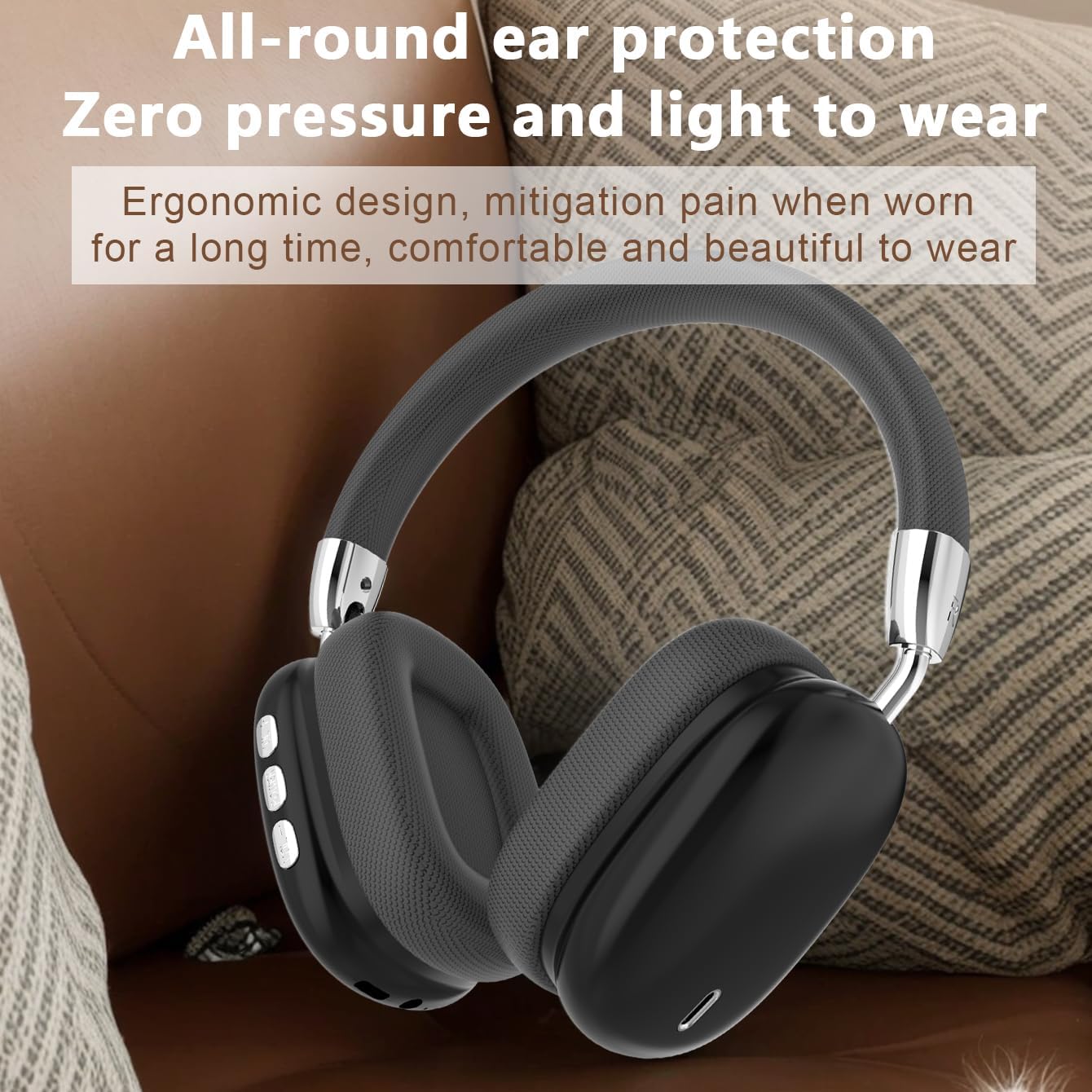
Figure 7: Ergonomic Design. The B36 Wireless Over-Ear Headphones shown with text describing their ergonomic design, providing zero pressure and light wear for extended comfort.
7. Кыйынчылыктарды
| Көйгөй | Мүмкүн себеп | Чечим |
|---|---|---|
| Кулакчындар күйбөйт. | Батарея аз. | Кулакчындарды кеминде 2 саат кубаттаңыз. |
| Түзмөк менен жупташтыруу мүмкүн эмес. | Наушник жупташтыруу режиминде эмес; түзмөктө Bluetooth өчүк; аппарат өтө алыс. | Ensure headphones are in pairing mode (flashing indicator light). Turn on Bluetooth on your device. Move headphones closer to the device (within 33 feet). |
| Үн жок же үнү төмөн. | Наушниктерде же түзмөктө үн өтө төмөн; кулакчындар туташкан эмес. | Increase volume on both headphones and connected device. Re-pair the headphones if connection is lost. |
| Үн сапаты начар. | кийлигишүү; аппарат өтө алыс; аз батарея. | Move away from sources of interference (Wi-Fi routers, other Bluetooth devices). Move closer to the connected device. Charge the headphones. |
8. Техникалык шарттар
| Өзгөчөлүк | Деталь |
|---|---|
| Модель аты | B36 |
| Байланыш технологиясы | Зымсыз (Bluetooth) |
| Bluetooth версиясы | 5.0 |
| Bluetooth диапазону | 33 Фут (10 метр) |
| Кулак жайгаштыруу | Кулак үстүндө |
| Noise Control | Пассивдүү ызы-чууну жокко чыгаруу |
| Frequency Response | 20 Hz (Lower limit, upper limit not specified) |
| Сезимталдуулук | 102 дБ |
| Импеданс | 32 Ом |
| Аудио драйверинин өлчөмү | 40 миллиметр |
| Заряддоо убактысы | 2 саат |
| Колдонуу убактысы | 6-8 саат (көлөмүнө жараша) |
| Материал | Металл, Пластик, Премиум тор кездемеси |
| Элемент Салмагы | 310 грамм (10.9 унция) |
| Сууга туруктуулук деңгээли | Сууга чыдамдуу эмес |
| Өндүрүүчү | БУУнун Волонтёрдук Комитети |
9. Кепилдик жана колдоо
The product has a shelf life of one year, which typically implies a one-year warranty period from the date of purchase. Please retain your proof of purchase for warranty claims.
For technical support, warranty inquiries, or service, please contact the manufacturer or your retailer. Refer to the contact information provided on the product packaging or the official JUNJIEUNVO webсайт.
Note: Specific contact details are not provided in this manual.
10. Коопсуздук чаралары
- Наушниктерди экстремалдык температурага, түз күндүн нуруна же жогорку нымдуулукка дуушар кылбаңыз.
- Do not disassemble, repair, or modify the headphones yourself. This may void the warranty and cause damage.
- Наушниктерди балдардан жана үй жаныбарларынан алыс кармаңыз.
- Угуу жөндөмүнө зыян келтирбөө үчүн узак убакыт бою катуу үн менен угуудан алыс болуңуз.
- Продукцияны жергиликтүү эрежелерге ылайык таштаңыз.