
1. Киришүү
This manual provides essential information for setting up, operating, and maintaining your NIMO 17.3-inch Business Laptop, Model N171. Please read this guide thoroughly to ensure proper use and to maximize the performance and longevity of your device. Keep this manual for future reference.

Image 1.1: NIMO 17.3-inch Business Laptop overview.
2. Пакеттин мазмуну
Пакетте бардык буюмдар бар экенин текшериңиз:
- 1 x Nimo N171 Laptop
- 1 x Type-C 65W PD Fast Charger
- 1 х Колдонуучунун колдонмосу (бул документ)
- Windows 11 Home Operating System (pre-installed)
3. Орнотуу
3.1 Алгачкы заряддоо
Before first use, connect the provided 65W Type-C PD Fast Charger to the laptop and a power outlet. Allow the battery to charge fully. The charging indicator light will confirm the charging status.

Image 3.1: The 65W Type-C PD Fast Charger.
3.2 Powering On and Initial Windows Setup
- Ноутбуктун капкагын ачыңыз.
- Баскычтопто жайгашкан кубат баскычын басыңыз.
- Windows 11 Home'ду баштапкы орнотууну, анын ичинде тилди тандоону, тармакка туташууну жана колдонуучу каттоо эсебин түзүүнү аяктоо үчүн экрандагы нускамаларды аткарыңыз.
4. Иштөө нускамалары
4.1 Электр энергиясын башкаруу
- Күйгүзүү: Кубат баскычын басыңыз.
- Уйку режими: Капкакты жабыңыз же кубат баскычын кыскача басыңыз.
- Өчүрүү: Баштоо баскычын чыкылдатып, андан кийин Кубат > Өчүрүү.
4.2 Манжа изин окугуч
The laptop features a fingerprint reader integrated into the touchpad for secure login. To set up:
- Windows Орнотуулары > Каттоо эсептери > Кирүү параметрлери бөлүмүнө өтүңүз.
- "Манжа изин таануу (Windows Hello)" тандап, манжа издериңизди каттоо үчүн көрсөтмөлөрдү аткарыңыз.

Image 4.1: Fingerprint reader location on the touchpad.
4.3 Арткы жарыктандырылган баскычтоп
The keyboard features backlighting for improved visibility in low-light conditions. Use the dedicated function key (usually Fn + Fx) to toggle the backlight on/off or adjust its brightness levels.

Image 4.2: The backlit keyboard illuminated for use in dim lighting.
4.4 Байланыш
The NIMO N171 laptop offers various connectivity options:
- Wi-Fi 6: Жогорку ылдамдыктагы зымсыз интернетке кирүү үчүн.
- Bluetooth 5.2: Кулакчындар же чычкандар сыяктуу зымсыз перифериялык түзүлүштөрдү туташтыруу үчүн.
- USB порттору: Includes USB 3.2 Gen1, USB 2.0, and USB Type-C ports for connecting external devices.
- HDMI 2.1 порту: Тышкы дисплейлерге же проекторлорго туташуу үчүн.
- Микро SD карта слоту: Сактагычты кеңейтүү же өткөрүп берүү үчүн files.
- Аудио Jack: Наушник же тышкы динамиктер үчүн.

Image 4.3: Diagram illustrating the various ports on the NIMO N171 laptop.
4.5 Дисплей
The laptop features a 17.3-inch Full HD (1920x1080) IPS anti-glare display, providing clear visuals and wide viewing angles. The narrow bezels contribute to an immersive viewтажрыйбасы.

Image 4.4: The 17.3-inch FHD IPS display with narrow bezels.
4.6 180-degree Lay-Flat Hinge
The laptop is equipped with a 180-degree lay-flat hinge, allowing the screen to be opened completely flat. This feature is useful for sharing content with others or adjusting the viewing angle for various scenarios.

Image 4.5: Illustration of the laptop's 180-degree lay-flat hinge capability.
5. Техникалык тейлөө
5.1 Тазалоо
- Бир аз жумшак, түксүз кездемени колдонуңуз dampдисплейди тазалоо үчүн суу же экран тазалагыч менен иштетиңиз.
- Баскычтоп жана шасси үчүн жумшак, кургак чүпүрөктү колдонуңуз. Катуу химиялык заттардан же абразивдүү материалдардан алыс болуңуз.
- Тазалоодон мурун ноутбуктун өчүрүлгөнүн жана розеткадан ажыратылганын текшериңиз.
5.2 Сактоо
Store the laptop in a cool, dry environment away from direct sunlight and extreme temperatures. If storing for an extended period, ensure the battery is charged to approximately 50% to preserve its lifespan.
6. Кыйынчылыктарды
Бул бөлүм сиз кабылышы мүмкүн болгон жалпы көйгөйлөрдү карайт.
6.1 Ноутбук күйбөйт
- Ensure the charger is properly connected to both the laptop and a working power outlet.
- Кубат адаптери туура иштеп жатканын текшериңиз.
- Батарея толугу менен түгөнүп калса, ноутбук күйгүчө кубаттоого бир нече мүнөт талап кылынышы мүмкүн.
6.2 Wi-Fi туташуу маселелери
- Windows жөндөөлөрүндө Wi-Fi иштетилгенин текшериңиз.
- Роутериңизди жана модемиңизди өчүрүп күйгүзүңүз.
- Wi-Fi тармагынын жеткиликтүүлүк аймагында экениңизди жана туура сырсөздү киргизгениңизди текшериңиз.
6.3 Keyboard Backlight Not Working
- Press the dedicated function key combination (e.g., Fn + Fx) to toggle or adjust the backlight.
- Check power settings, as some configurations may disable backlighting to conserve battery.
Көбүрөөк жардам алуу үчүн, Кепилдик жана колдоо бөлүмүн караңыз.
7. Техникалык шарттар
Key technical specifications for the NIMO N171 laptop:
| Өзгөчөлүк | Деталь |
|---|---|
| Бренд | NIMO |
| Модель аты | Nimo N171S |
| Screen Size | 17.3 дюйм |
| Screen Resolution | 1920 x 1080 пиксел (FHD) |
| Процессор | Intel Core i3-1215U (6 ядро, 4.4 ГГц чейин) |
| RAM | 16 ГБ DDR4 (3200 МГц) |
| Катуу диск | 1 ТБ PCIe SSD |
| Графикалык сопроцессор | Intel Integrated Graphics |
| Операция системасы | Windows 11 Home |
| Зымсыз түрү | 802.11a/b/g/n/ac (Wi-Fi 6), Bluetooth 5.2 |
| Порттар | USB 3.0 (x2), USB 2.0 (x1), USB Type-C (x2, one charge only), HDMI 2.1, Micro SD, Audio Jack |
| Өзгөчөлүктөр | Backlit Keyboard, Fingerprint Reader, HD Audio, Memory Card Slot, Numeric Keypad |
| Батареянын орточо иштөө мөөнөтү | 5 Hours (53.58 Wh Capacity) |
| Элемент Салмагы | 3.8 фунт |
| Продукциянын өлчөмдөрү | 15.61 x 9.84 x 0.78 дюйм |
| Түс | Табигый күмүш |

Image 7.1: Details of the 12th Gen Intel Core i3-1215U Processor.
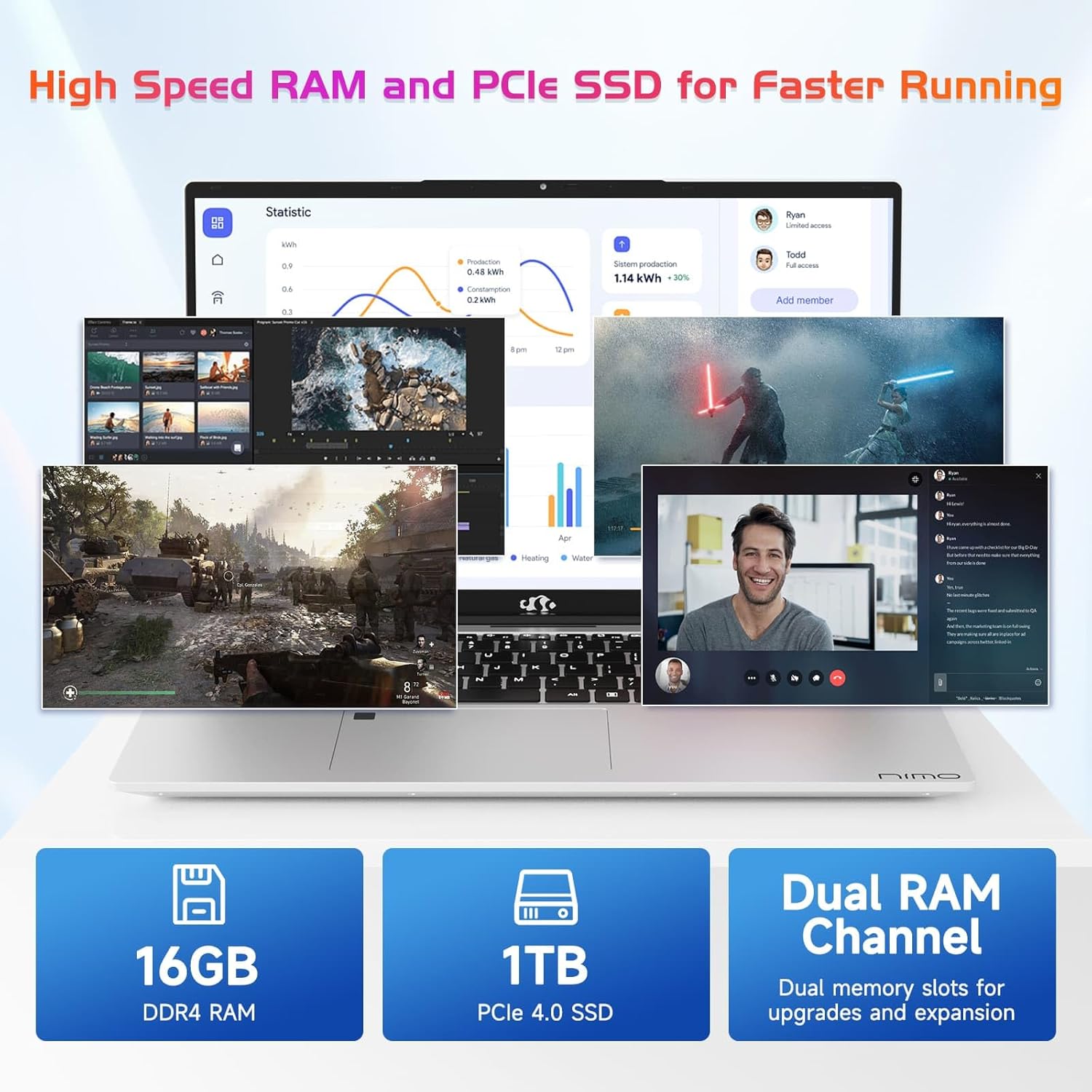
Image 7.2: Information on the 16GB DDR4 RAM and 1TB PCIe SSD.
8. Кепилдик жана колдоо
NIMO provides comprehensive support for your laptop:
- 2-Year Manufacturer's Warranty: Кадимки колдонууда материалдардагы жана жасалгадагы кемчиликтерди камтыйт.
- 90 күндүк кайтаруу саясаты: Сатып алынгандан кийин 90 күндүн ичинде кайтарып берүүгө мүмкүндүк берет.
- 24/7 Customer Service Support: Contact NIMO customer service for technical assistance or warranty claims. Refer to the contact information provided with your purchase or on the official NIMO webсайт.

Сүрөт 8.1: Бүттүview of NIMO's after-sales support services.
9. Коопсуздук маалыматы
Түзмөгүңүзгө зыян келтирбөө же жаракат алуунун алдын алуу үчүн төмөнкү коопсуздук чараларын сактаңыз:
- Ноутбукту экстремалдык температурага, түз күндүн нуруна же жогорку нымдуулукка дуушар кылбаңыз.
- Ноутбукка оор нерселерди коюудан алыс болуңуз.
- Use only the provided charger or a NIMO-approved replacement.
- Ноутбукту өз алдынча бөлүүгө же оңдоого аракет кылбаңыз. Квалификациялуу тейлөө кызматкерлерине кайрылыңыз.
- Суюктуктарды аппараттан алыс кармаңыз.
10. Юридикалык жоопкерчиликтен баш тартуу
This product is subject to Proposition 65 warning. The information in this manual is subject to change without notice. NIMO assumes no responsibility for any errors or omissions that may appear in this document. All trademarks and registered trademarks are the property of their respective owners.