
Introduction
This manual provides detailed instructions for the Edifier W820NB Plus Gen 2 Wireless Over-Ear Noise Cancelling Headphones. Please read this manual thoroughly before using the product to ensure proper operation and to maximize your listening experience.
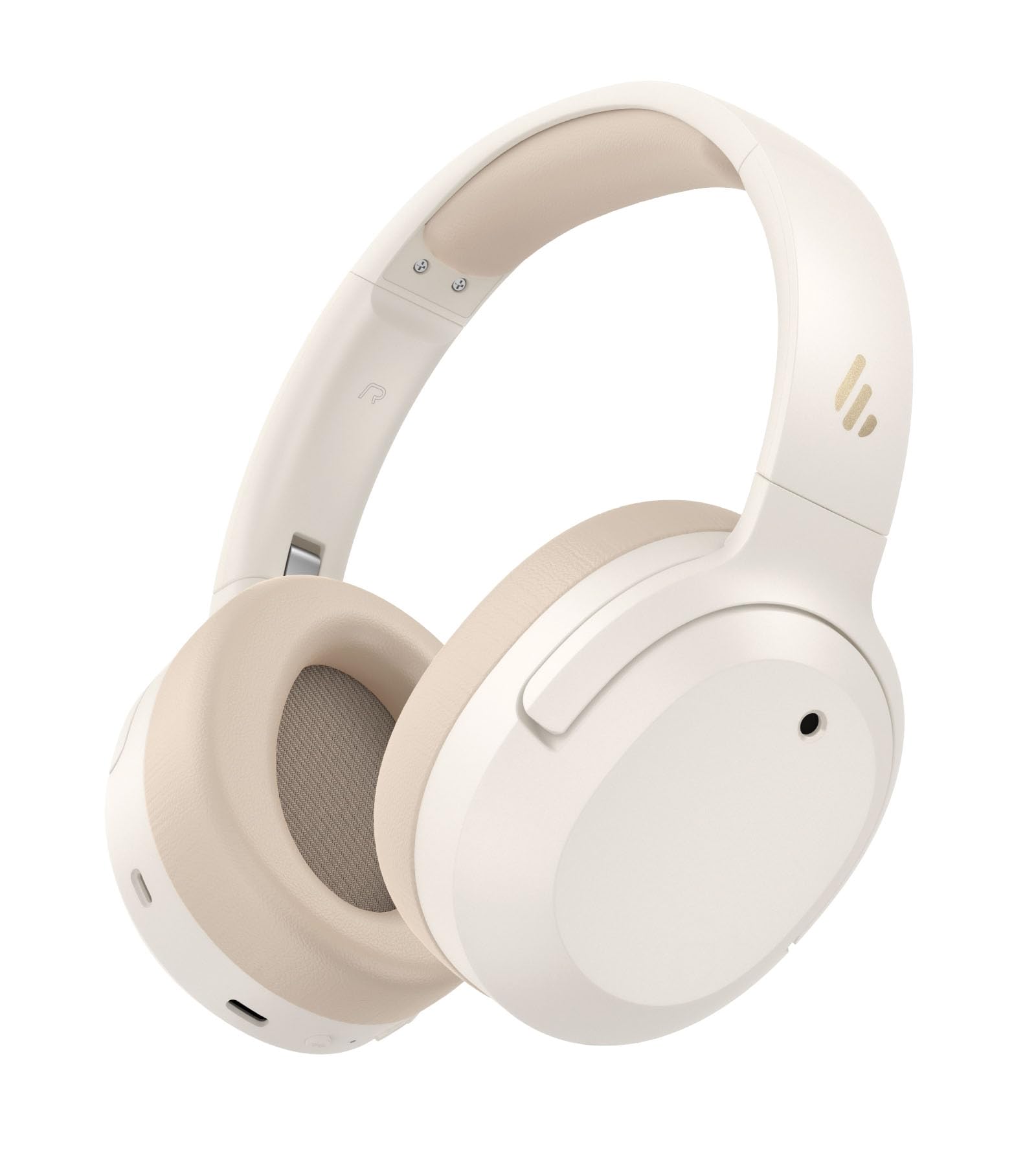
Image: Edifier W820NB Plus Gen 2 Headphones in Ivory.
Кутуда эмне бар
Upon opening your Edifier W820NB Plus Gen 2 package, you should find the following items:
- Edifier W820NB Plus Gen 2 Headphones
- USB-C Charging Cable (1.2 meters)
- User Manual
- Маанилүү коопсуздук маалыматы
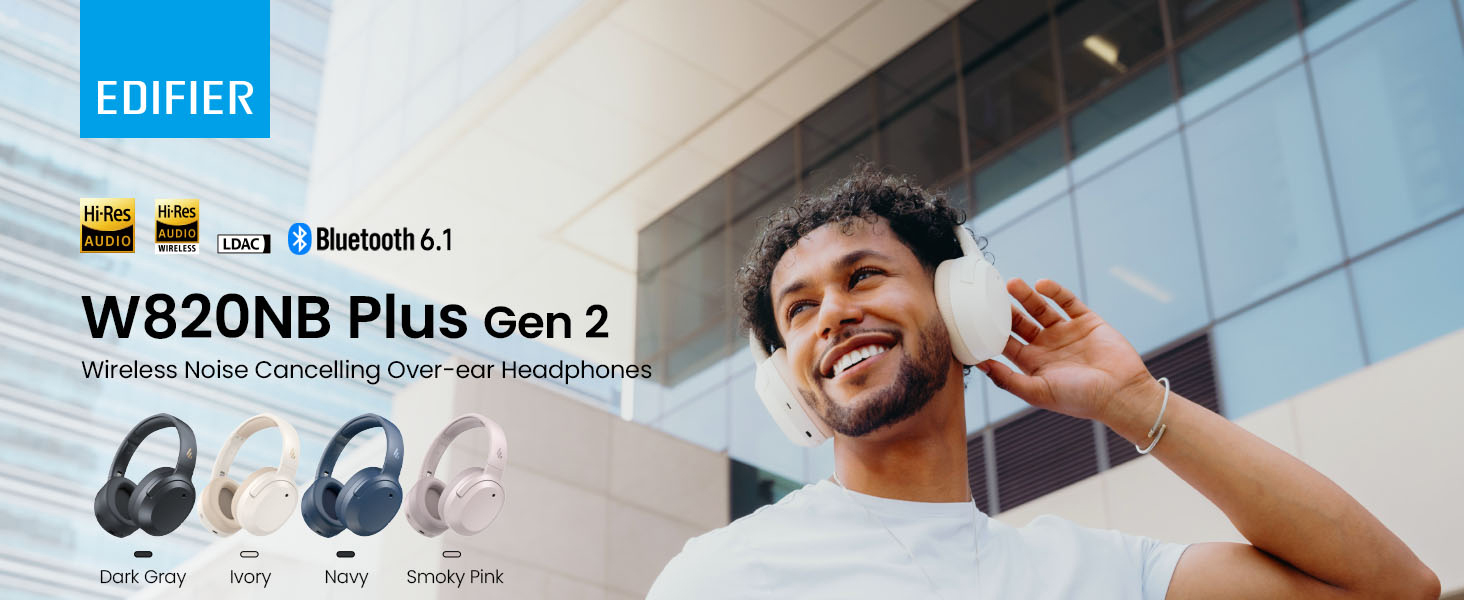
Image: Box contents showing the headphones, charging cable, and documentation.
Жайгашуу
Күйгүзүү/өчүрүү
- Күйгүзүү: Press and hold the power button for approximately 2 seconds. The blue LED will blink once.
- Өчүрүү: Press and hold the power button for approximately 2 seconds. The red LED will blink once.
Bluetooth Жупташтыруу
Биринчи жолу жупташтыруу
- Power on the headphones. They will automatically enter Bluetooth pairing mode.
- The LED will blink blue and green alternately.
- On your phone or device, select "EDIFIER W820NB Plus" from the Bluetooth list.
- Once connected, the blue LED will blink twice.
Pairing a New Device (Multipoint)
- Наушниктерди күйгүзүңүз.
- Press and hold the multi-function button for about 3 seconds to re-enter Bluetooth pairing mode. The voice prompt will say "Pairing," and the LED will blink blue and green alternately.
- Select "EDIFIER W820NB Plus" on your new device to pair.
- To complete multipoint connection, go back to the first paired device and reconnect to "EDIFIER W820NB Plus".
Download the EDIFIER ConneX App
Enhance your experience by downloading the EDIFIER ConneX App. Издөө "EDIFIER ConneX" in your device's app store or scan the QR code provided in the packaging or user manual. The app allows you to switch ANC modes, customize EQ, adjust sound effects, set maximum volume levels, and access other settings.
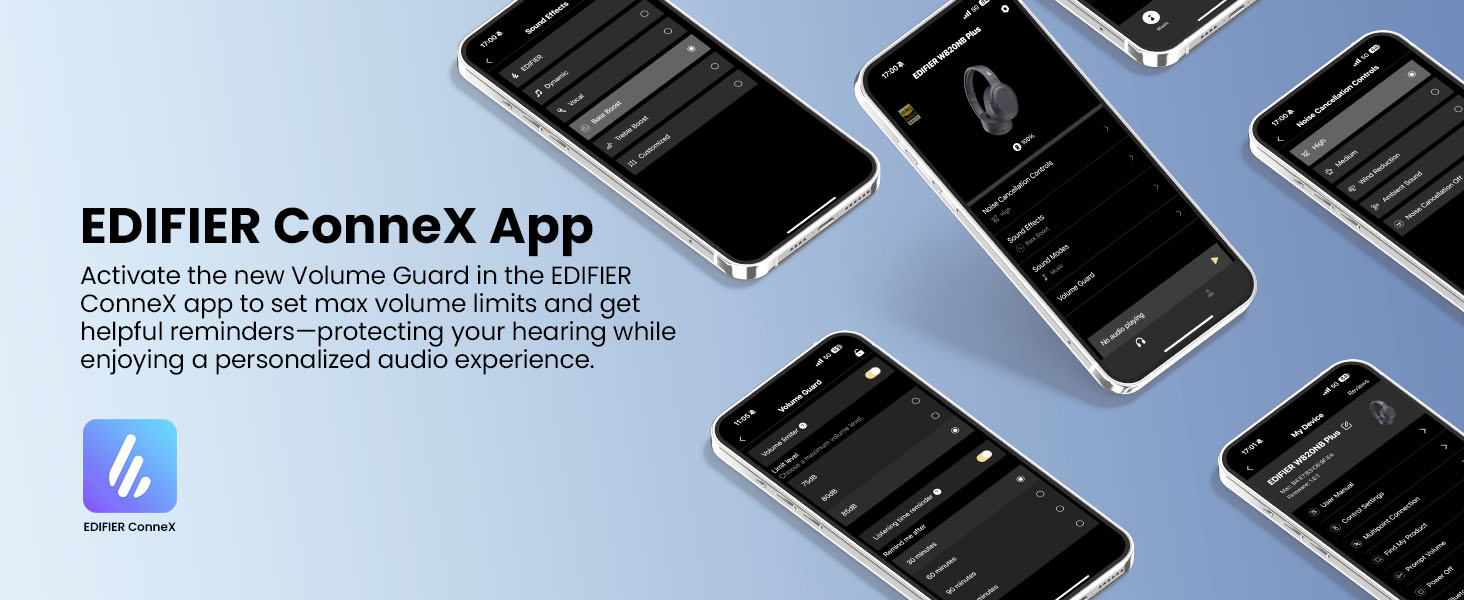
Image: The EDIFIER ConneX App provides extensive customization options.
Official User Guide Video
Video: A detailed user guide video demonstrating various features and setup processes for the Edifier W820NB Plus Gen 2 headphones.
Иштөө нускамалары
Controls
Кулакчындар оңой башкаруу үчүн интуитивдик физикалык баскычтар менен жабдылган:
| баскыч | Акция | Функция |
|---|---|---|
| Кубат баскычы (көп функциялуу) | Single Press | Ойнотуу/тындыруу, Чалууга жооп берүү/аяктоо |
| Кубат баскычы (көп функциялуу) | Кош басуу | Reject Call, Voice Assistant |
| Кубат баскычы (көп функциялуу) | Басыңыз жана кармап туруңуз | Күйгүзүү/өчүрүү |
| Үнүн жогорулатуу (+) | Single Press | Үнүн жогорулатуу |
| Үнүн жогорулатуу (+) | Басыңыз жана кармап туруңуз | Кийинки трек |
| Үнүн азайтуу (-) | Single Press | Үндү азайтуу |
| Үнүн азайтуу (-) | Басыңыз жана кармап туруңуз | Мурунку трек |
| ANC баскычы | Single Press | Switch ANC Modes (High Noise Cancellation / Ambient Sound / Noise Cancellation Off) |
| ANC баскычы | Кош басуу | Switch Sound Effects (Music Mode / Game Mode / Spatial Sound) |
| ANC баскычы | Басыңыз жана кармап туруңуз | Bluetooth жуп |
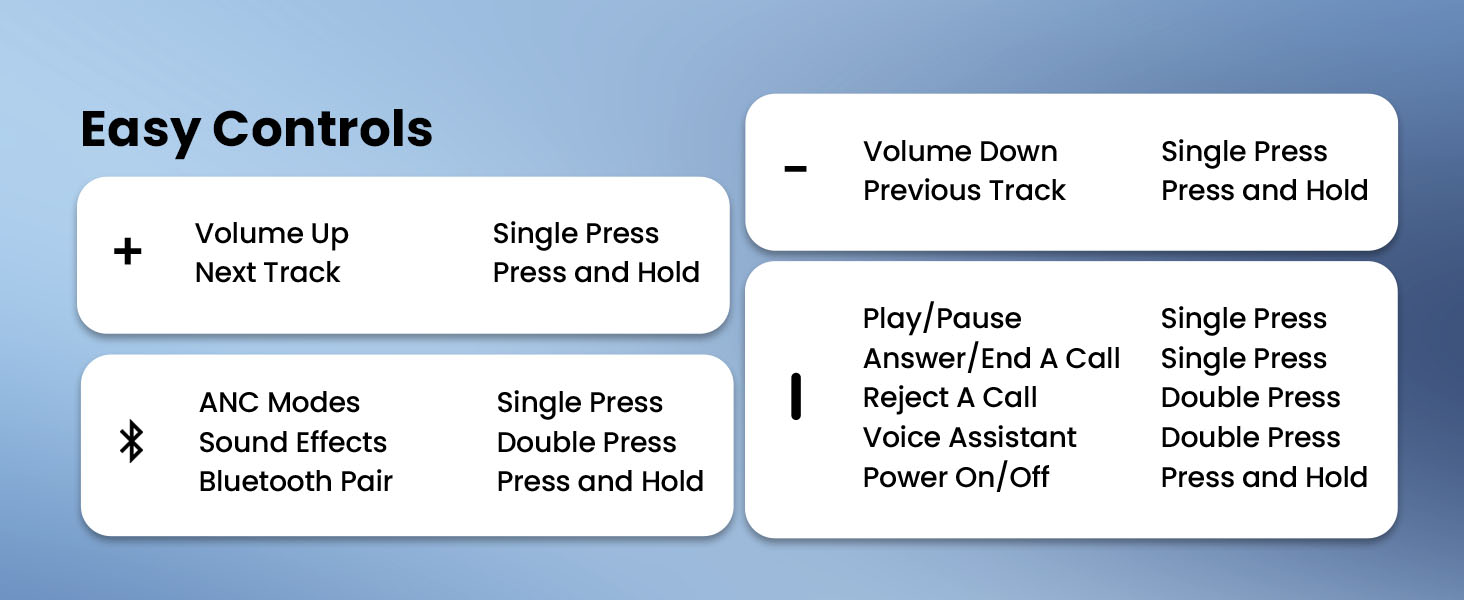
Image: Easy controls for managing audio and calls.
Активдүү Шумду Жоюу (ANC)
The headphones feature advanced -49dB hybrid ANC with multiple modes:
- Жогорку ызы-чууну жокко чыгаруу: For maximum noise reduction in loud environments.
- Орточо ызы-чууну жокко чыгаруу: A balanced mode for moderate noise.
- Айланадагы үн: Аудио угуп жатканда айланаңызды угууга мүмкүнчүлүк берет.
- Шамалды азайтуу: Шамалдын ызы-чуусун азайтуу үчүн атайын иштелип чыккан.
- Ызы-чууну басуу өчүрүлгөн: ANC өчүрөт.
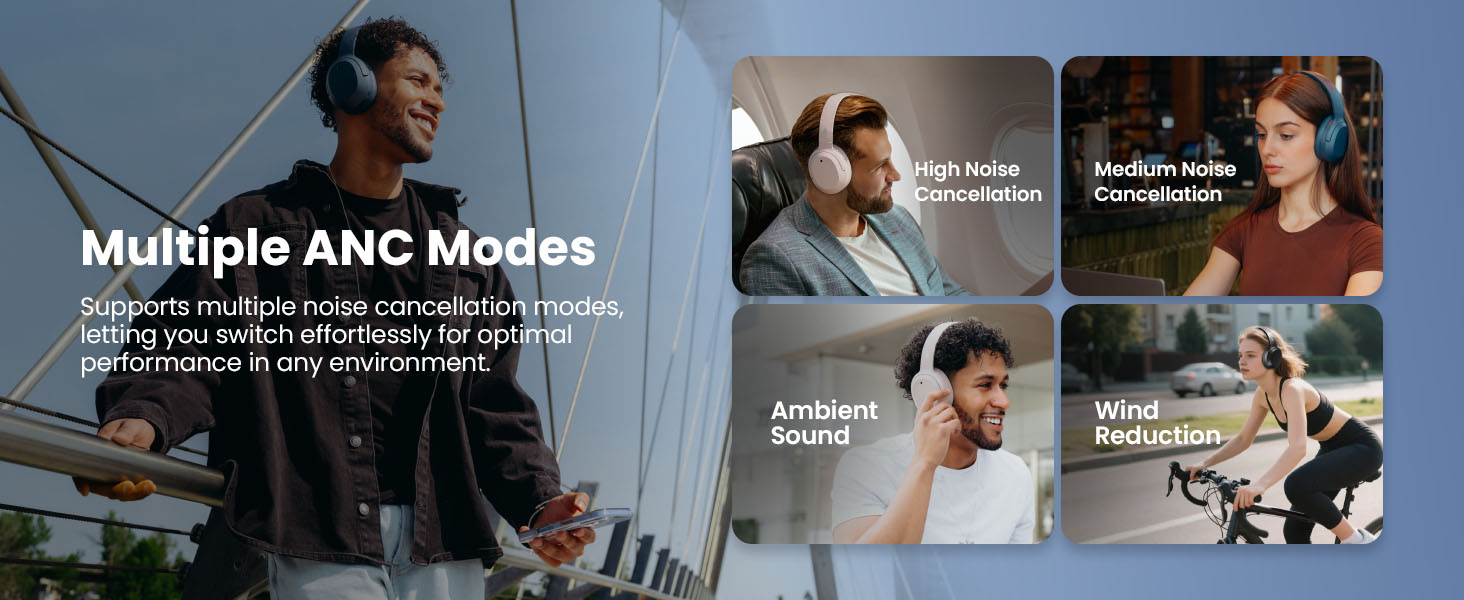
Image: Multiple ANC modes for various environments.
Мейкиндик үн
Immerse yourself in a dynamic 360° surround sound experience with lifelike depth and clarity. Activate Spatial Sound via the EDIFIER ConneX App or by double-pressing the ANC button until the Spatial Sound effect is selected.
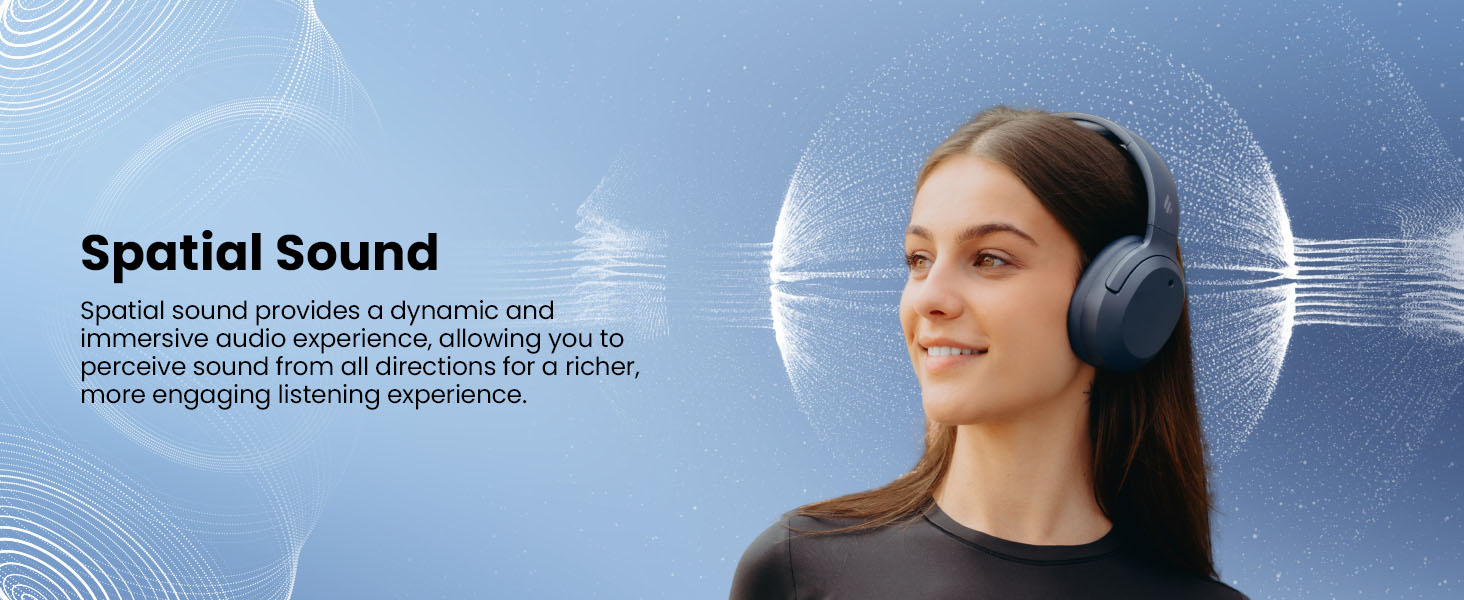
Image: Experience immersive spatial audio for 3D sound.
Оюн режими
For a smoother, more immersive gameplay experience, activate Gaming Mode. This mode reduces audio latency for responsive sound. Access Gaming Mode via the EDIFIER ConneX App or by double-pressing the ANC button until the Game Mode effect is selected.
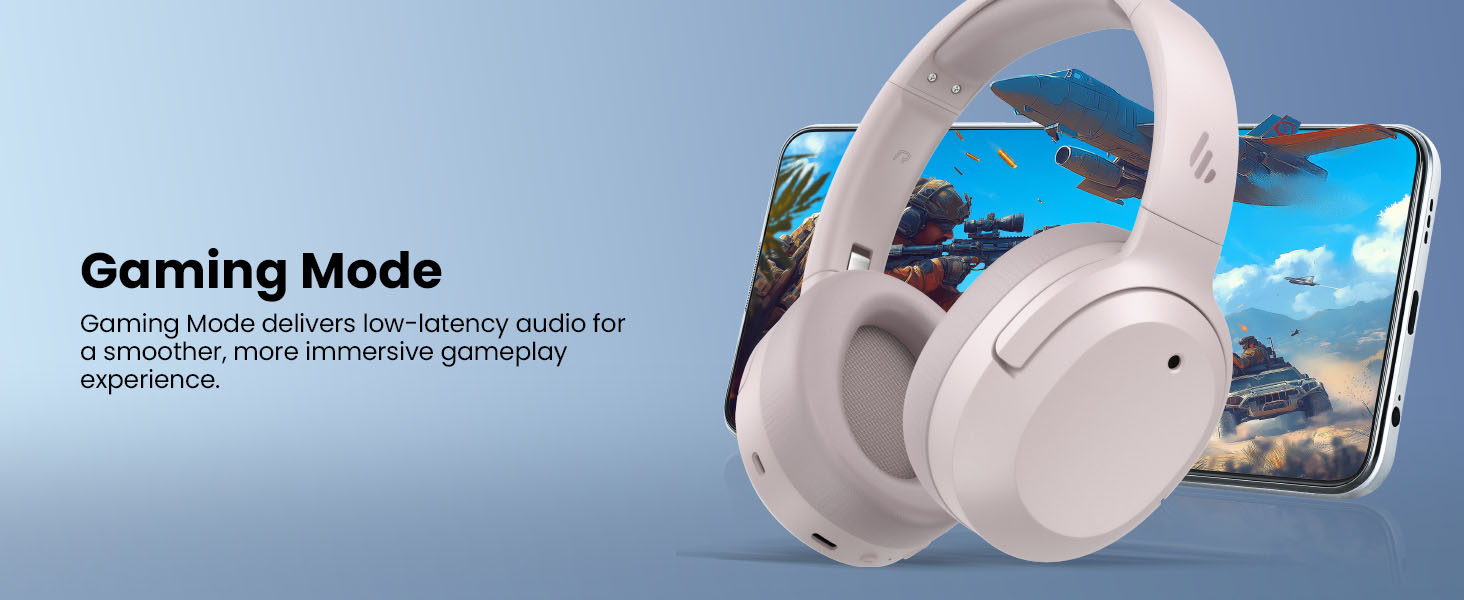
Image: Gaming Mode provides low-latency audio for an enhanced experience.
Volume Guard
The Volume Guard feature, accessible through the EDIFIER ConneX App, helps protect your hearing by allowing you to set a preferred maximum volume level and receive listening time reminders.
Зымдуу туташуу
To use the headphones in wired mode, plug the included USB-C cable into the headphone's USB-C port and connect the other end to a computer or another device with a USB port. The wired connection will automatically disable Bluetooth mode.
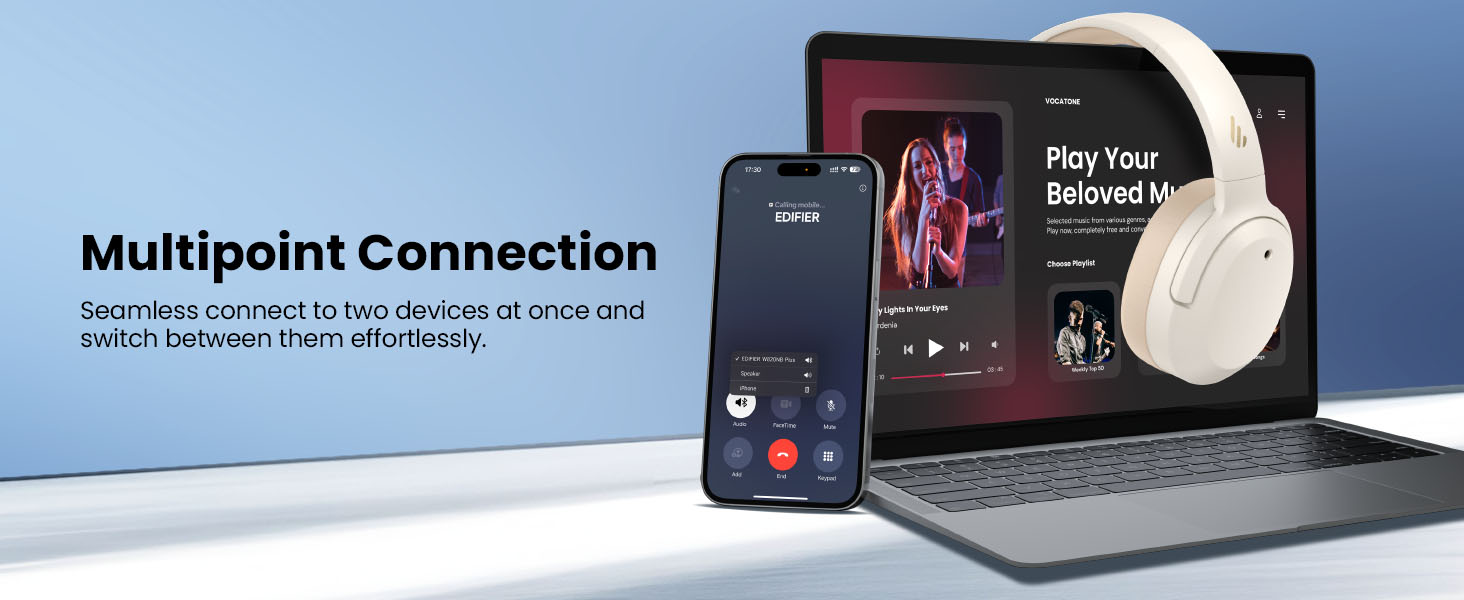
Image: Wired connection for continuous playback and charging.
Техникалык тейлөө
Заряддоо
The headphones offer up to 88 hours of continuous use (49 hours with ANC enabled). When the battery is low (less than 2%), a voice prompt will notify you: "Low battery, please charge," and the red LED will flash every 5 seconds.
To charge your headphones, plug the USB-C charging cable into the headphone's USB-C port and connect the other end to a computer or a wall charger. The LED will stay solid red while charging. It will turn green when fully charged if connected to a computer, or it will turn off when connected to a wall charger.
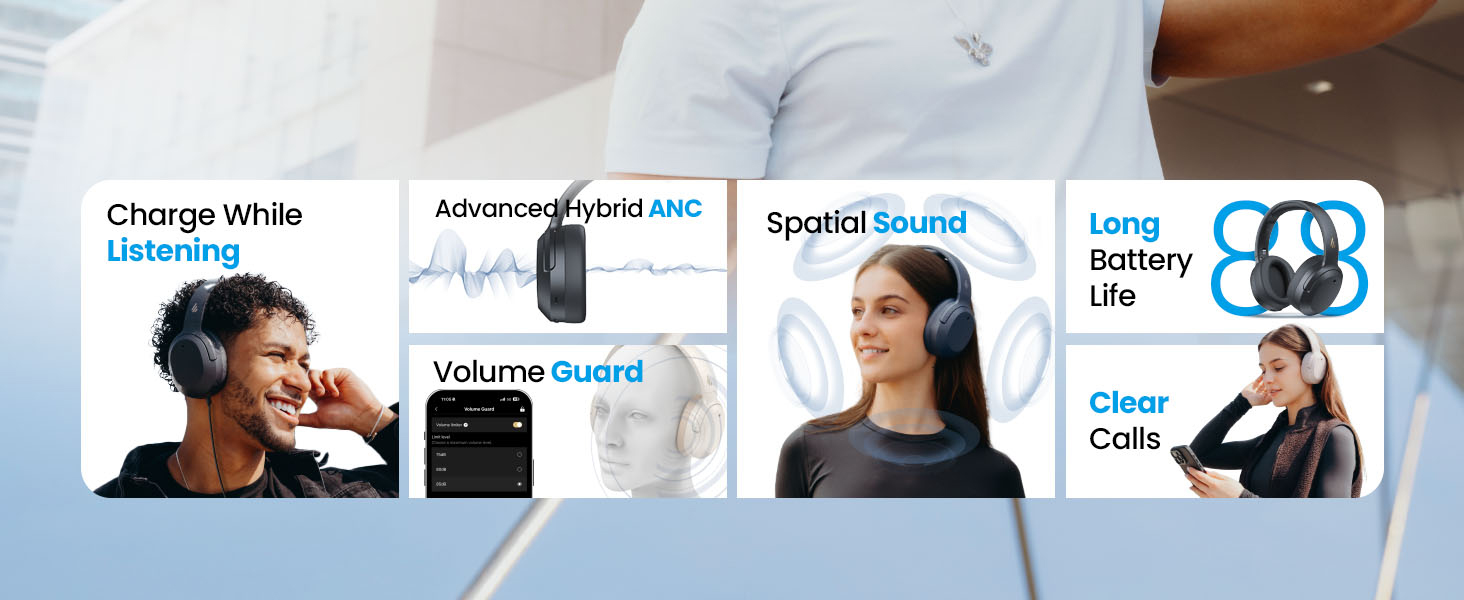
Image: Battery life and fast charging capabilities.
Тазалоо жана сактоо
- Use a soft, dry cloth to clean the headphones. Avoid using abrasive cleaners or solvents.
- Store the headphones in a cool, dry place away from extreme temperatures and humidity.
- The headphones feature a compact and foldable design for easy storage and portability.
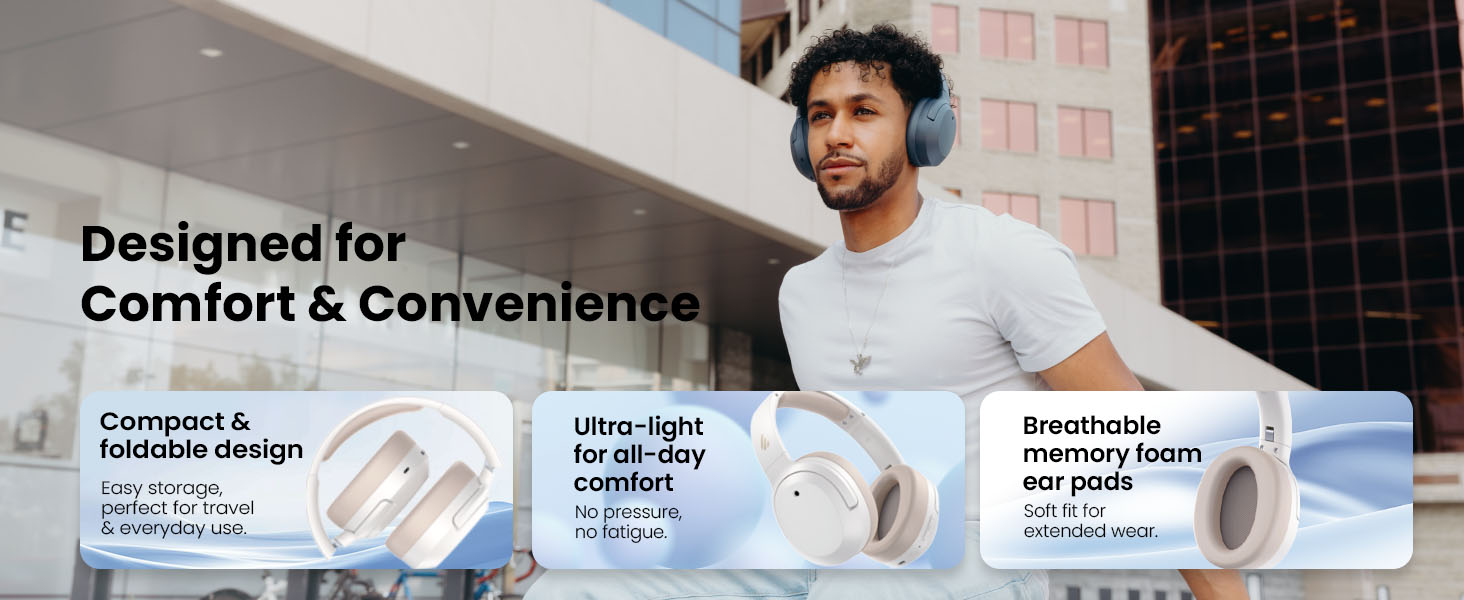
Image: Foldable design for comfort and convenience.
Проблемаларды чечүү
Наушниктерди баштапкы абалга келтирүү
If you encounter any issues during use, you can reset the headphones to restore factory settings:
- Press and hold the top (+) and bottom (-) buttons simultaneously for 5 seconds.
- The blue LED will blink six times until the reset is complete.
- A voice prompt will say "Disconnected."
- The headphones will then enter Bluetooth pairing mode, with the LED blinking blue and green alternately, and a voice prompt will say "Pairing."
- Follow the pairing instructions to reconnect your device.
Жалпы маселелер
- Күйгүзүлбөйт: Наушниктердин заряддалганын текшериңиз. Аларды USB-C кабели аркылуу кубат булагына туташтырыңыз.
- Bluetooth аркылуу жупташтыруу мүмкүн эмес: Ensure the headphones are in pairing mode (LED blinking blue and green). Check your device's Bluetooth settings and try re-pairing. If issues persist, perform a factory reset.
- Үн жок: Check the volume levels on both the headphones and your connected device. Ensure the headphones are properly paired or connected via wired mode.
- ANC эффективдүү иштебей жатат: Ensure ANC is enabled. Adjust the ANC mode via the multi-function button or the EDIFIER ConneX App to suit your environment.
- Чалуу сапаты начар: Ensure the headphones are close to your device. Check for any obstructions between the headphones and your device.
Техникалык шарттар
| Өзгөчөлүк | Деталь |
|---|---|
| Бренд | Edifier |
| Модель номери | W820NBPLUS 2025 |
| Модель аты | W820NB Plus Gen 2nd |
| Түс | Пил сөөгү |
| Кулак жайгаштыруу | Кулак үстүндө |
| Импеданс | 40 Ом |
| Башкаруу ыкмасы | Push Button |
| Батареяны заряддоо убактысы | 2 саат |
| Батареянын орточо иштөө мөөнөтү | 88 Hours (49 hours with ANC) |
| Noise Control | Active Noise Cancellation (-49dB) |
| Frequency Response | 40 KHz |
| Аудио драйвер түрү | Динамикалык драйвер |
| Аудио драйверинин өлчөмү | 40 миллиметр |
| Жыштык диапазону | 20Гц - 20,000Гц |
| Коргоочу материал | Plastic, Foam, Fabric |
| Шайкеш түзмөктөр | Smartphones, Laptops, Desktops, Tablets, Televisions, Gaming Consoles |
| Наушник уясы | USB-C |
| Байланыш технологиясы | Зымсыз (Bluetooth) |
| Bluetooth версиясы | 6.1 |
| Элемент Салмагы | 247 грамм |
| GTIN / UPC | 875674008313 |
Кепилдик жана колдоо
Кепилдик маалымат
The Edifier W820NB Plus Gen 2 headphones come with a 1 жылдык Өндүрүүчүнүн Кепилдиги. Кепилдик дооматтары үчүн сатып алганыңыздын далилин сактап коюңуз.
Кардарларды колдоо
For further assistance, technical support, or warranty inquiries, please visit the official Edifier website or contact their customer service. You can also find additional resources and FAQs within the EDIFIER ConneX App.


