
DigiLand 10.1-inch Tablet PC
DigiLand 10.1-inch Android 14 Tablet User Manual
Model: 10.1-inch Tablet PC
Introduction
This user manual provides comprehensive instructions for the operation, maintenance, and troubleshooting of your DigiLand 10.1-inch Android 14 Tablet. Please read this manual thoroughly before using your device to ensure proper functionality and to maximize your user experience. This tablet is designed for versatile use, offering high performance for various applications, from entertainment to productivity.
Кутуда эмне бар
Пакетти ачкандан кийин, бардык тизмеленген буюмдар бар экенин жана жакшы абалда экендигин текшериңиз:
- (1) Leather case *1
- (2) USB cable *1
- (3) 5V/2A Adaptor *1; US standard
- (4) Manual *1 (This document)
- (5) Warranty card *1

For a visual guide to unboxing your tablet, please refer to the official unboxing video below.
Video 1: Android 14 Tablet Unboxing Video. This video demonstrates the unboxing process and shows the tablet and its included components.
Продукт бүттүview
The DigiLand 10.1-inch Android 14 Tablet is engineered for high performance and user convenience. Key features include:
- Операция системасы: Android 14 with upgraded personal privacy protection and security.
- Эстутум жана сактоо: 12GB RAM + 128GB ROM, with support for TF card expansion for additional storage.
- Процессор: New generation Octa-Core CPU (Max 2.0 GHz) for faster and more stable performance.
- Дисплей: 10.1-inch 1280x800 HD IPS screen with Widevine L1 support for high-fidelity streaming on platforms like Netflix, YouTube, and Disney+.
- Байланыш: Ultra-fast WiFi 6 and energy-efficient Bluetooth 5.0.
- Камералар: 8-megapixel front camera and 13-megapixel rear camera.
- Дизайн: Lightweight (485g) and slim (9mm thin body) for portability.
- Батарея: Узак мөөнөттүү колдонуу үчүн 6000 мАч батарейка.
- Көп функциялуулугу: Supports split-screen function for enhanced multitasking.
Компоненттери жана өзгөчөлүктөрү

The tablet features a headset jack, power button, volume up/down buttons, front camera, reset pinhole, memory card slot, and a Type-C charging port. The rear of the tablet houses the main camera module.

This image provides a visual summary of the tablet's core specifications, including its operating system, display size, memory, processor, battery capacity, camera resolution, and physical dimensions.
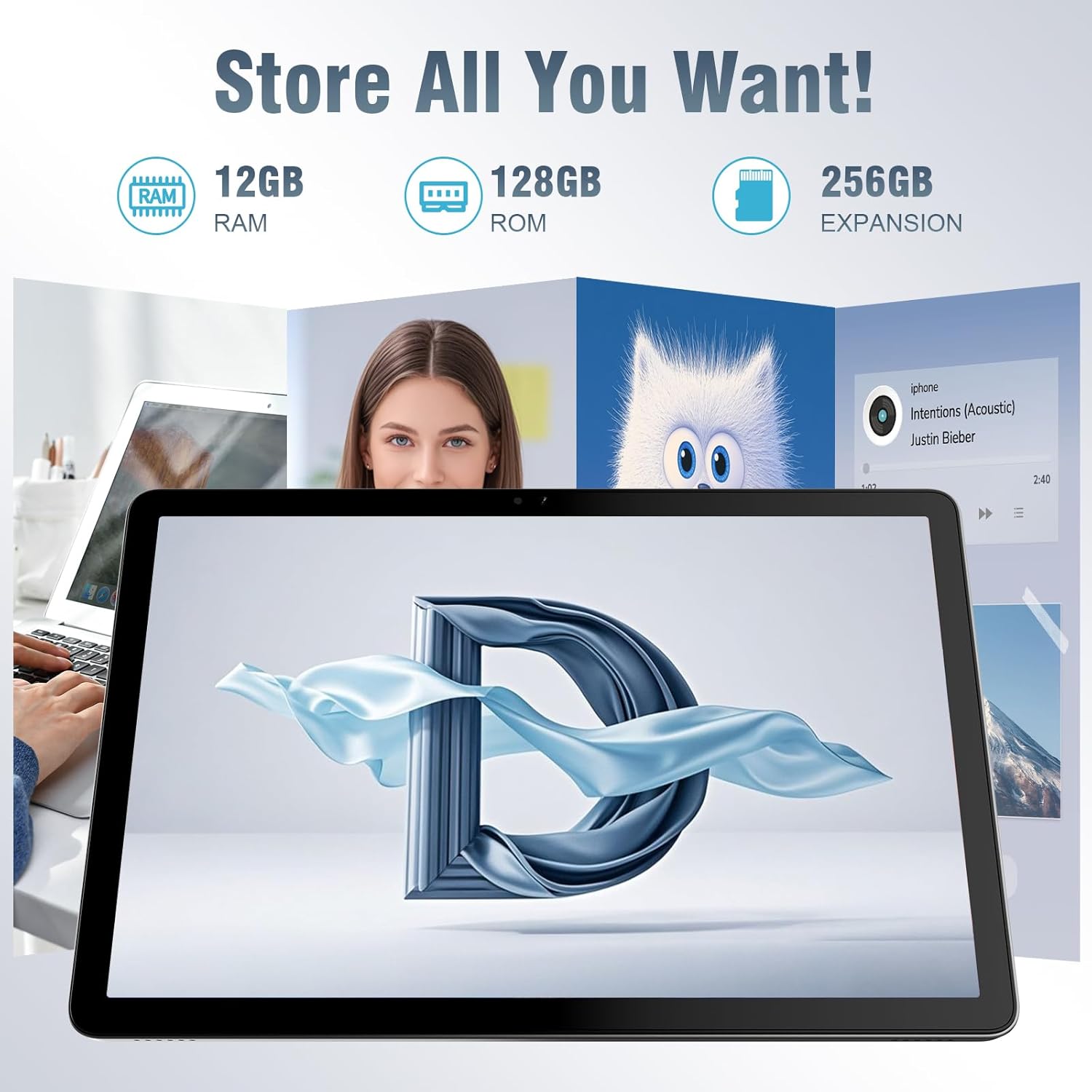
The tablet offers ample storage for your applications, photos, videos, and documents, with expandable memory options.
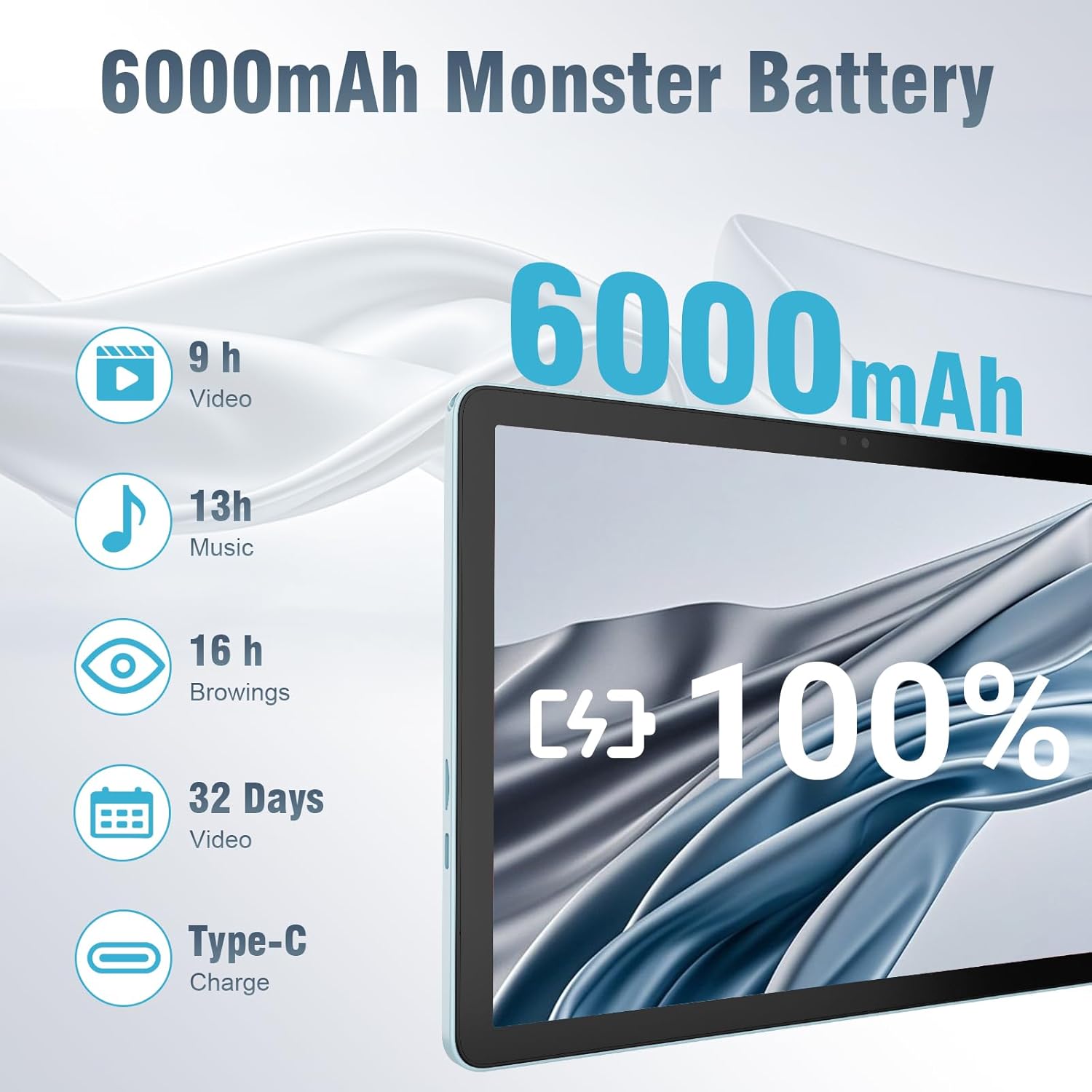
The 6000mAh battery provides extended usage times for various activities, and it supports convenient Type-C charging.
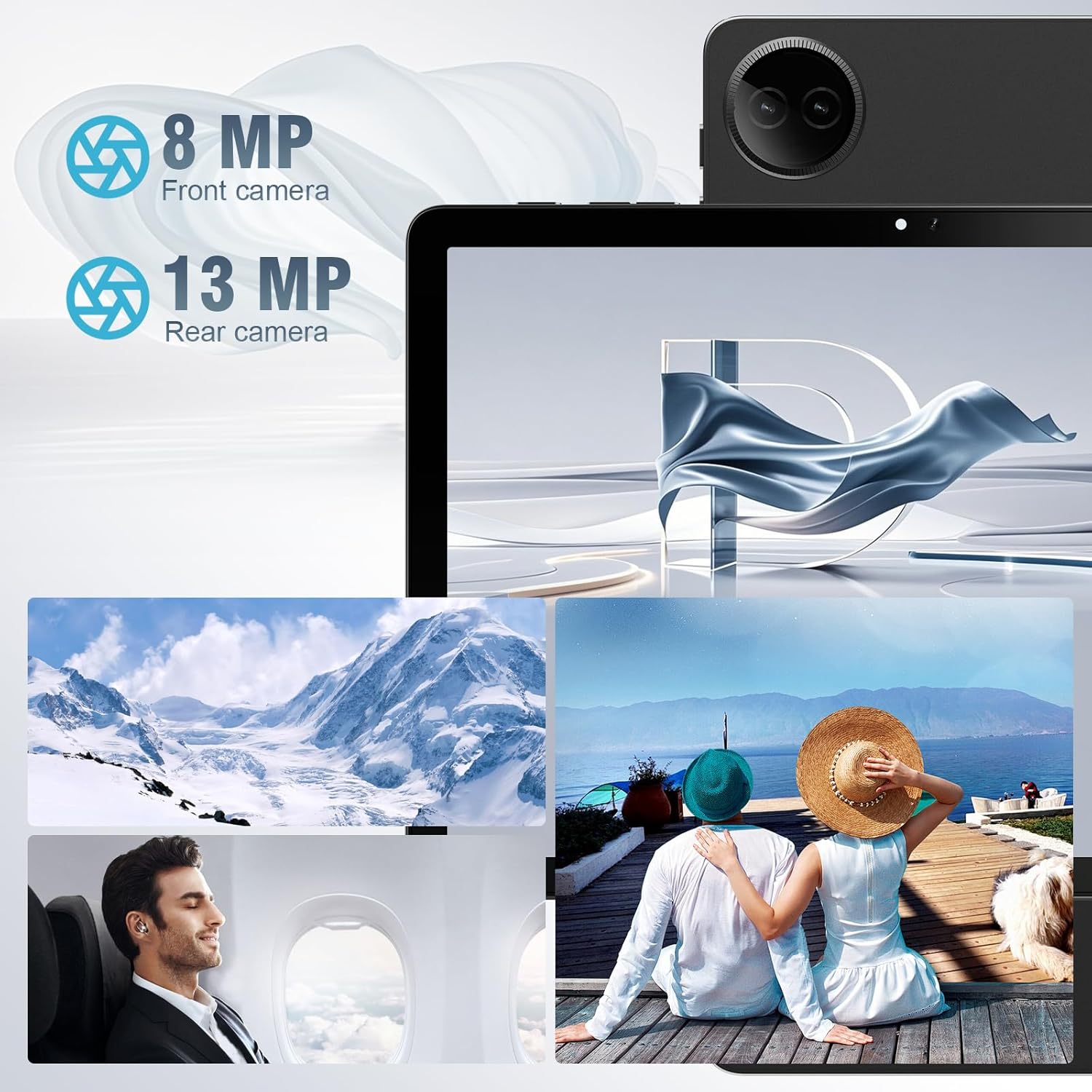
Equipped with both front and rear cameras, the tablet is suitable for capturing moments and engaging in video communication.

The 10.1-inch HD display provides a clear and immersive visual experience with wide viewбурчтар.

The split-screen function allows for efficient multitasking, enabling you to use two applications simultaneously.
Жайгашуу
Баштапкы күйгүзүү жана орнотуу
- Планшетти заряддоо: Before first use, fully charge the tablet using the provided USB cable and power adapter. Connect the Type-C end of the cable to the tablet's charging port and the USB end to the power adapter, then plug the adapter into a wall outlet.
- Күйгүзүү: Press and hold the Power button located on the side of the tablet until the DigiLand logo appears on the screen.
- Баштапкы конфигурация: Follow the on-screen prompts to complete the initial setup. This typically includes selecting your language, connecting to a Wi-Fi network, setting up your Google account, and configuring basic security settings.
- TF картасын салыңыз (милдеттүү эмес): If you wish to expand storage, carefully insert a TF (microSD) card into the designated memory card slot. Ensure the tablet is powered off before inserting or removing the card.
For a visual demonstration of the power-on sequence and initial interaction, refer to the unboxing video in the "What's in the Box" section.
Иштөө нускамалары
Негизги навигация
- Сенсордук экран жаңсоолор: Navigate the tablet using standard Android gestures: tap to select, swipe to scroll, pinch to zoom, and long-press for contextual menus.
- Башкы экран: The main interface where you can access apps, widgets, and notifications.
- Эскертме панели: Ыкчам жөндөөлөргө жана эскертмелерге жетүү үчүн экрандын өйдө жагынан ылдый сүрүңүз.
- Колдонмо тартмасы: Экранды ылдый жагынан өйдө сүрүңүз view бардык орнотулган колдонмолор.
Wi-Fi жана Bluetooth туташууда
- Wi-Fi: барыңыз Орнотуулар > Тармак жана интернет > Wi-Fi. Turn on Wi-Fi, select your desired network, and enter the password if required. The tablet supports ultra-fast WiFi 6.
- Bluetooth: барыңыз Орнотуулар> Туташкан түзмөктөр> Байланыштын каалоолору> Bluetooth. Turn on Bluetooth, then select "Pair new device" to connect to Bluetooth headphones, speakers, or other compatible devices. The tablet features energy-efficient Bluetooth 5.0.
Камераларды колдонуу
Access the Camera app from your home screen or app drawer. You can switch between the 8MP front camera and the 13MP rear camera within the app. Tap the screen to focus and press the shutter button to capture photos or start/stop video recording.
Бөлүнгөн экран менен көп тапшырмалуулук
To use the split-screen feature, open an application, then swipe up from the bottom of the screen and hold to reveal the recent apps overview. Tap the app icon at the top of the app's card and select "Split screen." Choose a second app from the recent apps or app drawer to open it alongside the first. Adjust the size of each app by dragging the divider in the middle of the screen.
Техникалык тейлөө
- Тазалоо: Планшеттин экранын жана корпусун тазалоо үчүн жумшак, түксүз чүпүрөктү колдонуңуз. Абразивдүү тазалагычтарды же эриткичтерди колдонуудан алыс болуңуз.
- Батареяга кам көрүү: Батареянын иштөө мөөнөтүн узартуу үчүн, планшетиңизди экстремалдуу температурага дуушар кылбаңыз. Оптималдуу узак иштөө үчүн батареянын зарядын 20% жана 80% арасында кармоо сунушталат.
- Программалык камсыздоо жаңыртуулары: Планшетиңизде эң акыркы коопсуздук жаңыртуулары жана иштин натыйжалуулугун жакшыртуулар бар экенине ынануу үчүн система жаңыртууларын үзгүлтүксүз текшерип жана орнотуп туруңуз. Орнотуулар > Система > Системаны жаңыртуу.
- Сактагычты башкаруу: Мезгил-мезгили менен ачык-айкын керексиз files and uninstall unused apps to free up storage space and maintain optimal performance.
- Коргоо: Use the provided leather case to protect your tablet from scratches and minor impacts.
Проблемаларды чечүү
This section addresses common issues you might encounter with your tablet. If you experience problems not covered here, please contact customer support.
| Көйгөй | Мүмкүн себеп | Чечим |
|---|---|---|
| Планшет күйбөйт. | Аз батарея; системанын бузулушу. | Планшетті кеминде 30 мүнөт кубаттаңыз. Эгер дагы эле жооп бербесе, өчүрүп-күйгүзүү үчүн кубат баскычын 10-15 секунд басып туруңуз. |
| Wi-Fi туташуу маселелери. | Туура эмес сырсөз; диапазондон тышкары; роутер маселеси. | Verify Wi-Fi password. Move closer to the router. Restart your Wi-Fi router. Forget the network and reconnect. |
| Колдонмолор жай же бузулуп жатат. | Өтө көп колдонмолор иштеп жатат; сактагыч аз; эскирген колдонмо. | Фондук колдонмолорду жабуу. Колдонмонун кэшин тазалоо (Орнотуулар > Колдонмолор > [Колдонмонун аты] > Сактагыч жана кэш > Кэшти тазалоо). Free up storage space. Update the app from Google Play Store. |
| Экран жооп бербей жатат. | Убактылуу программалык ката. | Force restart the tablet by holding the power button. |
| Планшет заряддалбай жатат. | Кабель/адаптер бузулган; кир заряддоо порту. | Ensure cable and adapter are securely connected. Try a different compatible cable and adapter. Clean the charging port gently with a dry, soft brush. |
Техникалык шарттар
| Өзгөчөлүк | Деталь |
|---|---|
| Бренд | DigiLand |
| Модель аты | 10.1-inch Tablet PC |
| Операция системасы | Android 14 |
| Screen Size | 10.1 дюйм |
| Max Screen Resolution | 800x1280 |
| Процессор бренди | MK G80 (Octa-core) |
| Эстутум сактоо сыйымдуулугу | 128 GB (expandable via TF card) |
| RAM | 12 ГБ |
| Алдыңкы камера | 8 депутат |
| Арткы камера | 13 депутат |
| Байланыш | WiFi 6, Bluetooth 5.0 |
| Батарея сыйымдуулугу | 6000 мАч |
| Элемент Салмагы | 2.82 фунт (болжол менен 485 г) |
| Продукциянын өлчөмдөрү (LxWxH) | 9.53 x 6.34 x 0.3 inches (approx. 9mm thin) |
| Түс | Көк |
Кепилдик жана колдоо
DigiLand is committed to product quality and customer satisfaction.
- Кепилдик: This Android 14 tablet comes with a one-year warranty from the date of purchase.
- Кардарларды колдоо: If you encounter any quality problems or require assistance, please contact us via your Amazon Purchase Record. Our team will endeavor to provide the best service and ensure your satisfaction.
- Коргоо пландары: Additional protection plans may be available for purchase, such as a 2-Year Protection Plan or Complete Protect, which covers eligible past and future purchases. Please refer to your purchase details for more information on these options.
Ask a question about this manual
Ask about setup, troubleshooting, compatibility, parts, safety, or missing instructions. Manuals+ will review the question and use this page’s manual context to help answer it.