
1. Киришүү
This manual provides essential information and instructions for the proper use and maintenance of your DigiLand S10 10.1-inch Android 14 Tablet. Please read this manual thoroughly before using your device to ensure optimal performance and longevity. Keep this manual for future reference.
2. Кутуда эмне бар
Upon opening your DigiLand S10 tablet package, verify that all the following items are included:
- DigiLand S10 Android Tablet (1 unit)
- USB кабели (1 даана)
- 5V/2A Power Adapter (US standard, 1 unit)
- Колдонуучунун колдонмосу (1 бирдик)
- Кепилдик картасы (1 даана)
3. Продукт бүтүп калдыview
The DigiLand S10 tablet features a sleek design with essential ports and controls for user interaction.
Сүрөт 3.1: Бүттүview of the DigiLand S10 tablet, highlighting the locations of the front camera, memory card slot, headset jack, back camera, power button, volume up/down buttons, and reset pinhole.
Физикалык компоненттер:
- Алдыңкы камера: Located at the top center when held in landscape orientation, used for video calls and selfies.
- Эстутум картасынын слоту: For inserting a Micro SD/TF card to expand storage.
- Гарнитура уясы: 3.5mm port for connecting headphones or external speakers.
- Арткы камера: Located on the rear panel, used for taking photos and videos.
- Кубат баскычы: Used to power the tablet on/off or put it to sleep/wake it up.
- Үн баскычтары: Аудионун үнүн тууралаңыз.
- Пин тешигин баштапкы абалга келтирүү: A small hole requiring a pin to force a restart if the tablet becomes unresponsive.
- USB Type-C порту: Планшетті кубаттоо жана компьютерге туташтыруу үчүн.
4. Орнотуу
4.1 Алгачкы заряддоо
Before first use, fully charge your tablet. Connect the provided USB cable to the tablet's Type-C port and the power adapter, then plug the adapter into a wall outlet. The battery indicator on the screen will show charging status.
4.2 Күйгүзүү/өчүрүү
- Күйгүзүү үчүн: Press and hold the Power button until the DigiLand logo appears on the screen.
- Өчүрүү үчүн: Өчүрүү менюсу пайда болгонго чейин Күйгүзүү баскычын басып, кармап туруңуз. "Өчүрүү" дегенди тандап, ырастаңыз.
- Уйку/Ойгонуу: Планшетти уктатуу же ойготуу үчүн Кубат баскычын кыскача басыңыз.
4.3 Баштапкы конфигурация
Upon first power-on, follow the on-screen prompts to set up your tablet:
- Каалаган тилиңизди тандаңыз.
- Wi-Fi тармагына туташыңыз.
- Google аккаунтуңуз менен кириңиз же жаңысын түзүңүз.
- Review жана шарттарды кабыл алуу.
- Экран кулпусун орнотуу (PIN, үлгү же сырсөз).
4.4 Микро SD картаны салуу
To expand storage, you can insert a Micro SD (TF) card:
- Locate the memory card slot on the side of the tablet.
- Micro SD картаны алтын түстүү контакттары ылдый каратып, ордуна чыкылдаганча акырын салыңыз.
- To remove, gently push the card inward until it pops out.
5. Иштөө нускамалары
5.1 Негизги навигация
The DigiLand S10 uses a multi-touch IPS display. Common gestures include:
- таптаңыз: Бир нерсени тандаңыз же колдонмону ачыңыз.
- Серпүү: Барактарды же менюларды жылдырыңыз.
- Чымчуу: Сүрөттөрдү чоңойтуу же кичирейтүү жана web барактар.
- Узак басуу: Контексттик менюларга кириңиз же сүрөтчөлөрдү жылдырыңыз.
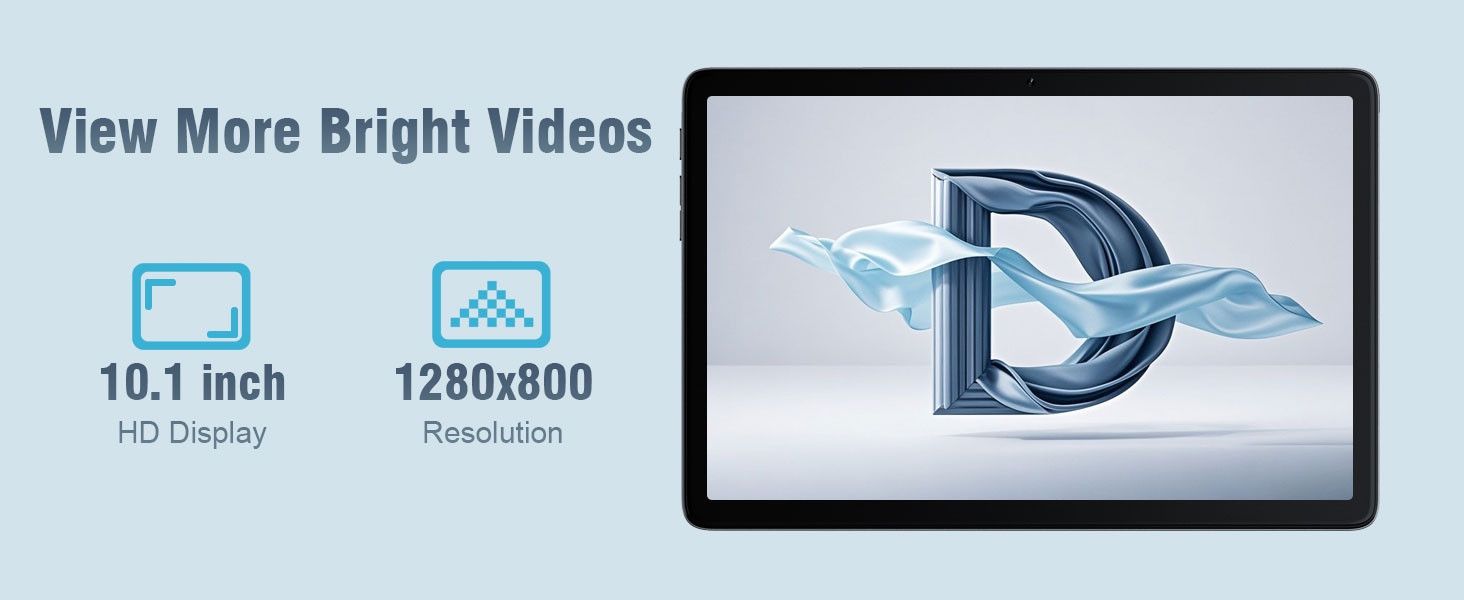
Сүрөт 5.1: The 10.1-inch HD display of the DigiLand S10 tablet, showcasinанын кеңдиги viewing angles and clear resolution for media consumption.
5.2 Wi-Fiга туташуу
Зымсыз тармакка туташуу үчүн:
- барыңыз Орнотуулар > Тармак жана интернет > Wi-Fi.
- Wi-Fi которуштуруу On.
- Тизмеден каалаган тармакты тандаңыз.
- Эгер суралса, сырсөздү киргизиңиз, андан кийин таптаңыз Туташуу.
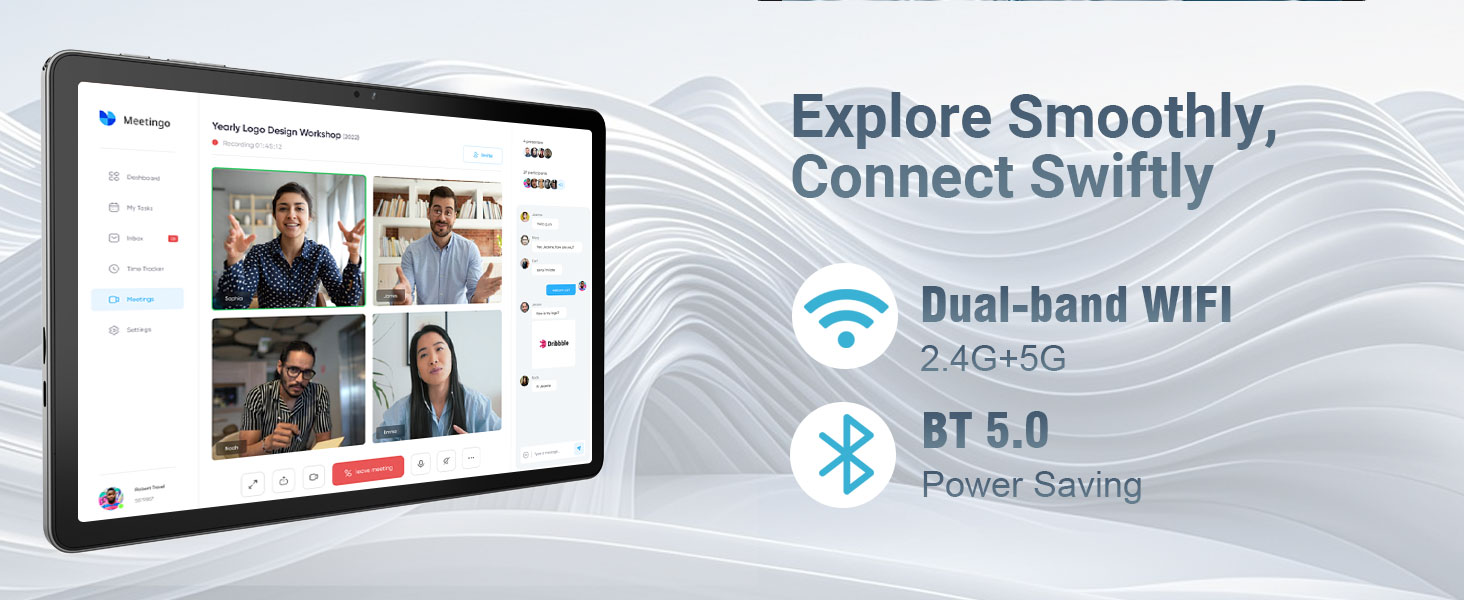
Сүрөт 5.2: The tablet's connectivity features, including dual-band Wi-Fi (2.4G+5G) and Bluetooth 5.0, enabling smooth online activities and device pairing.
5.3 Bluetooth түзмөктөрүн туташтыруу
To pair with Bluetooth accessories:
- барыңыз Орнотуулар > Туташкан түзмөктөр > Туташуу артыкчылыктары > Bluetooth.
- Bluetooth которуштуруу On.
- Bluetooth түзмөгүңүз жупташтыруу режиминде экенин текшериңиз.
- Select the device from the list of available devices and follow any on-screen pairing instructions.
5.4 Камераларды колдонуу
Планшет 5 МП алдыңкы камера жана 8 МП арткы камера менен жабдылган.
- ачыңыз Камера колдонмо.
- Алдыңкы жана арткы камераларды алмаштыруу үчүн камераны которуштуруу сүрөтчөсүн таптаңыз.
- Сүрөткө тартуу же видео жазууну баштоо/токтоо үчүн жапкычты таптаңыз.
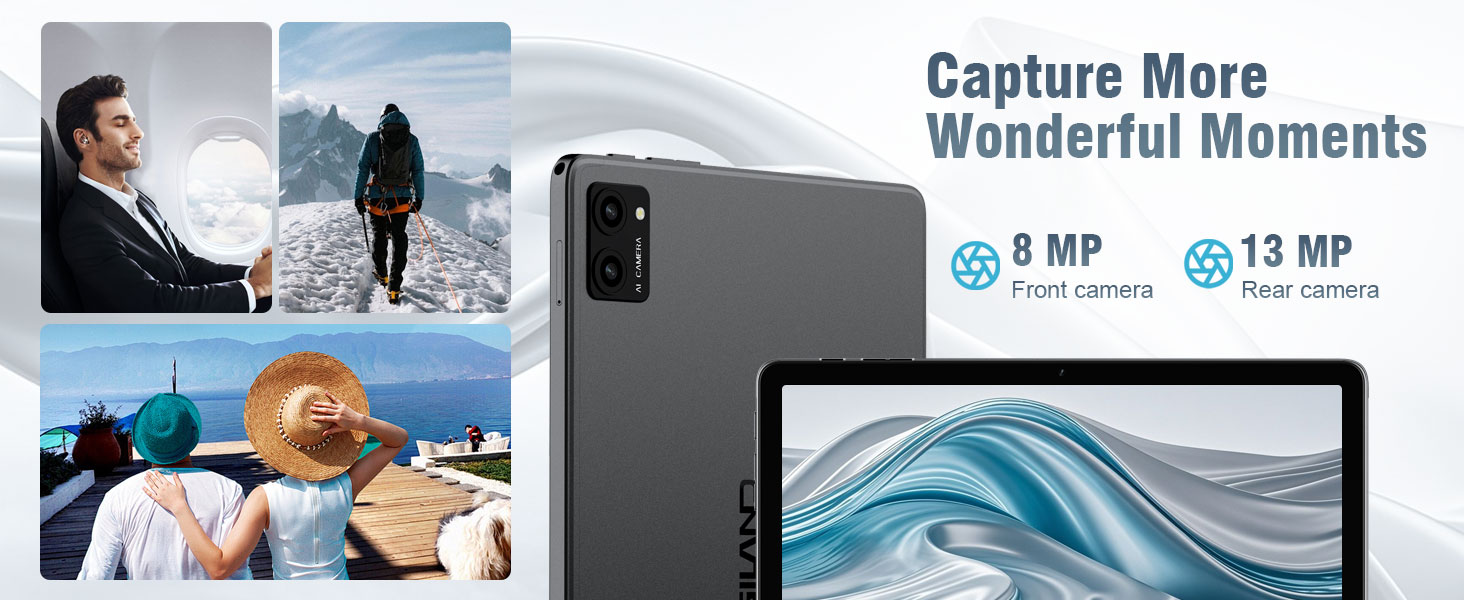
Сүрөт 5.3: The tablet's camera capabilities, featuring an 8MP front camera and a 13MP rear camera (note: product specs state 5MP front/8MP rear, this image may be for a different model or marketing exaggeration, refer to specifications for accurate details).
5.5 Бөлүнгөн экран функциясы
Android 14 supports split-screen mode for multitasking:
- Колдонгуңуз келген биринчи колдонмону ачыңыз.
- Акыркы колдонмолорго кирүү үчүн экрандын ылдый жагынан өйдө карай сүрүп, кармап туруңуз.
- Tap the app icon at the top of the first app's card, then select Үстүнкү бөлүгүн бөлүү.
- Акыркы колдонмолоруңуздан экинчи колдонмону тандаңыз же экрандын экинчи жарымын толтуруу үчүн колдонмолордун суурмасын тандаңыз.

Сүрөт 5.4: The split-screen feature on the DigiLand S10 tablet, allowing users to run two applications simultaneously for enhanced productivity.
5.6 Батареяны башкаруу
The tablet is equipped with a 6000 mAh battery. To optimize battery life:
- Экран жарыктыгын тууралаңыз.
- Фондо иштеп жаткан колдонулбаган колдонмолорду жабуу.
- Колдонулбай турган учурда Wi-Fi жана Bluetooth'ду өчүрүп коюңуз.
- Батареяны үнөмдөө режимин иштетүү Орнотуулар > Батарея.
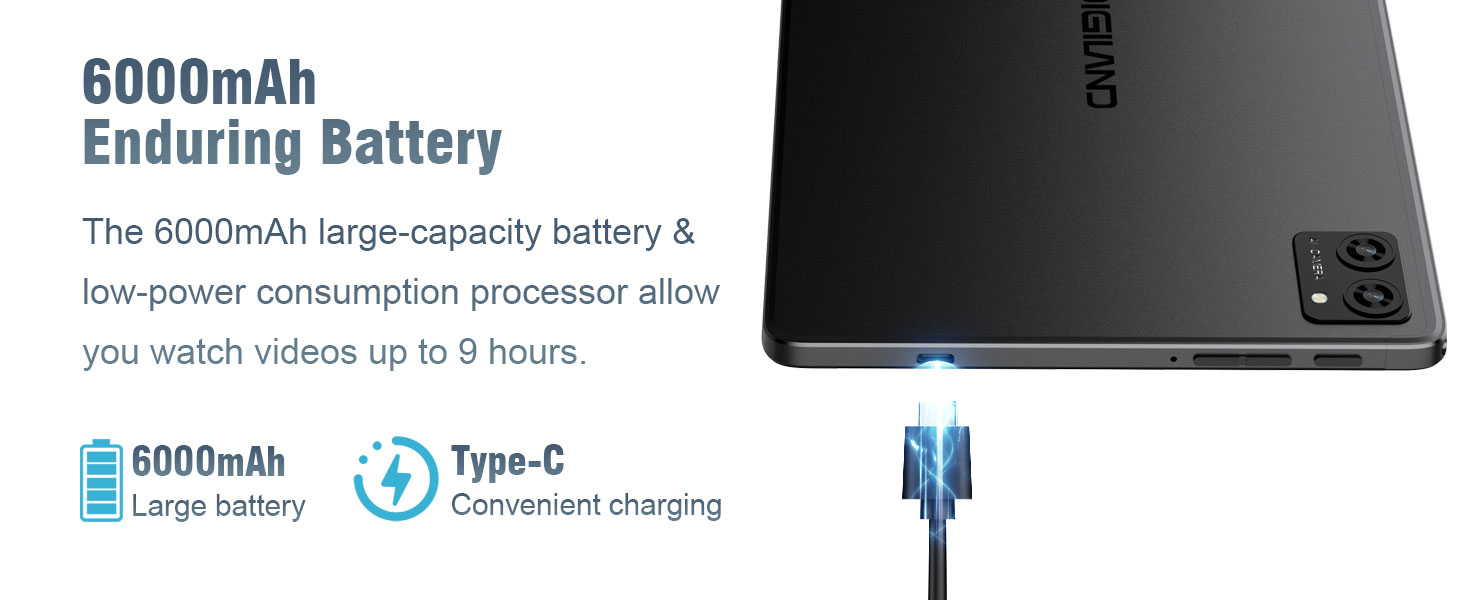
Сүрөт 5.5: The 6000mAh battery of the DigiLand S10 tablet, providing extended usage and convenient Type-C charging.
5.7 Сактагычты башкаруу
The tablet has 64GB of internal storage, expandable up to 1TB with a Micro SD card. To manage storage:
- барыңыз Орнотуулар > Сактагыч чейин view колдонуу жана орун бошотуу.
- Колдонулбаган колдонмолорду чыгарып салыңыз.
- Чоң жылдырыңыз files (photos, videos) to the Micro SD card or cloud storage.
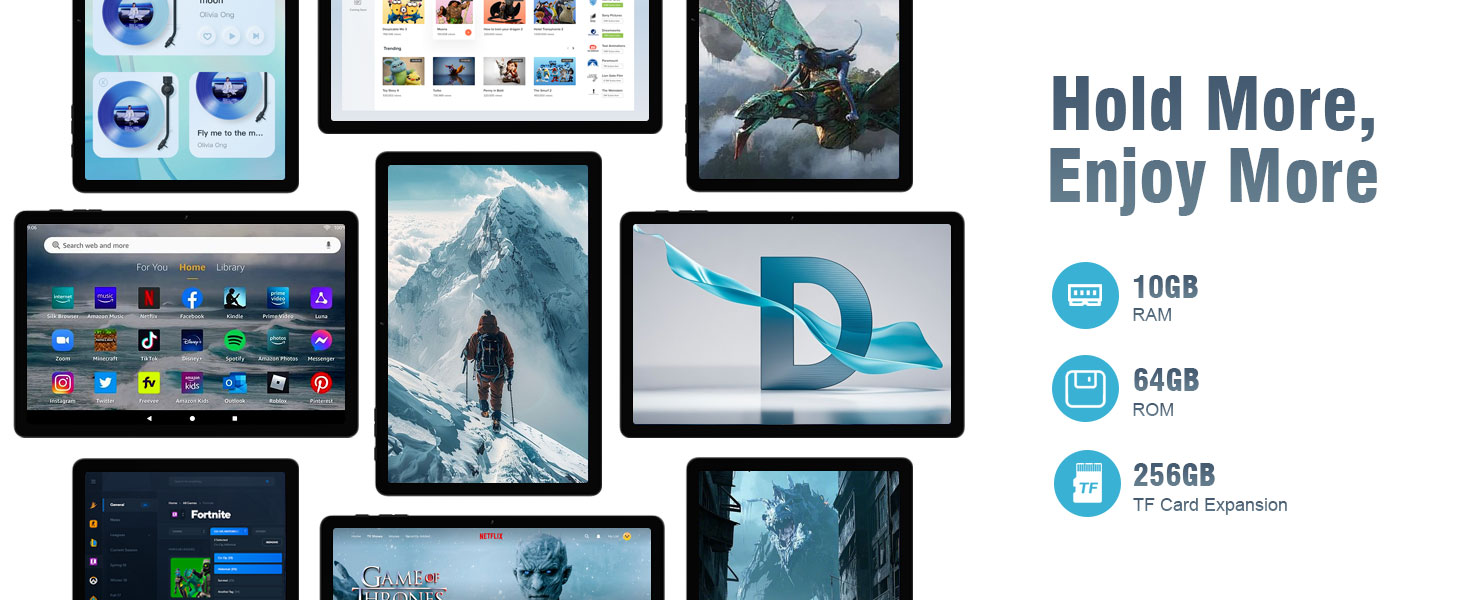
Сүрөт 5.6: The tablet's storage and memory capabilities, featuring 10GB RAM, 64GB ROM, and support for TF card expansion, allowing for ample app and data storage.
6. Техникалык тейлөө
6.1 Планшетти тазалоо
Планшетиңизди тазалоо үчүн:
- Экранды жана корпусту сүртүү үчүн жумшак, түксүз чүпүрөктү колдонуңуз.
- өжөр тактар үчүн, бир аз гampчүпүрөккө суу же электроника үчүн арналган экран тазалагыч.
- Катуу химиялык заттарды, абразивдүү материалдарды же ашыкча нымдуулукту колдонуудан алыс болуңуз.
6.2 Программалык камсыздоо жаңыртуулары
Планшетиңизде эң акыркы функциялар, коопсуздук жаңыртуулары жана майнаптуулугу жакшыртылганын текшерүү үчүн программалык камсыздоо жаңыртууларын дайыма текшерип, орнотуп алыңыз.
- Connect your tablet to a Wi-Fi network.
- барыңыз Орнотуулар > Система > Системаны жаңыртуу.
- Бардык жеткиликтүү жаңыртууларды жүктөп алуу жана орнотуу үчүн экрандагы нускамаларды аткарыңыз.
6.3 Сактагычты оптималдаштыруу
To maintain optimal performance, periodically optimize your tablet's storage:
- Clear cached data for apps in Орнотуулар > Колдонмолор > [Колдонмонун аты] > Сактоо жана кэш.
- Керексиз жок кылуу files from the Downloads folder.
- Regularly back up important data to cloud storage or an external device.
7. Кыйынчылыктарды
This section addresses common issues you might encounter with your DigiLand S10 tablet.
| Көйгөй | Мүмкүн чечим |
|---|---|
| Планшет күйбөйт. | Ensure the tablet is charged. Connect to the power adapter and wait a few minutes before attempting to power on again. If unresponsive, use a pin to press the Reset pinhole. |
| Экран жооп бербей жатат. | Restart the tablet by holding the Power button. If that fails, use the Reset pinhole. |
| Wi-Fi'га туташпай жатат. | Check if Wi-Fi is enabled in Settings. Ensure the Wi-Fi password is correct. Restart your router and the tablet. Try connecting to a different Wi-Fi network if available. |
| Колдонмолор бузулуп же жай иштеп жатат. | Close background apps. Clear app cache (Settings > Apps > [App Name] > Storage & cache). Ensure sufficient free storage space. Restart the tablet. |
| Батарея бат эле түгөнөт. | Reduce screen brightness. Disable Wi-Fi/Bluetooth when not in use. Close unused apps. Check battery usage in Settings > Battery to identify power-hungry apps. |
| Micro SD card not detected. | Ensure the card is inserted correctly and fully seated in the slot. Try reinserting the card. Test the card in another device if possible to rule out card malfunction. |
8. Техникалык шарттар
Below are the technical specifications for the DigiLand S10 Tablet:
| Өзгөчөлүк | Деталь |
|---|---|
| Бренд | DigiLand |
| Модель аты | 10.1-inch Tablet PC (DigiLand S10) |
| Операция системасы | Android 14 |
| Процессор | MTK Octa-core (A523) |
| RAM эс тутуму | 10 ГБ |
| Ички сактагыч | 64 ГБ |
| Кеңейтүүчү сактагыч | MicroSD/TF card support (up to 1TB) |
| Screen Size | 10.1 дюйм |
| Дисплей түрү | IPS |
| Display Resolution | 1280 x 800 пиксель |
| Арткы камера | 8 депутат |
| Алдыңкы камера | 5 депутат |
| Батарея сыйымдуулугу | 6000 мАч |
| Байланыш | Wi-Fi (802.11ax, 2.4G+5G dual-band), Bluetooth 5.0 |
| Порттар | USB Type-C, 3.5mm Headset Jack |
| Өлчөмдөрү (L x W x Th) | 9.49" x 6.3" x 0.34" (approx. 8.8mm thickness) |
| Салмагы | Болжол менен 0.51 кг (510 г) |
9. Кепилдик жана колдоо
9.1 Кепилдик маалыматы
The DigiLand S10 tablet comes with a 1 жылдык Чектелген Кепилдик. Please refer to the included Warranty Card for detailed terms and conditions regarding coverage and claims.
9.2 Кардарларды колдоо
For any questions, technical assistance, or support needs, please contact DigiLand customer service. We offer comprehensive support to assist you with any issues.
You can typically find contact information on the DigiLand official website or through the seller's support channels where you purchased the product. For purchases made via Amazon, you can contact the seller, GuYi-USA, directly through the Amazon platform.

Сүрөт 9.1: DigiLand is committed to providing professional after-sales support.
10. Продукт видеосу
Көрүү үчүн расмий продукт видеосун көрүңүзview of the DigiLand S10 tablet's features and design.
Видео 10.1: A product display video showcasing the DigiLand S10 10.1-inch Android tablet, its components, and key functionalities.