
Introduction
This manual provides essential information for the assembly, operation, maintenance, and troubleshooting of your Deli Gaming Table E91511. Please read these instructions carefully before assembly and use to ensure proper function and longevity of your product.
Коопсуздук эскертүүлөрү
- Үстөлдү ар дайым берилген көрсөтмөлөргө ылайык чогултуңуз.
- Ensure the desk is properly anchored to the floor to prevent tipping, especially when using heavy setups.
- Be cautious when moving the desk, as it may require two people due to its size and weight.
- Do not overload the desk beyond its specified weight capacity.
- Чогултуу учурунда кичинекей бөлүктөрүн балдардан алыс кармаңыз.
Пакеттин мазмуну
Before beginning assembly, verify that all components are present and undamaged. Refer to the included assembly instructions for a detailed list of parts and hardware. Typically, the package includes:
- Desktop surface (Metal and Composite)
- Desk legs (K-type carbon steel frame)
- Crossbars and support beams
- Монтаждоочу жабдыктар (бурамалар, болттор, шайбалар)
- Assembly tools (if included, otherwise standard tools like a screwdriver may be required)
- Колдонмо
Орнотуу жана чогултуу
The Deli Gaming Table E91511 is designed for quick assembly with minimal tools. Follow the step-by-step instructions provided in the separate assembly guide included with your product. Ensure you have adequate space for assembly and consider having a second person assist with lifting and positioning larger components.
Жалпы Ассамблеянын кадамдары:
- Бардык компоненттерди таңгактан чыгарып, чийиктерди болтурбоо үчүн таза, жумшак бетке жайыңыз.
- Attach the K-shaped table legs to the main support frame using the provided hardware. Ensure all connections are secure.
- Carefully place the desktop surface onto the assembled leg frame. Align the pre-drilled holes.
- Secure the desktop to the frame using the remaining hardware. Do not overtighten.
- Verify all screws and bolts are tightened and the desk is stable before placing any equipment on it.

Image: Close-up of the K-shaped table legs, demonstrating the stable structure.
Иштөө нускамалары
The Deli Gaming Table E91511 offers a spacious and stable surface for various uses, including gaming, streaming, home office work, and student workstations.
- Wider Gaming Surface: The 120 cm width accommodates dual monitors or extra peripherals, providing ampорнотууларыңыз үчүн мейкиндик.
- Эргономикалык дизайн: The desk is designed for comfortable use, allowing for extended periods of activity without discomfort.
- Кабелдик башкаруу: Utilize the integrated 3D cable management box (if applicable) to keep your cables organized and your workspace tidy.
- Жүк көтөрүү жөндөмдүүлүгү: The desk is engineered for heavy setups and consistent use. Ensure weight is distributed evenly.
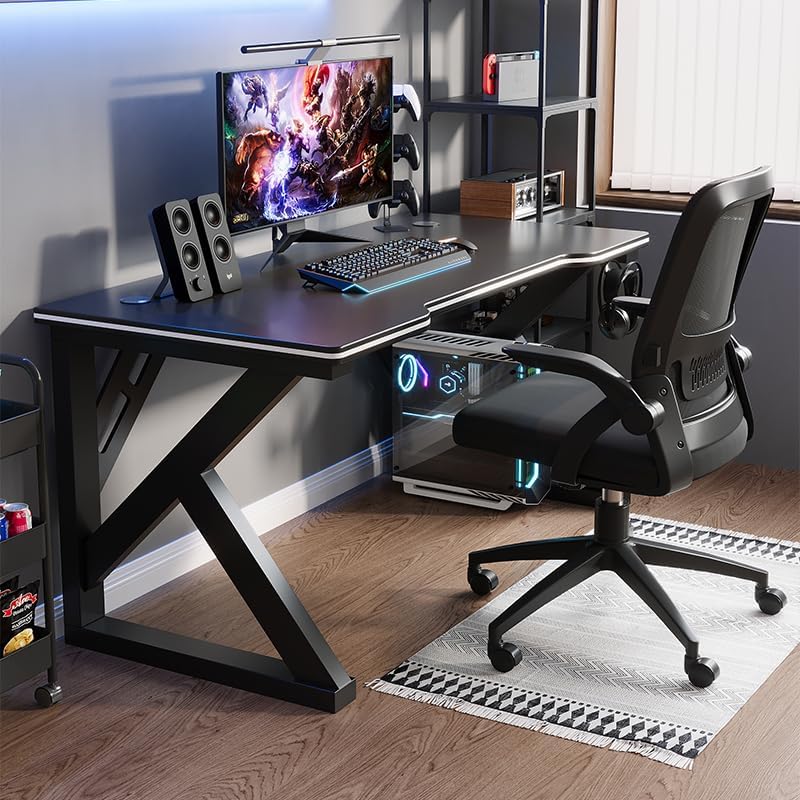
Image: A gaming setup on the Deli Gaming Table, illustrating its spacious surface.

Сүрөт: жогорудан төмөнгө view of a user at the Deli Gaming Table, highlighting ergonomic design.
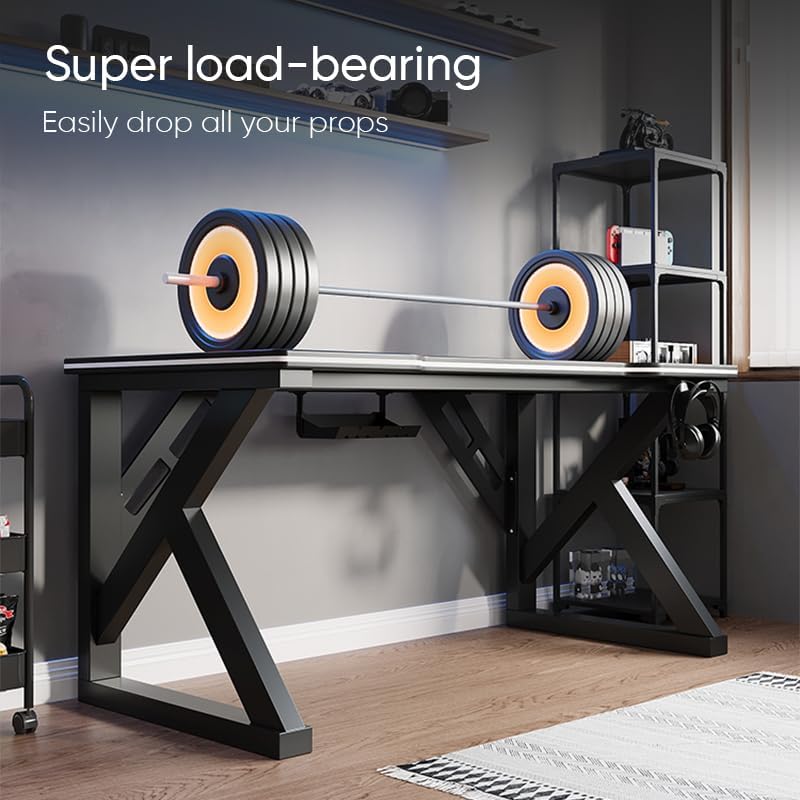
Image: The Deli Gaming Table demonstrating its load-bearing capability.
Техникалык тейлөө
Regular maintenance will help preserve the appearance and functionality of your Deli Gaming Table.
- Тазалоо: Wipe the desktop surface and legs with a soft, damp cloth. Avoid abrasive cleaners or harsh chemicals that could damage the painted finish or material.
- Төгүлүүлөр: Так калбашы же бетине зыян келтирбеши үчүн төгүлгөн нерселерди дароо тазалаңыз.
- Аппараттык камсыздоону текшерүү: Мезгил-мезгили менен бардык бурамалар менен болтторду текшерип туруңуз, алар бекем бойдон калууда. Туруктуулукту сактоо үчүн зарыл болсо, кайра тартыңыз.
- Даттын алдын алуу: While the desk is made of metal, prolonged exposure to moisture can lead to rust. Keep the desk in a dry environment and wipe away any moisture promptly.
Проблемаларды чечүү
Desk is unstable or wobbly:
- Бардык монтаждоочу бурамалар жана болттор толугу менен бекемделгенин текшериңиз.
- Check that the desk is on a level surface. Adjust floor glides if present.
- Verify that all parts are correctly assembled according to the instruction manual.
Бөлүктөрү жок же бузулган:
- Review the package contents list in your assembly manual.
- Модель номериңиз жана жетишпеген же бузулган бөлүктүн сүрөттөмөсү менен кардарларды колдоо кызматына кайрылыңыз.
Чогултуудагы кыйынчылык:
- Re-read the assembly instructions carefully, paying attention to diagrams.
- Ар бир кадам үчүн туура аппаратураны колдонуп жатканыңызды текшериңиз.
- If issues persist, consider seeking assistance from another person.
Техникалык шарттар

Image: Dimensions of the Deli Gaming Table.
| Өзгөчөлүк | Деталь |
|---|---|
| Модель номери | E91511 |
| Өлчөмдөрү (W x D x H) | 120 см х 60 см х 75 см |
| Түс | Кара |
| Материалдын түрү | Metal and Composite (E1 grade material) |
| Frame Material | K-type Carbon Steel Frame |
| Аяктоо түрү | боёлгон |
| Элемент Салмагы | 13000 грамм |
| Ассамблея талап кылынат | Ооба |
| Сунушталган Колдонуулар | Gaming, Streaming, Home Office, Student Workstation |
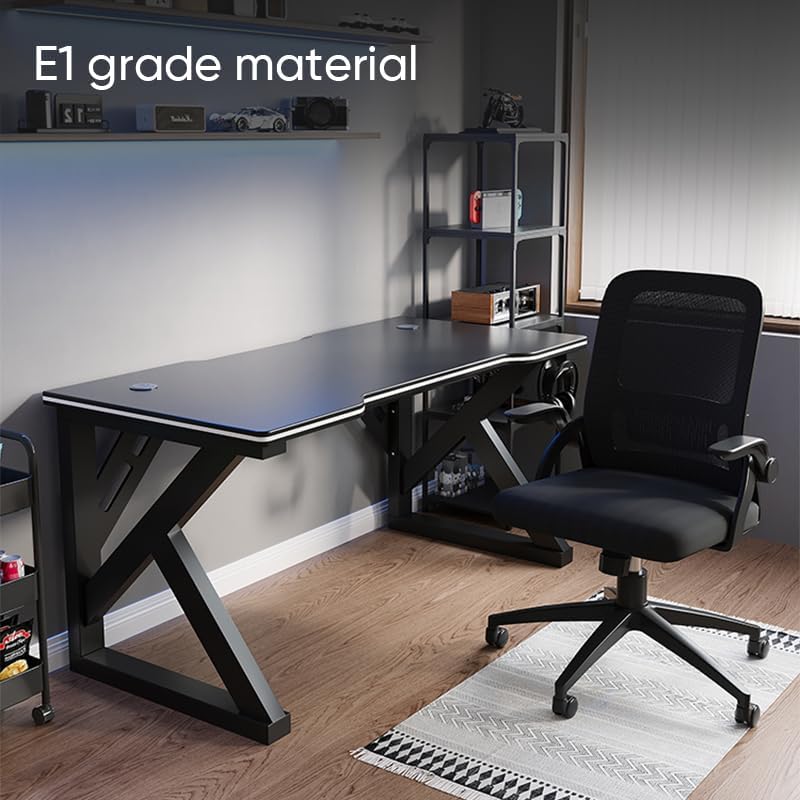
Image: The Deli Gaming Table highlighting E1 grade material.
Кепилдик маалымат
For specific warranty details regarding your Deli Gaming Table E91511, please refer to the warranty card included with your purchase or visit the official Deli webсайт. Кепилдик шарттары, адатта, кадимки колдонуу шарттарындагы өндүрүштүк кемчиликтерди камтыйт.
Кардарларды колдоо
If you have any questions, require assistance with assembly, or need to report a missing/damaged part, please contact Deli customer support through the following channels:
- Webсайт: Visit the official Deli webколдоо булактары жана байланыш түрлөрү үчүн сайт.
- Электрондук почта: Refer to your purchase documentation for customer service email addresses.
- Телефон: Check the product packaging or official webкардарларды тейлөө телефон номерлери үчүн сайт.
Please have your model number (E91511) and proof of purchase ready when contacting support.