
1. Киришүү
Thank you for choosing the YUEHISY Swimming MP3 Player. This device is designed to provide a high-quality audio experience in various environments, including underwater activities. With its IPX8 waterproofing rating, 8GB memory, and versatile design, it is an ideal companion for swimming, running, cycling, gym workouts, and other outdoor sports.
This manual provides essential information on setting up, operating, and maintaining your MP3 player to ensure optimal performance and longevity. Please read it thoroughly before use.
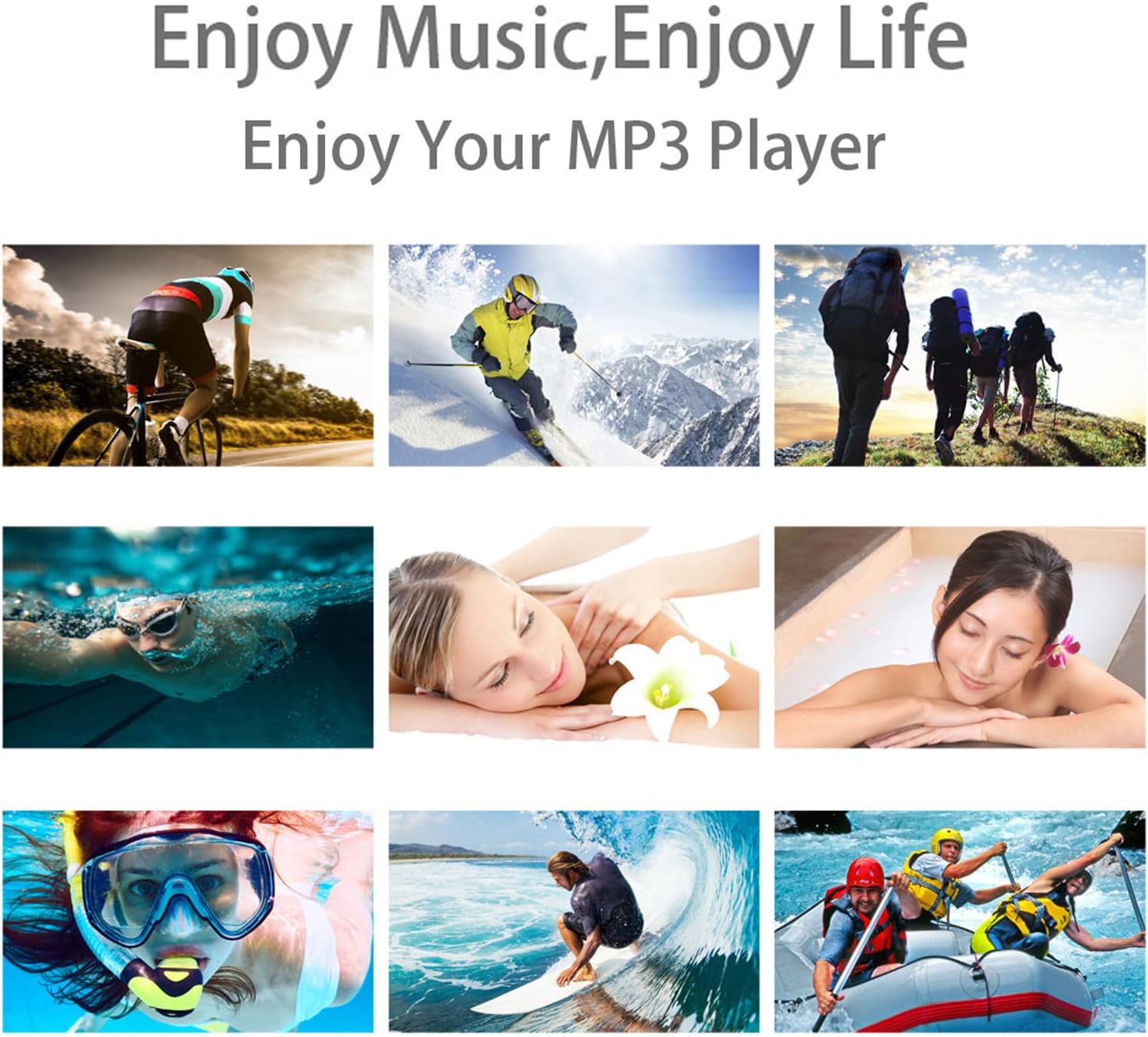
The YUEHISY MP3 Player is suitable for a wide range of activities, from land sports to water-based recreation.
2. Пакеттин мазмуну
Пакетиңизде бардык буюмдар бар экенин текшериңиз:
- YUEHISY Waterproof MP3 Player
- Суу өткөрбөс кулакчындар
- 8 x Earplugs (various sizes for optimal fit and waterproofing)
- Charging Cable (USB to 3.5mm jack)
- User Manual

The complete package includes the MP3 player, headphones, various earplug sizes, and the charging cable.
This video demonstrates the unboxing of the Waterproof MP3 Player, showcasing all included accessories such as the player, headphones, earplugs, USB cable, and user manual.
3. Продукт бүтүп калдыview
Түзмөктүн жайгашуусу

Detailed diagram illustrating the various buttons and ports on the MP3 player.
- Power ON/OFF / Play/Pause Button: Press and hold to power on/off. Short press to play or pause music.
- Next Track / Fast Forward Button: Short press for the next track. Long press to fast forward within a track.
- Үнүн төмөндөтүү баскычы: Ойнотуунун үнүн азайтат.
- Previous Track / Rewind Button: Short press for the previous track. Long press to rewind within a track.
- Үнүн жогорулатуу баскычы: Ойнотуунун үнүн жогорулатат.
- FM радио баскычы: (If applicable) Activates FM radio mode.
- LED көрсөткүчү: Displays device status (e.g., charging, playing, pairing).
- Калыбына келтирүү баскычы: (Small pinhole) Used to reset the device if it becomes unresponsive.
- Headphone Jack (3.5mm) / Charging Port / Data Transfer Port: Multi-functional port for connecting headphones, charging, and transferring files.
4. Орнотуу
4.1 Charging the MP3 Player
Before first use, fully charge your MP3 player. Connect the provided charging cable to the 3.5mm jack on the MP3 player and the USB end to a power adapter or computer USB port. The LED indicator will show charging status.
4.2 Музыка жүктөлүүдө
Музыка жүктөө үчүн files onto your MP3 player:
- Connect the MP3 player to your computer using the provided charging/data cable.
- Түзмөк компьютериңизде алынуучу диск катары көрсөтүлөт.
- Drag and drop your desired MP3, WMA, OGG, APE, FLAC, WAV, AAC-LC, ACELP, or Audible audio files into the device's storage.
- Бир жолу files are transferred, safely eject the device from your computer before disconnecting the cable.
This video demonstrates how to connect the MP3 player to a computer for charging and music transfer, and how to switch between music folders.
4.3 Attaching Headphones and Earplugs
The MP3 player comes with waterproof headphones and multiple sizes of earplugs to ensure a secure and waterproof fit. Choose the earplug size that best seals your ear canal to prevent water entry and optimize sound quality.
- For swimming, use the waterproof ear caps.
- For running or gym use, you can replace the waterproof ear caps with sports ear caps (if provided, or standard ear caps).

The 3.5mm jack is used for connecting the headphones, charging, and data transfer.
This video demonstrates how to change the earplugs on the waterproof headphones, showing different types for various activities like swimming and gym use.
4.4 Wearing the MP3 Player
The MP3 player features a multi-functional clip for secure attachment:
- Сууда сүзүү үчүн: Clip the MP3 player to your goggle strap, swimsuit, or swimming cap. The 360-degree rotatable clip allows for flexible positioning.
- For Other Sports: Clip it to your clothing, armband, or backpack strap.

The MP3 player can be securely clipped to sportswear for activities like running.
This video highlights the 360-degree rotatable back clip design, demonstrating how it can be adjusted for various wearing preferences.
5. Иштөө нускамалары
5.1 Негизги ойнотууну башкаруу
Продукциянын үстүнө караңызview section for button locations.
- Күйгүзүү/өчүрүү: Күйгүзүү/Ойнотуу/Тынытуу баскычын басып, кармап туруңуз.
- Ойнотуу/тындыруу: Short press the Power/Play/Pause button.
- Көлөмү: Үнүн жогорулатуу баскычын басыңыз.
- Үнүн азайтуу: Үндү азайтуу баскычын басыңыз.
- Кийинки трек: Кийинки трек баскычын кыскача басыңыз.
- Мурунку трек: Мурунку трек баскычын кыскача басыңыз.
- Тез алдыга: Long press the Next Track button.
- Артка түрүү: Long press the Previous Track button.
This video illustrates the basic button functions for power, play/pause, volume control, and track navigation.
5.2 Switching Music Folders
To navigate between different music folders on your device:
- эки жолу басыңыз Мурунку трек button to jump to the previous folder.
- эки жолу басыңыз Кийинки трек button to jump to the next folder.
This video demonstrates how to switch between different music folders stored on the MP3 player.
5.3 Bluetooth жупташтыруу
To pair your MP3 player with a Bluetooth speaker or headphones:
- Ensure your Bluetooth speaker/headphones are in pairing mode.
- On the MP3 player, press the Bluetooth button (indicated by a Bluetooth icon) to enter pairing mode. The LED indicator will flash green rapidly.
- The MP3 player will automatically search for and connect to nearby Bluetooth devices.
- Once connected, the LED indicator will turn solid green and blue, and music will begin playing from the paired speaker/headphones.
This video provides a step-by-step guide on how to pair the MP3 player with a Bluetooth speaker.
5.4 Суу өткөрбөй колдонуу
The YUEHISY MP3 player is IPX8 rated, meaning it can withstand continuous immersion in water under specified conditions. For optimal waterproof performance:
- Always ensure the headphone jack is securely plugged in before entering water.
- Select the correct size of waterproof earplugs to create a tight seal in your ear canal.
- The device can withstand pressure up to 10 feet underwater.

The MP3 player is designed to function reliably even when fully submerged in water.
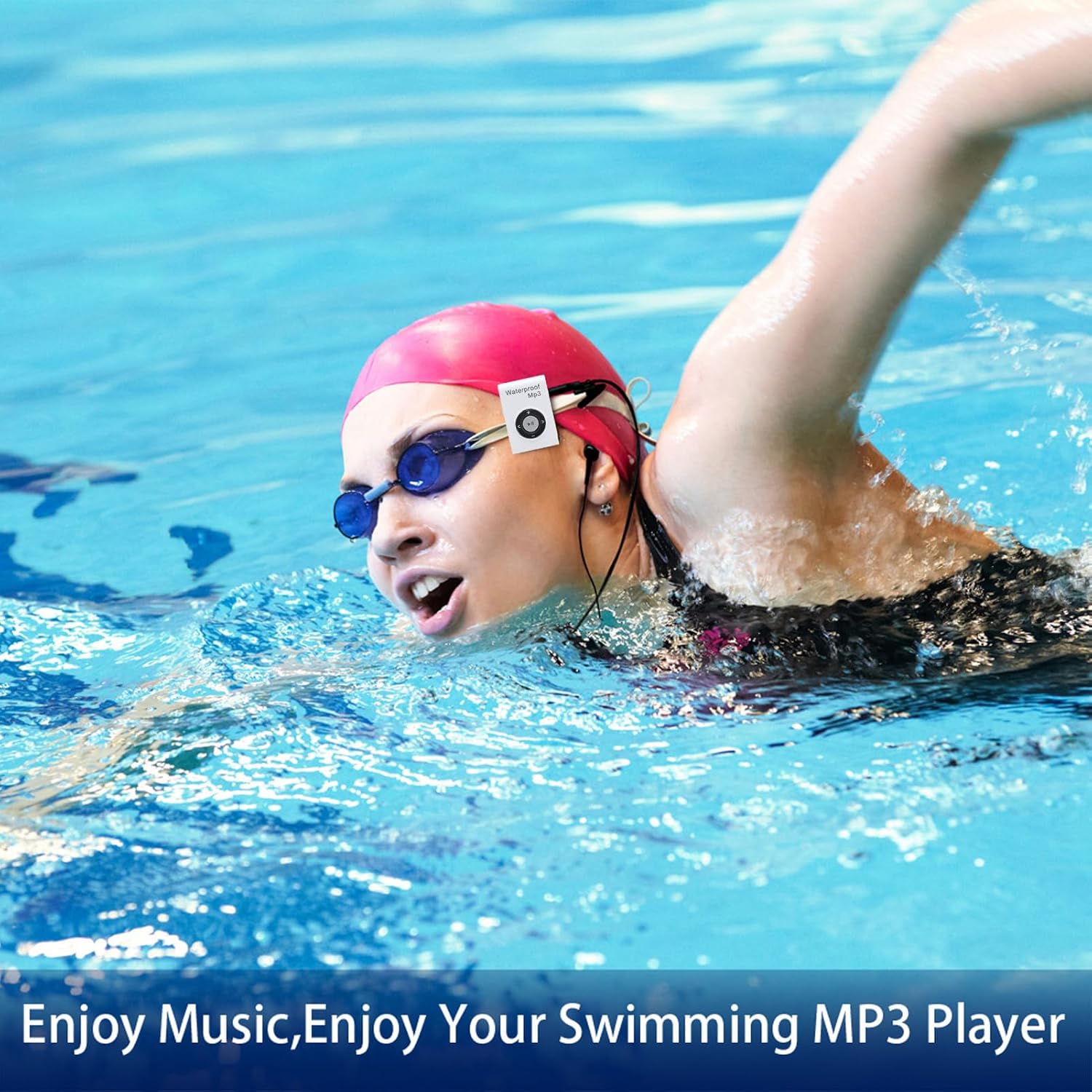
Enjoy your favorite music while swimming by securely attaching the MP3 player to your goggles.
This video demonstrates the IPX8 waterproof capability of the MP3 player by showing it functioning while submerged in water.
6. Техникалык тейлөө
6.1 Тазалоо
After each use, especially in chlorinated or saltwater, rinse the MP3 player and headphones with fresh water. Wipe them dry with a soft, clean cloth. Do not use abrasive cleaners or solvents.
6.2 Сактоо
Store the MP3 player and headphones in a cool, dry place away from direct sunlight and extreme temperatures. Avoid storing with sharp objects that could damage the device or cables.
7. Кыйынчылыктарды
- Түзмөк күйбөй же кубатталбай жатат:
Ensure the charging cable is securely connected to both the MP3 player and a power source. Check if the power source is active. If unresponsive, try pressing the Reset button with a small pin. - Үн жок же үн сапаты начар:
Check if the headphones are fully plugged into the 3.5mm jack. Ensure the earplugs are correctly fitted and create a tight seal in your ear canal. Adjust the volume. Verify that the audio fileлар бузулган эмес. - Которуу мүмкүн эмес files:
Ensure the MP3 player is properly connected to your computer and recognized as a disk drive. Try a different USB port or cable. Ensure there is sufficient free space on the device. - Bluetooth жупташтыруу көйгөйлөрү:
Ensure both the MP3 player and the target Bluetooth device are in pairing mode and within range. Disconnect and reconnect the Bluetooth connection.
8. Техникалык шарттар
| Элемент түрү | Waterproofing MP3 Player |
| Суу өткөрбөөчүлүк рейтинги | IPX8 |
| Memory Capacity | 8 ГБ |
| Sound Decoding Formats | MP3, WMA, OGG, APE, FLAC, WAV, AAC-LC, ACELP, Audible |
| Батарея сыйымдуулугу | 150mAh литий-иондук батарейка |
| Элемент Салмагы | 2.01 унция (57 грамм) |
| Модель аты | YUEHISYb8i51vxmpn-12 |
| Өндүрүүчү | YUEHISY |
9. Кепилдик жана колдоо
This product is guaranteed for 1 year against manufacturer's defects. For complete warranty details and to purchase replacement earbuds in more sizes, please refer to the official product webсайтка же кардарларды колдоо менен байланышыңыз.
For questions or problems, please contact customer support at:
- Электрондук почта: help@underwateraudio.com
- Акысыз: 541-623-0202
Your feedback is valuable. If you love your waterproof products, tell your friends! If you don't, tell us so we can make it right.