
Introduction
This manual provides essential instructions for the safe operation, setup, and maintenance of your 4DRC V39 RC Airplane with Camera. Please read this manual thoroughly before operating the aircraft to ensure proper function and to prevent damage or injury. The 4DRC V39 is a foam remote control airplane equipped with a 1080P FPV camera, designed for ease of use with features like one-key take-off, headless mode, and gravity control.
Коопсуздук маалыматы
- Учакты ар дайым ачык, тоскоолдуксуз жерлерде, адамдардан, жаныбарлардан, имараттардан жана электр зымдарынан алыс айдаңыз.
- Катуу шамалда же жагымсыз аба ырайында учпаңыз.
- Колдоруңузду жана бетиңизди айлануучу пропеллерлерден алыс кармаңыз.
- Ар бир учуудан мурун батарейкалардын толук заряддалганын текшериңиз.
- Supervise children during operation. Recommended age is 8 years and above.
- Do not modify the aircraft or its components.
- Turn off the aircraft and remote control when not in use.
Пакеттин мазмуну
Пакетте бардык буюмдар бар экенин текшериңиз:
- 4DRC V39 RC Airplane (Blue)
- Алыстан башкаруу
- Modular Lithium-Ion Batteries (2 included for aircraft)
- C Batteries (2 included for remote control)
- USB заряддоо кабели
- Spare Propellers (if included, typically)
- Колдонуучунун Колдонмосу (бул документ)
Продукт бүттүview
Учак компоненттери
The 4DRC V39 RC Airplane features a durable EPP foam body, integrated propellers with protective structures, and vibrant LED lights for visibility.

Image: The 4DRC V39 RC Airplane shown alongside its remote control, highlighting its design.
Remote Control Layout
The remote control provides intuitive access to all flight functions. Familiarize yourself with the joystick controls, trim buttons, and special function buttons before flight.
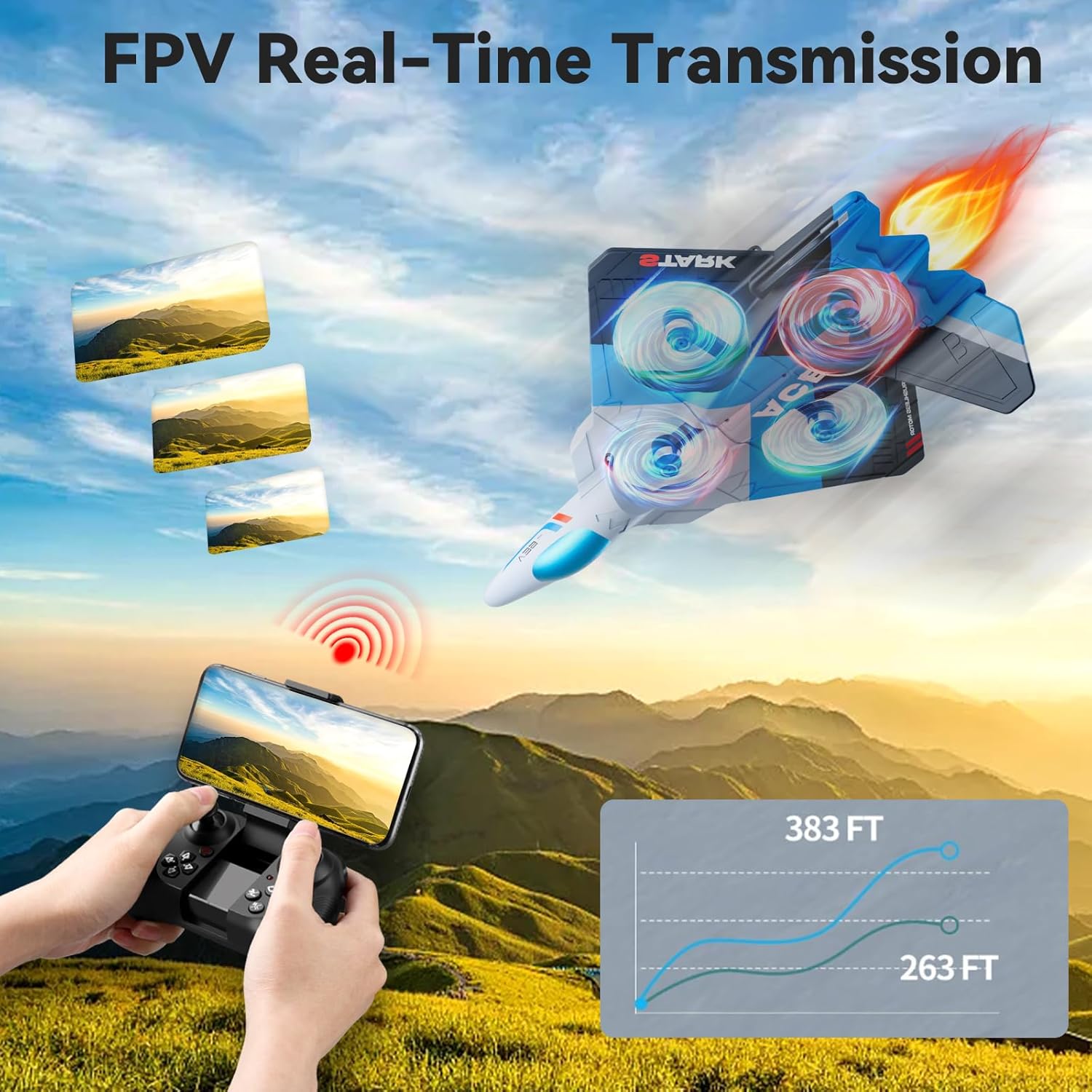
Image: The remote control with a smartphone mounted, demonstrating FPV real-time transmission capability.
Жайгашуу
1. Батареяны орнотуу жана заряддоо
- Учак батареясы: Insert the modular Lithium-Ion battery into the designated compartment on the aircraft. Ensure it clicks securely into place. Connect the battery to the aircraft's charging cable and plug the USB end into a compatible USB power source (e.g., computer, USB wall adapter). The charging indicator will show the charging status. Disconnect once fully charged.
- Алыстан башкаруу батареялары: Open the battery compartment on the back of the remote control. Insert 2 C batteries, ensuring correct polarity (+/-). Close the compartment securely.

Image: Illustration showing the two modular batteries for the aircraft and a diagram for headless mode.
2. Күйгүзүү жана Жупташтыруу
- Учакты тегиз, түз жерге коюңуз.
- Учактын кубат которгучун күйгүзүңүз. LED чырактары күйүп-өчө баштайт.
- Алыстан башкарууну күйгүзүңүз.
- Push the left joystick (throttle) all the way up, then all the way down. The remote control will beep, and the aircraft's lights will become solid, indicating successful pairing.
Иштөө нускамалары
Негизги учуу башкаруу
- One-Key Take Off/Landing: Press the dedicated one-key take-off button to automatically launch the aircraft to a stable hovering altitude. Press it again to initiate an automatic landing.
- Дроссель (Сол джойстикти өйдө/ылдый): Controls the aircraft's altitude. Push up to ascend, pull down to descend.
- Багыттоо башкаруусу (оң жактагы джойстик): Алдыга, артка, солго жана оңго кыймылды башкарат.
- Яв (Сол джойстикти солго/оңго бураңыз): Rotates the aircraft left or right on its vertical axis.
- Кесүүнү тууралоо: Use the trim buttons to fine-tune the aircraft's stability if it drifts in any direction during hover.
- 3 Ылдамдыкты жөндөө: Press the speed button to cycle through low, medium, and high-speed modes, suitable for different skill levels and environments.

Image: Visual guide to various flight modes including headless mode, one-key take off/landing, one-key quick stop, and one-key return.
Advanced Features
- 1080P FPV Camera: The integrated HD camera allows for real-time video transmission to a connected smartphone via the dedicated app. Capture aerial photos and videos from a bird's-eye perspective.
- Гравитацияны көзөмөлдөө: Utilize your smartphone's gravity sensor to control the aircraft's movement by tilting your phone.
- Автоматтык түрдө ээрчүү: When activated, the aircraft can automatically follow a designated subject (requires specific app functionality and clear line of sight).
- Учуу траекториясы: Draw a flight path on your smartphone screen, and the aircraft will automatically follow the specified route.
- Башсыз режим: In headless mode, the aircraft's orientation is relative to the pilot, eliminating the need to adjust its position before flight. This simplifies control for beginners.
- Бийиктикти кармоо: The aircraft maintains a stable altitude automatically, allowing for easier control and clearer aerial photography.
- 360° Circle Flight Stunt: Press the designated button to perform an automatic 360-degree circling maneuver.
- Бир ачкыч менен кайтаруу: Activates an automatic return to the take-off point. Ensure a clear path for safe return.
- Cool LED Light Show: The aircraft features vibrant LED lights, enhancing visibility and providing an engaging visual experience, especially during night flights.
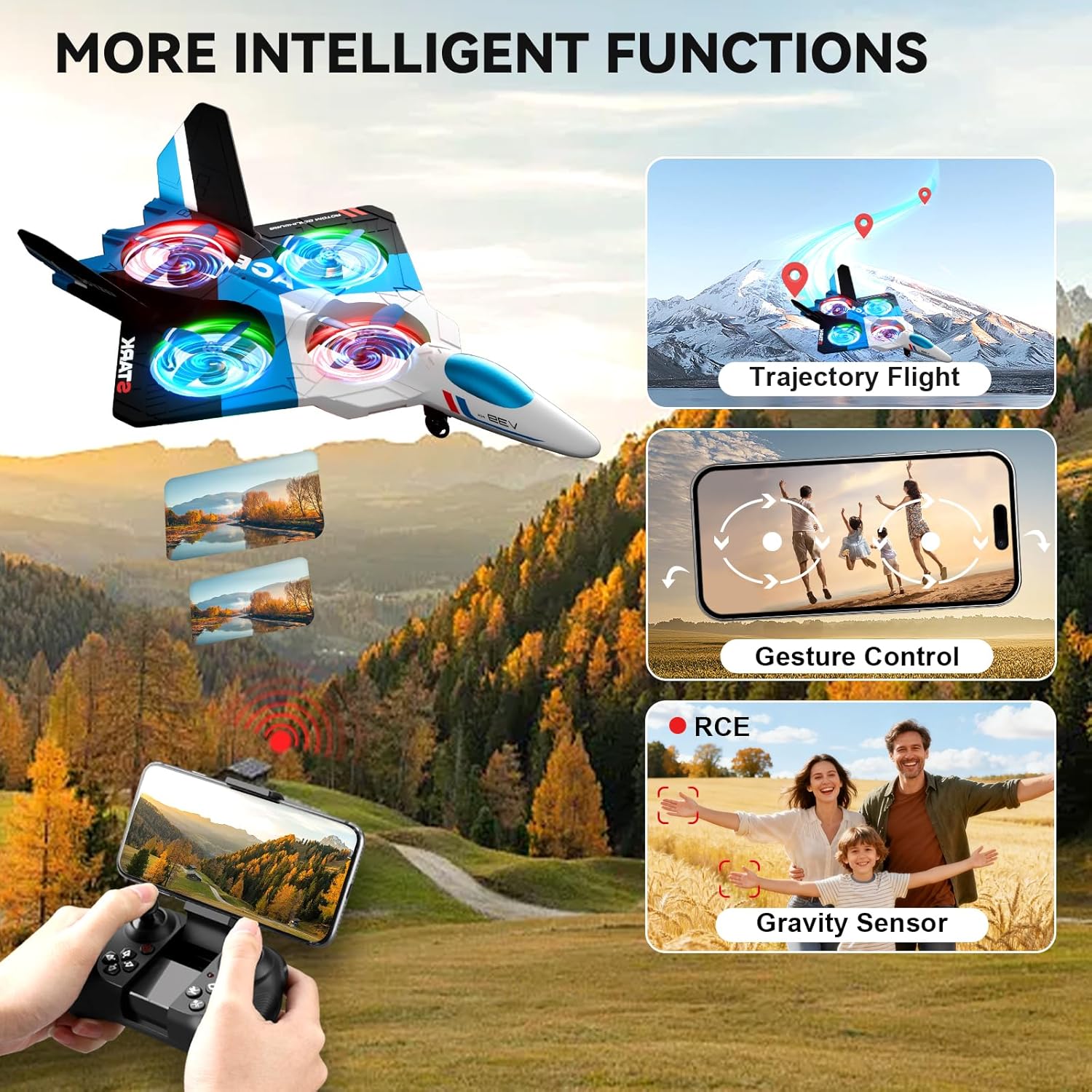
Image: The 4DRC V39 RC Airplane illustrating intelligent functions such as trajectory flight, gesture control, and gravity sensor capabilities.

Image: The remote control being used to execute a 360-degree circle flight stunt with the aircraft.
Техникалык тейлөө
- Тазалоо: Use a soft, dry cloth to clean the aircraft and remote control. Avoid using water or chemical cleaners.
- Пропеллер текшерүү: Regularly check propellers for damage. Replace any bent or broken propellers immediately to ensure stable flight.
- Батареяга кам көрүү:
- Do not overcharge or over-discharge the Lithium-Ion batteries.
- Батареяларды салкын, кургак жерде, күндүн нуру жана ысык тийбеген жерде сактаңыз.
- Эгер батарейкаларды узак убакытка сактасаңыз, анда алардын кубаттуулугун болжол менен 50%га чейин кубаттаңыз.
- Сактагыч: Store the aircraft and remote control in a safe place, away from extreme temperatures and moisture.
Проблемаларды чечүү
| Көйгөй | Чечим |
|---|---|
| Aircraft does not respond to remote control. | Ensure both aircraft and remote are powered on. Re-pair the aircraft and remote control by following the "Power On and Pairing" steps. Check remote control battery levels. |
| Aircraft drifts during flight. | Use the trim buttons on the remote control to adjust for stable flight. Ensure the aircraft was placed on a flat surface during power-on. Avoid flying in windy conditions. |
| Кыска учуу убактысы. | Ensure aircraft batteries are fully charged before each flight. Battery performance can decrease over time; consider replacing old batteries. |
| Camera not working or FPV feed is unstable. | Ensure your smartphone is correctly connected to the aircraft's Wi-Fi network. Check the app for any connection issues. Ensure sufficient light for camera operation. |
| Aircraft is unstable or crashes easily in mild wind. | This aircraft is lightweight and designed for indoor or calm outdoor conditions. Avoid flying in any significant wind to prevent loss of control or damage. |
Техникалык шарттар
| Өзгөчөлүк | Деталь |
|---|---|
| Модель аты | V39 |
| Бренд | 4DRC |
| Материалдын түрү | Foam (EPP) |
| Түс | Көк |
| Элементтин өлчөмдөрү | 16 x 11 x 3 дюйм |
| Камера | 1080P FPV |
| Учуу убактысы | Up to 26 minutes (with 2 modular batteries) |
| Aircraft Battery Type | Литий-ион |
| Алыстан башкаруунун батареялары | 2 C батарейкалар (кошулган) |
| Башкаруу өзгөчөлүктөрү | Gravity Control, Auto-Follow, Trajectory Flight, One Key Take Off/Land, Headless Mode, 3 Speed Adjustment, Altitude Hold, 360° Circle Flight Stunt, One-Key Return, One-Key Quick Stop |
| Сунушталган Жаш | 8 жаштан жогору (Өндүрүүчүнүн минималдуу жашы: 96 ай) |
Кепилдик жана колдоо
For warranty information or technical support, please refer to the contact details provided with your purchase documentation or visit the official 4DRC webсайт. Сатып алганыңыздын далили катары сатып алуу дүмүрчөгүңүздү сактаңыз.
Көп кездешүүчү көйгөйлөр боюнча, ушул колдонмонун "Кыйынчылыктарды чечүү" бөлүмүн караңыз.